
AI Video Editing for Podcasts in 2026: Essential Guide
AI video editing for podcasts is the use of artificial intelligence to automate and enhance the post-production workflow of podcast video content, including tasks like removing silences, adding captions, adjusting audio levels, and generating highlights. In 2026, this technology has become essential for podcasters who want to produce polished video episodes quickly without sacrificing quality.
AI video editing for podcasts is a set of tools and techniques that leverage machine learning to streamline editing tasks such as noise reduction, scene detection, automatic transcription, and smart clip generation. It enables creators to focus on storytelling while the AI handles repetitive, time-consuming edits.
- ✓ AI video editing for podcasts reduces editing time by up to 80% compared to manual workflows.
- ✓ Free tools like Vocal Gate (AI noise gate plugin) and paid platforms like Riverside’s Rewind offer specialized podcast features.
- ✓ The podcast industry continues to boom in 2026, yet some legacy tools like Adobe Audition have been slow to innovate.
- ✓ AI podcast generators now produce full video episodes from raw audio, making video-first podcasting more accessible.
- ✓ Integrating AI into your workflow requires a balanced approach — automation plus human oversight yields the best results.
How to Start Using AI Video Editing for Podcasts: A Step‑by‑Step Guide
- Choose an AI‑powered video editing platform — Evaluate tools like Riverside (for its Rewind feature), Descript, or Kapwing that are built for podcasters. Look for automatic transcription, silence removal, and multi‑track support.
- Record your podcast with AI‑friendly settings — Use a platform that records separate audio and video tracks. Many AI tools work best with clean, isolated tracks to perform noise reduction and speaker diarization.
- Upload your raw footage to the AI editor — Most modern tools allow drag‑and‑drop upload. The AI will automatically transcribe the dialogue and detect speaker changes.
- Use AI to clean up audio and video — Apply features like Vocal Gate’s free AI noise gate to remove background hum, or Riverside’s Rewind to instantly trim dead air and filler words.
- Generate captions and highlights — AI can create accurate subtitles and even suggest short clips (e.g., “best moments”) for social media promotion.
- Review and fine‑tune the AI’s edits — Always check for errors — AI may misinterpret context or cut important pauses. Adjust timing, transitions, and visual elements manually where needed.
- Export and publish — Use the platform’s export settings optimized for YouTube, Spotify, or other video‑first podcast platforms.
Why AI Video Editing for Podcasts Is a Game‑Changer in 2026
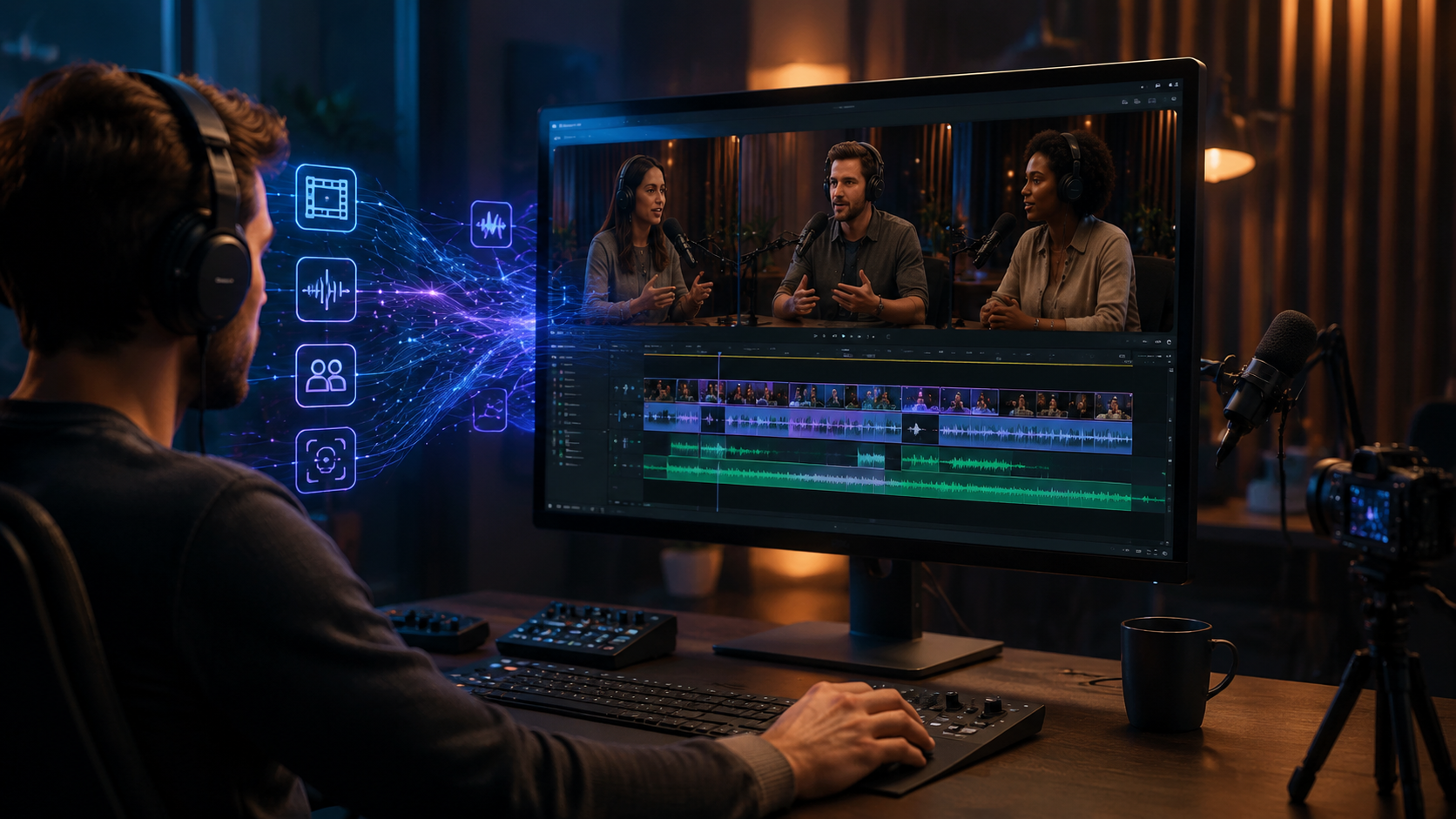
Podcasts are booming. According to a Forbes article published in February 2026, the medium continues to grow rapidly, yet legacy audio editing tools like Adobe Audition have been “standing still” in terms of innovation. This gap has opened the door for AI‑driven solutions that specifically cater to video podcasting. As noted by TechCrunch in December 2025, Riverside’s AI‑driven “Rewind” feature has become a polarizing but powerful tool — it automatically trims silences and filler words, saving hours of manual editing.
Meanwhile, the rise of AI podcast generators, reviewed by The AI Journal in April 2026, shows that creators can now produce full video episodes from raw audio inputs. These generators use natural language processing to align video b‑roll, animations, and captions with spoken content. The result is a professional‑looking video podcast that once required a dedicated editor.
In addition, free resources like Vocal Gate — a new AI noise gate plugin released in April 2026 — lower the barrier for independent podcasters. This plugin intelligently removes background noise without distorting vocal quality, making high‑quality audio accessible to everyone.
Top AI Tools for Video Editing in Podcasts (2026)
Several tools have emerged as leaders in the AI video editing for podcasts space. Below is a comparison of key features based on the latest research and industry reports.
| Tool | Key AI Feature | Pricing | Best For |
|---|---|---|---|
| Riverside | Rewind – automatic silence/filler removal, multi‑track recording | Free tier available; paid plans from $19/month | Live‑recorded podcasts with remote guests |
| Vocal Gate (Plugin) | AI noise gate – real‑time background noise reduction | Free | Audio cleanup for any video editor |
| Descript | AI transcription, text‑based editing, overdub | Free basic; Pro $24/month | Script‑driven podcasts and repurposing |
| Kapwing | AI subtitles, smart cut, scene detection | Free with watermark; Pro $16/month | Quick social media clip generation |
| Adobe Premiere Pro (with AI plugins) | Auto‑reframe, speech to text, AI‑powered color | $22.99/month (Creative Cloud) | Advanced editors who want AI assistance |
According to The AI Journal’s list of the “7 Best AI Podcast Generators in 2026,” tools like Podcastle and Wavve also offer video‑focused features such as AI‑generated show notes and automatic chapter markers. The key is to choose a tool that matches your production volume and technical comfort level.
Key AI Features to Look for in Podcast Video Editing Software
Automatic Noise Reduction
Clean audio is the foundation of any podcast. The free Vocal Gate plugin, announced by Bedroom Producers Blog in April 2026, demonstrates how AI can intelligently gate noise without affecting vocal clarity. Look for tools that offer real‑time or batch noise reduction.
Smart Silence Removal and Filler Word Detection
Riverside’s Rewind is a prime example. It analyzes the waveform and transcript to remove “ums,” “ahs,” and long pauses. This feature alone can cut editing time by half.
AI‑Powered Captioning and Translation
Accurate captions are vital for accessibility and SEO. Many tools now generate captions in multiple languages, helping you reach a global audience.
Scene Detection and Auto‑Highlight Clips
AI can identify key moments — like laughter, intense debate, or guest introductions — and automatically create short clips for social media. This is especially useful for podcasters who promote on TikTok or Instagram.
Integration with Podcast Hosting Platforms
In 2026, seamless export to platforms like YouTube, Spotify for Podcasters, and Apple Podcasts is a must. Some AI editors now offer one‑click publishing.
The Future of Podcast Production: AI and Human Collaboration
While AI video editing for podcasts is powerful, it’s not a complete replacement for human creativity. A Nieman Lab article from June 2026 highlighted 16 new journalism jobs designed to “future‑proof” newsrooms — many of which involve overseeing AI tools, curating AI‑generated content, and ensuring editorial quality. The same principle applies to podcasting: AI handles the grunt work, but humans make the creative decisions.
For example, an AI might suggest a highlight clip, but a human editor chooses the best angle. AI can generate captions, but a human checks for context‑sensitive errors. The most successful podcasters in 2026 will treat AI as a collaborator, not a replacement.
Furthermore, the iPhone video editing app that Apple named one of its “Top Picks of the Year” (reported by inc.com in March 2026) shows that mobile AI editing is becoming mainstream. Podcasters can now edit on the go, using AI to trim and polish episodes during commutes.
Common Mistakes to Avoid When Using AI for Podcast Video Editing
Relying Too Heavily on Automation
AI can make mistakes — it may cut a thoughtful pause or misinterpret a joke as filler. Always review the AI’s edits before publishing.
Ignoring Audio Quality at the Source
AI noise reduction is impressive, but it works best when the original recording is already decent. Invest in a good microphone and quiet recording environment.
Over‑Optimizing for Social Media Clips
While short clips drive engagement, don’t sacrifice the flow of the full episode. Use AI to generate clips without disrupting the narrative structure.
Neglecting Accessibility
AI captions are not always 100% accurate. Manually review and edit captions for proper punctuation and speaker identification.
Not Keeping Software Updated
AI tools evolve rapidly. In 2026, new features like real‑time translation and AI‑generated thumbnails are being rolled out monthly. Stay updated to maximize efficiency.
Frequently Asked Questions
What is AI video editing for podcasts?
It is the use of artificial intelligence to automate tasks like silence removal, captioning, noise reduction, and clip generation in podcast video production. This allows creators to produce polished episodes faster.
Is AI video editing for podcasts free?
Some tools offer free tiers or free plugins, such as Vocal Gate (a free AI noise gate plugin) and Riverside’s basic plan. However, advanced features like unlimited exports or multi‑track editing usually require a paid subscription.
Can AI replace a human video editor for podcasts?
Not entirely. AI excels at repetitive, time‑consuming tasks but lacks the creative judgment to make narrative decisions, adjust pacing, or add artistic touches. The best results come from combining AI efficiency with human oversight.
What are the best AI tools for podcast video editing in 2026?
Based on recent reports, Riverside (with Rewind), Descript, Kapwing, and the free Vocal Gate plugin are top choices. For advanced users, Adobe Premiere Pro with AI plugins remains a powerful option.
How do I choose the right AI video editing tool for my podcast?
Consider your budget, technical skill level, and specific needs. If you record with remote guests, Riverside’s Rewind is ideal. If you prefer text‑based editing, Descript is a strong candidate. Always test free trials first.
Does AI video editing work for live‑streamed podcasts?
Yes. Tools like Riverside support live recording and apply AI post‑production features after the stream ends. Some platforms now offer real‑time AI captioning during live broadcasts.
Will AI video editing make podcast production obsolete?
No — it makes production more accessible and efficient. The demand for unique, high‑quality podcast content continues to grow, and AI helps creators meet that demand without burning out.
In 2026, AI video editing for podcasts is no longer a futuristic luxury — it’s a practical necessity for anyone serious about growing their show. By leveraging the right tools, avoiding common pitfalls, and maintaining a human touch, you can produce professional video podcasts that stand out in an increasingly crowded market. Start with one AI feature — like automatic silence removal — and gradually expand your workflow as you gain confidence.



Comments ()