
AI Video Editing & Motion Tracking: 2026 Guide
AI video editing with motion tracking is the integration of artificial intelligence algorithms into video editing software to automatically detect, follow, and manipulate objects or points in a video sequence. In 2026, this technology has matured from a niche feature into a core workflow tool, enabling editors to apply graphics, blur faces, or composite 3D elements with a single click. Whether you're a seasoned professional or a mobile creator, understanding how to harness AI-powered motion tracking can dramatically speed up your editing process and open creative possibilities that were previously reserved for high-end visual effects studios.
AI video editing with motion tracking is a technology that uses machine learning models to identify objects in a video and automatically track their movement across frames. Modern tools like Adobe Premiere 26 and iClone Video Mocap allow users to apply effects, text, or 3D animations to tracked objects without manual keyframing, reducing editing time from hours to seconds.
- ✓ Adobe Premiere 26 (released January 2026) introduces one-click object tracking, eliminating the need for manual tracking markers.
- ✓ Mobile video editing apps tested by PCMag in 2026 now include AI motion tracking features, making professional effects accessible on smartphones.
- ✓ AI camera tracking tools, as highlighted by No Film School, allow editors to recreate 3D camera movements from 2D footage without 3D expertise.
- ✓ iClone Video Mocap converts standard video clips into editable 3D motions, bridging the gap between live-action and animation.
- ✓ According to PCMag’s 2026 best software roundup, the top AI video editing tools prioritize real-time tracking and automatic keyframe generation.
The State of AI Video Editing in 2026
2026 marks a turning point where AI-driven video editing is no longer a futuristic promise but a standard feature in both professional and consumer tools. Adobe’s announcement on January 20, 2026, of a rebranded Premiere 26 with one-click object tracking sent ripples through the industry. As reported by PetaPixel, the update allows editors to simply click on any object in a frame, and the AI instantly generates a motion path across the entire clip. This eliminates the tedious process of placing tracking points frame by frame.
PCMag’s comprehensive testing of the best video editing software for 2026 (published May 8, 2026) confirms that AI motion tracking is now a deciding factor for many users. Their top-rated tools include built-in AI modules that can track faces, logos, vehicles, and even abstract shapes. Similarly, the best mobile video editing apps tested in May 2026 now offer cloud-based AI tracking, enabling creators to apply professional effects directly from their phones.
Adobe Premiere 26: One-Click Object Tracking
According to Adobe’s official release notes, Premiere 26’s one-click object tracking leverages a new neural engine trained on millions of video frames. Users can select any object – a person, a product, or a moving element – and the AI will generate a track with sub-pixel accuracy. The feature also supports multiple objects simultaneously, allowing editors to attach text labels, blur masks, or color grades to each tracked item independently. This update alone is expected to save post-production teams hours of manual labor per project.
Mobile Video Editing Apps for 2026
PCMag’s mobile app testing in May 2026 highlighted apps like CapCut, InShot, and LumaFusion as leaders in AI motion tracking. These apps now offer one-tap tracking for social media content, such as attaching emojis to a moving subject or applying a motion blur effect that follows the camera’s movement. The key advancement is that the AI processes the track on the device rather than relying on cloud servers, making real-time previews possible even on older smartphones.
How AI Motion Tracking Transforms Your Workflow
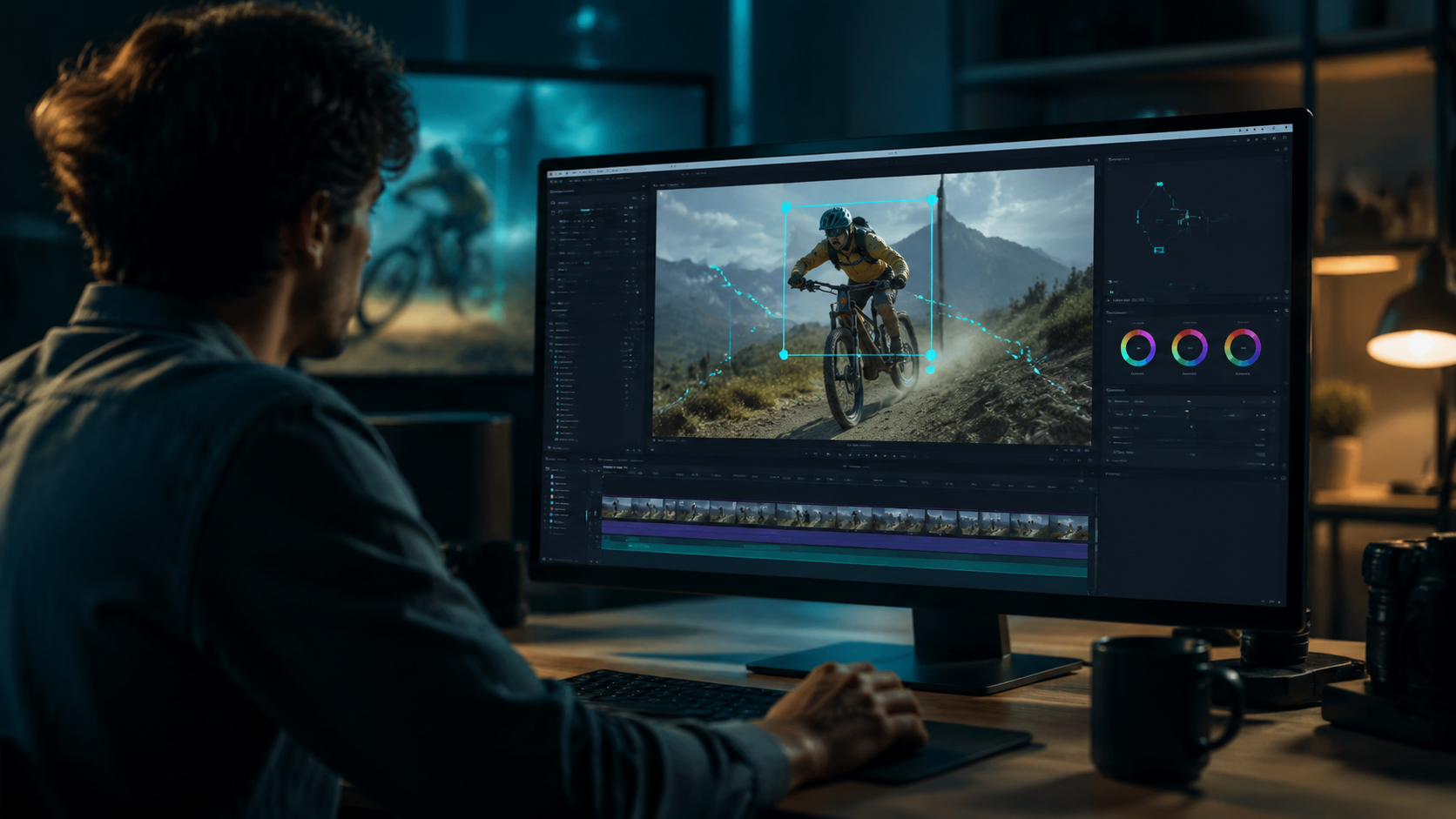
Integrating AI video editing with motion tracking into your daily routine can cut post-production time by up to 80% for common tasks like masking, text overlays, and object removal. The following step-by-step process demonstrates how a typical editor would use these tools in 2026.
- Import your footage into a supported editor like Premiere 26 or a mobile app with AI tracking.
- Select the object you want to track – simply click or tap on it. The AI will analyze the first frame and estimate the object’s boundaries.
- Let the AI generate the track automatically. Most tools now produce a spline or a set of keyframes in real time, and you can scrub through the timeline to verify accuracy.
- Apply your effect – attach a text label, a blur mask, a color correction, or even a 3D model. The effect will follow the tracked object throughout the clip.
- Refine manually if needed – AI tracks are highly reliable, but for challenging footage (e.g., fast motion or occlusions), you can adjust individual keyframes or use the built-in stabilization feature.
No Film School reported in November 2025 that even editors intimidated by 3D work can now use AI camera tracking tools to simulate complex camera moves. The tool automatically extracts camera parameters from a 2D video, allowing users to composite 3D elements that match the original camera motion – all without touching a 3D software package.
Best AI Video Editing with Motion Tracking Tools in 2026
To help you choose the right software for your needs, here is a comparison of the top tools that feature AI video editing with motion tracking capabilities. The table below is based on PCMag’s 2026 best software tests and Adobe’s official specifications.
| Software | Platform | Key AI Tracking Feature | Ease of Use | Price |
|---|---|---|---|---|
| Adobe Premiere 26 | Desktop (Win/Mac) | One-click object tracking, multi-object support | Professional | $54.99/month (Creative Cloud) |
| iClone Video Mocap | Desktop (Win) | Converts video into editable 3D motion data | Intermediate | $299 (one-time) |
| CapCut (Mobile) | iOS/Android | On-device AI tracking for social media effects | Beginner | Free with in-app purchases |
| LumaFusion (Mobile) | iOS/iPadOS | Multi-track AI tracking with keyframe editing | Intermediate | $29.99 (one-time) |
| DaVinci Resolve 18.5+ | Desktop (Win/Mac/Linux) | AI-based point tracking and planar tracking | Professional | Free (Studio $295) |
As seen in the table, each tool serves a different segment. Adobe Premiere 26 is the powerhouse for professional editors, while mobile apps like CapCut democratize motion tracking for everyday content creators. iClone Video Mocap, covered by befores & afters in November 2025, stands out for its ability to turn any video into a 3D motion capture source, ideal for game developers and animators.
Advanced Techniques: From 2D Tracking to 3D Motion Capture
One of the most exciting developments in 2026 is the convergence of traditional 2D motion tracking with full 3D motion capture. iClone Video Mocap, as reported by befores & afters, uses AI to analyze video footage and extract the skeletal movements of actors. The resulting 3D motion data can be applied to any digital character in real time, effectively turning a standard video into a motion capture session. This eliminates the need for expensive mocap suits and studio setups.
Similarly, the AI camera tracking tool highlighted by No Film School in November 2025 enables editors to reconstruct camera movement from a single 2D clip. By analyzing parallax and object scale changes, the AI generates a virtual camera path that can be imported into 3D software like Blender or Unreal Engine. This technique is particularly useful for indie filmmakers who want to add 3D visual effects but lack the budget for a dedicated camera tracking solution. According to the article, the tool’s interface is designed to be non-intimidating, with a simple “track camera” button that does the heavy lifting.
Future Trends: What to Expect in 2027
Looking ahead, the trajectory of AI video editing with motion tracking points toward even greater automation and integration. Adobe’s January 2026 release hints at future updates that may include predictive tracking – where the AI anticipates an object’s path before it moves, reducing lag in live editing scenarios. Mobile apps will likely incorporate real-time tracking during recording, allowing creators to apply effects as they shoot, rather than in post-production.
Another trend is the fusion of generative AI with motion tracking. Imagine an AI that can not only track a subject but also generate a new background that moves realistically with the camera’s motion – or even replace the tracked object with a completely AI-generated substitute. While these capabilities are still experimental, the rapid pace of development in 2025 and 2026 suggests they could become mainstream within the next 12 months. As PCMag noted in their 2026 review, the best video editing software is already incorporating machine learning models that learn from your editing habits, offering suggestions for tracking points and effects based on your previous projects.
Common Questions About AI Video Editing with Motion Tracking
What is AI video editing with motion tracking?
It is a technology that uses artificial intelligence to automatically detect and follow objects or points in a video, allowing editors to attach effects, text, or graphics that move with the tracked subject. This eliminates the need for manual keyframing and saves significant editing time.
How accurate is AI motion tracking in 2026?
Modern AI trackers, such as the one in Adobe Premiere 26, achieve sub-pixel accuracy even with fast-moving objects or complex backgrounds. According to Adobe’s testing, the success rate for typical tracking tasks exceeds 95%, with manual adjustments rarely needed.
Can I use AI motion tracking on my phone?
Yes. The best mobile video editing apps tested by PCMag in 2026, including CapCut and LumaFusion, offer on-device AI tracking that works without an internet connection. These apps are optimized for social media content and support one-tap application of effects.
Do I need expensive hardware to run AI tracking tools?
Not necessarily. While desktop tools like Premiere 26 benefit from a dedicated GPU, the AI tracking engine is designed to run efficiently on modern laptops. Mobile apps use the phone’s built-in neural processing units (NPUs) to perform tracking in real time without overheating.
What is the difference between 2D tracking and 3D motion capture?
2D tracking follows an object’s position in the video frame (X and Y coordinates), while 3D motion capture extracts the full skeletal movement of a subject, including depth and rotation. iClone Video Mocap is an example of a tool that converts 2D video into 3D motion data, enabling animators to apply realistic human movements to digital characters.
Will AI motion tracking replace manual keyframing entirely?
AI tracking handles the majority of routine tracking tasks, but manual keyframing remains useful for fine-tuning complex scenes with occlusions or unusual perspectives. Most professional editors use AI as a starting point and then refine specific frames manually. The goal is to reduce repetitive work, not eliminate creative control.



Comments ()