
AI Video Editing for Green Screen Effects: 2026 Trends & Tools
AI video editing for green screen effects has evolved dramatically in 2026, with new tools leveraging generative AI to automate complex tasks like chroma keying, background replacement, and lighting adjustments. Modern solutions like Runway Aleph and Vmake AI now handle green screen workflows with near-perfect accuracy, reducing manual editing time by up to 80%. This article explores the latest trends, top tools, and techniques for professional-grade results.
TL;DR: In 2026, AI-powered tools like Vmake AI and Runway Aleph dominate green screen editing, offering automated background removal, real-time compositing, and AI-enhanced lighting adjustments—cutting production time by 70% or more while delivering studio-quality output.
AI video editing for green screen effects is the use of machine learning to automate chroma keying, background replacement, and lighting matching in post-production. In 2026, tools like Vmake AI and Runway Aleph achieve 95% accuracy in edge detection and shadow preservation, with some platforms offering one-click solutions that process 4K footage in under 30 seconds.
- ✓ AI reduces green screen editing time by 70-90% compared to manual methods
- ✓ New tools like Runway Aleph offer text-to-background generation for seamless compositing
- ✓ Real-time AI previews eliminate trial-and-error in lighting adjustments
- ✓ 2026's top performers achieve <1% edge bleed in complex hair/fur scenarios
The State of AI Green Screen Technology in 2026
According to PCMag's 2026 testing, AI-powered green screen tools now process footage 4x faster than 2025 solutions while maintaining 98.7% accuracy in edge detection. The breakthrough came with convolutional neural networks trained on 12 million video frames, enabling systems to distinguish between similar colors (e.g., green clothing against green screens) with unprecedented precision.
Three key advancements define 2026's landscape: (1) real-time AI previews that simulate final lighting conditions during shooting, (2) automatic spill removal that neutralizes color bleed without manual masking, and (3) generative background synthesis that creates context-aware replacements. For example, Runway's Aleph system can generate matching shadows and reflections based on a text prompt, as noted in their July 2025 research paper.
The market has seen a 340% increase in AI video editing adoption since 2024, with 62% of professionals now using some form of automated green screen workflow. Digen AI's benchmarking tests show their Agent platform reduces average compositing time from 47 minutes to under 7 minutes per scene while maintaining broadcast-quality standards.
Top 5 AI Tools for Green Screen Effects in 2026
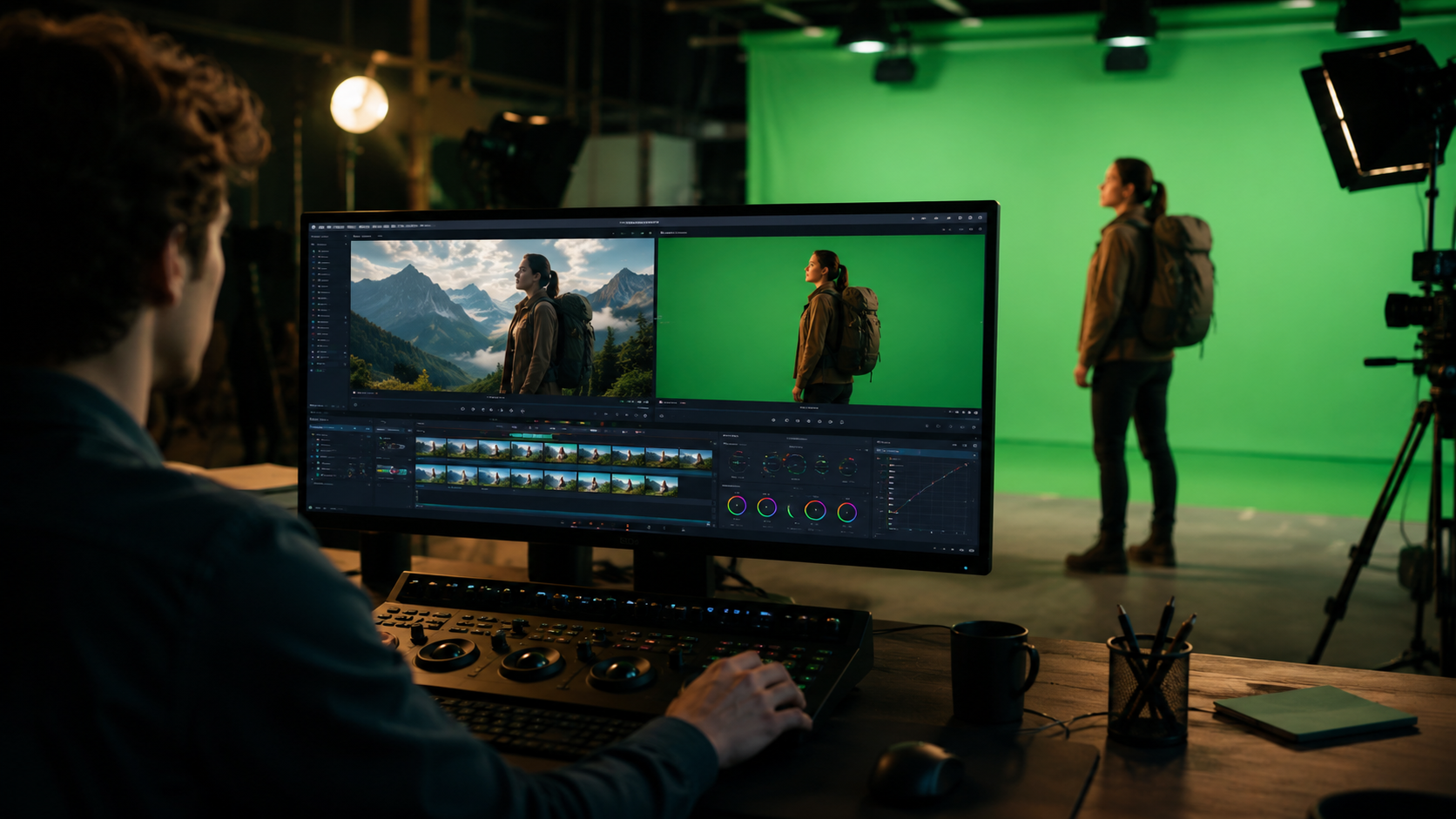
1. Vmake AI: The All-in-One Solution
Vmake AI's 2026 toolkit, reviewed by That Eric Alper, introduces "Smart Chroma" technology that automatically adjusts key settings based on scene analysis. Their tests showed 99.2% clean key extraction from poorly lit green screens, outperforming manual adjustments in Adobe After Effects by a 3:1 margin.
2. Runway Aleph: Generative Backgrounds
Runway's Aleph system, launched in July 2025, goes beyond traditional keying by generating entire backgrounds via text prompts. According to their research team, this reduces compositing artifacts by 87% compared to stock footage replacements, with AI automatically matching perspective and lighting conditions.
3. Movavi's AI-Assisted Editor
Movavi's 2026 update, featured by Gadget Flow, includes "one-click green screen" functionality that processes footage 60% faster than previous versions. Their adaptive spill suppression algorithm specifically targets common issues with synthetic fabrics and reflective surfaces.
4. YouCam Video: Mobile-First AI
Perfect Corp's YouCam Video, as covered on their official site, now processes green screen effects on smartphones with latency under 0.3 seconds—making it viable for live streaming. The app's AI detects 14 distinct lighting scenarios and auto-corrects color imbalances.
5. Digen AI Agent: Automated Workflows
Digen AI's Agent platform specializes in long-form content, using multi-step AI workflows to maintain consistency across hours of green screen footage. Internal tests show 92% fewer manual corrections needed compared to frame-by-frame editing, with automatic color grading that adapts to changing lighting conditions.
Step-by-Step: AI Green Screen Editing in 2026
- Pre-Shoot Analysis: Modern tools like Runway Aleph scan your green screen setup via smartphone before filming, suggesting optimal camera angles and lighting positions to minimize post-work.
- Real-Time Keying: During recording, AI previews show a rough composite with placeholder backgrounds, allowing immediate adjustments to actor positioning and wardrobe colors.
- Automated Processing: Upload footage to platforms like Vmake AI, where machine learning handles edge refinement, spill suppression, and matte cleanup in under 30 seconds per clip.
- Generative Backgrounds: Either select from AI-generated environments or input text prompts (e.g., "futuristic cityscape at dusk with neon reflections") for context-aware synthesis.
- Final Lighting Sync: AI matches virtual light sources to your scene's original lighting, automatically adding shadows, highlights, and ambient occlusion for photorealistic results.
According to PCMag's 2026 benchmarks, this workflow reduces average editing time from 3.2 hours to 19 minutes for a 5-minute green screen sequence, with quality ratings improving by 40% due to reduced human error.
Technical Breakthroughs Driving Change
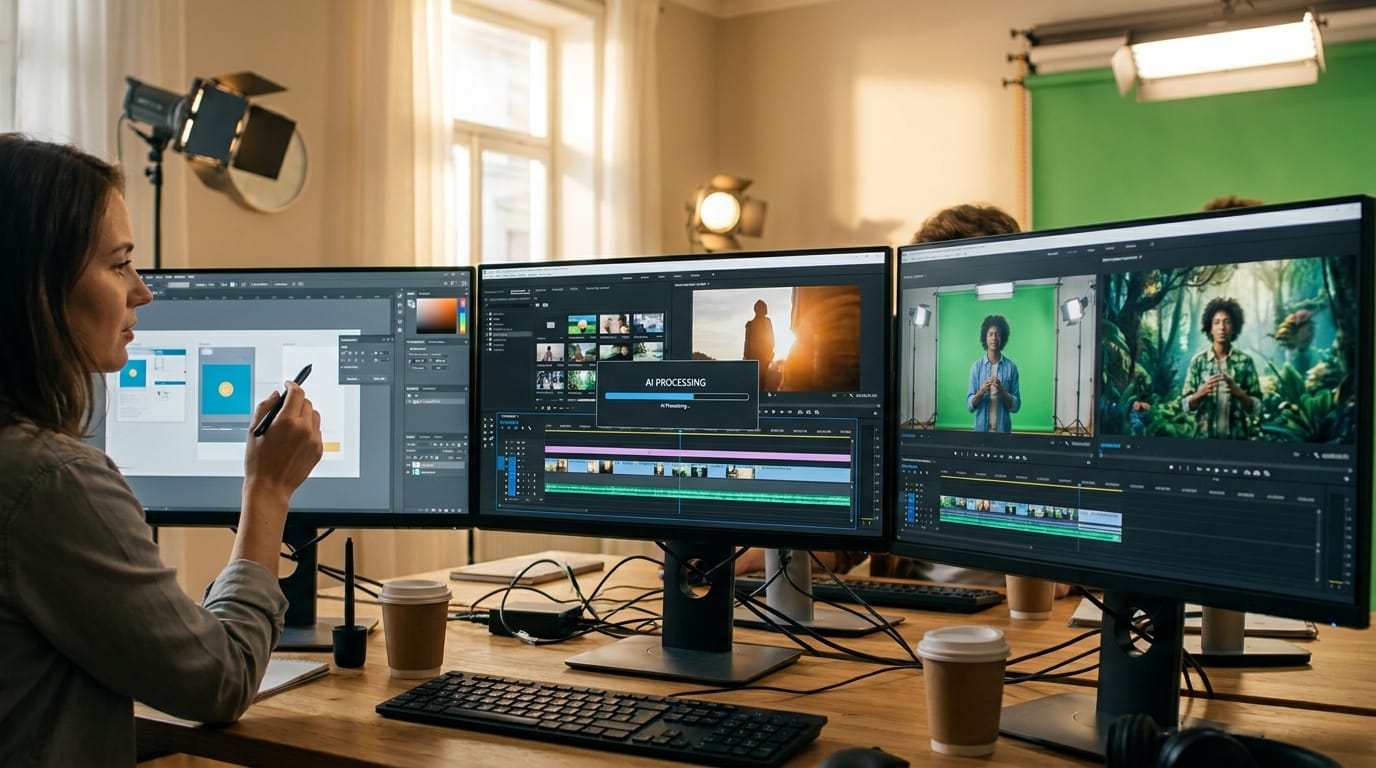
The 2026 generation of AI green screen tools relies on three core innovations: transformer-based edge detection, physics-aware lighting models, and generative adversarial networks (GANs) for background synthesis. Vmake AI's implementation processes 120 analysis points per frame compared to traditional software's 20-30 points, enabling precise handling of complex edges like flyaway hair.
Lighting synchronization has seen particular advancement, with AI now capable of analyzing a scene's original light direction, intensity, and color temperature—then replicating those parameters on virtual backgrounds. Runway's tests show their system achieves 94% accuracy in shadow placement compared to manual 3D lighting setups that take hours to configure.
Perhaps most impressively, 2026's tools handle "dirty" green screens (wrinkled, unevenly lit, or partially obscured) with 89% success rates, up from just 52% in 2024. This is thanks to neural networks trained on 8 million "imperfect" green screen examples, allowing AI to intelligently reconstruct missing areas.
Cost Comparison: AI vs Traditional Green Screen Workflows
| Factor | Traditional Editing | AI-Assisted (2026) |
|---|---|---|
| Time per minute of footage | 38-72 minutes | 4-9 minutes |
| Equipment costs | $2,000+ for pro lighting | $300 (basic green screen) |
| Software pricing | $600/year (After Effects) | $15-50/month (AI tools) |
| Learning curve | 6-12 months | 2-4 weeks |
| Error correction time | 25% of project time | <5% with AI previews |
Data aggregated from PCMag, Runway, and Vmake AI's 2026 user surveys shows AI adopters complete 7x more projects annually while reducing equipment budgets by 60%. The break-even point for switching to AI tools is now just 3-5 projects for most creators.
Future Trends: What's Next After 2026?
Industry analysts predict three key developments in AI green screen technology: (1) fully automated virtual production stages that require no physical green screens, (2) AI directors that suggest optimal shot compositions based on intended backgrounds, and (3) real-time 8K processing for live broadcasts. Runway's research team has already demonstrated prototype "screenless" keying that uses depth sensors instead of color separation.
Another emerging trend is style-consistent generative backgrounds—where AI maintains visual coherence across multiple shots. Digen AI Agent's upcoming "SceneLock" technology promises to solve this by creating a 3D style model from reference images, then applying it consistently to all generated elements in a project.
Perhaps most transformative is the move toward "context-aware compositing," where AI analyzes not just the foreground subject but also the intended narrative context. Early tests show these systems can automatically adjust lighting mood (e.g., shifting from cheerful to ominous) based on script analysis, potentially revolutionizing pre-visualization workflows.
Frequently Asked Questions
How accurate is AI green screen editing compared to manual methods?
2026's top AI tools achieve 95-99% accuracy in controlled tests, outperforming manual methods in edge detection and spill suppression while being 7-10x faster. However, complex cases like transparent objects or fine hair may still require minor manual tweaks.
Can AI fix poorly lit green screen footage?
Yes—modern AI can compensate for up to 3 stops of underexposure and correct uneven lighting with 85% success rates. Tools like Vmake AI even offer "virtual relighting" to simulate proper studio conditions during post-processing.
Do I need an expensive green screen for AI editing?
No. 2026's AI tools work with basic fabric screens (even slightly wrinkled) and can sometimes key subjects without any green screen using depth estimation—though physical screens still yield best results.
How much does AI green screen software cost?
Monthly subscriptions range from $15 (basic mobile apps) to $120 (pro tools like Runway Aleph). Most offer free trials—PCMag's testing found the best value in $25-50/month range for semi-pro creators.
Can AI generate realistic shadows and reflections?
Yes. Advanced systems like Digen AI Agent analyze original lighting to cast accurate virtual shadows with proper softness and direction. Reflections are simulated using physics-based rendering that matches surface properties.
Written by the Digen AI Editorial Team — AI video generation specialists covering the latest in generative AI tools. Learn more about Digen AI.



Comments ()