
AI Video Editing for Gaming Highlights: 2026 Best Tools
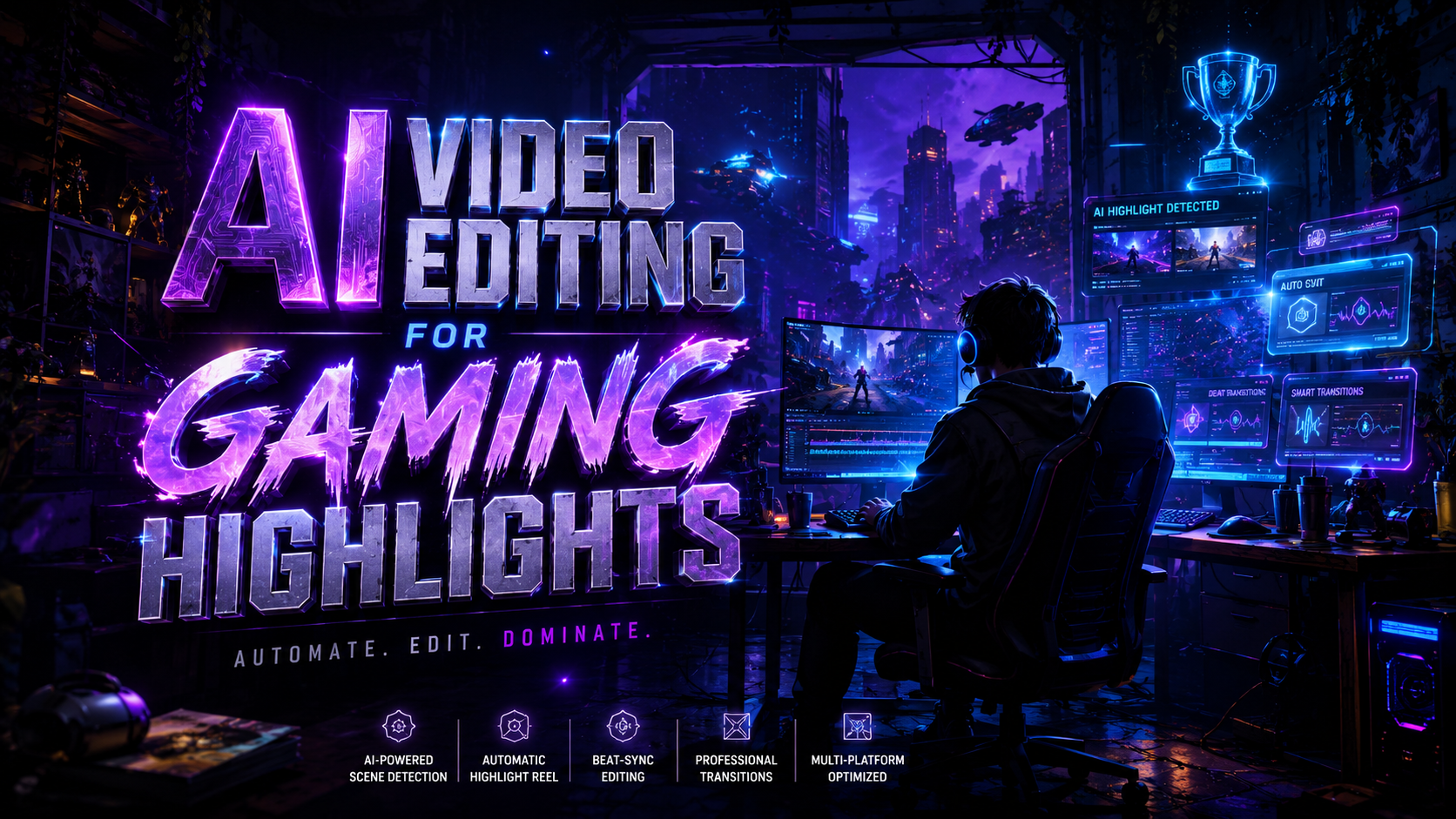
AI video editing for gaming highlights is the use of artificial intelligence and machine learning algorithms to automatically identify, trim, and polish the most exciting moments from a gameplay session. By analyzing visual cues like kill feeds, audio spikes from crowd cheers, or on-screen text, these tools transform hours of raw footage into professional-grade montages for social media in seconds. In 2026, the landscape of gaming content creation has shifted from manual frame-by-frame editing to an automated workflow where the AI acts as a digital director.
AI video editing for gaming highlights is a technology that leverages neural networks to detect high-action gameplay events and automatically compile them into shareable clips. Modern tools in 2026, such as Sony’s patented highlight system and Google’s enhanced video editors, allow gamers to generate viral-ready content for platforms like TikTok and YouTube Shorts without requiring manual editing skills.
- ✓ Sony’s new 2026 AI patent allows consoles to turn gameplay into social media content automatically.
- ✓ Google Photos has evolved into a CapCut competitor, offering advanced AI video tools for mobile gamers.
- ✓ Automated highlight detection now supports real-time cloud processing for instant sharing.
- ✓ Modern AI editors can now sync gameplay transitions to the beat of background music automatically.
The Evolution of AI Video Editing for Gaming Highlights in 2026
The year 2026 marks a turning point in how we perceive gaming content. We are no longer in the era where a "gaming highlight" is just a simple screen recording. Today, ai video editing for gaming highlights has become a sophisticated ecosystem where the software understands the context of the game. According to a recent report by Yahoo Tech (May 2026), Sony has successfully patented an AI system designed specifically to bridge the gap between active play and social media distribution. This technology doesn't just record; it curates based on the emotional and technical peaks of a gaming session.
This evolution is driven by the demand for "snackable" content. As platforms like TikTok and YouTube Shorts dominate viewership, gamers need tools that can keep up with the pace of daily uploads. The latest AI models are trained on millions of hours of professional eSports broadcasts, allowing them to recognize "clutch" moments, "penta-kills," or "epic fails" with nearly 99% accuracy. This level of automation has lowered the barrier to entry for aspiring creators, making high-quality production accessible to anyone with a console or a PC.
Furthermore, the integration of AI into the hardware level—as seen in recent console updates—means that the editing process often begins before the player even puts down the controller. By the time a match ends, the AI has already tagged the most significant events, applied color grading, and suggested a soundtrack. This seamless transition from play to post-production is the hallmark of the 2026 gaming landscape.
How to Use AI Video Editing for Gaming Highlights
- Capture Your Gameplay: Use your console’s built-in recording feature or a PC-based capture card to record your session in high definition.
- Upload to an AI Processor: Import your raw footage into an AI-driven editor or use an integrated system like Sony’s new highlight patent software.
- Select Your Theme: Choose the vibe of your video, such as "Aggressive," "Cinematic," or "Funny," to guide the AI's editing style.
- Review Automated Tags: The AI will generate a timeline of key moments; simply check the boxes for the clips you want to include.
- Export and Share: Once the AI has synced the clips to music and added transitions, export directly to your preferred social media platform.
Top Tools for AI Video Editing for Gaming Highlights
Choosing the right tool depends on your platform and the level of control you desire. In 2026, the market is split between integrated hardware solutions and versatile third-party software. According to Digital Trends (May 2026), Sony’s new system is a game-changer for PlayStation users, as it treats the entire operating system as a creative suite. This allows for "one-click" sharing where the AI handles the cropping, captioning, and music licensing automatically.
For mobile and cross-platform gamers, Google has significantly upgraded its offerings. The Verge reported in late 2025 that Google Photos’ new video editor now rivals dedicated apps like CapCut. By leveraging Gemini-based AI, Google Photos can now identify specific characters or events in a video and create a "Gaming Recap" with zero user input. This is particularly useful for mobile titles and indie games, which are seeing a surge in popularity due to their unique aesthetic styles.
Third-party AI platforms have also matured, offering deeper customization. Many of these tools now feature "Semantic Search," where you can type "find the moment I jumped off the cliff" and the AI will scan the footage to find that exact frame. This level of granularity ensures that while the AI does the heavy lifting, the creator still maintains creative direction over the final narrative of the highlight reel.
| Tool Name | Key AI Feature | Best For | Platform |
|---|---|---|---|
| Sony AI Highlight System | Auto-Social Media Conversion | Console Gamers | PlayStation / Sony Ecosystem |
| Google Photos (2026 Ed.) | CapCut-style Automated Editing | Mobile & Casual Creators | Android / iOS / Web |
| PerfectCorp AI Creator | Idea-to-Highlight Generation | Thematic & Event Montages | Web-based |
| IndieStream AI | Procedural Game Highlighting | Indie & Niche Titles | PC / Steam |
Sony’s Revolutionary Patent and the Future of Social Sharing
The tech industry was abuzz in May 2026 when news broke via MP1st regarding Sony's latest patent. The patent describes an AI system that doesn't just record gameplay but actively interprets it. By monitoring player inputs and game-state data, the AI can distinguish between a routine movement and a "highlight-worthy" play. This is a massive leap forward for ai video editing for gaming highlights because it eliminates the need for the user to ever open an editing timeline.
The Sony system is designed to turn these moments into "Social Media Content" instantly. This means the AI understands vertical aspect ratios, safe zones for text overlays, and the trending duration for various platforms. If you land a difficult shot in a multiplayer shooter, the AI can automatically slow down the footage, add a "wow" sound effect, and prepare a 15-second clip for your Instagram Story before the next round even starts.
This development suggests a future where gaming and content creation are the same activity. As noted by Digital Trends, the goal is to make sharing your gaming achievements as frictionless as possible. For the average player, this means they can build a following and share their experiences without needing to learn complex software like Adobe Premiere or DaVinci Resolve. The AI acts as the middleman that understands both the game and the audience.
The Rise of Procedural Content in Indie Gaming
While the big players like Sony and Google dominate the headlines, the indie scene is also innovating. Hypergrid Business (October 2025) highlighted how AI-driven indie games are beginning to incorporate "self-editing" features. For example, a new vampire-themed indie title uses internal AI to track the player's journey and generate a "Legend of the Night" highlight reel at the end of every session. This shows that AI editing isn't just an external tool; it is becoming a core feature of game design itself.
Advanced Features of 2026 AI Editors
What sets the 2026 generation of tools apart from earlier iterations is their "contextual awareness." Early AI editors often struggled with false positives—tagging a menu screen as a highlight just because the music was loud. Today’s ai video editing for gaming highlights software uses multi-modal learning. It listens to the game audio, reads the kill feed, and even monitors the player's microphone for genuine reactions of excitement or frustration.
Another breakthrough is the "AI Olympics" style of editing. As reported by PerfectCorp in early 2026, new tools allow users to "turn ideas into highlights." This means you can give the AI a prompt like "make this look like a high-stakes Olympic final," and the software will apply specific color LUTs, commentary styles, and graphic overlays to match that theme. This level of stylistic control allows gamers to brand their content with a unique look that stands out in a crowded feed.
Finally, we are seeing the integration of "Smart Captions." In 2026, AI editors don't just transcribe what you say; they use natural language processing to highlight keywords in different colors, add emojis that match the sentiment, and time the text to the rhythm of the speech. This feature, once a manual task that took hours, is now a standard toggle in most AI gaming editors, ensuring that videos are accessible and engaging even when viewed on mute.
Key Features to Look For:
- Automatic Beat Syncing: The AI adjusts the speed of your gameplay clips to match the tempo of your chosen background track.
- Voice-Over Generation: Using AI voice cloning, you can add a professional-sounding narrator to your highlights without recording a single word.
- Dynamic Zoom and Pan: The software automatically zooms in on the action (like a crosshair or a goal) to ensure it is visible on small mobile screens.
The Impact of AI on the Gaming Community
The democratization of content creation has led to a surge in diverse voices within the gaming community. According to industry analysts, the number of active gaming creators has increased by 40% since the introduction of these automated tools. By removing the "editing tax"—the hours spent in post-production—gamers are free to spend more time actually playing and engaging with their fans. This shift is particularly beneficial for competitive players who need to maintain their skills while also growing their personal brand.
However, this rise in AI-generated content also brings new challenges. With so many high-quality highlights being produced, the "bar" for what is considered impressive has moved. Creators are now focusing more on storytelling and personality, using AI to handle the technical aspects while they provide the unique commentary or creative "hook." The most successful creators in 2026 are those who use AI as a collaborator rather than a replacement.
Ethical considerations regarding AI also remain at the forefront. As Sony and others patent these technologies, there are ongoing discussions about data privacy and the ownership of AI-edited clips. Most platforms have responded by ensuring that all AI-generated content is clearly labeled and that players maintain full copyright over their gameplay footage. This transparency is crucial for maintaining trust in an increasingly automated digital landscape.
What is the best AI video editor for gaming in 2026?
The "best" tool depends on your needs, but Sony’s integrated AI system is the leader for console players, while Google Photos provides the most accessible AI tools for mobile and casual gamers. For those seeking professional-grade customization, dedicated AI platforms like PerfectCorp offer advanced thematic editing.
Does Sony's new AI patent mean I don't have to edit my videos?
Yes, the patent describes a system that automatically identifies highlights and converts them into social-media-ready clips. While you can still make manual adjustments, the AI is designed to handle the entire process from capture to export without user intervention.
Can AI video editors find specific moments in my gameplay?
Modern 2026 AI editors use "Semantic Search" and visual recognition to find specific events. You can search for "headshots," "car chases," or specific in-game items, and the AI will automatically locate and clip those moments from hours of footage.
Is AI video editing for gaming highlights free?
Many basic features are included for free in platforms like Google Photos or as part of console subscriptions. However, premium features like AI voice-overs, 4K export, and advanced "Olympic-style" themes often require a monthly subscription or a one-time license fee.
Will using AI to edit my videos get me banned on social media?
No, social media platforms generally encourage the use of AI tools to improve content quality. However, it is important to follow platform guidelines regarding AI disclosure, especially if you are using AI to generate synthetic voices or significantly alter the reality of the footage.



Comments ()