
AI Gaming Clip Editing: 2026 Tools
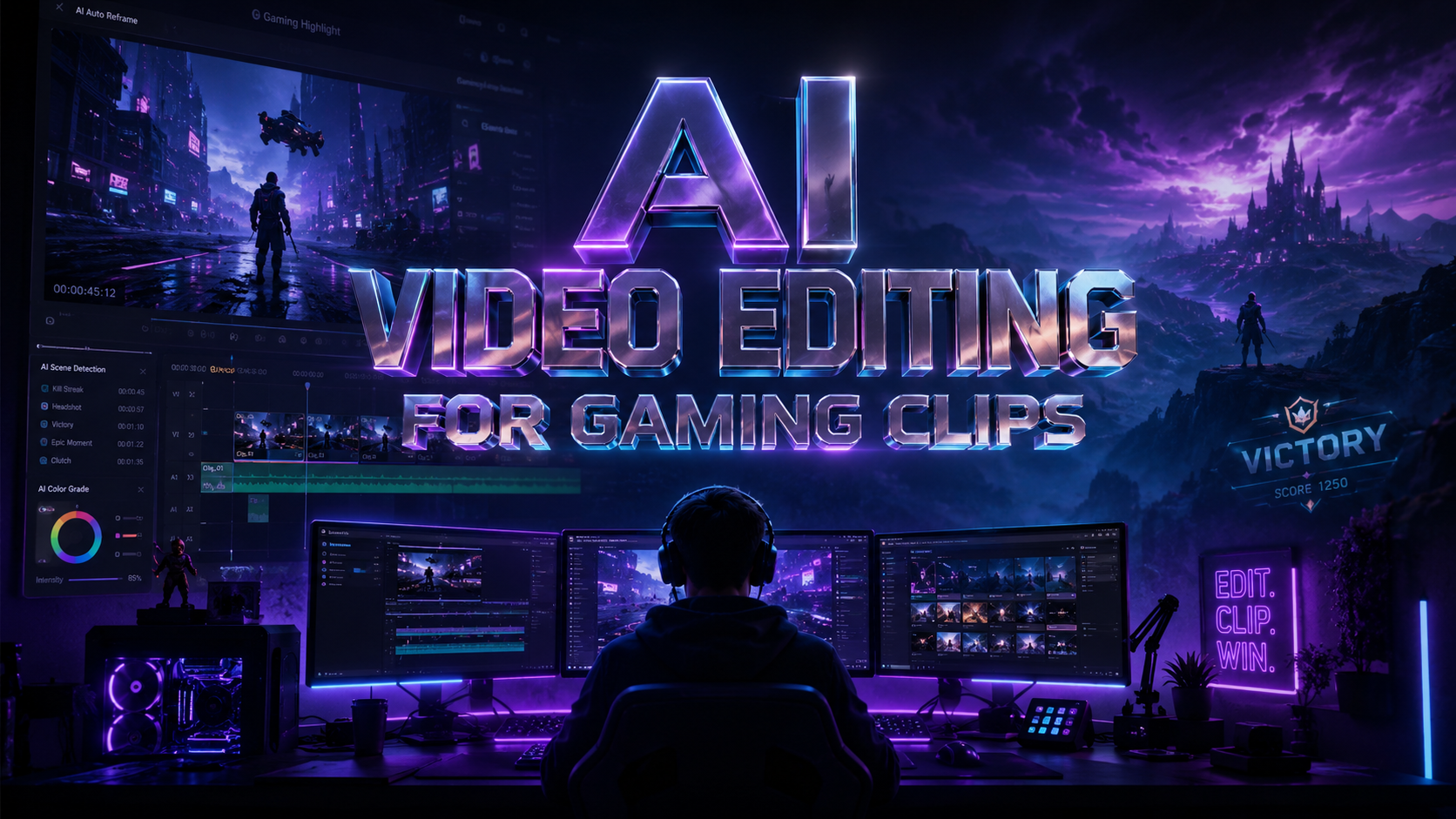
AI video editing for gaming clips is the process of using artificial intelligence and machine learning algorithms to automate the most time-consuming aspects of post-production, such as identifying killstreaks, removing silence, and applying visual enhancements. In 2026, these tools have evolved to allow creators to transform hours of raw gameplay into viral-ready highlights with minimal manual intervention. By leveraging advanced neural networks, modern software can now understand the context of a game, sync audio to action perfectly, and generate high-quality voiceovers for recap videos.
AI video editing for gaming clips is a revolutionary approach to content creation that uses automated tools like Adobe's first-draft stitcher and CapCut's AI voice generators to streamline the editing workflow. These technologies enable gamers to quickly identify key moments, apply professional-grade effects, and export optimized content for platforms like YouTube, TikTok, and Twitch in minutes rather than hours.
- ✓ AI-driven "first draft" tools can now automatically stitch raw footage into a cohesive narrative sequence.
- ✓ Integrated voice generators allow for professional game recaps without the need for a physical microphone.
- ✓ Automated highlight detection uses visual and audio cues to find the most exciting moments in a match.
- ✓ Cross-platform compatibility between desktop and mobile ensures a seamless editing experience for creators on the go.
How to Use AI Video Editing for Gaming Clips: A Step-by-Step Guide
The landscape of content creation has shifted significantly in 2026. According to Container News, AI video editors are fundamentally changing the game for YouTube creators by reducing the technical barrier to entry. This allows gamers to focus more on their playstyle and community engagement rather than spending twelve hours a day in a timeline editor. The integration of AI means that even beginners can produce content that rivals professional studios.
If you are looking to get started with ai video editing for gaming clips, follow this optimized workflow to maximize your efficiency and output quality:
- Record and Upload: Capture your high-resolution gameplay and upload the raw files to an AI-enabled editor like Adobe or CapCut Desktop.
- Automated Selection: Use the "Smart Highlight" or "First Draft" feature to let the AI scan for high-intensity moments, such as eliminations, objective captures, or rare achievements.
- Apply AI Voiceovers: If your clip lacks commentary, utilize an AI voice generator to narrate the action. As noted by CLNS Media, you can now narrate game recaps without live commentary by using synthesized voices that sound remarkably human.
- Enhance with Effects: Use AI-driven color grading and noise reduction to ensure your clip looks polished across all devices.
- Format for Platforms: Use the "Auto-Reframe" tool to instantly convert your 16:9 landscape gameplay into a 9:16 vertical format for TikTok or YouTube Shorts.
- Export and Review: Run a final AI check for pacing and sync before exporting your video in 4K resolution.
The Best AI Video Editing Software for 2026
Choosing the right tool depends on your specific needs, whether you are a professional streamer or a hobbyist. PCMag recently released its report on "The Best Video Editing Software We've Tested for 2026," highlighting that the gap between professional suites and consumer-grade apps is closing rapidly due to AI integration. Modern software now prioritizes "intelligent assistance" over manual keyframing.
Adobe’s First-Draft AI Integration
One of the most significant breakthroughs this year comes from Adobe. As reported by The Verge in February 2026, Adobe’s new AI video editing tool can stitch disparate clips into a coherent first draft automatically. This feature is a game-changer for gaming creators who record multi-hour sessions. The AI analyzes the footage, identifies the narrative flow, and places clips on the timeline with transitions already applied. This "rough cut" serves as a foundation that the creator can then fine-tune, saving approximately 70% of the initial editing time.
CapCut Desktop and AI Voice Innovation
CapCut continues to dominate the gaming clip market, particularly for short-form content. Muddy River News highlights the effectiveness of the CapCut Desktop Editor's voice changer and AI features for gaming tutorials. Beyond simple edits, the platform's ability to generate game recaps without commentary—using advanced AI voice generators—has made it the go-to choice for "faceless" gaming channels. Its 2026 updates include more nuanced emotional range in its AI voices, making the commentary feel authentic to the gaming experience.
Comparing Top AI Gaming Editors for 2026
To help you decide which platform fits your workflow, we have compiled a comparison of the leading tools based on the latest testing data from PCMag and criticalhit.net.
| Feature | Adobe Premiere (2026) | CapCut Desktop | DaVinci Resolve AI |
|---|---|---|---|
| Best For | Professional Narratives | Social Media Clips | Color & VFX Highlights |
| AI Highlight Detection | Advanced (Scene Edit Detection) | Excellent (Auto-Snippet) | Good (Magic Mask) |
| Voice Synthesis | Integrated Adobe Podcast AI | Best-in-class AI Voice Gen | Standard Text-to-Speech |
| Workflow Speed | High (via First Draft AI) | Ultra-High (One-click) | Medium (Technical Focus) |
| Platform Focus | YouTube / Cinema | TikTok / Shorts / Reels | YouTube / High-end PC |
Advanced Features in AI Video Editing for Gaming Clips
The technology behind ai video editing for gaming clips is no longer just about cutting and joining. In 2026, "Contextual Awareness" is the buzzword. This means the AI understands what game you are playing. For example, if you are playing a tactical shooter, the AI recognizes the UI elements—like the kill feed or the round timer—and uses those cues to time transitions. This level of automation ensures that the most exciting moments are never missed during the editing process.
AI Voice Changers and Narration
A major trend identified by CLNS Media is the rise of "No-Commentary Recaps." Many creators prefer to play in silence but want to provide a narrated experience for their viewers. AI voice generators in 2026 can now take a text script and deliver it in the style of a professional esports shoutcaster or a relaxed storyteller. Furthermore, AI voice changers allow creators to modify their own voices in real-time or post-production to match the "vibe" of the game, adding a layer of entertainment value that was previously difficult to achieve without expensive hardware.
Automated B-Roll and Asset Generation
Modern AI editors can now suggest and insert relevant B-roll or memes based on the audio cues in your gaming clip. If the AI detects a "fail" moment or a funny glitch, it can automatically search your library or a connected stock database to overlay humorous elements. According to criticalhit.net, this is one of the top 5 features for beginner video editors in 2026, as it handles the creative "flair" that usually requires years of editing experience to master.
The Impact of AI on the Gaming Creator Economy
The democratization of high-quality video production is the most profound impact of ai video editing for gaming clips. In the past, the difference between a top-tier streamer and a beginner was often the size of their editing team. Today, AI acts as a digital assistant that works 24/7. Container News reports that creators using AI tools have seen a 40% increase in upload frequency, which directly correlates to higher engagement and subscriber growth on platforms like YouTube.
However, the human element remains irreplaceable. While the AI can handle the "grunt work"—the syncing, the cutting, and the basic effects—the creator's unique perspective and storytelling choices are what build a community. The best creators in 2026 are those who use AI to handle the technical execution while they focus on the creative strategy and brand building. This synergy between human creativity and machine efficiency is defining the next era of gaming content.
Frequently Asked Questions
What is the best AI video editor for gaming clips in 2026?
Adobe Premiere and CapCut Desktop are currently the leaders. Adobe is preferred for long-form, professional narratives thanks to its "First Draft" AI, while CapCut is the best for quick, viral social media clips using its AI voice generators.
Can I edit gaming clips for free using AI?
Yes, many tools like CapCut offer robust free versions with AI features. However, premium features like 4K AI upscaling and advanced voice synthesis often require a subscription, as noted in recent 2026 software reviews.
Does AI video editing work for all types of games?
Most AI editors are optimized for popular genres like FPS, Battle Royales, and MOBAs because their visual cues (kill feeds, scores) are easy for the AI to recognize. However, general AI stitching tools work for any gameplay footage.
Is AI-generated voiceover allowed on YouTube and TikTok?
Yes, AI-generated voiceovers are widely used and accepted in 2026. Platforms generally allow them as long as the content complies with standard community guidelines and doesn't involve deceptive deepfakes.
How much time can AI save in the editing process?
According to industry reports from 2026, AI tools can reduce the initial "rough cut" phase by up to 70-80%, allowing editors to focus exclusively on the final creative touches and audience-specific optimizations.



Comments ()