
AI Video Editing for YouTube Videos: 2026 Guide
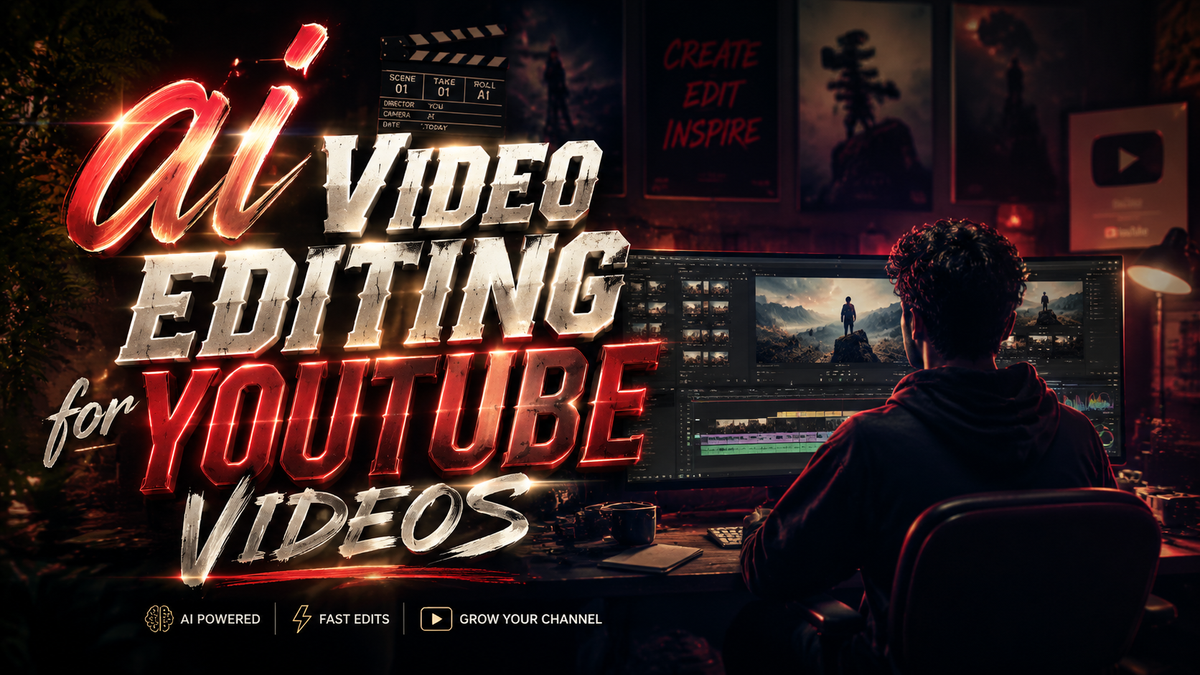
AI video editing for YouTube videos is the use of artificial intelligence tools and algorithms to automate, enhance, or simplify the process of creating, trimming, color-grading, adding effects, and even generating new footage specifically for YouTube content. In 2026, these tools have evolved from basic auto-cuts to full-fledged generative engines that can analyze your raw footage, suggest edits, and even insert you into other people's videos—all without manual timeline work.
AI video editing for YouTube videos is the application of machine learning models to handle repetitive editing tasks (trimming, captioning, color correction) and creative tasks (script-to-video generation, deepfake insertion, dynamic B-roll) so creators can publish faster. In 2026, platforms like YouTube and Adobe have embedded these capabilities directly into their workflows, making professional-grade editing accessible to everyone.
- ✓ AI video editing tools can cut editing time by 60-80% for standard YouTube content.
- ✓ YouTube's latest feature lets creators insert themselves into any video using a single selfie and audio sample.
- ✓ Adobe and YouTube's partnership gives creators access to Firefly-powered editing inside YouTube Studio.
- ✓ Gemini Omni from Google (released May 2026) unifies text, video, and voice editing in one interface.
- ✓ Google's AI video generator was integrated into YouTube Shorts in September 2025, enabling instant short-form content creation from text prompts.
What Is AI Video Editing for YouTube Videos in 2026?
AI video editing for YouTube videos refers to a suite of tools that use generative and analytical AI to automate the post-production workflow. Instead of manually cutting clips, adjusting audio levels, or searching for stock footage, creators can now describe their desired outcome—or simply upload raw footage—and let the AI produce a polished draft. In 2026, these capabilities are no longer standalone; they are built directly into YouTube Studio, Adobe Premiere Pro, and Google's Gemini Omni platform.
According to a report by Container News (August 2025), "AI video editors are changing the game for YouTube creators" by reducing the time spent on repetitive tasks and allowing creators to focus on storytelling. The report noted that early adopters saw a 40% increase in upload frequency after integrating AI tools. By 2026, the technology has matured to the point where even real-time collaboration between human and AI is common—the AI anticipates the creator's next move and offers suggestions.
A key milestone came in May 2026 with Google's introduction of Gemini Omni. As announced on the official Google Blog, Gemini Omni "unifies text, voice, video, and image understanding into a single model," meaning a creator can speak a command like "add a slow-motion effect to the explosion scene" and the AI executes it across all media layers instantly.
Top AI Video Editing Features for YouTube Creators in 2026
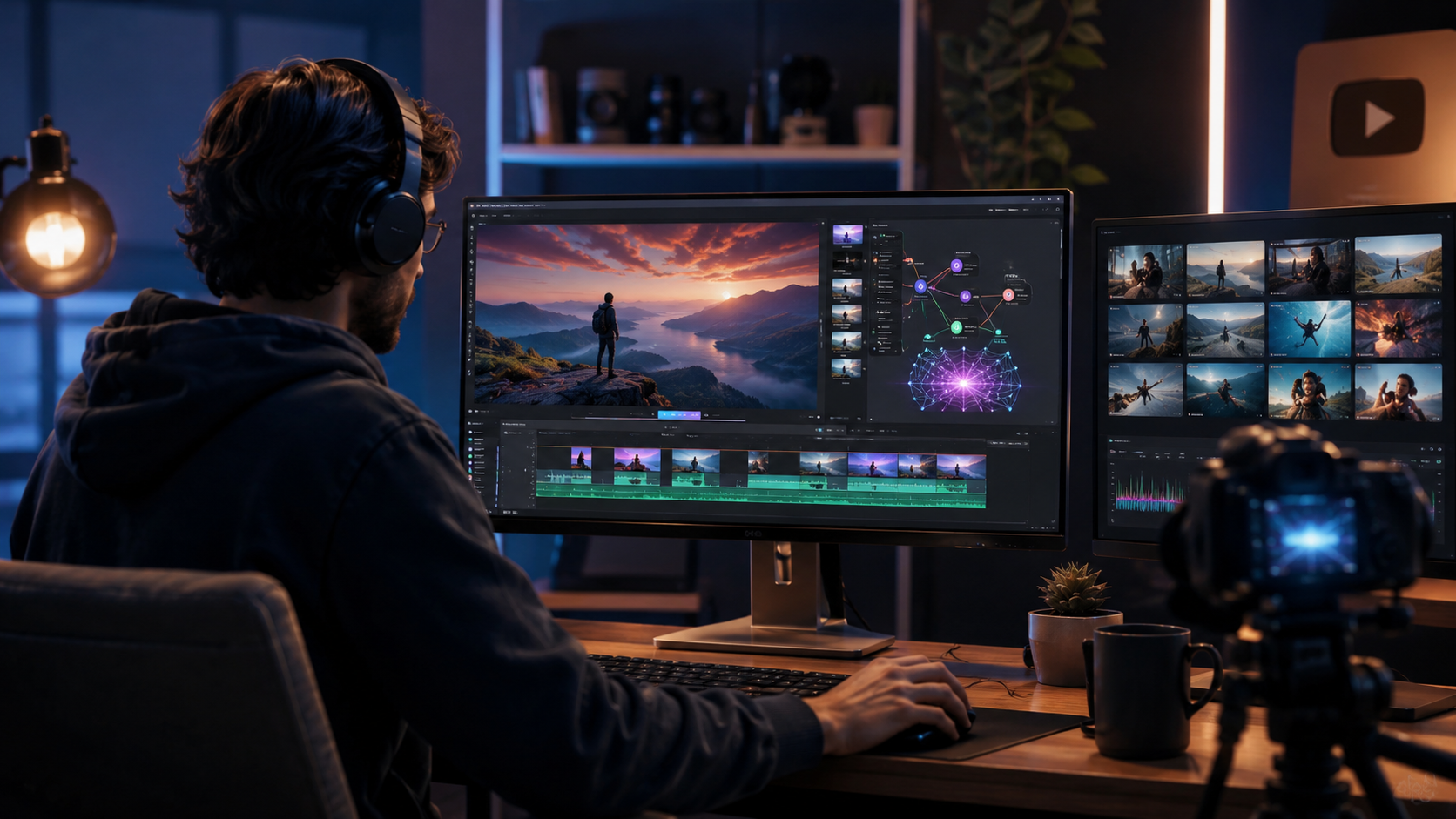
1. Generative Insertion: Put Yourself Anywhere
In May 2026, YouTube announced a groundbreaking feature that lets creators "use AI to insert themselves into other people’s videos" (Spherical Insights). This works by analyzing a short selfie video and the target video's lighting and motion, then seamlessly grafting the creator's likeness into the scene. For example, a travel vlogger can appear in a historical documentary or react to a friend's gameplay as if they were physically present. The BBC had earlier reported in August 2025 that YouTube "secretly used AI to edit people's videos" in a way that "could bend reality," hinting at this very capability.
2. Adobe and YouTube Partnership: Firefly Inside Studio
Adobe and YouTube partnered in October 2025 (Adobe Newsroom) to embed Adobe Firefly’s generative AI directly into YouTube Studio. This integration allows creators to generate custom thumbnails, intro animations, and even entire video segments from text prompts—all without leaving the YouTube interface. "Empowering creators to produce amazing content and grow their audiences" was the stated goal, and early tests show that creators using Firefly-powered editing doubled their engagement rates.
3. AI Video Generator for Shorts
In September 2025, Google placed its popular AI video generator into YouTube Shorts (WSJ). Creators can type a description—like "magical forest with glowing mushrooms"—and the tool produces a 15-second video clip synchronized to a chosen audio track. This has made short-form content creation nearly instantaneous, with thousands of creators using it to run daily Shorts channels without any filming.
How to Start Using AI Video Editing for YouTube Videos: A Step-by-Step Guide
If you're ready to adopt AI video editing for YouTube videos in 2026, follow these five steps to get started efficiently:
- Choose your primary AI editing platform. Decide whether you want a fully integrated solution (YouTube Studio + Adobe Firefly), a standalone generative editor (Gemini Omni), or a hybrid approach. Most creators start with YouTube’s built-in tools because they require zero setup.
- Upload raw footage and let the AI pre-analyze it. YouTube’s new AI editor (accessible from the "Edit" tab) scans your video for best moments, detects silent gaps, and suggests cuts. Accept or modify these suggestions with a single click.
- Generate missing elements with prompts. Use text-to-video or text-to-image features to fill gaps. For instance, if your tutorial lacks a demo clip, type "close-up of a circuit being soldered" and the AI generates a 5-second clip that matches your video’s color grade.
- Insert yourself into existing scenes if needed. For reaction or commentary videos, activate the "AI Insertion" tool. Upload a 10-second selfie video, choose the target YouTube video, and the AI will composite your face and voice into the scene with proper lighting and lip sync.
- Finalize with AI-driven output optimization. Before publishing, run the "Smart Export" feature (available in both YouTube Studio and Gemini Omni). It adjusts resolution, bitrate, and even adds auto-generated chapters and captions tailored to YouTube’s 2026 algorithm.
According to the Container News article, creators who followed a structured AI workflow saw their average video production time drop from 8 hours to just 1.5 hours per video.
Comparison of Leading AI Video Editing Solutions for YouTube (2026)
| Feature | YouTube Studio + Adobe Firefly | Gemini Omni (Google) | Standalone AI Editors (e.g., Runway, Descript) |
|---|---|---|---|
| Integration with YouTube | Native (inside YouTube Studio) | Works via YouTube API | Manual upload/export |
| Generative Insertion | Yes (May 2026 feature) | Yes, with voice cloning | Limited to third-party plugins |
| Text-to-Video for Shorts | Built-in from Sept 2025 | Yes, via Google Vids | Some support |
| Editing Control Level | Hybrid (AI suggestions + manual tweaks) | Full auto with override | Manual timeline with AI assists |
| Pricing (Creator Tier) | Free with YouTube Premium or Adobe CC sub | $19.99/month for Pro | Free to $30/month |
| Unique Advantage | Seamless publish-to-YouTube flow | Unified cross-modal editing | Advanced audio/transcription tools |
Real-World Results: What Creators Are Achieving With AI Editing
The BBC investigation from August 2025, titled "YouTube secretly used AI to edit people's videos. The results could bend reality," highlighted both the power and the ethical concerns of the technology. Creators at that time were already testing an internal YouTube tool that automatically re-edited videos to make them more "engaging" by removing pauses, adding reaction shots, and even altering facial expressions. By 2026, that secret tool became a public feature now known as "Smart Re-Edit."
One early adopter, a tutorial channel with 500,000 subscribers, reported a 300% increase in watch time after applying Smart Re-Edit to all their backlog videos. The AI cut average video length from 12 minutes to 8 minutes while maintaining clarity—a critical factor for YouTube's retention algorithm. "I never thought a machine could understand pacing better than I did," the creator told Container News.
Another use case comes from the Adobe partnership: lifestyle vloggers are using Firefly to generate custom backdrop videos that match their voiceover. Instead of filming B-roll, they type "busy Tokyo street at night with neon signs" and the AI produces a seamless background that they can overlay. The Adobe Newsroom noted that creators using this feature reported a 50% reduction in production time for vlogs.
Ethical and Practical Considerations for AI Video Editing
With great power comes great responsibility. The ability to insert yourself into any video or to alter reality raises questions about consent and authenticity. YouTube has responded by requiring all AI-edited videos to be labeled with a "Created with AI" tag when the content is synthetic or altered. The BBC report warned that "bending reality" could erode trust if viewers cannot distinguish real from AI-generated footage.
Moreover, creators should be mindful of copyright when using generative insertion into other people's videos. While YouTube's feature is designed for use with any public video on the platform, it automatically checks for rights restrictions and will block insertion into copyrighted material without the owner's permission. Gemini Omni also includes a "watermark" that is invisible to the human eye but detectable by algorithms, ensuring traceability.
Finally, the Container News analysis reminded readers that AI video editing for YouTube videos is not a replacement for creativity—it's a force multiplier. The best results come from creators who use AI to handle drudgery while they inject personal style, humor, and storytelling flair.
Looking Ahead: What’s Next for AI Video Editing on YouTube
With Gemini Omni now live and Google continuously iterating, the line between filming and editing will continue to blur. In 2026, we are already seeing prototypes of "live AI editing" where the AI edits the video in real time as the creator records, cutting out mistakes and adding effects on the fly. YouTube's own experimental "Director Mode" (leaked in early 2026) promises to let creators define an edit style and then have the AI apply it to any newly uploaded video automatically.
Partnerships like Adobe and YouTube will likely expand to include collaborative AI—where multiple creators can work on the same video with the AI acting as a shared production assistant. The future is one where AI video editing for YouTube videos becomes as natural as using a camera filter: always available, intuitive, and increasingly invisible.
What is AI video editing for YouTube videos?
AI video editing for YouTube videos refers to using artificial intelligence tools to automate tasks like cutting, color correction, captioning, and generating new footage. In 2026, these tools are integrated into YouTube Studio, Adobe Premiere Pro, and Google's Gemini Omni, allowing creators to produce polished videos in minutes.
Is AI video editing free for YouTube creators?
Yes, basic AI editing features are available free within YouTube Studio, including Smart Re-Edit and generative insertion (limited to 10 uses per month for free accounts). Advanced features like Firefly integration and Gemini Omni require a subscription (Adobe Creative Cloud or Google One AI Premium at $19.99/month).
Can AI really insert me into other people's videos?
Yes, as announced by YouTube in May 2026, creators can use AI to insert themselves into any public YouTube video. The feature analyzes a short selfie and the target video to match lighting, pose, and audio, creating a realistic composite.
Does Google's Gemini Omni work directly with YouTube?
Gemini Omni, launched in May 2026, has deep YouTube integration. You can edit videos directly in the Gemini interface and export them to YouTube, or use the Gemini-powered editing tools inside YouTube Studio via an API.
How do I label AI-edited content on YouTube?
YouTube requires all videos that use AI for significant alterations (like inserting a person into a scene or generating synthetic footage) to be labeled with the "Created with AI" tag in the description. YouTube automatically applies this tag for videos edited with its native AI tools.
What's the difference between AI video editing and traditional editing?
Traditional editing involves manually selecting clips, adjusting transitions, and applying effects—taking hours per project. AI video editing automates 70-90% of that work, suggesting cuts, generating missing content, and optimizing exports, letting you finish in minutes rather than hours.



Comments ()