
AI Video Editing for YouTube Beginners: 2026 Guide
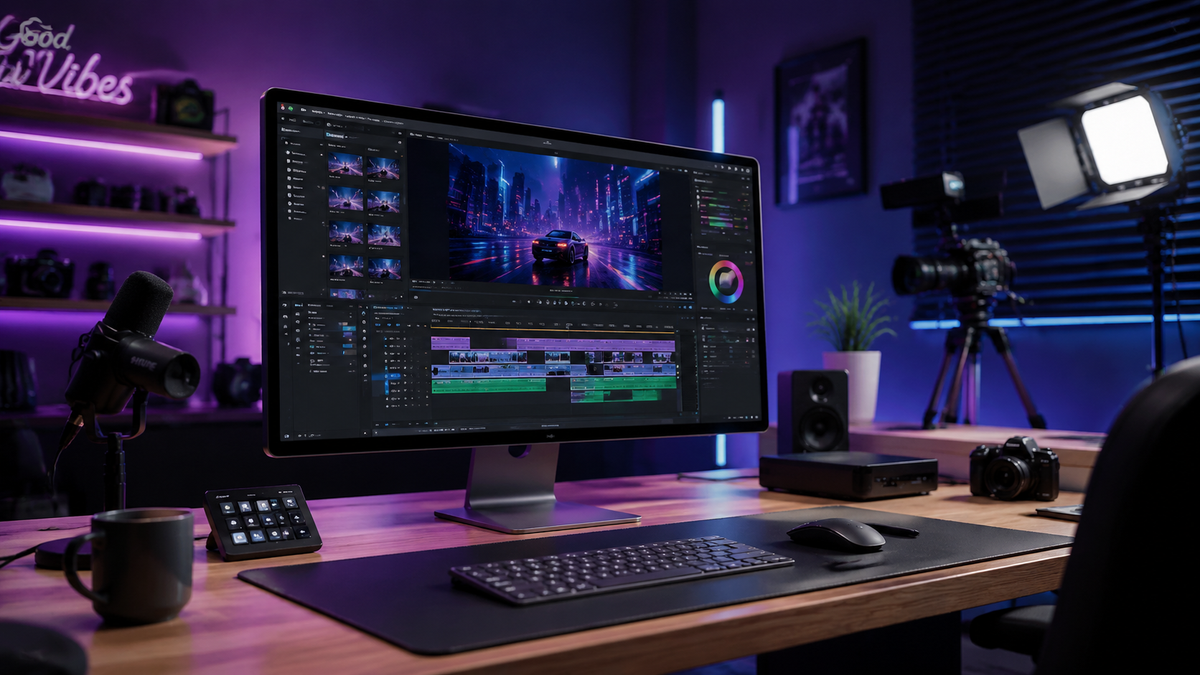
AI video editing for youtube beginners is the process of using artificial intelligence-powered software to automate time-consuming tasks like cutting footage, balancing audio, and generating captions. In 2026, these tools have become essential for new creators, allowing them to produce professional-quality content without needing years of technical training. By leveraging machine learning, beginners can now focus on storytelling while the AI handles the complex technical execution of the edit.
AI video editing for youtube beginners is a modern content creation workflow that utilizes generative AI and automated tools to simplify video production. It enables creators to perform advanced tasks—such as object removal, smart cropping for Shorts, and automated color grading—with minimal manual effort, significantly lowering the barrier to entry for starting a successful YouTube channel in 2026.
- ✓ AI tools can reduce total editing time by up to 70% for standard YouTube vlogs.
- ✓ Automated captioning and "silence removal" are now standard features in 2026 beginner software.
- ✓ Cloud-based AI editors allow for high-end processing without needing a powerful workstation.
- ✓ Integration with generative AI allows for the instant creation of B-roll and background music.
Getting Started with AI Video Editing for YouTube Beginners
The landscape of content creation has shifted dramatically as we move through 2026. For those just starting out, the traditional learning curve of complex timelines and keyframes has been replaced by intuitive, AI-driven interfaces. According to TechRadar, the best video editing software for beginners in 2026 focuses on ease-of-use, ensuring that programs are "literally anyone can use." This democratization of technology means your unique perspective as a creator is now more important than your ability to navigate a complicated software menu.
When you begin your journey, the primary goal is consistency. AI tools assist in this by streamlining the repetitive parts of the workflow. Instead of spending hours scouring your footage for the best takes, modern AI "scouts" can analyze your clips and suggest the most engaging segments based on facial expressions and vocal clarity. This allows you to move from raw footage to a rough cut in a matter of minutes rather than hours.
How to Start Your First AI-Enhanced Video Project
- Select Your AI Tool: Choose a platform that offers automated transcription and "text-based editing," which allows you to edit video by simply deleting words from a transcript.
- Upload and Analyze: Import your footage and let the AI perform an initial pass to remove "ums," "ahs," and long silences.
- Apply AI Styling: Use "Smart Color" or "Auto-Reframe" features to ensure your video looks professional and fits both desktop and mobile (YouTube Shorts) formats.
- Generate Metadata: Use the built-in AI to generate your YouTube title, description, and timestamped chapters based on the video content.
- Export and Review: Finalize the render and use an AI "Quality Check" tool to ensure audio levels are consistent across the entire video.
Top Features to Look for in 2026 AI Editors
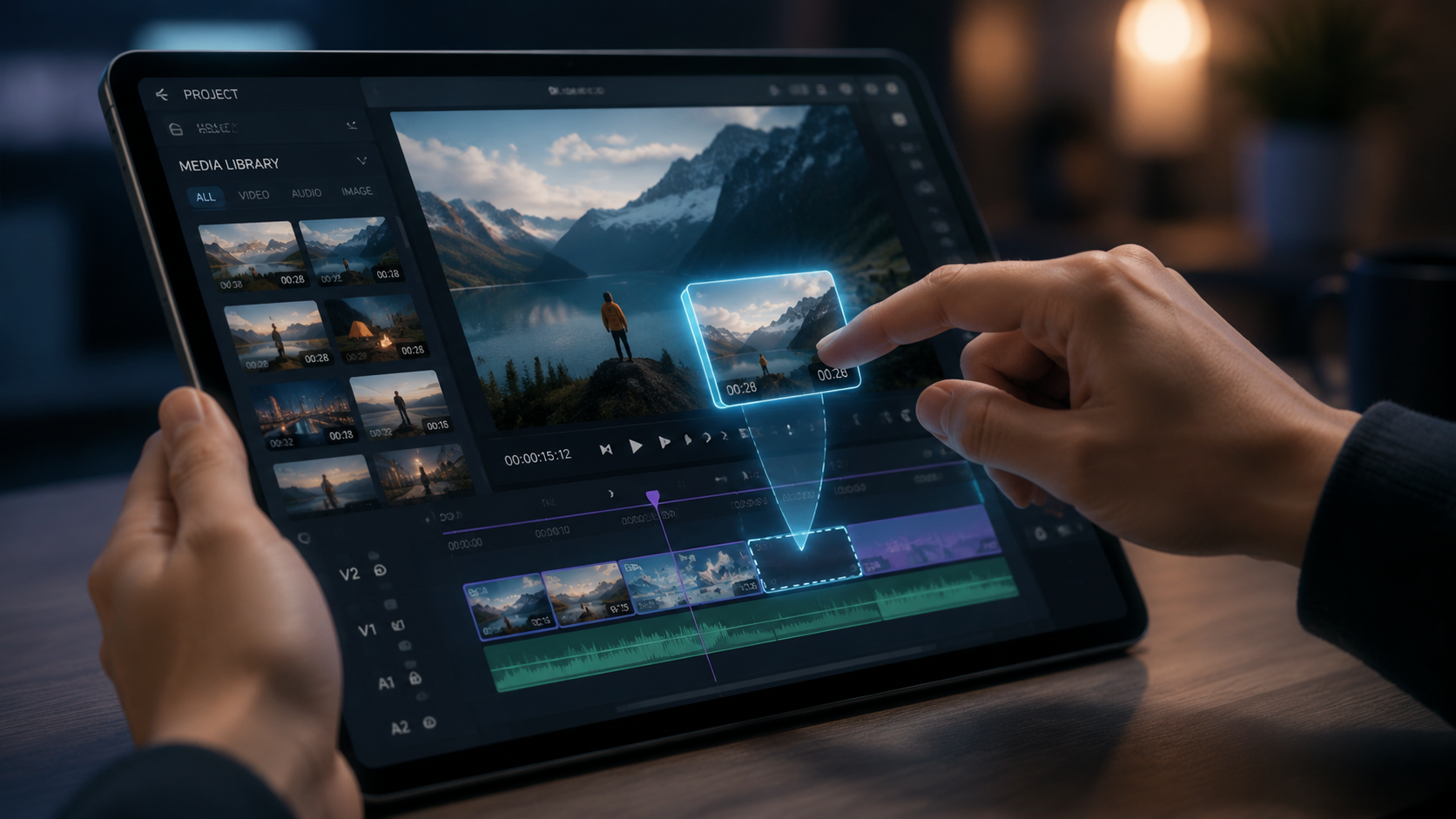
In 2026, not all video editors are created equal. The most effective tools for YouTube beginners are those that integrate "Generative Fill" and "Voice Enhancement." As noted by PCMag in their 2026 testing, the best video editing software now includes features that can virtually "clean up" a messy room in the background or replace a low-quality microphone recording with studio-grade synthesized audio. These features are game-changers for beginners who may not have a professional studio setup yet.
Another critical feature is "Multi-Platform Adaptation." Since YouTube creators often need to post across Shorts, Reels, and TikTok, AI tools that can automatically identify the subject of a horizontal video and crop it into a vertical 9:16 format are invaluable. This ensures that you are maximizing your reach without doubling your workload.
Essential AI Capabilities for New Creators
According to Amateur Photographer, the best software in 2026 is designed so that "literally anyone" can achieve cinematic results. Key features to prioritize include:
- Text-Based Editing: The ability to edit your video by editing a text document.
- AI B-Roll Generation: Automatically inserting relevant stock footage or AI-generated visuals based on your script.
- Smart Background Removal: Swapping out your background without the need for a physical green screen.
- Automated Audio Ducking: Lowering background music automatically when the AI detects speech.
Comparison of Popular 2026 AI Video Editors
Choosing the right software depends on your budget and your specific needs as a creator. While some platforms focus on mobile-first editing, others provide a robust desktop experience that leverages the full power of modern GPUs. Lifewire highlights that there are still excellent free options available that provide a surprising amount of AI utility for those who are not yet ready to invest in a monthly subscription.
| Feature | Entry-Level AI Editor | Prosumer AI Software | Cloud-Based AI Web App |
|---|---|---|---|
| Best For | Quick YouTube Shorts | Long-form Documentaries | Social Media Managers |
| AI Transcription | Basic (90% accuracy) | Advanced (99% accuracy) | Real-time (Multiple languages) |
| Generative B-Roll | Limited Selection | Fully Integrated | Unlimited via Cloud Library |
| Cost | Free / Freemium | $20 - $50 / month | Subscription Based |
| Hardware Req. | Mobile Device | High-End PC/Mac | Any Browser |
Maximizing Efficiency with AI Video Editing for YouTube Beginners
Efficiency is the hallmark of a successful YouTuber. Using AI video editing for youtube beginners isn't just about making things "easier"; it's about making your channel sustainable. Container News reports that AI video editors are "changing the game" by allowing creators to maintain a high frequency of uploads without burning out. When the AI handles the "grunt work" of syncing multi-cam setups or color-matching different cameras, the creator is free to brainstorm the next big idea.
Furthermore, the integration of AI-driven analytics within the editor is a new trend for 2026. Some editors can now predict which parts of your video might cause a viewer to click away based on historical YouTube data. This "Retention Prediction" allows you to trim boring segments before you even upload the video, giving your channel a better chance at triggering the YouTube algorithm.
The Role of Generative AI in Visual Storytelling
Generative AI has evolved beyond simple text prompts. In 2026, beginners can use AI to generate custom intro sequences, unique transitions, and even digital avatars if they prefer to remain "faceless" on camera. Creative Bloq mentions that the best video editing apps now include "style transfer" features, which can make your standard smartphone footage look like it was shot on 35mm film or in a specific artistic style with a single click.
Overcoming the Learning Curve: Tips for 2026
While AI makes things simpler, there is still a strategy to using these tools effectively. Beginners should avoid "over-editing"—a common mistake where too many AI effects, such as excessive zoom-ins or aggressive voice cloning, make the video feel robotic. The goal of AI video editing for youtube beginners should be to enhance the human element, not replace it. Use AI to polish your work, but keep your unique voice and personality at the center of the content.
According to 2026 industry insights from TechRadar, the most successful new creators are those who use AI to handle the technical "floor" of their production value, ensuring their audio is always crisp and their lighting looks intentional. Once that baseline is established, they use their saved time to engage with their community and refine their niche.
Common Pitfalls to Avoid
- Relying too much on Auto-Captions: Always proofread your AI-generated captions for brand names or slang that the AI might misinterpret.
- Ignoring Audio Quality: While AI can "fix" audio, starting with a decent $50 microphone will always yield better results than trying to save unusable audio.
- Generic AI B-Roll: Ensure the AI-generated visuals actually match the tone of your story; don't just use them because they are available.
The Future of AI and YouTube Content
Looking ahead, the integration between AI editors and the YouTube platform itself is expected to deepen. We are already seeing "Direct-to-Platform" AI workflows where the editor optimizes the video file specifically for YouTube’s latest compression algorithms. For a beginner in 2026, this means your videos will look better and load faster for your audience without you having to understand bitrates or codecs.
As PCMag noted in their May 2026 review, the "Best Video Editing Software" is no longer defined by how many buttons it has, but by how intelligently it anticipates the creator's needs. Whether it's automatically creating a "highlight reel" for your channel trailer or suggesting the best thumbnail frame, AI is the ultimate partner for the modern YouTube beginner.
Is AI video editing for youtube beginners expensive in 2026?
Not necessarily. While premium suites exist, many tools offer robust free versions or affordable monthly subscriptions. Many cloud-based editors also offer "pay-as-you-go" models for specific AI features like high-end voice cloning or generative visuals.
Do I need a powerful computer for AI editing?
No, many of the leading AI video editors in 2026 are cloud-based. This means the heavy processing happens on remote servers, allowing you to edit high-definition video on a standard laptop or even a tablet through a web browser.
Will YouTube penalize me for using AI-generated content?
YouTube does not penalize the use of AI for editing or enhancing videos. However, you must follow YouTube's 2026 disclosure guidelines if you use generative AI to create realistic "synthetic" content that could be mistaken for real-world events or people.
Can AI help me find copyright-free music?
Yes, most AI video editors now include generative music tools that create unique, royalty-free tracks tailored to the length and mood of your video, eliminating the risk of copyright strikes.
What is "Text-Based Editing" in 2026?
Text-based editing is a feature where the software transcribes your video into a text document. When you delete a sentence or word from the text, the software automatically cuts the corresponding footage from the video timeline, making editing as easy as using a word processor.
Comments ()