
Best AI Video Editing for YouTube: 2026 Strategy Guide
The best ai video editing for youtube in 2026 involves leveraging integrated large language models (LLMs) and generative video tools to automate the tedious aspects of post-production. By utilizing new plugins like the Claude AI for Premiere Pro and the expanded Adobe Firefly video models, creators can now generate entire scenes, automate b-roll selection, and refine scripts directly within their timeline. This strategy moves beyond simple filters, focusing instead on "assistive intelligence" that reduces editing time by up to 70% while maintaining the creator's unique voice.
AI video editing for YouTube is the application of machine learning and generative algorithms to automate video assembly, color grading, audio cleanup, and content generation. In 2026, this technology has evolved into seamless software integrations, such as the Claude AI plugin for Premiere Pro, allowing creators to use natural language commands to execute complex edits and generate unlimited high-fidelity assets via Adobe Firefly.
- ✓ Integration of LLMs like Claude AI directly into professional NLEs (Non-Linear Editors) for real-time assistance.
- ✓ Use of Adobe Firefly’s 2026 updates for unlimited AI video generation and advanced scene expansion.
- ✓ Leveraging YouTube’s expanded Media Kit and native AI tools for data-driven editing decisions.
- ✓ Shift toward "anyone can use" software that lowers the barrier to entry for high-quality production.
- ✓ Importance of hardware optimization, specifically 2026-spec laptops tested for neural engine performance.
How to Implement AI Video Editing for YouTube in 2026
Success on YouTube now requires a hybrid approach where human creativity directs AI efficiency. The workflow has shifted from manual frame-by-frame manipulation to high-level prompt engineering and asset management. As reported by Amateur Photographer in April 2026, the current generation of video editing software is designed so that "literally anyone can use" it, provided they understand the underlying AI logic.
To maximize your reach and production value, follow this 2026-optimized workflow for your YouTube channel:
- Script and Storyboard with Integrated LLMs: Use tools like the Claude AI plugin for Premiere Pro to analyze your raw footage and generate a script that matches your existing b-roll.
- Automated Rough Cut: Feed your transcript into your NLE (Non-Linear Editor) to automatically remove silences, filler words, and "ums" using AI-driven text-based editing.
- Generative B-Roll Creation: For gaps in your footage, utilize Adobe Firefly’s updated 2026 models to generate unlimited video clips that match your lighting and color profile.
- AI Audio Mastering: Apply neural noise reduction and voice enhancement to ensure studio-quality sound, regardless of your recording environment.
- Optimization via YouTube Media Kit: Use the newly expanded YouTube Media Kit insights (updated April 2026) to identify exactly where viewers drop off and use AI to re-edit those specific segments for better retention.
The Evolution of AI Video Editing Software in 2026
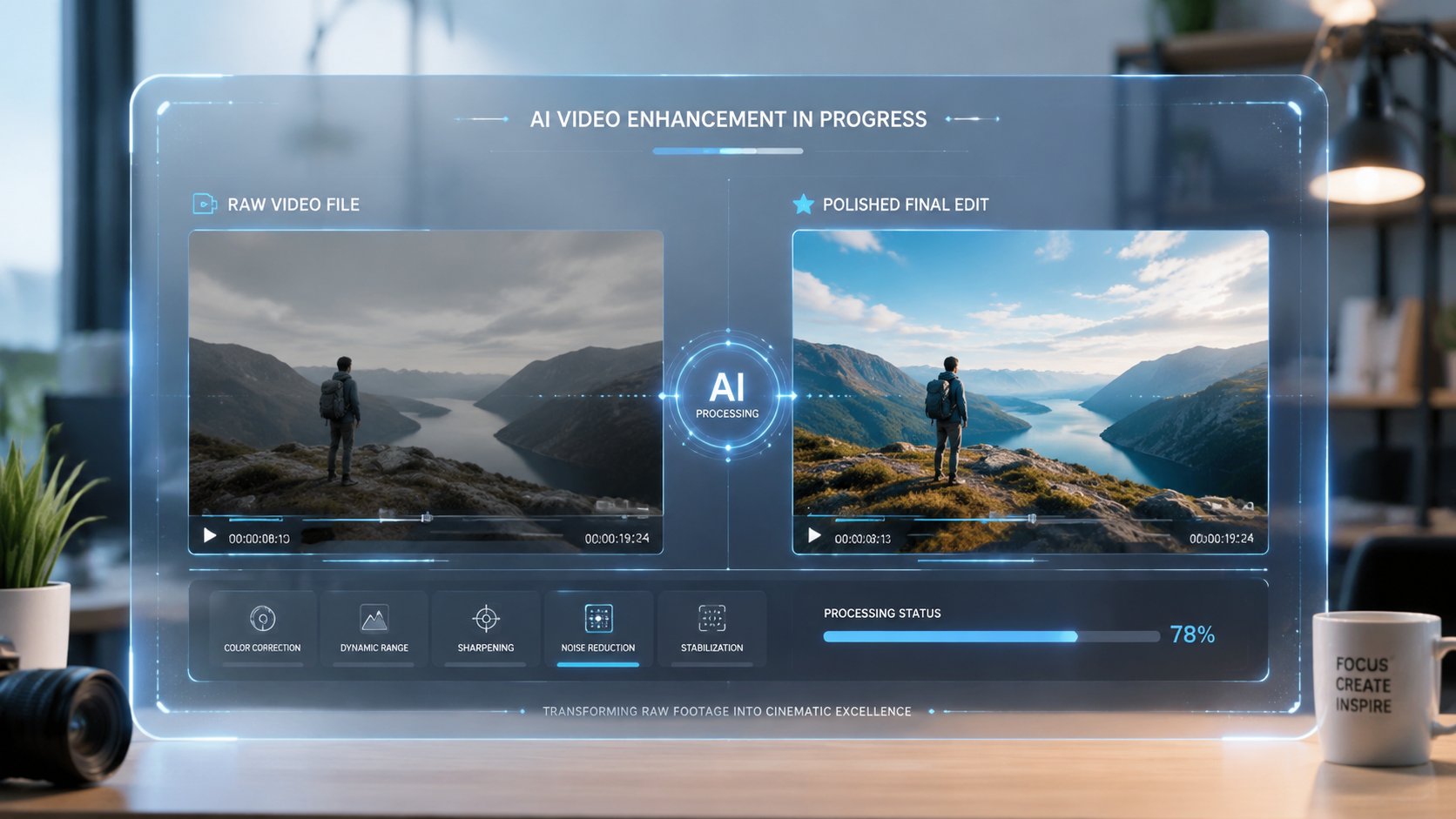
The landscape of ai video editing for youtube has undergone a massive transformation this year. We have moved past standalone "gimmick" tools into an era of deep integration. According to MSN (April 2026), the release of the free Claude AI plugin for Premiere Pro has been a game-changer, allowing editors to ask their software to "find all the shots where I'm smiling" or "cut this 10-minute vlog into a 60-second vertical short" with near-perfect accuracy.
Professional Grade vs. Accessible Tools
While Adobe remains a titan in the industry, 2026 has seen a surge in "prosumer" tools. Amateur Photographer notes that the best video editing software in 2026 focuses on democratization. These programs use "one-click" AI workflows for complex tasks like rotoscoping (removing backgrounds) and motion tracking, which previously took hours of manual labor. This allows creators to focus on storytelling rather than technical hurdles.
Adobe Firefly’s 2026 Dominance
Adobe's commitment to generative AI has culminated in the latest Firefly updates. Since the major overhaul in late 2025, Firefly now offers unlimited generations for subscribers. This is critical for YouTubers who need to experiment with different visual styles without worrying about credit limits. The new tools allow for seamless "video-to-video" stylization, where you can film a scene in your backyard and use AI to transform the environment into a futuristic cityscape or a cinematic forest.
Comparing Top AI Video Editing Solutions
Choosing the right tool depends on your technical skill and the complexity of your YouTube content. The following table compares the leading solutions based on the latest 2026 data.
| Software/Tool | Primary AI Feature | Best For | 2026 Pricing Model |
|---|---|---|---|
| Adobe Premiere Pro (with Claude Plugin) | Conversational Editing & Firefly Integration | Professional Creators & Long-form Content | Subscription (Creative Cloud) |
| YouTube Native AI Tools | Retention Analysis & Auto-Shorts | Beginners & Mobile-First Creators | Free (Integrated in Studio) |
| DaVinci Resolve 19+ | Neural Engine Color Grading | Cinematic Vloggers & Colorists | Free & Paid (One-time) |
| Vocal.media Recommended Tools | Rapid Social Media Formatting | Multi-platform Content Repurposing | Freemium |
Hardware Requirements: The Best Laptops for AI Video Editing
You cannot run 2026-level AI software on outdated hardware. The computational load has shifted from the CPU to the NPU (Neural Processing Unit). As highlighted by PCMag in May 2026, the best laptops for video editing now prioritize "AI TOPS" (Trillions of Operations Per Second) to handle real-time generative tasks. Without a dedicated NPU, features like the Claude AI plugin or Firefly’s local rendering will significantly lag.
According to PCMag, the 2026 lineup of high-end laptops features specialized silicon designed specifically for Adobe and DaVinci’s neural engines. These machines allow for "background rendering" of AI effects, meaning the software can generate b-roll or clean up audio while the creator continues to edit the timeline. This hardware-software synergy is the backbone of the modern ai video editing for youtube strategy.
YouTube’s Native AI Integration and Media Kit Insights
YouTube is no longer just a hosting platform; it has become an active participant in the editing process. In April 2026, Social Media Today reported that YouTube expanded its Media Kit insights to include advanced AI tools. These tools allow creators to see "predictive heatmaps" of their videos before they even hit "publish."
Predictive Retention Editing
The 2026 YouTube Studio update includes an AI assistant that suggests edits based on successful trends in your niche. If the data shows that viewers in your category typically drop off during long intros, the AI will suggest a "hook" point and offer to trim the beginning of your video automatically. This integration of data science into the creative suite is a hallmark of the 2026 creator economy.
Free AI Tools for Growth
For creators on a budget, vocal.media identified several "Best Free AI Tools" in April 2026 that rival paid software. These include open-source models for transcription and basic generative fill. By combining these free tools with YouTube’s native AI features, even small channels can achieve production values that were previously reserved for high-budget studios.
Ethics and Transparency in AI Content
As ai video editing for youtube becomes the standard, transparency remains a core concern for the community. In 2026, YouTube’s policy requires creators to label content that features significant generative AI alterations. This isn't just a legal hurdle; it's a way to build trust with your audience. Using AI to enhance your workflow—such as cleaning up audio or color grading—typically doesn't require a label, but generating entire "deepfake" segments or synthetic environments does.
The goal of using AI in 2026 should be "Augmentation, not Replacement." The most successful YouTubers are those who use Claude AI to organize their thoughts and Adobe Firefly to expand their visual horizons, while keeping their personal stories and unique perspectives at the center of the frame. Studies show that audiences still value the "human element" above all else, even as they enjoy the cinematic polish provided by AI.
Frequently Asked Questions
What is the best AI plugin for Premiere Pro in 2026?
The free Claude AI plugin is currently considered the top choice for Premiere Pro users. According to MSN research from April 2026, it allows for seamless natural language editing and script-to-video synchronization directly within the Adobe ecosystem.
Is AI video editing free for YouTube creators?
Yes, there are many free options available. YouTube has integrated native AI tools into its platform as of April 2026, and several high-quality free tools have been highlighted by vocal.media for content creators on a budget.
How does Adobe Firefly help with YouTube videos?
Adobe Firefly provides generative tools that allow creators to expand scenes, generate new b-roll, and stylize footage. As of the late 2025/2026 updates, it offers unlimited generations and improved AI models for more realistic video creation.
Do I need a special laptop for AI video editing in 2026?
Yes, hardware requirements have evolved. PCMag notes that the best laptops in 2026 are those equipped with powerful NPUs (Neural Processing Units) specifically tested to handle the high computational demands of AI-integrated editing software.
Can AI edit my entire YouTube video for me?
While AI can automate the rough cut, remove silences, and suggest edits based on YouTube Media Kit insights, the most successful 2026 strategy involves a hybrid approach where the creator makes the final creative decisions to ensure brand consistency.
Comments ()