
AI Video Editing for Windows 2026: Future Tools & Trends
AI video editing for Windows 2026 is set to revolutionize content creation with advanced tools like Adobe Firefly, Eddie AI, and Microsoft’s built-in AI editors. These platforms leverage generative AI to automate tedious tasks, enhance color grading, and improve video consistency. With NVIDIA and Microsoft collaborating to optimize Windows PCs for AI workflows, the future of video editing is faster, smarter, and more accessible than ever.
TL;DR: AI video editing for Windows 2026 introduces powerful tools like Adobe Firefly, Eddie AI, and Microsoft’s AI-enhanced editors, streamlining workflows and improving quality through automation and advanced features.
AI video editing for Windows 2026 is the integration of generative AI tools into video editing software, enabling automated tasks like scene selection, color correction, and consistency enhancements. Leading solutions include Adobe’s Firefly, Eddie AI, and Microsoft’s native AI editors, all optimized for Windows PCs with NVIDIA’s AI acceleration.
- ✓ Adobe Firefly and Premiere Pro now offer AI-powered color grading and automated editing features.
- ✓ Eddie AI and Quickture simplify scene selection and editing workflows for professionals.
- ✓ Microsoft and NVIDIA are optimizing Windows PCs for AI video editing, boosting performance.
- ✓ Digen AI Agent enhances video consistency and quality through autonomous multi-step workflows.
The Rise of AI Video Editing in 2026
The video editing landscape in 2026 is dominated by AI-driven tools that automate repetitive tasks and enhance creative control. According to Adobe, their Firefly AI now integrates seamlessly with Premiere Pro, reducing editing time by up to 70% for complex projects. This shift is particularly impactful for Windows users, where Microsoft’s collaboration with NVIDIA ensures hardware optimization for AI workloads.
At NAB 2026, tools like Eddie AI and Quickture showcased their ability to automate scene selection and rough cuts, saving editors hours of manual work. These advancements are not just for professionals—Microsoft’s built-in AI editors, as highlighted in their April 2026 update, bring AI-powered trimming and effects to casual users. The democratization of high-quality editing is now a reality.
Digen AI Agent stands out in this space by offering autonomous multi-step workflows, ensuring character consistency and higher output quality for longer videos. Unlike basic AI editors, Digen Agent can analyze and refine footage across multiple stages, making it ideal for creators who prioritize polish and coherence. This aligns with the broader trend of AI tools becoming indispensable for both amateurs and professionals.
Top AI Video Editing Tools for Windows 2026
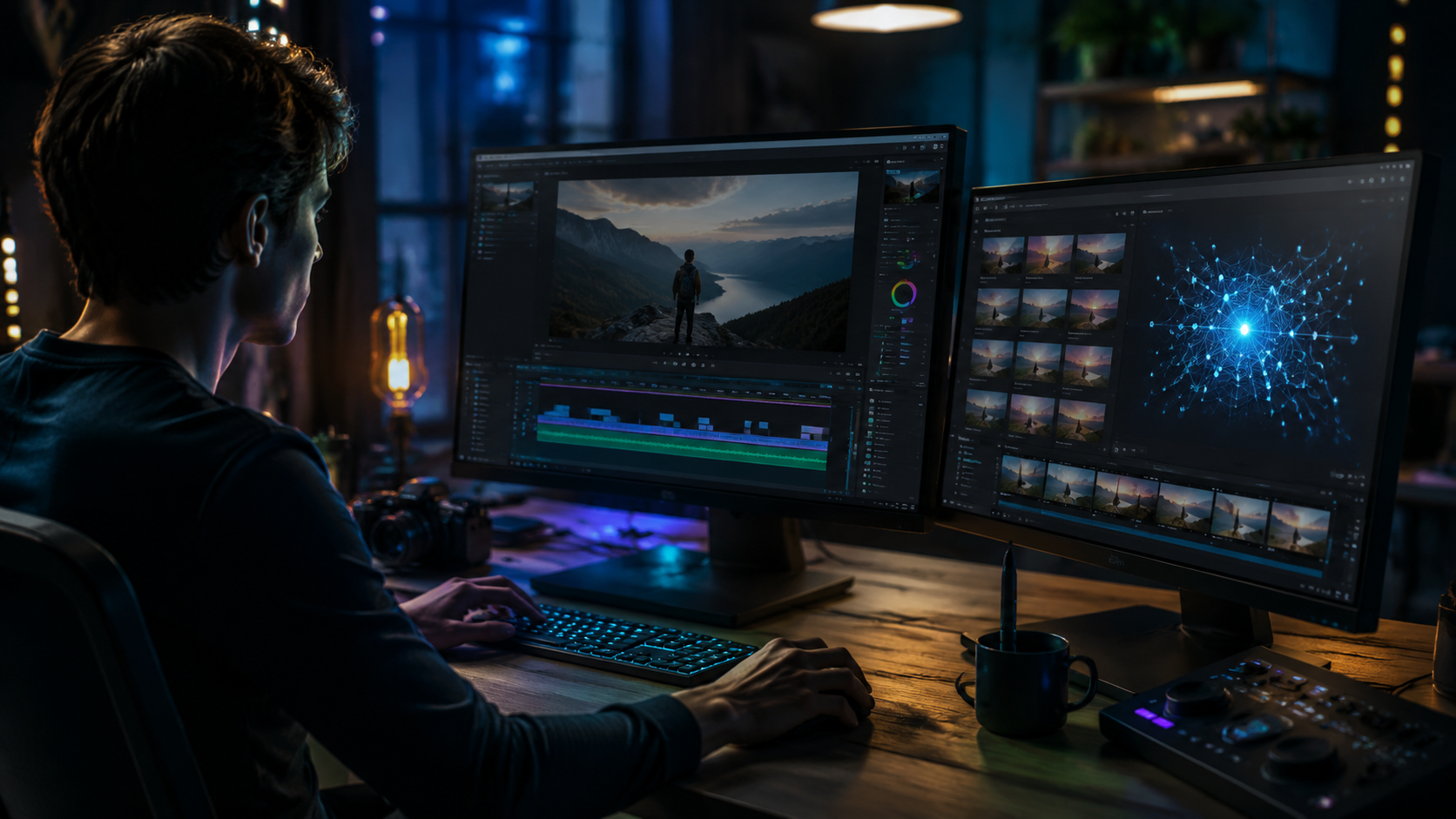
Windows users in 2026 have access to a suite of cutting-edge AI video editors. Adobe’s Premiere Pro, now enhanced with Firefly AI, leads the pack with features like automated color matching and AI-driven transitions. According to ProVideo Coalition, Eddie AI and Quickture are also gaining traction for their intuitive scene selection and editing assistance, particularly in documentary and event videography.
Microsoft’s native AI tools, including the updated Clipchamp, offer AI-powered trimming, background removal, and smart cropping. These features are optimized for Windows 11 and later, leveraging NVIDIA’s AI acceleration for real-time processing. For creators seeking advanced automation, Digen AI Agent provides a unique solution by handling multi-step workflows, such as consistent character generation and dynamic scene adjustments.
The table below compares key features of the top AI video editing tools for Windows 2026:
| Tool | Key Features | Best For |
|---|---|---|
| Adobe Premiere Pro + Firefly | AI color grading, automated transitions | Professional editors |
| Eddie AI | Scene selection, rough cut automation | Documentary filmmakers |
| Microsoft Clipchamp | AI trimming, background removal | Casual users |
| Digen AI Agent | Multi-step workflows, character consistency | Long-form content creators |
How AI is Transforming Video Editing Workflows
AI video editing for Windows 2026 is not just about automation—it’s about redefining creative workflows. Adobe’s Firefly, for example, uses generative AI to suggest edits based on the editor’s style, reducing manual adjustments by up to 50%. This is particularly useful for color grading, where AI can analyze footage and apply consistent tones across clips.
Tools like Eddie AI take this further by automating the tedious process of selecting the best takes from hours of raw footage. According to ProVideo Coalition, this feature alone saves editors an average of 3-5 hours per project. For Windows users, NVIDIA’s AI acceleration ensures these processes run smoothly, even on mid-range hardware.
Digen AI Agent exemplifies the next wave of AI editing, where autonomous workflows handle everything from scene transitions to character consistency. This is especially valuable for creators producing serialized content, as the AI maintains visual and tonal coherence across episodes. The result is a faster, more efficient editing process without sacrificing quality.
The Role of NVIDIA and Microsoft in AI Video Editing
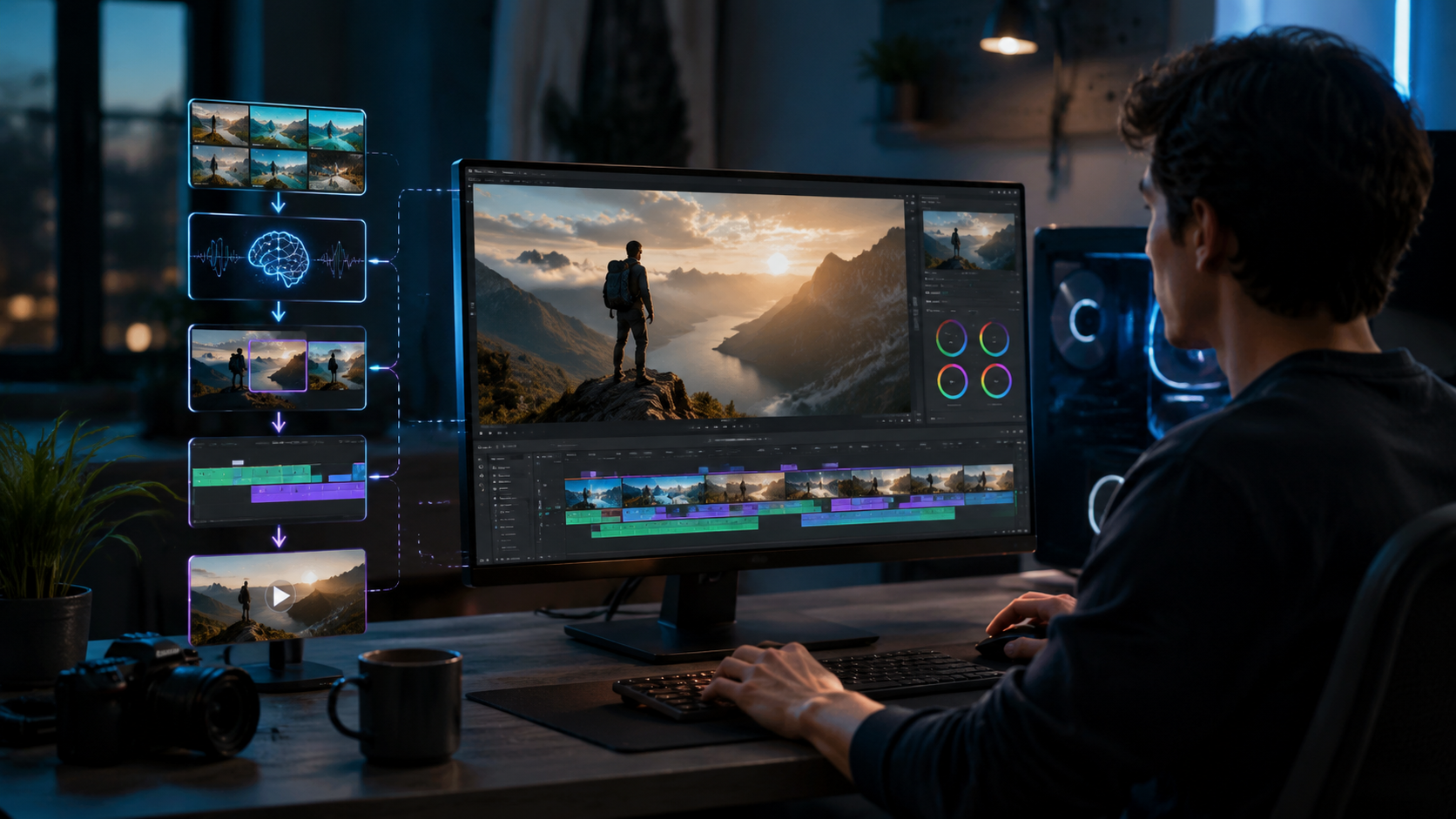
NVIDIA and Microsoft’s partnership has been pivotal in bringing AI video editing to mainstream Windows users. According to NVIDIA, their latest GPUs are optimized for AI tasks, enabling real-time rendering and effects processing in tools like Premiere Pro and Clipchamp. This hardware-software synergy is a game-changer for creators who need performance without expensive workstations.
Microsoft’s April 2026 update introduced native AI enhancements to Clipchamp, including smart cropping and background removal. These features are designed to work seamlessly with NVIDIA’s AI acceleration, making high-quality editing accessible to casual users. The integration also extends to third-party tools like Digen AI Agent, which benefits from the improved processing power.
The collaboration between these tech giants ensures that AI video editing for Windows 2026 is not just a niche feature but a standard capability. With NVIDIA’s AI-optimized GPUs and Microsoft’s software updates, even budget-friendly laptops can now handle advanced editing tasks that were once reserved for high-end desktops.
Future Trends in AI Video Editing
The future of AI video editing for Windows 2026 is poised for even greater advancements. Adobe’s acquisition of Topaz Labs, as reported by Digital Camera World, signals a move toward integrating AI-powered photo and video tools into a unified ecosystem. This could lead to cross-platform features that streamline workflows for multimedia creators.
Another emerging trend is the use of AI for real-time collaboration. Tools like Digen AI Agent are exploring ways to allow multiple editors to work on the same project simultaneously, with AI handling version control and consistency. This is particularly relevant for remote teams, where seamless collaboration is essential.
Finally, expect AI to play a larger role in personalized content creation. Microsoft’s AI editors are already experimenting with templates that adapt to the user’s style, while Adobe’s Firefly can generate custom transitions and effects. As these technologies mature, the line between human and AI creativity will continue to blur.
Choosing the Right AI Video Editor for Your Needs
Selecting the best AI video editing tool for Windows 2026 depends on your specific needs. For professionals, Adobe Premiere Pro with Firefly AI offers the most comprehensive feature set, including advanced color grading and automated transitions. According to Adobe, these features can cut editing time by up to 70%, making it ideal for tight deadlines.
Casual users and content creators may prefer Microsoft’s Clipchamp, which provides AI-powered trimming and effects without a steep learning curve. For those focused on long-form content, Digen AI Agent’s multi-step workflows ensure consistency and quality across extended projects. The tool’s ability to autonomously handle complex edits sets it apart from simpler AI assistants.
Ultimately, the best choice balances power, ease of use, and compatibility with your hardware. With NVIDIA and Microsoft optimizing Windows for AI, even mid-range systems can now run advanced editors smoothly. Whether you’re a hobbyist or a professional, AI video editing for Windows 2026 has a solution tailored to your workflow.

Frequently Asked Questions
What is AI video editing for Windows 2026?
AI video editing for Windows 2026 refers to the integration of generative AI tools into video editing software, enabling automated tasks like scene selection, color correction, and consistency enhancements. Leading solutions include Adobe’s Firefly, Eddie AI, and Microsoft’s native AI editors.
How does Adobe Firefly improve video editing?
Adobe Firefly enhances video editing by automating color grading, suggesting edits based on the editor’s style, and reducing manual adjustments by up to 50%. It integrates seamlessly with Premiere Pro, streamlining workflows for professionals.
What makes Digen AI Agent unique?
Digen AI Agent stands out for its autonomous multi-step workflows, which ensure character consistency and higher output quality for longer videos. It’s ideal for creators who need polished, coherent results without manual intervention.
Are AI video editors suitable for beginners?
Yes, tools like Microsoft’s Clipchamp are designed for casual users, offering AI-powered trimming and effects with minimal learning curves. Advanced options like Adobe Premiere Pro and Digen AI Agent cater to professionals but also include intuitive features for beginners.
How does NVIDIA optimize Windows for AI video editing?
NVIDIA’s latest GPUs are optimized for AI tasks, enabling real-time rendering and effects processing in tools like Premiere Pro and Clipchamp. This hardware-software synergy makes advanced editing accessible on mid-range Windows PCs.
Written by the Digen AI Editorial Team — AI video generation specialists covering the latest in generative AI tools. Learn more about Digen AI.



Comments ()