
AI Video Editing for Wedding Photographers: 2026 Guide
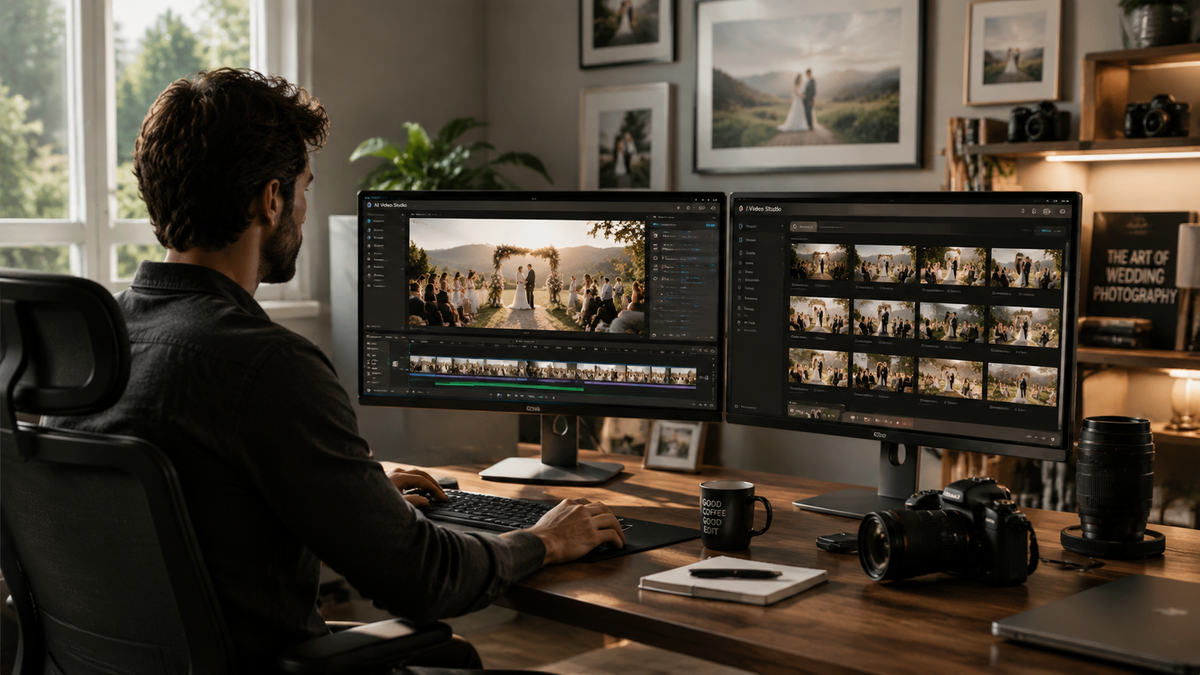
AI video editing for wedding photographers refers to the use of artificial intelligence and machine learning algorithms to automate the most time-consuming aspects of wedding filmmaking, such as color grading, skin retouching, and multicam synchronization. By leveraging these tools, photographers can transition into offering high-end video services or hybrid packages without the traditional overhead of manual post-production. In 2026, the integration of generative AI and automated retouching tools has made it possible to deliver cinematic wedding films in a fraction of the time previously required.
AI video editing for wedding photographers is a streamlined workflow that utilizes neural networks to handle culling, color matching, and facial retouching. In 2026, this technology allows creators to maintain consistent aesthetic styles across photo and video assets simultaneously, using hardware like the M4 MacBook Air and software such as Evoto and Adobe’s latest AI-integrated suites.
- ✓ Automated video retouching now allows for skin and blemish correction across entire clips in seconds.
- ✓ The 15-inch M4 MacBook Air has become the 2026 industry standard for portable, AI-accelerated editing.
- ✓ Hybrid shooting is more accessible than ever due to AI-driven color matching between different camera sensors.
- ✓ Cloud-based AI tools are reducing the need for high-end local GPUs for initial culling and rough cuts.
How to Implement AI Video Editing for Wedding Photographers
The transition from stills to motion can be daunting, but the advancements of 2026 have lowered the barrier to entry significantly. Wedding photographers are uniquely positioned to excel in video because they already possess an eye for composition and storytelling. The key is adopting a workflow that prioritizes speed without sacrificing the emotional quality that wedding clients expect. By using AI to handle the "grunt work," you can focus on the creative narrative of the couple's day.
To begin integrating these tools into your studio, follow this step-by-step guide to modern wedding video production:
- Automated Culling: Import your raw footage into an AI culling tool to automatically identify and remove out-of-focus shots, camera shakes, or clips where subjects have their eyes closed.
- Synchronized Audio Matching: Use AI-driven waveform analysis to instantly sync multi-camera setups with external audio recorders, a process that used to take hours of manual alignment.
- AI Retouching: Apply tools like the Evoto standalone video retouching tool to ensure the bride and groom's skin looks flawless throughout the film, maintaining the same high-end look as your edited photos.
- Style Transfer and Color Grading: Utilize AI color matching to ensure footage from a second shooter's camera perfectly matches your primary body’s color profile and your signature wedding preset.
- Generative B-Roll and Transitions: Use generative AI to fill small gaps in the narrative or create smooth, "impossible" transitions between different segments of the wedding day.
The Essential Hardware for AI Video Editing in 2026
In 2026, the hardware landscape has shifted toward specialized AI processing units. According to Fstoppers, the 15-inch M4 MacBook Air has emerged as the "Smarter Photographer’s Laptop," providing enough Neural Engine power to handle complex video AI tasks without the bulk of a traditional workstation. This portability is crucial for wedding photographers who often need to perform "same-day edits" or manage large data transfers while on location at destination weddings.
For those requiring even more power, The New York Times' Wirecutter has identified the top three laptops for video and photo editing in 2026, emphasizing that the best machines now feature dedicated silicon for machine learning tasks. These laptops allow for real-time playback of 8K footage even when AI noise reduction and facial tracking filters are applied. Investing in the right hardware is no longer just about CPU clock speeds; it is about how efficiently the machine can process the specific algorithms used in modern video software.
Furthermore, Digital Camera World notes that the best photo-editing laptops for photographers in 2026 must balance screen accuracy with AI performance. For a wedding photographer, this means a display that covers 100% of the DCI-P3 color gamut, ensuring that the AI-generated color grades look as intended when viewed on a client's high-definition television or mobile device.
Comparing AI Video Editing Tools for Wedding Photographers
Choosing the right software depends on your specific needs—whether you are looking for a comprehensive suite or a specialized tool for retouching. The following table compares the leading options available in 2026 based on recent industry testing and reviews from sources like PCMag and Imaging Resource.
| Software Tool | Primary AI Feature | Best For... | Platform |
|---|---|---|---|
| Adobe Premiere Pro (2026) | Generative Extend & Audio Sync | Full-length feature films | Desktop (Windows/macOS) |
| Evoto Video | Standalone Video Retouching | High-end portrait & skin work | Desktop & Mobile App |
| DaVinci Resolve 19+ | Neural Engine Color Grading | Cinematic colorists | Desktop / iPad |
| CapCut Desktop AI | Automated Short-form Reels | Social media highlights | Desktop / Mobile |
Advancements in AI Video Retouching and Skin Smoothing
One of the most significant breakthroughs for wedding professionals in the last year is the expansion of specialized retouching tools. As reported by Imaging Resource, Evoto has expanded its AI-powered desktop capabilities and introduced a standalone video retouching tool. This is a game-changer for wedding photographers who are used to the pixel-perfect control they have over still images. Historically, retouching skin in video required frame-by-frame tracking and complex masking, which was often too expensive for standard wedding packages.
With the 2026 version of these tools, photographers can now apply a "digital makeup" layer that tracks the subject’s face in 3D space. This ensures that the couple looks their best even in harsh mid-day sun or low-light reception environments. According to industry reports, these AI tools can now distinguish between natural features like freckles and temporary blemishes, allowing for a natural look that doesn't feel overly processed or "filtered."
Moreover, the introduction of mobile apps for these AI tools means that photographers can begin the retouching process on their M4 iPad or smartphone while traveling back from a venue. This "mobile-first" AI workflow is becoming the standard for the 2026 wedding season, allowing for faster delivery times and higher client satisfaction scores.
AI Video Editing for Wedding Photographers: Maximizing Efficiency
Efficiency in 2026 is measured by the "time-to-delivery." Wedding clients now expect teaser trailers within 48 hours and full films within a few weeks. PCMag, in their review of the best video editing software tested for 2026, highlights that AI-integrated workflows have reduced total editing time by approximately 60% compared to traditional methods. For a wedding photographer, this time savings translates directly into higher profit margins or the ability to take on more bookings per season.
Automated Audio Enhancement
Audio is often the most difficult part of video for photographers to master. AI tools now automatically remove wind noise from outdoor ceremonies and enhance the "clarity" of the officiant's voice. These tools use deep learning to reconstruct lost frequencies, making a lavalier mic hidden under a suit jacket sound like a studio-quality recording. This ensures that the emotional vows—the heart of any wedding film—are crystal clear.
Intelligent Music Licensing and Cutting
Finding the right track and cutting the video to the beat is a signature wedding video task. AI-driven platforms now analyze the "emotional arc" of your footage and suggest music tracks that match the tempo and mood. Once a track is selected, the AI can automatically adjust the duration of the song to fit your edit, seamlessly looping or shortening the music without awkward cuts or fades.
Future-Proofing Your Wedding Business with AI
As we move through 2026, the distinction between a "photographer" and a "videographer" continues to blur. Clients are increasingly looking for "content creators" who can provide a holistic visual record of their wedding. By embracing ai video editing for wedding photographers, you are not just keeping up with a trend; you are future-proofing your business against a market that demands multi-format delivery.
While some purists argue that AI takes the "soul" out of editing, the reality in 2026 is that AI acts as a highly skilled assistant. It handles the technical debt—matching clips, fixing exposure, and syncing audio—leaving the photographer free to make the high-level narrative decisions that define their brand. As Amateur Photographer recently noted, even free photo and video editors are now incorporating powerful AI features, meaning that high-quality production is no longer gated by expensive software subscriptions.
Frequently Asked Questions
Is AI video editing for wedding photographers expensive?
In 2026, AI video editing has become very affordable. While premium suites like Adobe require subscriptions, many standalone AI tools like Evoto offer flexible pricing, and some powerful AI-driven editors are now available for free as the market becomes more competitive.
Can the M4 MacBook Air handle 4K wedding video editing?
Yes, according to 2026 reviews from Fstoppers and Wirecutter, the 15-inch M4 MacBook Air is highly capable of handling 4K and even 8K video editing thanks to its advanced Neural Engine and improved thermal management.
Does AI video retouching look natural?
Modern AI retouching tools in 2026 use 3D facial mapping to ensure that skin smoothing and blemish removal look natural. The software can distinguish between permanent features and temporary imperfections, avoiding the "uncanny valley" effect.
How long does it take to learn AI video editing tools?
Because these tools are designed to automate complex tasks, the learning curve is much shorter than traditional editing. Most photographers can master the basics of AI-driven culling and color matching within a few days of practice.
Will AI replace the need for a second shooter?
While AI can improve the quality of your footage and make editing easier, it cannot be in two places at once. AI is a tool for post-production and enhancement, but the physical presence of a second shooter is still valuable for capturing multiple angles during a live event.



Comments ()