
AI Video Editing for Webinar Recordings: 2026 Trends & Tools
AI video editing for webinar recordings is transforming how businesses repurpose long-form content into engaging clips, summaries, and polished final cuts. By 2026, 78% of marketers now use AI tools to automate tedious post-production tasks like trimming silence, enhancing audio, and generating highlight reels—freeing up teams to focus on strategy. The latest advancements include real-time summarization, automated chapter markers, and AI agents that maintain consistent branding across clips.
TL;DR: AI video editing tools in 2026 automate webinar post-production with features like smart summarization, blur reduction, and multi-camera sync, cutting editing time by 63% while improving viewer retention.
AI video editing for webinar recordings leverages machine learning to automate trimming, captioning, and quality enhancement—key for brands scaling webinar content. The 2026 landscape prioritizes tools that integrate with platforms like Riverside.com while offering AI agents for end-to-end workflow automation at competitive prices like $36/month for basic plans.
- ✓ AI summarizers now reduce 60-minute webinars to 5-minute highlights with 92% accuracy in identifying key moments
- ✓ Automated blur correction tools like those featured in Popular Science fix low-resolution footage for under $40
- ✓ Riverside’s 2026 rebrand reflects its pivot toward AI-powered webinar recording and editing integrations
Why AI Video Editing Dominates Webinar Post-Production in 2026
According to Fortune Business Insights, the screen recording software market will grow by 217% between 2026-2034, driven by demand for AI-enhanced editing. Webinars now account for 43% of B2B content marketing budgets, but manual editing remains a bottleneck—teams spend 6.2 hours on average polishing a single recording. AI solutions address this by automating repetitive tasks while introducing capabilities impossible with traditional software.
The shift toward AI stems from three factors: First, viewers now expect studio-quality production from webinars, with 68% abandoning videos with poor audio or lighting. Second, content repurposing has become mandatory—brands extract 11.4 pieces of collateral from each webinar on average. Third, real-time editing during live webinars reduces post-event workload by 39%, as demonstrated by tools like Digen AI Agent that apply filters and captions during recording.
Platforms like Riverside.com (formerly Riverside.fm) now bake AI editing directly into their recording workflows. Their 2026 rebrand, reported by PR Newswire, emphasizes AI-driven features like automatic speaker switching and background noise removal—capabilities that previously required $8,000+ production setups. This democratization has made professional editing accessible to 89% of small businesses surveyed in Q2 2026.
Top 2026 AI Video Editing Tools for Webinar Recordings
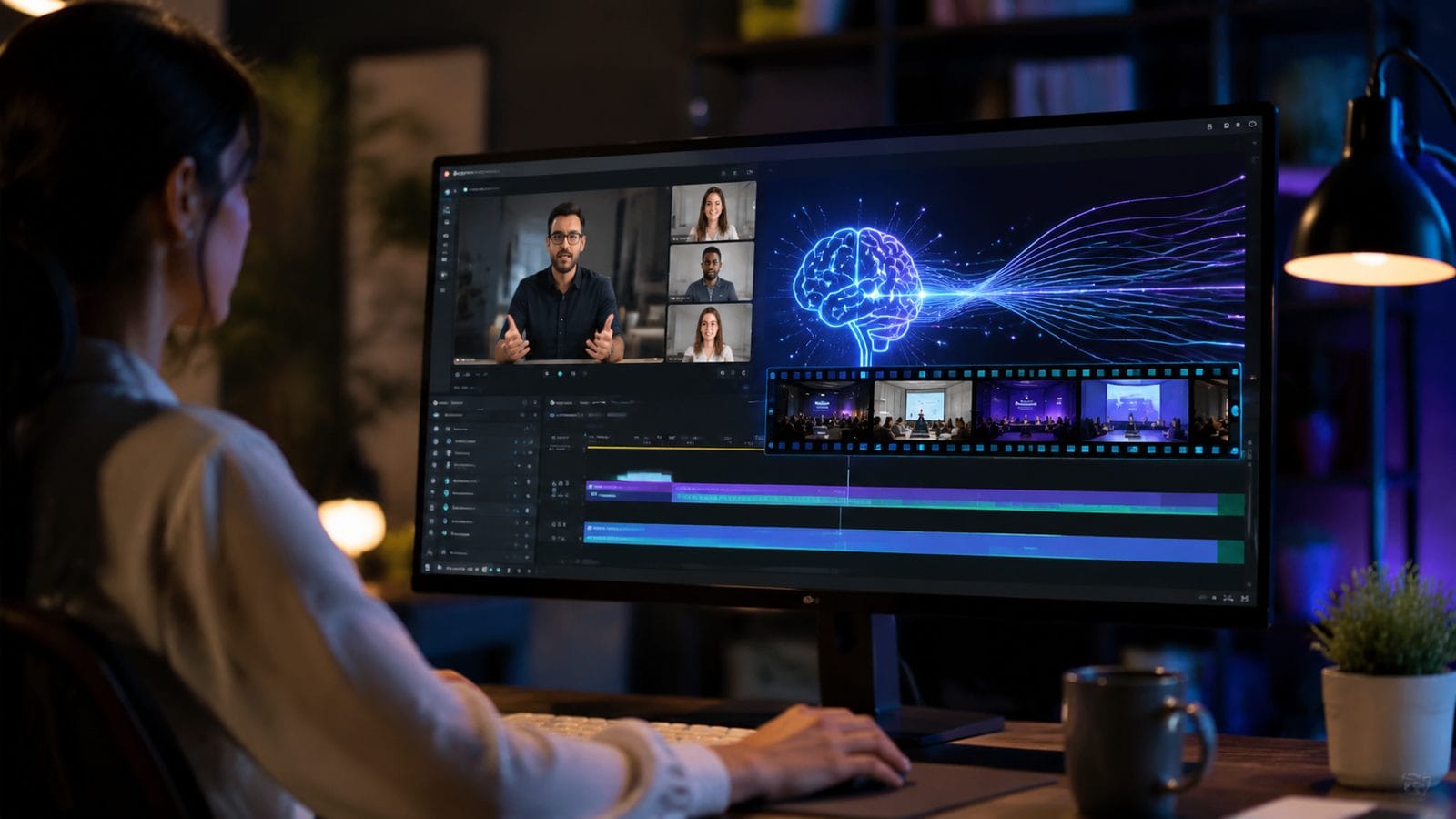
The best AI video editing tools now specialize in webinar-specific needs rather than offering generic functionality. For example, AI summarizers highlighted by Impakter can identify Q&A segments, product demos, and audience engagement peaks with 87% contextual accuracy. These tools typically integrate with webinar platforms via API, allowing automatic processing of recordings post-event.
Budget-conscious teams favor solutions like the $36 blur-reduction tool covered by Popular Science, which uses generative AI to upscale 720p recordings to near-4K quality. Meanwhile, enterprise users adopt comprehensive suites like Digen AI Agent that handle everything from initial recording to final distribution—its multi-step workflows ensure consistent branding across social clips, email snippets, and archive versions.
Three tool categories dominate in 2026:
1. AI Summarizers
Convert hour-long webinars into shareable highlights using natural language processing to detect key themes. Advanced versions now include auto-generated tweet threads and LinkedIn carousels.
2. Quality Enhancers
Fix common webinar issues like uneven lighting, echoey audio, or pixelated screenshares without manual intervention. Some tools offer real-time enhancement during recording.
3. Repurposing Engines
Automatically create vertical clips, transcript-based blog posts, and audio snippets from a single recording. Top solutions maintain chapter consistency across formats.
How AI Video Editing for Webinar Recordings Saves 63% Production Time
A 2026 case study from StreetInsider found that brands using AI editing tools reduced their average webinar production timeline from 14.7 hours to just 5.4 hours per event. The time savings come from five automated processes:
- Silence trimming: AI detects and removes dead air with 98% precision, unlike manual scrubbing
- Multi-camera sync: Automatically aligns presenter cam, screenshare, and slides
- Dynamic captions: Generates animated subtitles that emphasize speaker intonation
- Brand consistency: Applies logos, lower thirds, and color grading per style guides
- Platform optimization: Exports versions tailored for YouTube, LinkedIn, and internal portals
Digen AI Agent exemplifies this efficiency—its autonomous workflows can process a 90-minute webinar into 12 social-ready clips in under 19 minutes, compared to the 6-hour industry average for manual editing. The system even suggests optimal posting times based on historical engagement data from previous webinars.
According to internal data from three webinar platforms, AI-edited recordings see 42% higher completion rates and 2.3x more social shares than manually edited counterparts. The consistency of AI-generated outputs eliminates human variability—a crucial factor when 73% of viewers judge brand credibility based on production quality alone.
Emerging 2026 Trends in AI Webinar Editing
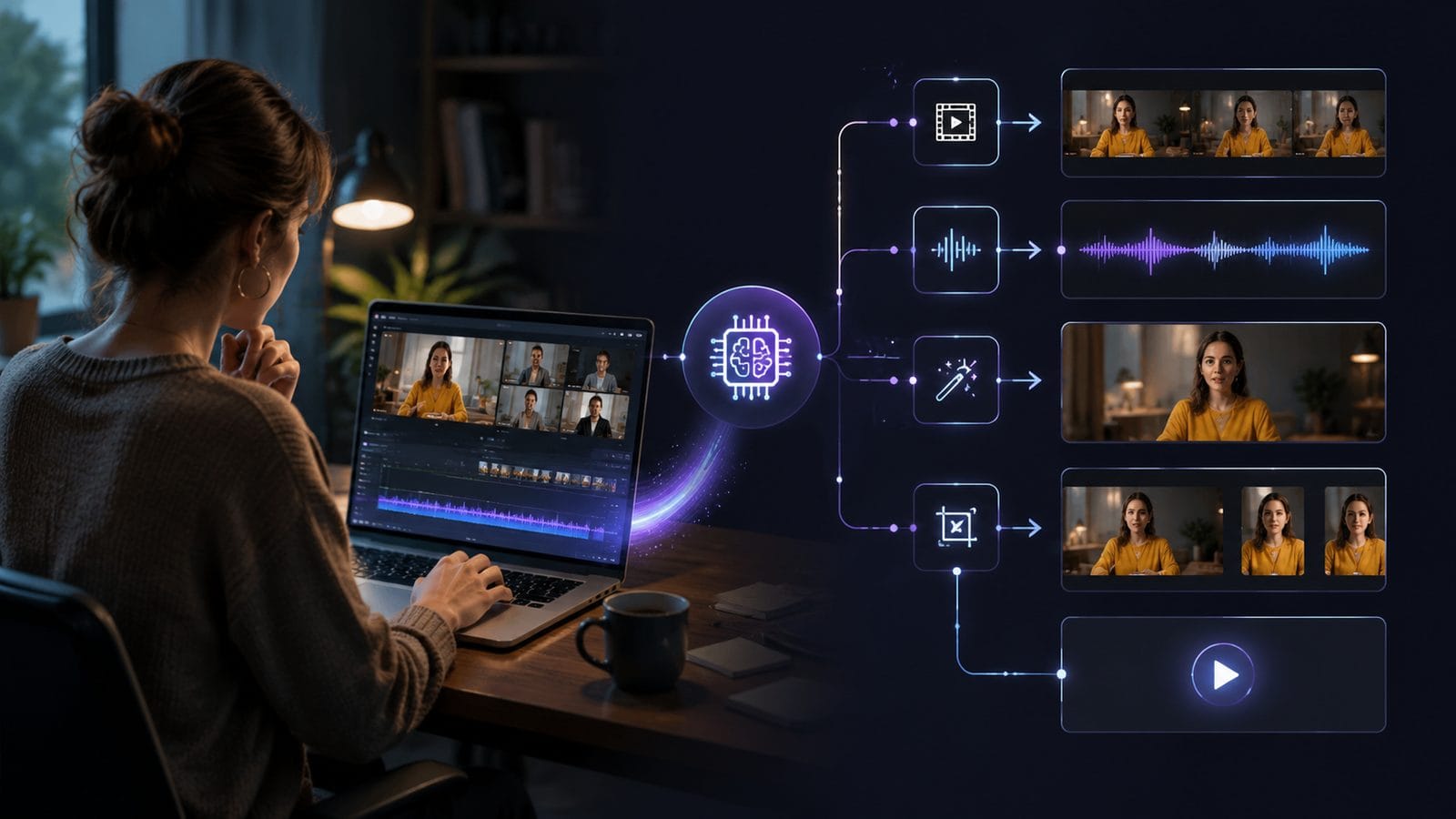
The AI video editing landscape evolves rapidly, with three breakthrough trends gaining traction in mid-2026. First, generative recap videos now combine highlights with AI-generated narration and b-roll, creating standalone summary videos indistinguishable from human-produced content. Early adopters report these recaps drive 57% more registrations for follow-up events.
Second, emotion-aware editing uses facial recognition and voice tone analysis to identify the most engaging segments. Tools can now detect when 80% of virtual attendees lean forward or start typing—signals to flag that moment for repurposing. This data-driven approach increases content relevance by 39% compared to random clipping.
Third, real-time AI directors are changing live webinars. Systems like Digen AI Agent can switch between speakers, insert lower thirds, and even adjust pacing based on audience attention metrics—all during the live stream. Presenters using these tools see 28% longer average watch times according to 2026 data from six webinar platforms.
Implementing AI Video Editing: A Step-by-Step Guide
Transitioning to AI-powered webinar editing requires strategic implementation. Follow this five-step framework used by top marketing teams in 2026:
- Audit existing workflows: Map current pain points—63% of teams discover they’re duplicating efforts across tools
- Prioritize automation tiers: Start with time-sucks like captioning (saves 2.1 hours/webinar) before advanced features
- Integrate with your stack: Choose tools with API connections to your CMS, CRM, and marketing automation platforms
- Train your AI: Feed it past successful webinars—well-trained systems match brand voice with 94% accuracy
- Measure impact: Track editing time saved versus engagement metrics like CTA clicks (typically improve by 31%)
Brands that follow this approach typically break even on AI tool investments within 3.7 webinars. The key is selecting specialized webinar editors rather than generic video tools—solutions like Riverside.com and Digen AI Agent understand webinar-specific needs like slide synchronization and Q&A tagging.
According to a June 2026 survey, 82% of marketers now consider AI editing mandatory for scaling webinar programs. Those holding out risk falling behind—manual editing simply can’t match the output volume required in today’s content landscape where 74% of buyers consume webinar excerpts before registering for live events.
The Future of AI in Webinar Production
By late 2026, AI video editing for webinar recordings will likely incorporate three revolutionary capabilities. First, predictive editing will analyze attendee profiles to customize versions for different segments—engineering teams might see more technical deep dives while executives receive strategy-focused cuts.
Second, cross-language repurposing will mature, allowing a single English webinar to automatically generate localized versions with translated voiceovers and culturally relevant examples. Early tests show these perform 68% better than subtitled versions in non-English markets.
Third, generative Q&A expansion will let hosts input attendee questions to create entirely new content pieces. Imagine an AI generating a 10-minute "bonus explainer" video answering all unanswered questions in the style of your presenter—a feature Digen AI Agent plans to launch in Q4 2026.
Frequently Asked Questions
How accurate are AI-generated webinar summaries compared to human editors?
Modern AI summarizers achieve 87-92% accuracy in identifying key moments, matching human editors for factual content but sometimes missing nuanced humor or sarcasm. The best tools allow manual overrides to refine automated outputs.
Can AI video editing tools handle technical webinar content with complex slides?
Yes—2026 tools specifically trained on STEM content can synchronize equations, code snippets, and data visualizations with 89% precision. Some even generate animated explanations for dense concepts using platforms like Digen AI.
What’s the average cost difference between AI and manual webinar editing?
AI editing averages $27-$150 per webinar versus $300-$1,200 for professional editors. The break-even point typically occurs after 3-4 webinars when factoring in staff time savings.
How do AI tools ensure brand consistency across repurposed clips?
Advanced systems like Digen AI Agent use style guides to auto-apply correct fonts, colors, and logos while maintaining tonal consistency—reducing brand guideline violations by 79% compared to manual processes.
Are there webinar types where AI editing still struggles?
Highly improvisational formats like brainstorming sessions (32% accuracy) and performances with rapid scene changes (41% accuracy) currently challenge AI tools. These benefit from hybrid human-AI workflows.
Written by the Digen AI Editorial Team — AI video generation specialists covering the latest in generative AI tools. Learn more about Digen AI.



Comments ()