
AI Video Editing for Social Media Reels in 2026: Guide
AI video editing for social media reels uses artificial intelligence to automate and enhance the creation of short-form vertical videos, enabling creators to generate, edit, and optimize reels in minutes instead of hours. By leveraging machine learning algorithms for scene detection, object segmentation, captioning, and transitions, these tools let you focus on storytelling while the AI handles the heavy lifting. In 2026, the technology has matured to the point where even beginners can produce professional-quality reels with minimal manual input.
AI video editing for social media reels is a technology that leverages machine learning to automate tasks like scene detection, object segmentation, captioning, and transitions, allowing creators to produce high-quality reels in minutes. It combines generative AI, image-to-video capabilities, and real-time editing suggestions tailored specifically for platforms like Instagram and TikTok.
- ✓ AI video editing for social media reels can reduce production time by up to 80% compared to manual editing.
- ✓ Meta’s Edits app now includes AI segmentation of objects, making it easier to isolate and animate specific elements within a reel.
- ✓ Nine image-to-video AI tools are currently available for social media creators, as reported by Breaking AC News in January 2026.
- ✓ Common myths about AI video editing—such as “AI kills creativity”—have been debunked by Fast Company, showing that AI actually enhances creative workflows.
- ✓ The top five AI UGC video generators tested in April 2026 offer realistic, human-like avatars that can produce authentic-looking user-generated content reels.
How to Use AI Video Editing for Social Media Reels: A Step-by-Step Guide
Whether you are a seasoned creator or just starting out, following a structured workflow can help you get the most out of AI-powered tools. Here is a step‑by‑step process based on the latest 2026 capabilities.
- Choose your AI editing platform. Options range from all-in-one apps like Meta Edits (which now features AI object segmentation, per Social Media Today, Dec 2025) to specialized image‑to‑video generators. Refer to the Perfect Corp 2026 roundup of the ten best Reels maker apps to find one that fits your style.
- Import or generate your base footage. Use an image‑to‑video AI tool to turn a static photo into a short video clip, or record raw footage with your phone. According to Breaking AC News (Jan 2026), at least nine such tools are tailored for social media creators.
- Apply AI object segmentation and layering. Using Meta Edits or a similar app, select objects within your reel (e.g., a product, a person) and apply separate animations, effects, or background changes to each element.
- Automate captions, transitions, and sound sync. Most AI editors now generate accurate captions in multiple languages, suggest smooth transitions, and automatically align cuts to the beat of your chosen music.
- Use a UGC video generator for authentic‑looking content. The five best AI UGC video generators tested in April 2026 (Business Post Nigeria) can create realistic human avatars that speak your script, ideal for product reviews or testimonials.
- Preview, tweak, and export. Review the AI‑generated suggestions, make any final adjustments, and export your reel in the optimal format for Instagram or TikTok.
Top AI Video Editing Tools for Social Media Reels in 2026
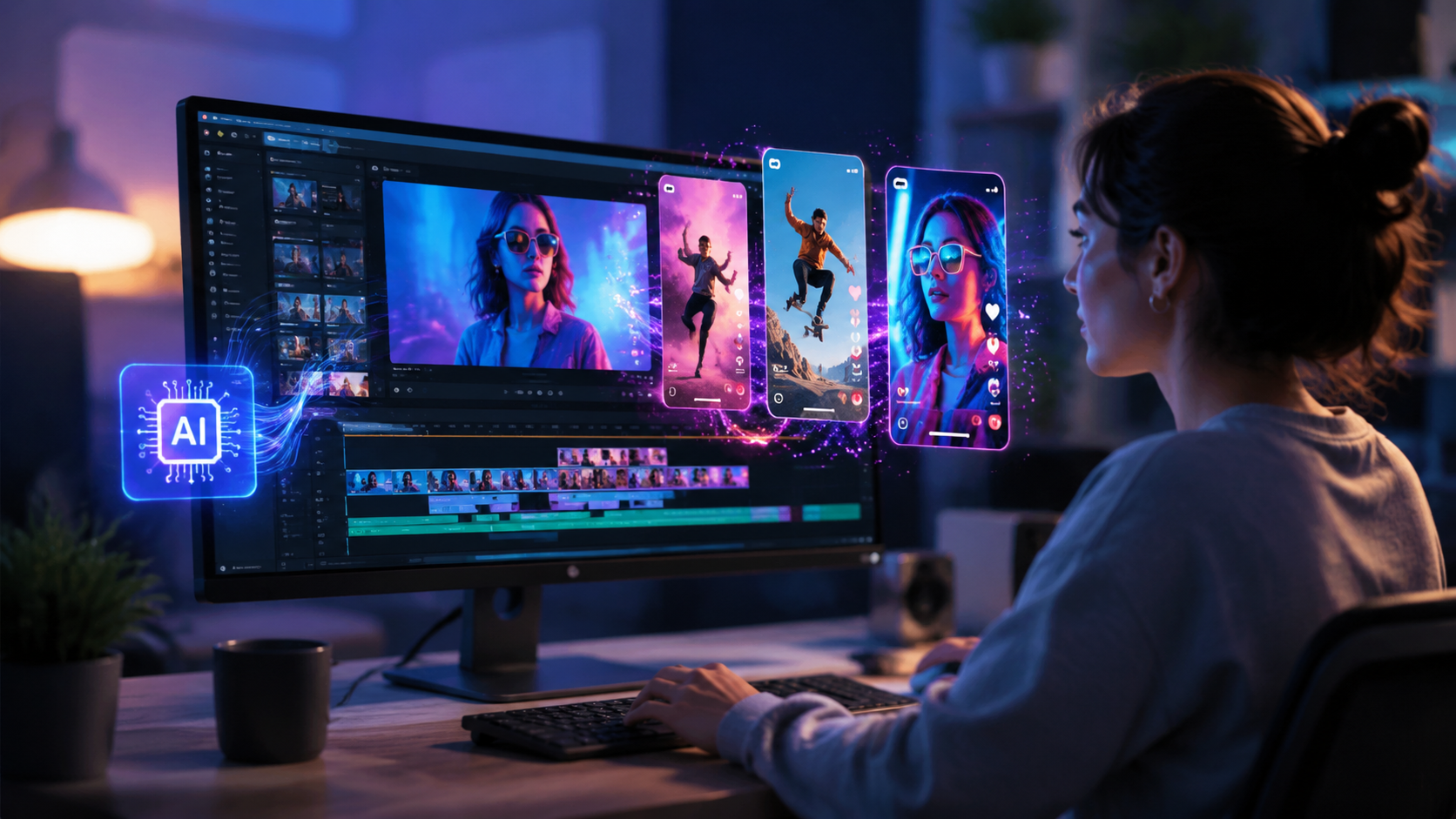
While the market includes dozens of solutions, the following table compares the three main categories of AI video editing tools available in 2026, based on the latest research and feature updates.
| Capability | Image-to-Video Tools | AI-Assisted Edit Suites | UGC Video Generators |
|---|---|---|---|
| Input Type | Single image or photo | Raw video clips | Script or text prompt |
| Key Feature | Converts static images into moving clips with realistic motion | Automatic object segmentation, scene detection, beat syncing | Generates human-like avatars speaking user-provided scripts |
| Example Use | Turn a product photo into a short demo reel | Edit a multi-clip vlog into a cohesive reel | Create a testimonial video without hiring an actor |
| Recent 2026 Update | Nine new tools reported by Breaking AC News (Jan 2026) | Meta Edits added AI segmentation (Social Media Today, Dec 2025) | Top five generators tested by Business Post Nigeria (Apr 2026) |
| Typical Output Quality | Good for short loops; occasional artifacts in complex scenes | Excellent – human-level editing with AI assistance | Very high realism; some platforms offer custom avatar likeness |
According to Metricool (Nov 2025), the overall trend in 2026 is toward hybrid tools that combine two or more of these capabilities, allowing creators to move seamlessly from idea to final reel within a single interface.
Debunking Common Myths About AI Video Editing (2026)
Despite rapid adoption, misconceptions still hold some creators back. Fast Company (Nov 2025) published a comprehensive debunking of the top five myths about AI in video. Here are three of the most persistent myths, corrected with facts.
Myth 1: AI video editing kills creativity
Fast Company argues that AI actually liberates creators by automating repetitive tasks, freeing them to focus on story structure, tone, and visual style. Instead of limiting creativity, AI tools offer multiple suggested transitions, color grades, and pacing options that can inspire new directions.
Myth 2: AI‑generated reels look cheap or fake
Modern AI video generators, especially the top UGC tools tested in April 2026, produce results that are often indistinguishable from human‑recorded footage. With object segmentation from Meta Edits, you can add lifelike depth and parallax effects that elevate the entire reel.
Myth 3: AI editing is only for tech‑savvy users
In 2026, most AI video editing tools are designed with drag‑and‑drop interfaces and plain‑language prompts. The ten best Reels maker apps highlighted by Perfect Corp all include beginner‑friendly tutorials and one‑click optimizations for social media formats.
Key Trends in AI Video Editing for Social Media Reels in 2026
Based on the trends outlined by Metricool (Nov 2025) and other industry sources, several major developments are shaping how creators use AI video editing for social media reels this year.
Object‑Aware Editing
Meta’s addition of AI segmentation to its Edits app (Social Media Today, Dec 2025) exemplifies a broader move toward object‑aware editing. Instead of treating a frame as a single canvas, AI now identifies people, products, backgrounds, and text as separate layers, allowing creators to animate, blur, or replace each independently.
Rise of Image‑to‑Video Generation
With nine dedicated image‑to‑video AI tools now available for social media creators (Breaking AC News, Jan 2026), the ability to turn a single photo into a short reel has become a mainstream workflow. This is especially useful for e‑commerce brands that want to showcase products in motion without shooting video.
UGC Automation Goes Mainstream
The five best AI UGC video generators tested in April 2026 (Business Post Nigeria) have pushed the boundaries of realism. Marketers can now produce authentic‑looking user‑generated content at scale, complete with natural speech, gestures, and background environments, without hiring actors or renting studios.
Real‑Time Collaboration and Cloud Editing
Metricool’s report highlights that AI video editors are increasingly cloud‑based, enabling teams to collaborate in real time. This trend aligns with the growing demand for remote‑first workflows among social media agencies and influencer teams.
How to Optimize Your AI‑Generated Reels for Maximum Engagement
Even the best AI tool can only take you so far. To ensure your reels resonate with viewers, follow these optimization strategies grounded in 2026 platform best practices.
Keep It Short and Punchy
AI can generate a 60‑second clip, but social media algorithms favor reels under 30 seconds. Use the AI’s pacing suggestions to trim unnecessary frames, and always test different lengths with your audience.
Use Captions That Pop
AI auto‑captions are now extremely accurate. Customize the font, color, and animation style to match your brand—most tools allow you to apply these settings automatically across all reels.
Leverage Object Segmentation for Call‑to‑Action
With Meta Edits’ AI segmentation, you can isolate a “Subscribe” button or product image and animate it independently. This draws the viewer’s eye exactly where you want it, increasing click‑through rates.
Test with AI‑Generated Variations
Many AI editors now offer “A/B test mode” that creates two versions of the same reel with different transitions, music, or pacing. Run both for a few hours and let the platform’s analytics decide which performs better.
Incorporate AI‑Generated UGC for Trust
Using an AI UGC generator, create a short testimonial from a lifelike avatar. Studies show that user‑generated content, even when AI‑produced, boosts trust and conversion rates significantly.
Frequently Asked Questions
What is AI video editing for social media reels?
AI video editing for social media reels uses machine learning to automate tasks such as scene detection, object segmentation, caption generation, and transition selection, enabling creators to produce polished short‑form videos quickly. It leverages tools like image‑to‑video generators and UGC avatars to streamline the entire production workflow.
Which AI tools are best for making reels in 2026?
Based on recent roundups (Perfect Corp, Mar 2026; Breaking AC News, Jan 2026), the top categories include all‑in‑one suites like Meta Edits (with AI object segmentation), image‑to‑video tools, and dedicated UGC video generators. The best choice depends on whether you start from photos, raw video, or a script.
Can AI replace human video editors for reels?
No. As Fast Company (Nov 2025) explains, AI is a powerful assistant that handles repetitive, time‑consuming tasks. Human creativity, story sense, and final decision‑making remain essential. AI frees editors to focus on higher‑level creative choices rather than technical drudgery.
Is AI video editing for reels expensive?
Many tools offer free tiers with basic features (e.g., limited exports, watermarks). Premium subscriptions typically range from $10 to $50 per month. The five best AI UGC generators tested in April 2026 include affordable monthly plans that justify the cost by drastically reducing production time.
Do platforms like Instagram penalize AI‑generated reels?
No. Instagram and TikTok do not currently have policies against AI‑generated content, as long as it complies with community guidelines (no misleading deepfakes). In fact, Meta’s own Edits app promotes AI features. The key is to add your unique creative input to avoid being flagged as purely automated.
How do I get started with AI video editing for social media reels?
Start by selecting one of the ten best Reels maker apps from Perfect Corp’s 2026 list. Try the image‑to‑video workflow first—upload a photo and let the AI turn it into a short clip. Gradually explore features like object segmentation and UGC generation as you become comfortable.
What are the main myths about AI in video editing?
Fast Company’s November 2025 article debunks myths such as “AI kills creativity,” “AI content looks fake,” and “AI is only for experts.” The article shows that modern AI enhances creativity, produces highly realistic results, and is designed for beginners with intuitive interfaces.



Comments ()