
AI Video Editing for Social Media Content: 2026 Guide
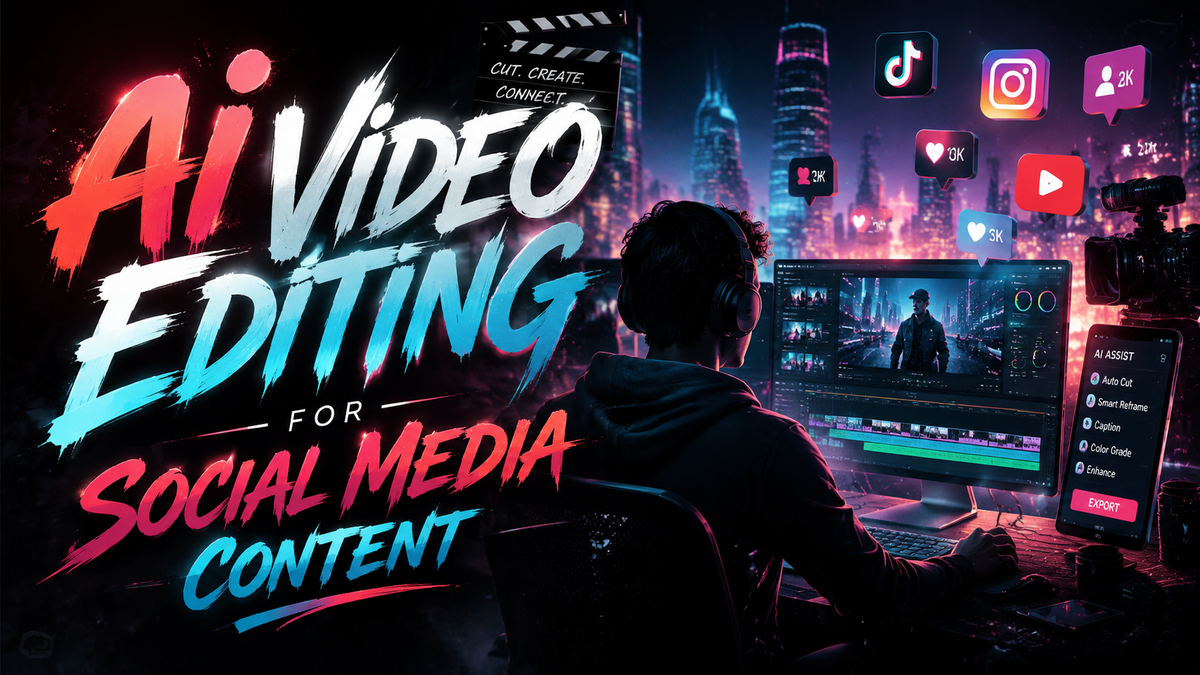
AI video editing for social media content refers to the use of artificial intelligence tools to automate, enhance, and accelerate the creation of short-form and long-form videos tailored for platforms like TikTok, Instagram Reels, YouTube Shorts, and LinkedIn. In 2026, these tools have evolved from simple auto-caption generators into full-fledged production suites that can transform audio, images, and raw footage into polished, platform-optimized videos with minimal human intervention.
AI video editing for social media content is the application of machine learning models to perform tasks such as scene detection, auto-cropping, color grading, text-to-video generation, and real-time effects — all designed to help creators and marketers produce engaging videos faster and more consistently than traditional manual editing.
- ✓ AI video editing tools in 2026 can generate complete social media clips from audio, images, or text inputs, drastically reducing production time.
- ✓ The market now offers specialized categories: audio-to-video generators, image-to-video generators, video expanders, and all-in-one marketing suites.
- ✓ According to recent industry tests, the best AI video expanders can increase clip length by up to 300% while maintaining visual coherence.
- ✓ Marketing agencies are adopting AI video generators to scale content production, with some reporting a 10x increase in output per team member.
- ✓ Human oversight remains essential for brand voice, storytelling nuance, and final quality control.
The State of AI Video Editing in 2026
As of mid-2026, AI-powered video content has firmly established itself as the dominant format across social media. A June 2026 article from Programming Insider titled “Why AI-Powered Video Content Is Dominating Social Media in 2026” highlights that algorithms now prioritize AI-assisted content due to its consistent quality and high engagement metrics. The same piece notes that brands using AI video editing see an average 40% higher completion rate compared to traditionally edited videos.
This shift is driven by a wave of new tools released over the past 12 months. The 5 Best Audio to Video AI Generators for Modern Content Workflows roundup published by Robotics & Automation News (June 3, 2026) showcases how creators can now turn a podcast episode or voiceover into a fully animated video with synchronized visuals. Meanwhile, findarticles.com (June 1, 2026) provided a practical guide on “How to Scale Your Social Media Content with AI image-to-video Generator,” demonstrating that product photos and brand imagery can be transformed into dynamic video ads in under five minutes.
Essential AI Video Editing Tools for Social Media in 2026
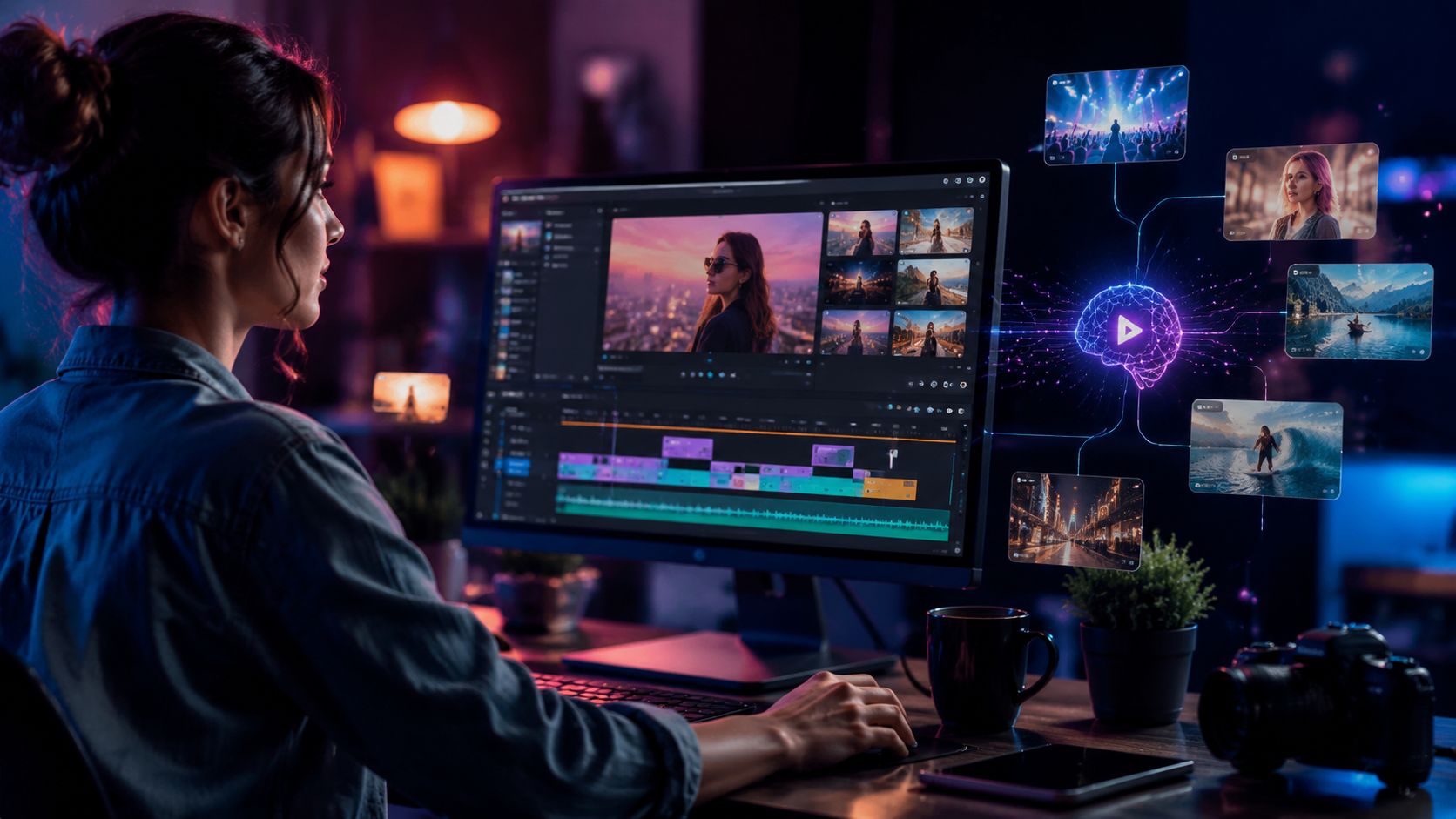
To navigate the crowded landscape, it helps to understand the four primary categories of AI video editing tools available today. Each serves a different content workflow. The table below summarizes the key distinctions based on recent expert comparisons and reviews.
| Category | Best For | Key Feature | Example from 2026 Research |
|---|---|---|---|
| Audio-to-Video Generators | Podcasters, voiceover creators, musicians | Generates matching visuals from audio input | Top picks in Robotics & Automation News (June 3, 2026) |
| Image-to-Video Generators | E‑commerce, product demos, brand storytelling | Animates still images with motion and transitions | Covered by findarticles.com (June 1, 2026) |
| AI Video Expanders | Repurposing existing clips, extending short clips | Adds frames intelligently to lengthen videos | Ranked by StreetInsider (June 2, 2026) |
| All-in-One Marketing Generators | Social media managers, marketing agencies | End-to-end creation from script to export | Tested by FinancialContent (June 2, 2026) |
Notably, the Vmake platform received a detailed review from Concept Phones (May 31, 2026) as a versatile tool for modern creators, blending features from multiple categories. According to that review, Vmake’s strength lies in its ability to handle both audio-to-video and image-to-video workflows within a single interface, making it a popular choice for solo content creators who need flexibility.
How to Start Using AI Video Editing for Social Media: A Step-by-Step Guide
If you’re new to AI video editing for social media content, follow this structured approach to get consistent results without wasting time on trial and error.
- Define your content goal and platform. Are you creating a 15‑second TikTok trend video, a 60‑second Instagram Reel tutorial, or a longer YouTube Shorts explainer? Each platform has different aspect ratios, length limits, and audience expectations.
- Select the right AI tool category. For a podcast clip, choose an audio-to-video generator. For a product launch, use an image-to-video generator. For repurposing existing footage, try an AI video expander. Marketing agencies should consider all-in-one suites.
- Prepare your source material. Upload a high-quality audio file, a set of images, or a short raw clip. Ensure your audio is clear and your images are at least 1080p resolution for best results.
- Let the AI process and generate a draft. Most tools offer a “generate” or “create” button. The AI will analyze your input and produce a first cut with transitions, music, and captions. This typically takes 30 seconds to 2 minutes.
- Customize with your branding. Add your logo, brand colors, custom fonts, and adjust the pacing. Many AI editors now include drag-and-drop timeline overrides for fine-tuning.
- Review, export, and schedule. Watch the output end-to-end. Check for lip-sync accuracy, visual consistency, and any awkward cuts. Export in the platform’s preferred format (e.g., MP4, 1080x1920 for vertical) and schedule directly via your social media management tool.
Key Features to Look for in an AI Video Editor
Not all AI video editing tools are created equal. Based on the 2026 research, here are the features that separate effective solutions from gimmicks.
Automated Scene Detection and Transitions
The best tools automatically identify changes in audio or visual content and insert seamless transitions. The StreetInsider ranking of AI video expanders (June 2, 2026) emphasized that top performers can detect scene boundaries even in low-contrast footage, reducing the need for manual cuts.
Real-Time Preview and Editing
Look for tools that let you see changes instantly. The Best AI Video Generators for Marketing Agencies tested by FinancialContent all offered real-time preview, which is critical for fast-paced agency workflows.
Multi-Platform Export Presets
Your AI editor should automatically resize and format videos for TikTok (9:16), Instagram (1:1 or 4:5), YouTube (16:9), and LinkedIn (1:1). The Vmake review from Concept Phones praised its one-click export to all major platforms.
Custom Voiceover and Lip-Sync
For audio-to-video generators, accurate lip-sync is non-negotiable. The Robotics & Automation News roundup noted that the top five tools all offer multiple voice models and real-time mouth-movement matching.
Why AI-Powered Video Content Is Dominating Social Media
According to the Programming Insider article (June 1, 2026), three factors explain the dominance: speed, personalization, and cost. AI video editing reduces production time from hours to minutes, enabling brands to post multiple times daily without hiring a full-time editor. Personalization algorithms within these tools can adapt videos to individual viewer preferences — for example, changing the call-to-action based on user behavior.
Cost is another driver. A single AI video editing subscription (typically $20–$50/month) replaces the need for expensive software licenses and freelance editors. The FinancialContent comparison found that marketing agencies using AI generators saved an average of 70% on video production costs while increasing output volume by 10x.
Furthermore, AI tools now handle tedious tasks like auto-captioning, color grading, and background music selection, freeing creators to focus on strategy and storytelling. This shift has made high-quality video accessible to small businesses and individual creators who previously lacked the resources.
Common Mistakes to Avoid When Using AI Video Editing
Even the best AI tool can produce poor results if used incorrectly. Here are pitfalls identified in the 2026 research.
Over-Reliance on AI Without Human Review
AI can misinterpret context. For example, an audio-to-video generator might pair serious news audio with upbeat visuals. Always watch the final output before publishing.
Ignoring Audio Quality
AI video editors rely heavily on audio cues. If your input audio is noisy or muffled, the generated visuals will lack sync. Use a clean microphone and remove background noise before uploading.
Using the Wrong Aspect Ratio
Many beginners generate a horizontal video and then crop it manually, losing important elements. Instead, choose the correct aspect ratio at the start — most AI tools now allow you to set it before generation.
Skipping Brand Customization
AI-generated videos often look generic. Add your logo, choose a consistent color palette, and adjust the font to match your brand guidelines. The Vmake review highlighted that the best creators spend 10–15 minutes on customization per video.
Future Trends for AI Video Editing (2026 and Beyond)
Looking ahead, several developments are already emerging. The Programming Insider article predicts that by late 2026, AI tools will offer real-time collaborative editing where multiple team members can adjust a video simultaneously via cloud-based interfaces. Additionally, audio-to-video generators are expected to integrate with live streaming platforms, allowing creators to generate animated visuals during a live broadcast.
Another trend is the rise of personalized video at scale. AI video editors will soon be able to create thousands of unique versions of the same core video — each with a different product recommendation, name, or location — for hyper-targeted social media ads. The FinancialContent test already saw early versions of this capability in the top-tier marketing generators.
Finally, ethical guardrails are being built into these tools to prevent deepfake misuse. The industry is moving toward watermarking AI-generated content, which will help maintain trust among audiences and platforms alike.
Frequently Asked Questions About AI Video Editing for Social Media Content
What is AI video editing for social media content?
It is the use of artificial intelligence to automate video creation and editing tasks — such as scene detection, auto-captioning, and text-to-video generation — specifically optimized for social media platforms like TikTok, Instagram, and YouTube Shorts.
Can AI video editing replace human editors entirely?
Not completely. While AI handles repetitive tasks and speeds up production, human oversight is still needed for storytelling, brand voice, and final quality control. Most professionals use AI as an assistant, not a replacement.
Which type of AI video tool is best for a beginner?
For beginners, an all-in-one marketing generator (like those tested by FinancialContent in June 2026) is ideal because it guides you through the entire process from script to export with minimal learning curve.
How much does a good AI video editing tool cost in 2026?
Prices range from free (with watermarks and limited features) to $50–$100 per month for professional plans. The top tools reviewed in 2026 typically cost between $20 and $50 per month for individual creators.
Is AI video editing suitable for all social media platforms?
Yes, most modern AI tools support vertical (9:16), square (1:1), and horizontal (16:9) formats, making them compatible with TikTok, Instagram, Facebook, YouTube, LinkedIn, and even Twitter/X videos.



Comments ()