
AI Video Editing for Small Business Owners: 2026 Guide
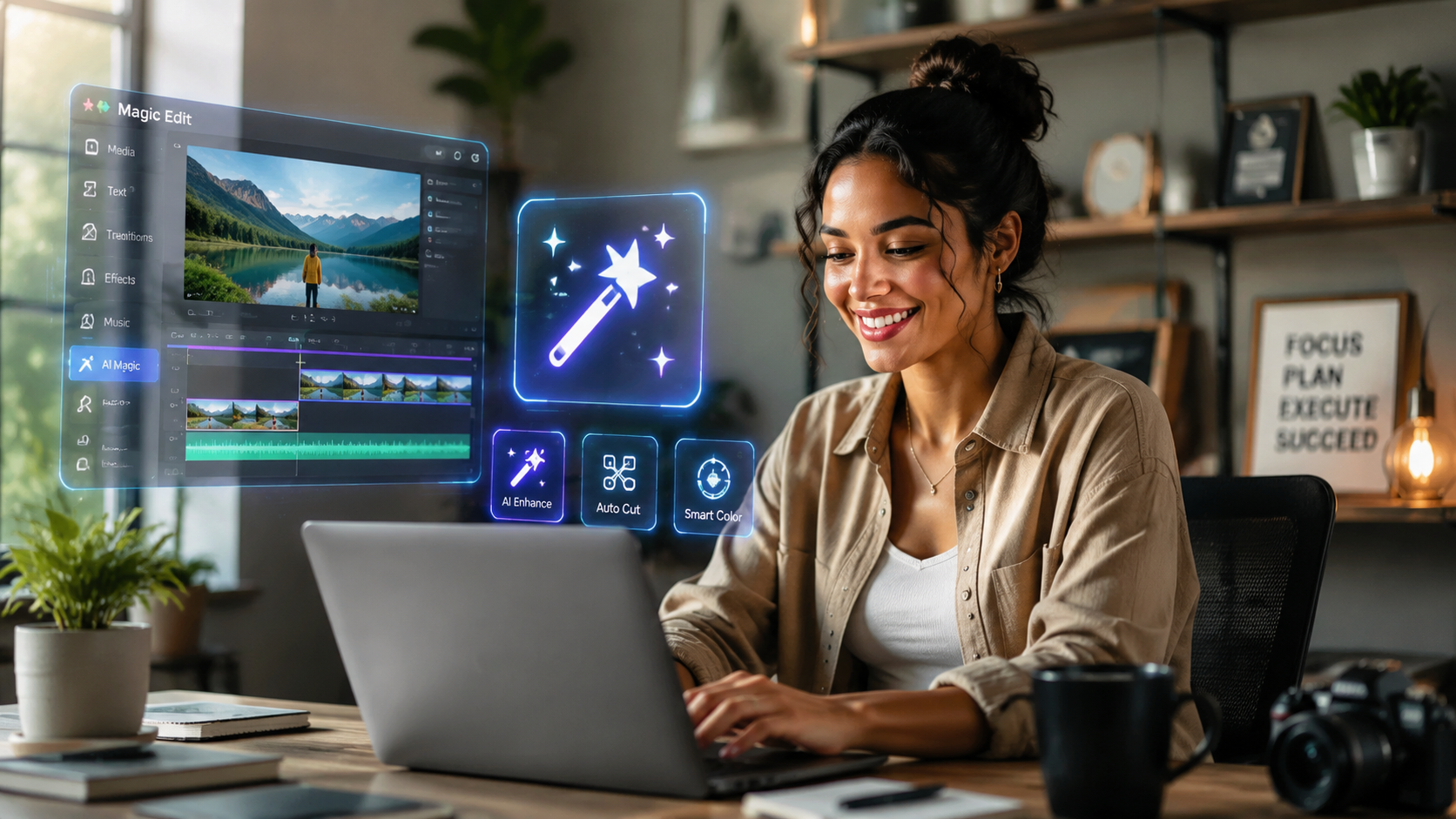
AI video editing for small business owners is the practice of using artificial intelligence software to automate the most time-consuming aspects of video production, such as cutting footage, adding captions, and generating visual assets. In 2026, these tools have become essential for maintaining a competitive digital presence, allowing entrepreneurs to create high-quality marketing content without the need for expensive production crews or professional editing skills.
AI video editing for small business owners is a transformative technology that leverages machine learning to automate video creation. By 2026, tools from Google, Zoom, and Vimeo have integrated generative AI to help businesses produce short-form content, social media ads, and internal communications in minutes rather than days, significantly lowering the barrier to entry for digital marketing.
- ✓ AI-powered short-form video is currently the highest-growth channel for small business engagement in 2026.
- ✓ New free tools from Google and affordable platforms like Vimeo have democratized professional-grade video features.
- ✓ Automation of captions, b-roll selection, and "talking head" editing saves small businesses an average of 15 hours per week.
- ✓ Generative AI allows for the creation of diverse video assets from simple text prompts or existing blog content.
The Evolution of AI Video Editing for Small Business Owners in 2026
As we move through 2026, the landscape of digital marketing has shifted entirely toward a "video-first" mentality. For the modern entrepreneur, the challenge is no longer about whether to create video, but how to produce it at a volume that satisfies the algorithms of major social platforms. According to a March 2026 survey by Zoom, small businesses are increasingly winning by utilizing AI-generated video to bridge the gap between limited budgets and the high demand for authentic, engaging content. This shift has moved video from a luxury marketing expense to a daily operational necessity.
The primary driver of this change is the accessibility of advanced features that were once reserved for Hollywood studios. Today, AI video editing for small business owners includes one-click background removal, automated color grading, and "smart cropping" that re-formats a single horizontal video into vertical clips for TikTok, Reels, and YouTube Shorts. This efficiency is critical because, as reported by The AI Journal in March 2026, short-form video remains the growth channel most small businesses are still ignoring, despite its high conversion rates.
Furthermore, the integration of AI into platforms small businesses already use—like Google and Vimeo—has streamlined the workflow. In April 2026, Google launched a free video editing tool equipped with advanced AI features, making it easier than ever for local shops and service providers to appear professional online. This democratization of technology means that the quality of your video is now limited only by your ideas, not your technical proficiency or your hardware's processing power.
How to Start Using AI Video Editing for Your Business
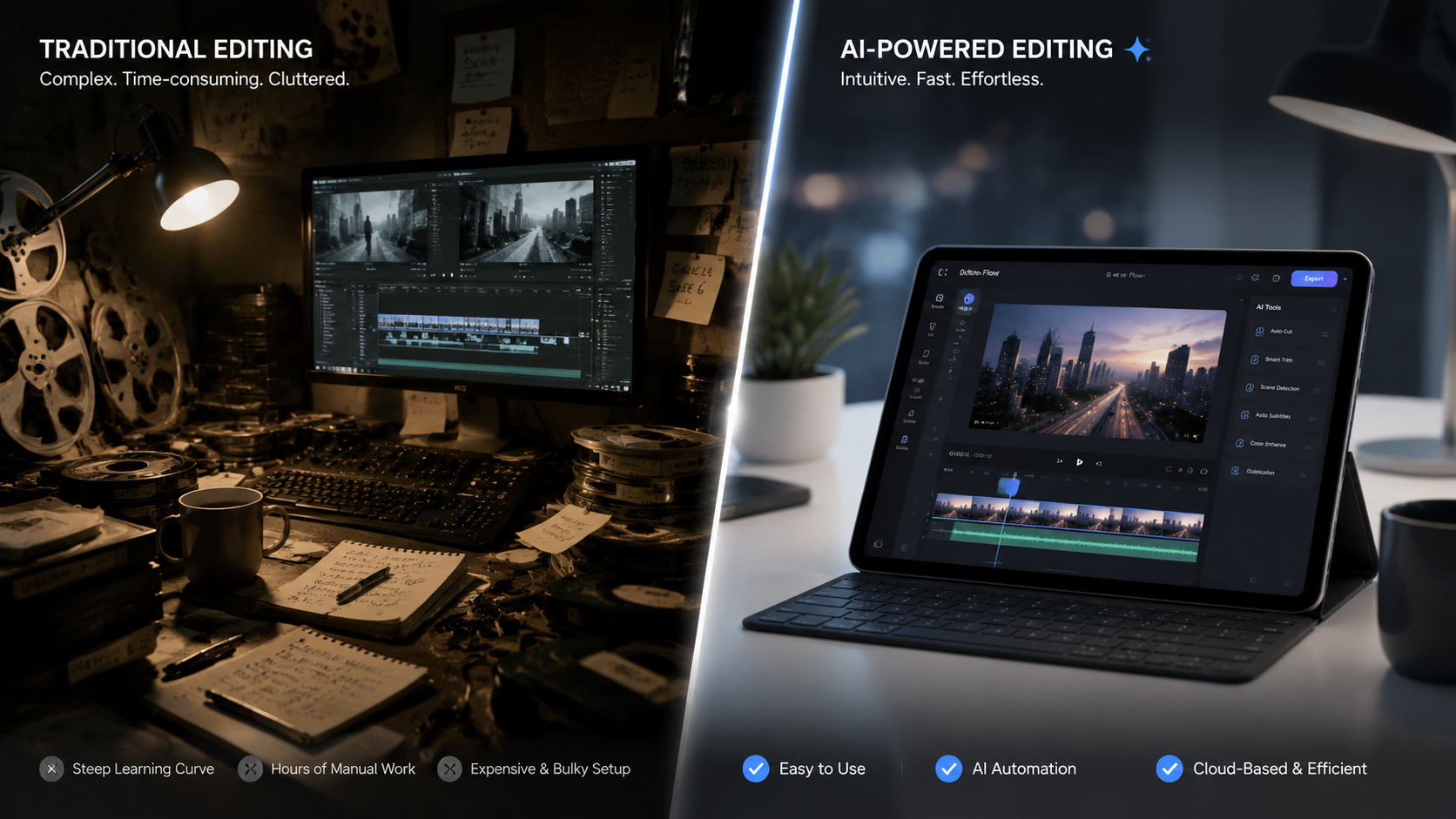
If you are ready to implement AI video editing for small business owners into your daily workflow, the process is more straightforward than it was just a few years ago. By following a structured approach, you can ensure that your content remains high-quality while minimizing the time you spend behind a screen. Here is a step-by-step guide to getting started with modern AI editing tools:
- Define Your Content Goal: Determine if you are creating a product demo, a customer testimonial, or a quick social media update.
- Select Your AI Platform: Choose a tool based on your needs; for example, use Google’s new 2026 free tool for basic ads or Vimeo for professional-grade brand stories.
- Upload Raw Assets or Use Generative AI: You can record a quick video on your phone or use text-to-video prompts to generate an initial draft.
- Apply AI Enhancements: Use features like "Auto-Captioning" and "AI B-Roll" to automatically add subtitles and relevant overlay footage.
- Review and Brand: Let the AI suggest a music track and color palette that matches your brand identity, then do a final manual review.
- Export and Distribute: Use the AI's multi-platform export tool to create versions optimized for every social network simultaneously.
Choosing the Right AI Tools for Your Budget
Budgeting for software is a major concern for growing companies. Mashable’s 2025 research highlighted eight affordable AI tools for new and growing businesses, many of which have matured into powerhouse platforms by 2026. While some premium features require a subscription, many entry-level tiers now offer generative capabilities that were previously locked behind enterprise paywalls. Small business owners should look for "all-in-one" platforms that handle recording, editing, and hosting to maximize their return on investment.
Maximizing Engagement with Short-Form Video
Short-form video is the dominant medium in 2026. The AI Journal emphasizes that small businesses ignoring this channel are missing out on the fastest-growing segment of consumer attention. AI editing tools are specifically designed to capitalize on this by identifying the most "viral-ready" moments in longer recordings and automatically clipping them. This allows a business owner to record one 10-minute interview and generate twenty 30-second clips, providing a month's worth of social media content in one sitting.
Comparing Top AI Video Platforms for 2026
With so many options available, it can be difficult to decide which platform fits your specific business needs. The following table compares the leading AI video editing solutions available to small business owners as of mid-2026, based on recent releases and updates from major tech providers.
| Platform | Key AI Feature (2026) | Best For... | Price Point |
|---|---|---|---|
| Google Video AI | Advanced Generative Backgrounds | Quick Social Ads & Local SEO | Free (Basic) |
| Vimeo AI | Interactive Video & AI Scripts | Professional Brand Storytelling | Subscription-based |
| Zoom Video Suites | Auto-Clips from Meetings | Webinars & Internal Training | Included in Pro Plans |
| Forbes Top-5 Tools | Streamlined Content Creation | Multi-platform Content Repurposing | Varies (Affordable) |
The Benefits of AI Video Editing for Small Business Owners
The most immediate benefit of adopting AI video editing for small business owners is the drastic reduction in production costs. Historically, a professional marketing video could cost thousands of dollars. In 2026, as noted by the U.S. Chamber of Commerce in their report on Vimeo’s impact, businesses are succeeding by using AI to handle the heavy lifting. This allows owners to reallocate their limited funds toward paid advertising or product development while still maintaining a high-end visual presence.
Beyond cost, the speed of production is a massive competitive advantage. In a fast-moving market, being able to respond to a trend or news event with a video in thirty minutes can be the difference between going viral and being ignored. Forbes recently identified five tools that streamline content creation, noting that the ability to "edit by text"—where you delete a word in a transcript and the AI deletes the corresponding video segment—has made editing as simple as using a word processor.
Finally, AI tools help maintain brand consistency. Small business owners often struggle to keep their visual style uniform across different platforms. Modern AI editors allow you to save "Brand Kits" that automatically apply your colors, fonts, and logos to every video. This ensures that whether a customer sees your video on Google, TikTok, or your own website, the experience is cohesive and professional, building trust over time.
Authority Insights: What the Data Says
According to the Zoom 2026 survey, 74% of small businesses using AI-generated video reported a higher engagement rate compared to traditional video methods. This is largely attributed to the AI's ability to optimize content for specific audience segments. Furthermore, the U.S. Chamber of Commerce highlights that businesses utilizing AI-powered video tools see a 40% faster turnaround time on marketing campaigns, allowing for more frequent testing and optimization of sales messages.
Implementing AI Video in Your 2026 Marketing Strategy
To truly leverage AI video editing for small business owners, you must integrate these tools into your broader marketing strategy. It is not enough to simply make videos; they must be purposeful. Start by using AI to analyze your existing top-performing blog posts. Many 2026 tools can automatically turn a URL into a video script, select relevant stock footage, and generate a voiceover that sounds indistinguishable from a human. This "repurposing" strategy ensures that your best ideas reach people who prefer watching over reading.
Another key strategy is the use of AI for personalized customer communication. Instead of sending a standard email, small business owners are now using AI to create personalized video messages for leads. By recording one template, AI can swap out the name and specific details for hundreds of different recipients. This level of personalization was once impossible for small teams but is now a standard feature in many affordable 2025-2026 toolsets mentioned by Mashable and Forbes.
Lastly, don't forget the importance of SEO. AI video tools now automatically generate SEO-friendly titles, descriptions, and even "chapters" for your videos. When you upload these to platforms like YouTube or embed them on your site, the metadata helps you rank higher in search results. Since Google’s 2026 update to its video editing suite, the integration between video content and search visibility has become even tighter, making video a core component of any local SEO strategy.
Frequently Asked Questions
Is AI video editing expensive for a small business?
No, in 2026 there are many affordable and even free options. Google recently launched a free tool with advanced AI features, and platforms like Vimeo offer tiered pricing that fits the budget of growing businesses.
Do I need a powerful computer to use AI video editors?
Most modern AI video editors are cloud-based, meaning the heavy processing happens on the provider's servers. You can edit high-quality 4K video using a standard laptop or even a smartphone.
Can AI-generated videos look professional?
Yes. By 2026, AI tools have advanced to include professional color grading, noise reduction, and high-quality generative b-roll, making it difficult to distinguish AI-assisted edits from professional studio work.
How much time can I save using AI for video?
Small business owners report saving an average of 10 to 15 hours per week by using AI to automate tasks like subtitling, clipping short-form content, and drafting scripts.
Will AI replace the need for a marketing team?
AI is a tool that enhances human creativity rather than replacing it. While it handles the technical editing, the business owner still provides the vision, brand voice, and strategic direction.
As we look toward the remainder of 2026, the role of AI video editing for small business owners will only continue to grow. By embracing these tools now, you are not just keeping up with the competition—you are future-proofing your business in an increasingly visual digital economy. Whether you are using Google's free tools or Vimeo’s professional suite, the power to create world-class video is now in your hands.



Comments ()