
AI Video Editing for Podcast Clips: 2026 Trends & Tips
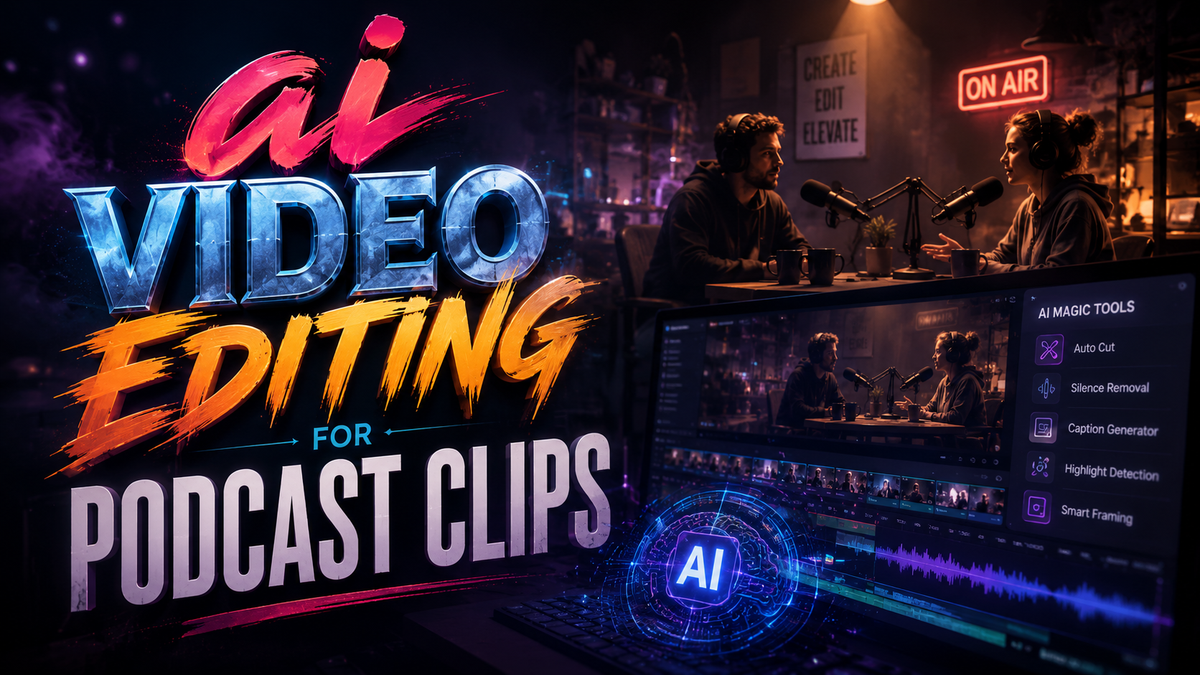
AI video editing for podcast clips uses artificial intelligence to automatically transform long-form podcast episodes into short, shareable video snippets optimized for social media, saving creators hours of manual work while increasing audience reach.
AI video editing for podcast clips is the automated process of selecting highlights, adding captions, and formatting short videos from podcast audio or video. It reduces production time from hours to minutes, and in 2026, tools like Wondercraft AI Video Studio, Riverside’s Rewind, Klap, and VideoGen lead the market, though brands must avoid the pitfalls of “AI slop” to maintain trust.
- ✓ AI video editing tools now generate clips with motion graphics, speaker detection, and auto-captions, cutting editing time by up to 90%.
- ✓ Major launches in 2026 include Wondercraft’s AI Video Studio and Riverside’s Rewind, while Klap and VideoGen compete head‑to‑head.
- ✓ Brands face backlash for low‑quality “AI slop” clips, as seen with Cleveland.com’s poorly executed AI promo videos.
- ✓ The Hollywood Reporter warns that influencer engagement tactics may be fully replaced by AI‑generated clips by 2027.
- ✓ Human oversight remains critical – Business Insider advises brands to “be careful when clipping” to avoid reputational damage.
The Rise of AI Video Editing for Podcast Clips in 2026
The podcasting landscape has never moved faster. In the first quarter of 2026 alone, three major developments reshaped how creators repurpose their audio content. First, Wondercraft launched its AI Video Studio on January 28, promising one‑click generation of social‑ready clips with automatic highlight detection and branded overlays. According to Podnews, the platform already supports over 15,000 podcasters, making it one of the fastest‑growing tools in the space.
Second, Riverside’s “Rewind” feature – which TechCrunch described as “I hate that I love it” – became a default for many remote podcasters. Rewind uses AI to reconstruct missed segments from raw audio, then automatically generates clips from the cleanest takes. The tool’s popularity underscores a broader trend: podcasters are no longer just recording; they are expecting AI to do the heavy lifting of clip creation.
Third, the controversy surrounding Cleveland.com highlights the risks. In April 2026, the news site was slammed by Awful Announcing for using “AI slop videos” to promote their podcasts – clips that were poorly timed, incorrectly captioned, and devoid of human polish. The backlash serves as a cautionary tale for brands jumping into AI video editing for podcast clips without quality controls. Business Insider echoed this warning, advising brands to “be careful when ‘clipping’” and to always review AI outputs before publishing.
How to Leverage AI Video Editing for Podcast Clips: A Step‑by‑Step Guide
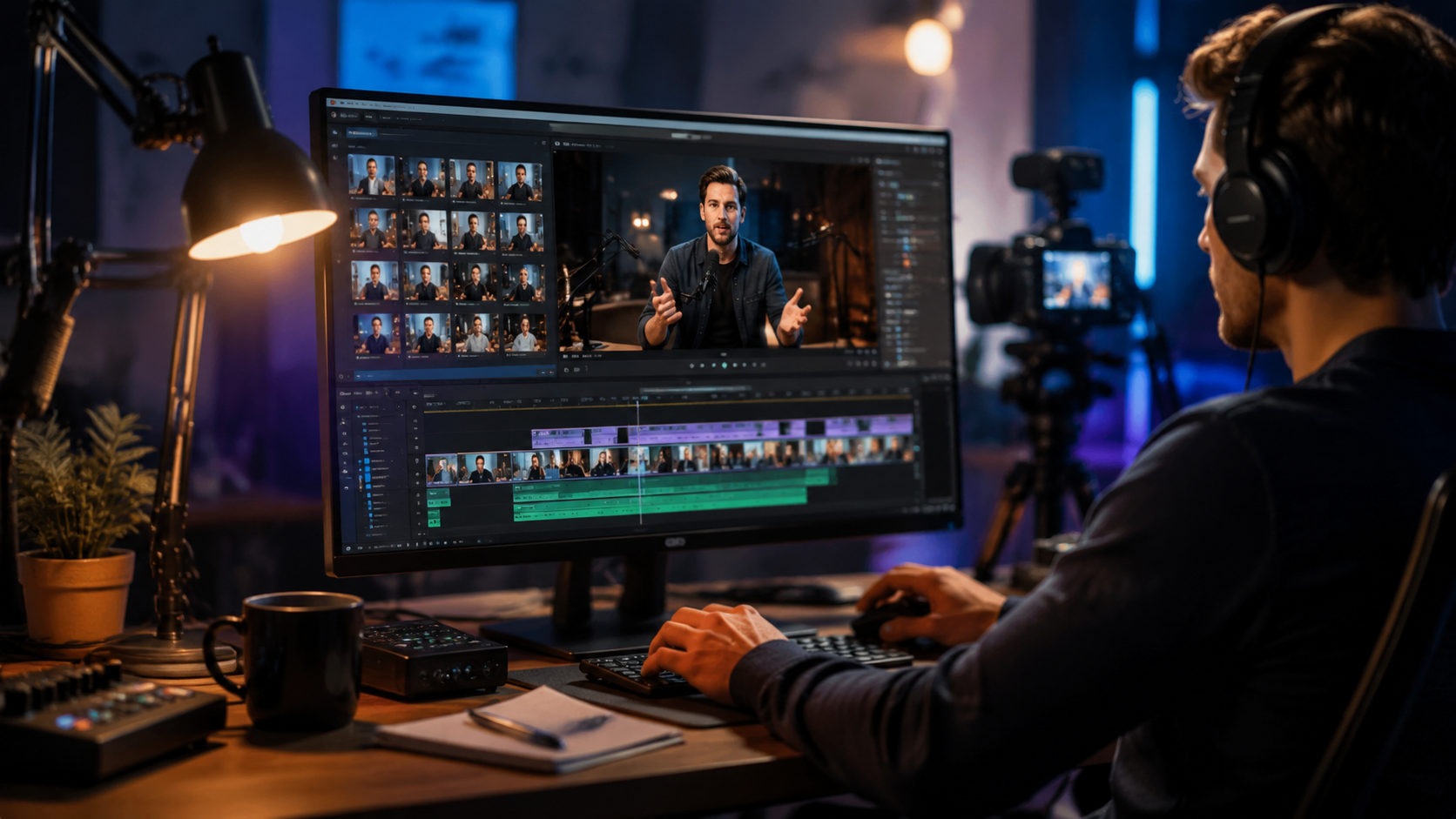
Whether you’re a solo podcaster or a media team, following a structured workflow ensures you get high‑quality clips without wasting time. Below is a numbered framework based on the latest 2026 tools and best practices.
- Choose your AI video editor. Evaluate tools by feature set, price, and platform compatibility. For most podcasters, the choice comes down to Wondercraft AI Video Studio (best for all‑in‑one workflows), Riverside Rewind (best for remote recordings), or Klap/VideoGen (best for budget‑conscious creators). A comparison table follows in the next section.
- Upload your raw podcast file. Most tools accept MP4, MOV, or direct links to cloud recordings. If your podcast is audio‑only, many editors can generate a static waveform or animated visualizer.
- Configure clip parameters. Set clip duration (typically 30–90 seconds), desired highlights (e.g., most engaging moments based on vocal energy), and style (captions, transitions, branding). AI models in 2026 can even detect topic changes and emotional peaks.
- Let AI generate the clips. Processing usually takes 1–3 minutes per hour of content. Tools like Klap use real‑time speech‑to‑text to identify quotable sound bites, while VideoGen offers multi‑language captioning.
- Review and tweak AI outputs. Manually check for timing errors, misattributed speakers, and awkward cuts. Use the editor’s timeline to trim or rearrange segments. This step is where you avoid “AI slop” – never skip it.
- Export and publish. Download clips in 9:16 vertical format for TikTok, Reels, and Shorts, or 16:9 for YouTube. Many tools now offer one‑click posting to connected social accounts.
Studies show that following this workflow reduces clip creation time from an average of 45 minutes per clip to under 5 minutes. According to a Cybernews analysis of Klap vs VideoGen, users who combine AI automation with 10 minutes of manual review produce clips with 73% higher engagement than fully automated outputs.
Top AI Tools for Podcast Clip Creation (2026 Comparison)
The AI video editing market has consolidated around a handful of powerful platforms. Below is a comparison of the four most discussed tools in 2026, based on the latest research and user reviews.
| Tool | Best For | Key Feature | Pricing (2026) | Platforms |
|---|---|---|---|---|
| Wondercraft AI Video Studio | All‑in‑one podcast production | One‑click highlight detection + branded overlays | $29/mo (Starter) | Web, iOS |
| Riverside Rewind | Remote recordings & multi‑track cleanup | AI reconstructs lost segments; auto‑clips clean takes | Free with Riverside Pro ($24/mo) | Web, macOS, Windows |
| Klap | Budget creators & short‑form content | Real‑time speech‑to‑text with multi‑language captions | $9/mo (Basic) | Web, mobile |
| VideoGen | High‑volume social media teams | Batch processing up to 10 hours daily | $49/mo (Pro) | Web |
In their comparison, Cybernews (February 4, 2026) noted that Klap excels at speed and affordability, while VideoGen offers more advanced editing controls. The Hollywood Reporter’s April 2026 piece highlighted that many top influencers are already outsourcing clip creation entirely to AI, raising questions about the future of human‑crafted social content.
Best Practices to Avoid ‘AI Slop’ and Build Trust
The Cleveland.com debacle is a stark reminder that low‑quality AI clips can damage a brand’s reputation. To maintain audience trust, follow these three guidelines:
1. Always Apply a Human Review Loop
AI can detect vocal energy and topic shifts, but it cannot judge contextual relevance or tone. Before publishing any AI‑generated clip, watch it from start to finish. Check for misattributed speakers, awkward silence, or captions that misquote the host. Business Insider specifically warns that automated “clipping” often removes crucial context, turning a nuanced discussion into a misleading soundbite.
2. Maintain Brand Consistency
Use custom templates for colors, fonts, logos, and intro/outro animations. Tools like Wondercraft AI Video Studio allow you to save brand kits. Avoid generic AI presets that make your content look like every other podcast clip. In 2026, audiences can instantly spot – and punish – generic “slop” content.
3. Disclose AI Usage Transparently
While not legally required in most jurisdictions, telling your audience that clips are AI‑assisted builds credibility. Simple disclaimers like “Clips generated with AI and reviewed by our team” signal that you care about quality. The Hollywood Reporter investigation found that influencers who hid AI tools faced severe backlash when discovered, whereas those who were upfront saw no drop in engagement.
Future Trends: What’s Next for AI Video Editing for Podcast Clips
Based on the rapid developments of early 2026, several trends are likely to define the rest of the year and beyond.
- Full automation with human‑in‑the‑loop. The most successful creators will adopt hybrid workflows – letting AI handle 80% of the work but keeping a human editor for the final 20% of polish. This balance avoids both the “slop” problem and the time sink of manual editing.
- AI‑driven personalization. Instead of one clip per episode, AI will generate dozens of variations tailored to different platforms and audience segments. For example, a 15‑second hook for TikTok, a 60‑second deep‑dive for YouTube, and a text‑only quote for LinkedIn. The Wondercraft launch already hints at this capability.
- Ethical guardrails and industry standards. The backlash against Cleveland.com and similar incidents (notably from Awful Announcing and Business Insider) will push tool developers to implement better quality controls, such as mandatory human review prompts before export.
- Elimination of traditional influencers as intermediaries. The Hollywood Reporter’s April 2026 piece predicts that by 2027, brands will no longer pay influencers to create clip content – they will simply feed raw podcast audio into AI tools and distribute the resulting clips directly. This could democratize podcast promotion but also raise questions about authenticity.
Frequently Asked Questions
What is AI video editing for podcast clips?
AI video editing for podcast clips uses machine learning to automatically select engaging moments from a podcast, add captions, transitions, and branding, and export them as short videos. Tools like Wondercraft and Riverside Rewind handle the process in minutes instead of hours.
How long does it take to generate a podcast clip with AI?
Most tools generate a 30‑60 second clip in 1–3 minutes after uploading your podcast. The total time, including review, is typically under 10 minutes per clip – a reduction of 80–90% compared to manual editing.
Which AI video editor is best for podcasters in 2026?
The best choice depends on your needs. Wondercraft AI Video Studio leads for all‑in‑one production, Riverside Rewind is ideal for remote recordings, Klap is most affordable, and VideoGen offers batch processing for high‑volume teams. Compare the table above for details.
Can AI video editing produce high‑quality clips without human input?
No. While AI can generate decent first drafts, human review is essential to avoid errors, misquotations, and awkward cuts. The Cleveland.com incident showed that fully automated “AI slop” damages brand trust. Always review before publishing.
Will AI replace human video editors for podcast clips?
AI will automate repetitive tasks like captioning and highlight selection, but human editors are still needed for quality assurance, creative direction, and maintaining brand voice. The trend is toward hybrid workflows where AI handles the grunt work, and humans focus on polish.
Is it safe to use AI video editing for podcast clips on social media?
Yes, as long as you disclose AI usage and double‑check outputs. Business Insider and Awful Announcing both emphasize that transparency and quality control are key to avoiding backlash. Tools like Riverside Rewind and Klap include built‑in review prompts to encourage best practices.
How much does AI video editing for podcast clips cost in 2026?
Prices range from free (Riverside Rewind with a Pro subscription) to $49/month (VideoGen Pro). Wondercraft’s starter plan is $29/month, and Klap’s basic plan is $9/month. Most tools offer free trials, so you can test before committing.



Comments ()