
AI Video Editing for Beginners: 2026 Complete Guide
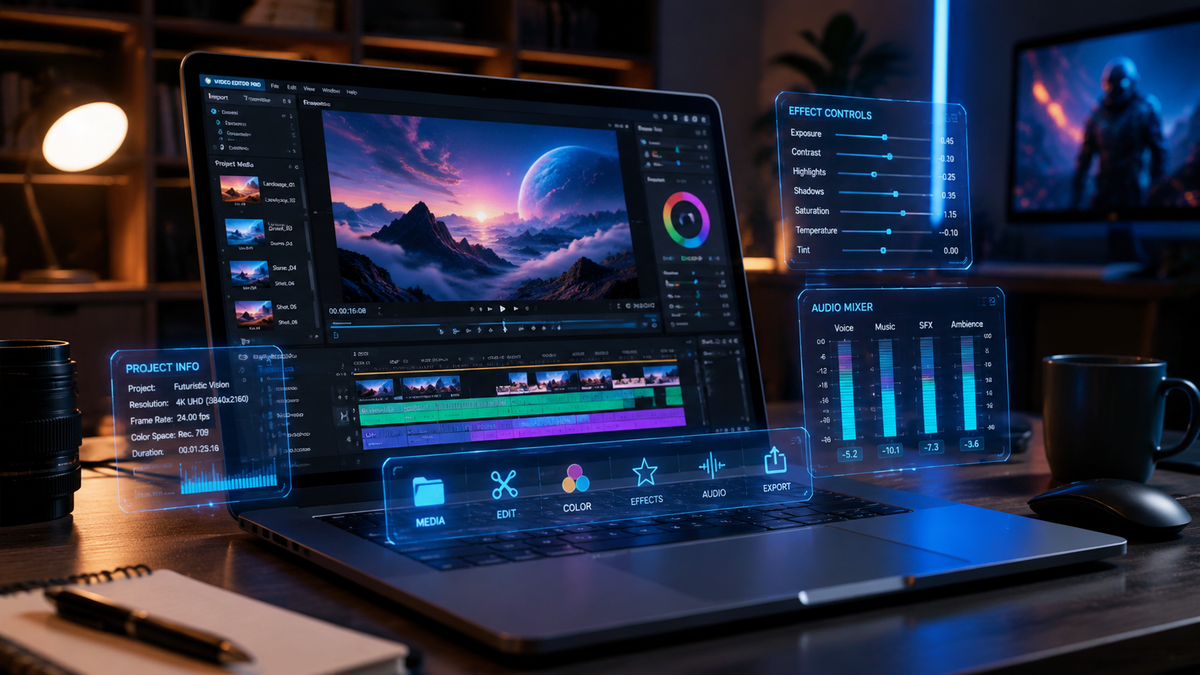
AI video editing for beginners is the practice of using artificial intelligence and machine learning algorithms to automate the most labor-intensive parts of the video production process, such as cutting, color grading, and audio enhancement. By leveraging AI, novice creators can produce professional-grade content in 2026 without needing years of technical training or expensive hardware. The focus of modern AI tools is to bridge the gap between creative vision and technical execution through intuitive, automated workflows.
AI video editing for beginners is a streamlined approach to content creation that uses generative AI and automation to handle complex editing tasks. In 2026, this technology allows users to perform advanced actions like AI Video Cutting, automatic transcriptions, and background removal with a single click, making professional video production accessible to everyone regardless of their skill level.
- ✓ AI automation reduces editing time by up to 80% compared to traditional manual workflows.
- ✓ Modern tools like AI Video Cut allow for instant "one-click" scene detection and assembly.
- ✓ Desktop and mobile software in 2026 now feature "natural language editing" where you describe changes in text.
- ✓ High-end features like color matching and noise reduction are now standard in entry-level beginner software.
How to Start with AI Video Editing for Beginners
Entering the world of video production has never been easier than it is in 2026. The shift from manual timeline manipulation to AI-assisted creation means that the learning curve is no longer a barrier to entry. Beginners can now focus on storytelling and strategy while the software handles the frame-by-frame adjustments. According to TechRadar, the best software for beginners in 2026 focuses on "literally anyone can use" interfaces that prioritize simplicity without sacrificing output quality.
To get started with your first project, follow these essential steps to harness the power of AI effectively:
- Select Your AI Platform: Choose a tool that fits your device. Based on 2026 testing by PCMag, there are now specialized "best-in-class" options for both mobile and desktop environments.
- Upload and Analyze: Import your raw footage into the editor. Most 2026 tools will automatically run a "Scene Intelligence" scan to identify the best takes and key moments.
- Apply AI Video Cut: Use automated cutting tools to remove "ums," "ahs," and long silences. As noted by PerfectCorp, AI Video Cut is currently the easiest way to create videos by instantly trimming footage to the most engaging segments.
- Enhance with Generative Tools: Use AI to generate subtitles, add background music that matches the mood of your clip, or apply "Style Transfer" to give your video a cinematic look.
- Review and Export: While the AI does the heavy lifting, always do a final pass to ensure the emotional tone is correct before exporting in 4K or 8K resolution.
The Evolution of AI Video Editing for Beginners in 2026
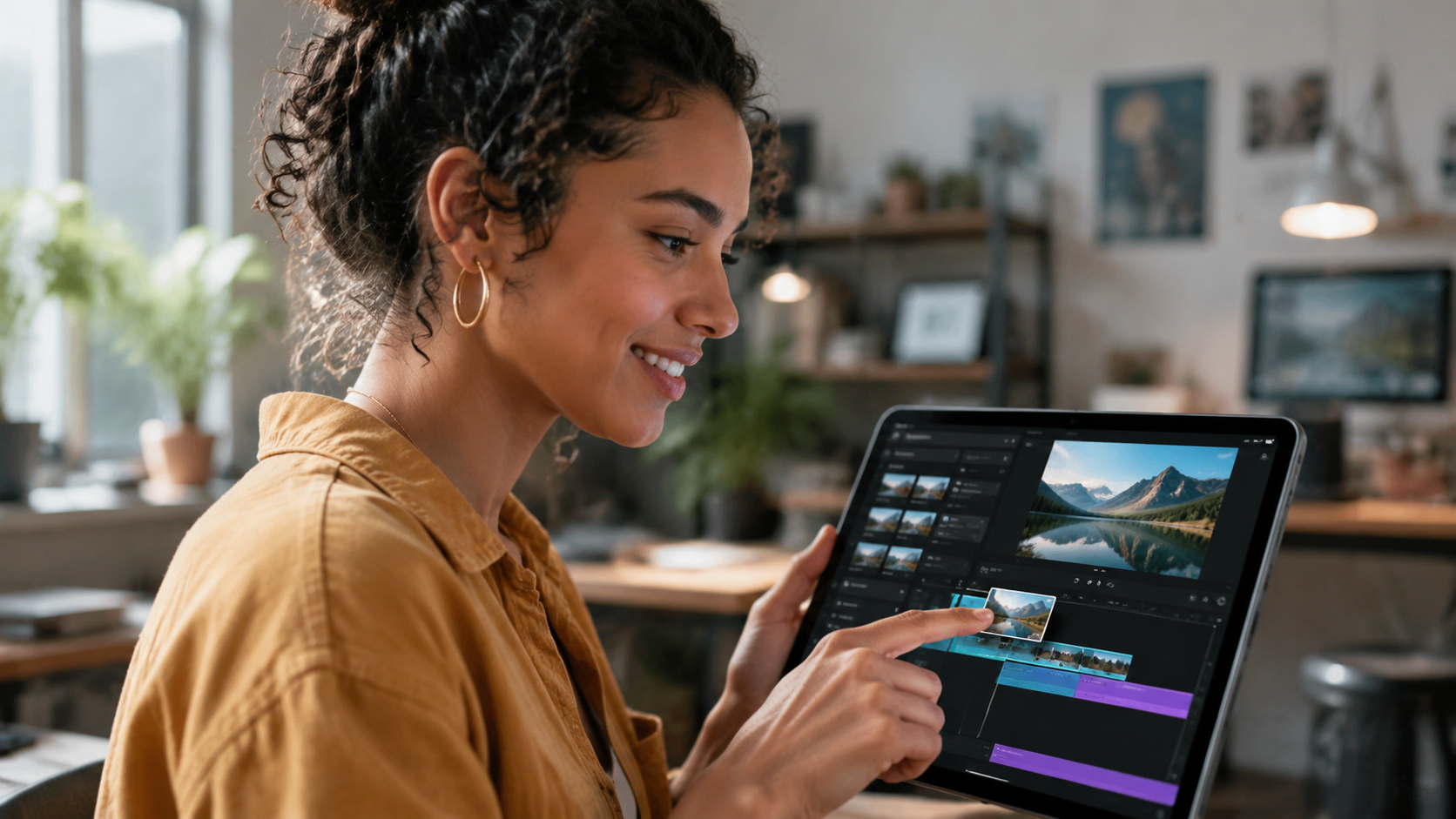
The landscape of digital media has shifted dramatically. In previous years, video editing required a deep understanding of keyframes, codecs, and color theory. However, in 2026, Amateur Photographer highlights that video editing software has become so intuitive that the technical "how-to" is being replaced by "what-if" creative prompts. The primary goal of AI video editing for beginners today is to democratize high-quality visual storytelling.
According to research by BBN Times, the rise of desktop AI video editors has seen a 40% increase in adoption among small business owners who previously outsourced their video needs. This shift is driven by the integration of Large Language Models (LLMs) directly into the editing timeline. Instead of hunting through menus, a beginner can simply type "Make this scene look like a sunset" or "Remove the person in the background," and the AI executes the command in real-time.
Automated Trimming and Scene Detection
One of the most frustrating parts of being a beginner is the "rough cut"—sifting through hours of footage to find ten minutes of usable content. AI Video Cut technology has revolutionized this. By analyzing facial expressions, speech patterns, and visual action, the software can automatically suggest the most impactful clips. This ensures that even someone with zero experience can produce a fast-paced, engaging video that rivals the work of professional editors.
Generative Audio and Smart Subtitles
Audio is often the "make or break" element of a video. In 2026, AI tools for beginners include sophisticated audio repair features. If you recorded a video in a noisy cafe, AI-powered voice isolation can strip away the background noise while keeping the speaker's voice crystal clear. Furthermore, the Creative Bloq 2026 guide notes that auto-captioning has reached 99.9% accuracy, allowing beginners to reach global audiences through instant, multi-language translation and stylized on-screen text.
Comparing Top AI Video Editing Software for 2026
Choosing the right tool is critical for your success. The following table compares the top-rated software options as of May 2026, based on testing from PCMag and TechRadar. These tools have been selected specifically for their "beginner-friendly" ratings and AI integration depth.
| Software Name | Primary Strength | Best For... | AI Feature Highlight |
|---|---|---|---|
| AI Video Cut (PerfectCorp) | Speed & Ease | Social Media Creators | One-click automated highlights |
| Adobe Premiere Elements 2026 | Guided Edits | Hobbyist Filmmakers | AI-driven color match & reframing |
| CapCut Desktop Pro | Trend Integration | TikTok/Reels Beginners | Text-to-Video background generation |
| DaVinci Resolve (Basic) | Professional Grade | Aspiring Professionals | Neural Engine magic mask |
| Canva Video 2026 | Template Based | Business Presentations | Magic Design for instant layouts |
Key Features to Look for in Beginner AI Tools
When you are exploring ai video editing for beginners, it is easy to get overwhelmed by the feature lists. However, for a novice, three specific features stand out as essential in 2026. First is "Smart Reframing." Since content is now viewed on various aspect ratios (vertical for phones, horizontal for TVs), AI that automatically keeps the subject in the center of the frame across all formats is a massive time-saver.
Second, look for "Neural Filters." These allow you to change the age of a subject, adjust their gaze, or even change the lighting of a scene after it has been filmed. Creative Bloq reports that these features, once exclusive to high-end Hollywood studios, are now standard in apps like Adobe Premiere Elements and even some mobile-first editors in 2026. This allows beginners to fix mistakes that would have previously required a re-shoot.
Text-Based Video Editing
Perhaps the most significant breakthrough for beginners is text-based editing. This feature generates a transcript of your video; when you delete a word or sentence from the text document, the software automatically cuts the corresponding video footage. This turns video editing into a task as simple as editing a Word document, which is why Amateur Photographer calls it the "ultimate entry point" for new creators in 2026.
AI-Powered Color Grading
Color grading used to be a specialized career path. Now, "Color Match" AI allows you to upload a photo of a movie or a specific aesthetic you like, and the software automatically adjusts your video's colors to match that look. This ensures a consistent, professional "vibe" across your entire project without needing to understand luma curves or color wheels.
Best Practices for Beginners Using AI
While AI is incredibly powerful, it is a tool meant to assist your creativity, not replace it. To get the best results with ai video editing for beginners, you should always start with a clear story or script. AI can cut the footage, but it cannot decide the "soul" of your message. Use the AI to handle the repetitive tasks, but save the final creative decisions for yourself.
Another best practice is to monitor the "AI Intensity" sliders found in many 2026 applications. Sometimes, AI-generated voices or background removals can look "too perfect" or slightly artificial. According to BBN Times, the most successful beginner creators in 2026 are those who use AI at about 80% intensity, leaving a bit of natural human imperfection to keep the content relatable and authentic.
Hardware Requirements in 2026
A common misconception is that you need a NASA-level computer to run AI video software. In 2026, most AI processing is either "Cloud-Based" (meaning it happens on the company's servers) or optimized for modern NPU (Neural Processing Units) found in the latest laptops and smartphones. As long as your device was made within the last three years, you should be able to run these beginner-friendly AI tools without significant lag.
The Ethical Use of AI in Media
As a beginner, it is important to be aware of the ethics of AI editing. Tools that allow you to change someone's appearance or voice should be used responsibly. Many platforms in 2026 now automatically include "AI-Generated" metadata tags to ensure transparency with the audience. Embracing these standards early will help you build a trustworthy brand as a creator.
Is AI video editing suitable for someone with no experience?
Yes, AI video editing is specifically designed to help those with no technical background. In 2026, tools use natural language commands and automated templates to guide beginners through the entire process from start to finish.
What is the easiest AI video editing tool in 2026?
According to recent reviews from PerfectCorp and TechRadar, "AI Video Cut" and Canva Video are considered the easiest tools for absolute beginners due to their one-click automation features and intuitive interfaces.
Does AI video editing cost a lot of money?
While premium features require subscriptions, many high-quality AI video editors offer robust free versions. In 2026, the cost of entry has dropped significantly, with many professional-grade AI features available for under $20 per month.
Can AI edit videos faster than a human?
AI can perform technical tasks like transcription, color matching, and rough cutting significantly faster than a human. However, human editors are still essential for making final emotional and creative judgments that AI cannot yet replicate.
Do I need a special computer for AI video editing?
Most AI editing software in 2026 is optimized for standard modern laptops and even mobile devices. Many tools utilize cloud processing, which means the heavy lifting is done on remote servers rather than your local hardware.



Comments ()