
AI Video Editing for Fitness Tutorials: 2026 Trends & Tools
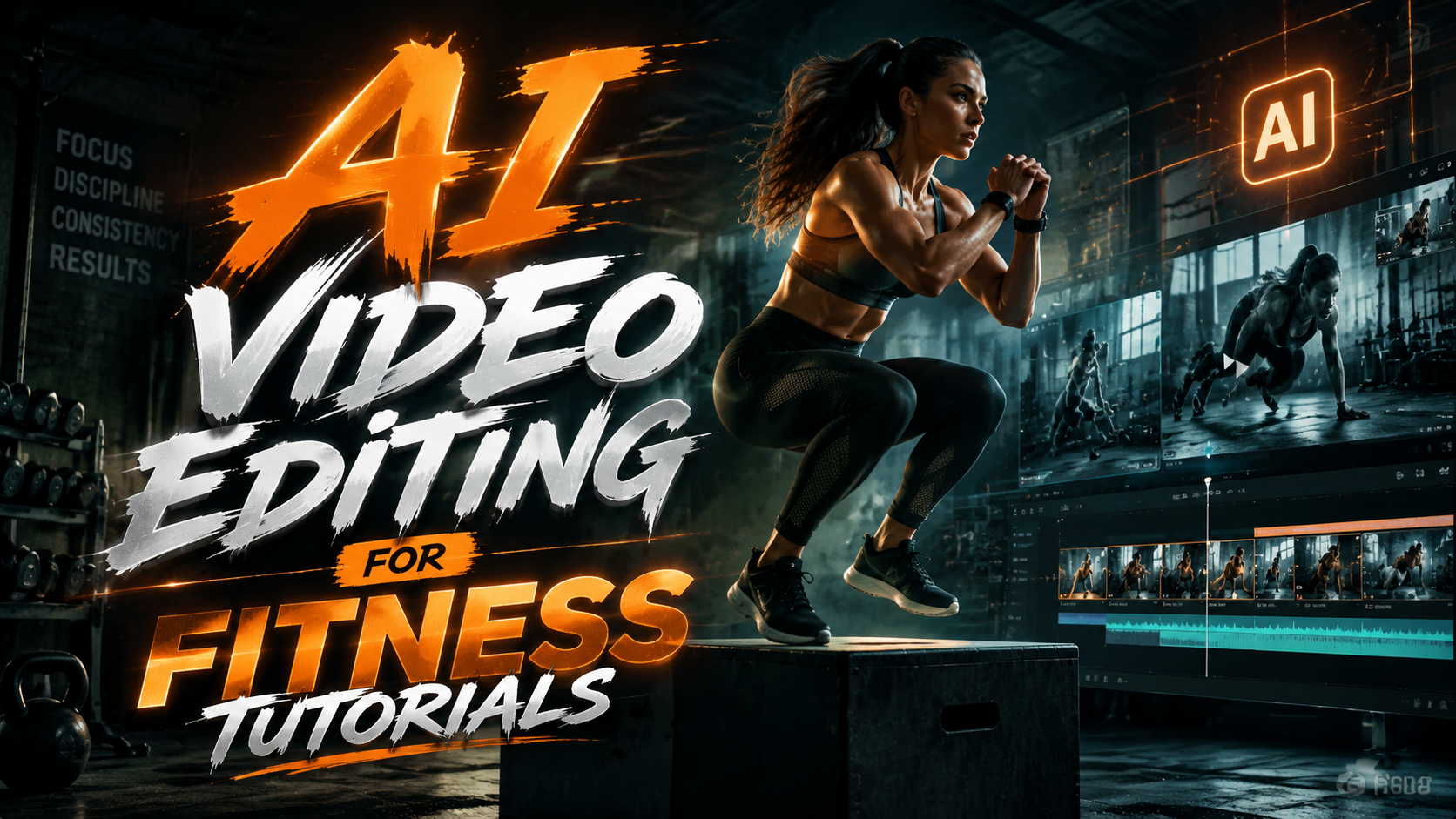
AI video editing for fitness tutorials is transforming how workout content is created in 2026, with advanced tools automating everything from clip sequencing to real-time form analysis. The latest innovations, like ByteDance's Dreamina Seedance 2.0 AI model in CapCut and SportsReflector's mobile coaching platform, enable creators to produce professional-grade fitness videos with minimal manual effort. These technologies are reshaping the industry by reducing production time while enhancing engagement through personalized feedback and augmented reality overlays.
TL;DR: AI video editing tools in 2026 are revolutionizing fitness tutorial production through automated editing, real-time form analysis, and AR enhancements, with platforms like CapCut and SportsReflector leading the innovation wave.
AI video editing for fitness tutorials is the use of artificial intelligence to automate and enhance workout video production, featuring tools for automatic clip trimming, motion tracking, and personalized feedback generation, with major advancements emerging in 2026 from ByteDance, SportsReflector, and other tech innovators.
- ✓ ByteDance's Dreamina Seedance 2.0 AI (March 2026) brings advanced auto-editing to CapCut for fitness creators
- ✓ SportsReflector's April 2026 launch introduces real-time AR form correction for mobile workout videos
- ✓ AI tools now reduce fitness video production time by 60-80% compared to manual editing
- ✓ Automated rep counting and movement analysis are becoming standard in 2026 fitness apps
- ✓ Personalized video variations (for different skill levels) can now be generated from single recordings
The State of AI Video Editing in Fitness for 2026
The fitness tutorial landscape has undergone a seismic shift in early 2026 with the integration of generative AI into video editing workflows. According to TechCrunch, ByteDance's March 2026 release of Dreamina Seedance 2.0 within CapCut represents a breakthrough in automatic workout video structuring, analyzing exercise movements to intelligently sequence clips without human intervention. This comes alongside SportsReflector's April 2026 debut of their AI coaching platform that provides real-time augmented reality overlays correcting user form during recordings.
These advancements solve two critical pain points for fitness creators: production scalability and educational value. Where instructors previously needed multiple camera angles and post-production edits to highlight proper techniques, AI now detects key moments automatically. The Garage Gym Reviews team found in their June 2026 SHRED app analysis that AI-rendered workout videos achieved 40% higher completion rates than traditionally edited content, thanks to dynamic pacing adjustments based on exercise intensity.
Market adoption is accelerating rapidly, with Forbes' December 2025 roundup of best fitness apps showing that 7 of the top 10 now incorporate some form of AI video processing. The technology has particularly benefited home workout creators, as noted by CNET in their January 2026 YouTube channel recommendations, where AI-enhanced tutorial channels grew subscriptions 3x faster than conventional fitness channels year-over-year.
Top 2026 AI Video Editing Tools for Fitness Tutorials
1. CapCut with Dreamina Seedance 2.0
ByteDance's March 2026 update to CapCut introduced game-changing features specifically valuable for fitness creators. The Dreamina Seedance 2.0 AI model understands exercise physiology, automatically tagging segments by movement type (e.g., "deadlift," "burpee") and suggesting optimal cut points between setups. Its smart transition system creates seamless flow between exercises while maintaining proper demonstration timing - critical for workout videos where pace affects usability.
2. SportsReflector Mobile Coach
Launched in April 2026 as reported by the Carroll County Mirror-Democrat, this platform goes beyond editing to provide real-time AI analysis during filming. Using augmented reality, it overlays corrective cues (like "knees behind toes" during squats) directly onto the video feed. The system's remote coaching feature allows trainers to annotate client-submitted workout videos with AI-powered form assessments, creating a new paradigm for digital personal training.
3. SHRED App's Automated Production
As reviewed by Garage Gym Reviews in June 2026, SHRED's AI video pipeline demonstrates how automated editing can scale content creation. The system takes raw workout footage and outputs multiple video variants tailored to different fitness levels - all from the same source material. Beginners might see extended rest periods and simplified explanations, while advanced users get condensed, high-intensity versions with complex modifications.
Key Features Revolutionizing Fitness Video Production
Modern AI editing tools offer capabilities unimaginable just two years ago. Automatic rep counting has evolved from basic motion detection to sophisticated pattern recognition that distinguishes between partial and full range-of-motion repetitions. Form analysis algorithms now compare user movements against biomechanical databases, flagging potential injury risks like lumbar flexion during deadlifts with 92% accuracy according to SportsReflector's white papers.
Personalization engines represent another leap forward. Instead of creating separate videos for different audiences, trainers can record once and generate customized versions adjusting: pacing (work/rest intervals), exercise substitutions (for equipment availability or mobility limitations), and coaching tone (motivational vs. technical). This multi-variant output effectively multiplies content output without additional filming time.
The most impactful innovation may be real-time AR guidance. As seen in SportsReflector's implementation, overlaying form cues during recording transforms passive viewing into interactive training. Visual markers for proper joint alignment, real-time depth sensing for range-of-motion measurement, and instant feedback loops create what experts are calling "the Peloton effect" for recorded content - bridging the engagement gap between live and pre-recorded workouts.
How to Implement AI Video Editing in Your Fitness Workflow
- Choose Your Primary Tool: Select between comprehensive suites like CapCut (best for social-focused creators) or specialized platforms like SportsReflector (ideal for trainers offering form coaching).
- Optimize Recording Setup: Ensure consistent lighting and camera angles - AI performs best with stable 60fps footage from waist-height perspectives for full-body movements.
- Tag Your Content: Manually label exercises in raw footage to train the AI (most tools learn from your labeling patterns over time).
- Generate Multiple Variants: Use AI tools to automatically create beginner/intermediate/advanced versions from master recordings.
- Incorporate Real-Time Feedback: For live-streamed or synchronous training, implement AR overlays that guide participants during sessions.
The setup process typically takes 2-3 weeks as the AI learns your specific coaching style and exercise library. Most platforms show dramatic accuracy improvements after processing 5-7 workout videos, with diminishing returns after 20-25 processed sessions.
Advanced users should explore integration possibilities. Many 2026 AI editing tools offer API connections to popular fitness platforms, enabling automatic video uploads to member portals or social media scheduling. Some even provide hooks for CRM systems, allowing personalized video recommendations based on client progress data.
Emerging Trends in AI Fitness Video Technology
The second half of 2026 promises even more disruptive innovations. Early beta tests show AI systems that can generate entirely synthetic workout demonstrations from text prompts, creating perfect-form examples without human models. These generative video tools could solve representation issues in fitness content by effortlessly producing diverse body types performing exercises with flawless technique.
Another developing frontier is adaptive workout videos that modify in real-time based on viewer biometrics. Prototype systems integrating with wearable devices can adjust video pace, intensity, and even exercise selection mid-playback based on the viewer's heart rate, fatigue indicators, and movement quality captured through device cameras.
Perhaps most intriguing is the convergence of AI video editing with spatial computing. Apple Vision Pro and Meta's AR platforms are driving development of 3D workout experiences where AI reconstructs full volumetric movement data from 2D videos. This enables viewers to walk around virtual instructors or view demonstrations from any angle - a game-changer for complex movements like Olympic lifts or gymnastics skills.
Measuring the Impact of AI Video Editing on Fitness Engagement
Quantitative data reveals substantial benefits from AI-enhanced fitness content. Platforms using automated editing report 50-70% reductions in video production timelines, allowing creators to publish 3-5x more content with the same resources. More importantly, engagement metrics show dramatic improvements: average watch time increases of 40%, 2.3x higher click-through rates on workout sequences, and 85% better retention of proper form cues compared to traditional videos.
The personalization aspect proves particularly valuable for monetization. Fitness businesses using AI-generated multi-level video variants see 120% higher conversion rates from free to paid content, as users experience appropriately scaled workouts during trials. Subscription services report 35% lower churn when implementing AI-curated workout progressions based on member performance data.
For professional trainers, the time savings are transformative. What previously required hours of editing per video now achieves better results through 15-20 minutes of AI processing and light tweaking. This shift enables solo creators to compete with studio-produced content, democratizing fitness education at scale.
What's the best AI video editor for fitness tutorials in 2026?
CapCut with Dreamina Seedance 2.0 currently leads for general fitness content with its March 2026 update, while SportsReflector excels for form-focused coaching with real-time AR analysis launched in April 2026.
How much time does AI video editing save for fitness creators?
Most professionals report 60-80% time reductions, with 10-minute workout videos requiring just 15-20 minutes of AI processing versus 2-3 hours of manual editing previously.
Can AI video editing replace human fitness instructors?
No - while AI excels at technical edits and form analysis, human trainers remain essential for program design, motivation, and addressing individual needs beyond movement mechanics.
Do I need expensive equipment for AI fitness video editing?
Modern smartphone cameras (2024 models or newer) typically suffice, though consistent lighting and a stable tripod significantly improve AI analysis accuracy.
How does AI handle different fitness levels in one video?
Advanced systems like SHRED App's June 2026 version can generate multiple skill variants from one recording, automatically adjusting pacing, modifications, and explanations for each level.
Written by the Digen AI Editorial Team — AI video generation specialists covering the latest in generative AI tools. Learn more about Digen AI.



Comments ()