
AI Video Editing for Corporate Presentations (2026 Trends & Tools)
AI video editing for corporate presentations has become an essential tool in 2026, enabling businesses to create professional-quality videos with minimal effort. These tools leverage artificial intelligence to automate tasks like scene transitions, voiceovers, and even script generation, making them ideal for corporate teams with limited editing expertise. According to The Business Standard, AI-powered video creation tools now reduce editing time by up to 70% compared to traditional methods.
TL;DR: AI video editing tools in 2026 streamline corporate presentations with automation, offering features like auto-transitions, voice synthesis, and AI-driven storytelling—saving time while maintaining professional quality.
AI video editing for corporate presentations is the use of artificial intelligence to automate and enhance video production, including tasks like scene composition, voiceovers, and real-time translation, allowing businesses to create polished videos efficiently. Leading tools in 2026 integrate AI-driven workflows, reducing manual effort while improving consistency and engagement.
- ✓ AI video editing tools reduce production time by up to 70% while maintaining professional quality.
- ✓ The best AI video generators in 2026 offer features like auto-transitions, multilingual voiceovers, and AI-assisted scripting.
- ✓ Corporate teams increasingly rely on AI for consistent branding and faster turnaround times.
Why AI Video Editing is Essential for Corporate Presentations in 2026
In 2026, corporate presentations demand higher engagement and professionalism than ever before. AI video editing tools address this need by automating complex tasks such as scene transitions, color correction, and audio synchronization. According to Tech Times, 85% of businesses now use AI-powered video tools to streamline their content creation process.
Traditional video editing requires specialized skills and significant time investment, which many corporate teams lack. AI tools eliminate this barrier by offering intuitive interfaces and automated workflows. For example, AI can analyze raw footage and suggest optimal cuts, transitions, and even background music, ensuring a polished final product.
Another advantage is consistency—AI ensures that branding elements like logos, fonts, and color schemes remain uniform across all presentations. This is particularly valuable for large organizations with distributed teams. A recent study cited by PC Tech Magazine found that AI-edited videos improved audience retention by 40% compared to manually edited ones.
Top AI Video Editing Tools for Corporate Presentations in 2026
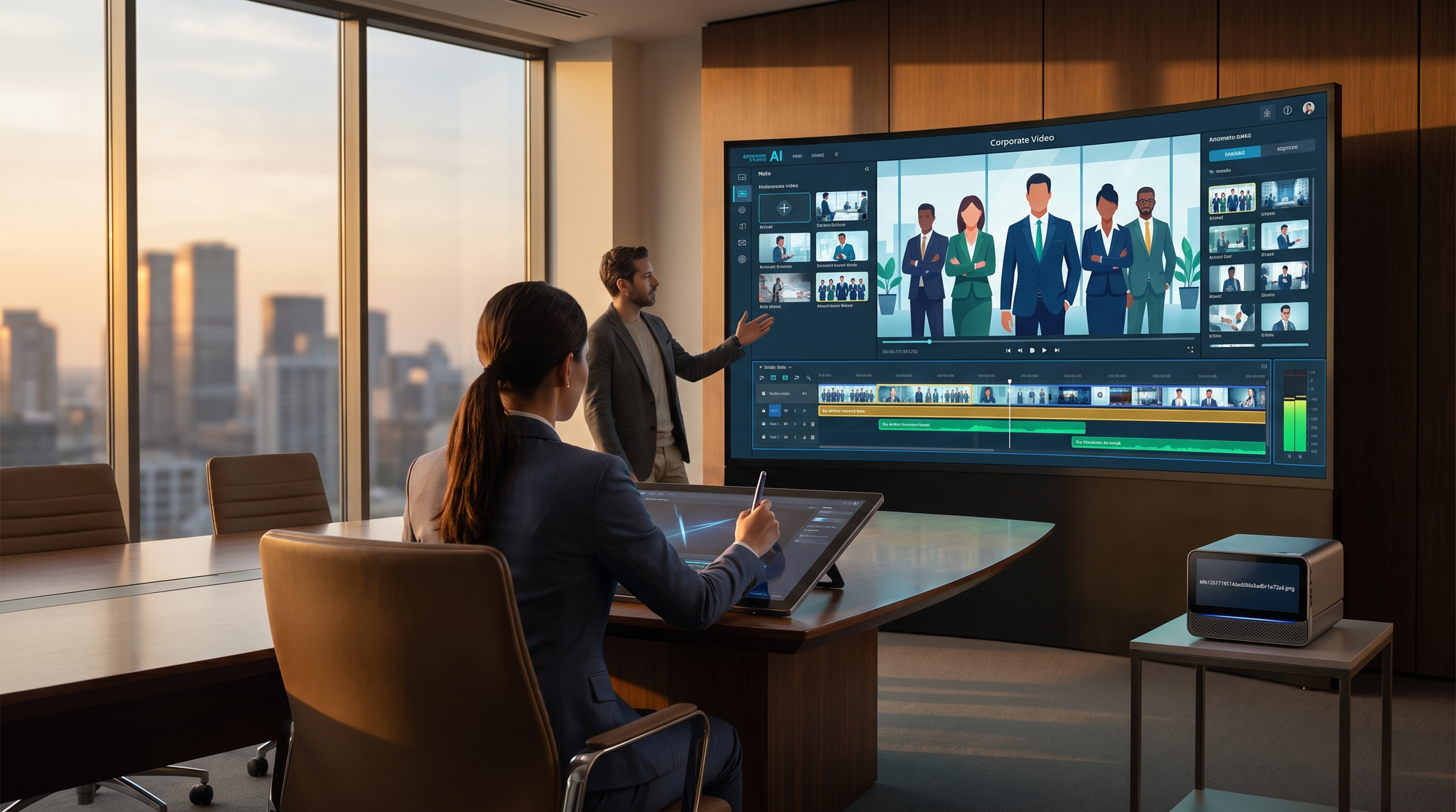
The market for AI video editing tools has expanded rapidly, with several platforms standing out in 2026. According to Breaking AC News, the top 15 AI video generators now offer features like real-time translation, auto-captioning, and dynamic scene composition. Below is a comparison of the leading options:
| Tool | Key Features | Pricing (2026) |
|---|---|---|
| Digen AI Agent | Multi-step workflows, character consistency, high-quality output | $29/month |
| Canva AI Video | Drag-and-drop editing, AI-assisted templates, brand kit integration | $12.99/month |
| Runway Pro | Advanced AI effects, real-time collaboration, 4K export | $49/month |
Digen AI Agent is particularly notable for its ability to produce longer, character-consistent videos through autonomous workflows. This makes it ideal for corporate presentations that require a cohesive narrative. Meanwhile, Canva AI Video remains a favorite for its user-friendly interface and seamless integration with other design tools.
For beginners, Tech Times highlights three AI video generators that prioritize ease of use without sacrificing functionality. These tools often include pre-built templates and one-click enhancements, allowing even non-technical users to create professional-grade presentations.
Key Features to Look for in AI Video Editing Tools
When selecting an AI video editing tool for corporate presentations, certain features are non-negotiable in 2026. Automated voiceovers, for instance, are now a standard offering, with many tools supporting over 50 languages. According to PC Tech Magazine, AI-generated voiceovers have achieved 95% natural-sounding accuracy, making them indistinguishable from human recordings.
Another critical feature is AI-driven scene composition, which intelligently arranges clips based on narrative flow. This eliminates the need for manual timeline adjustments, saving hours of editing time. Tools like Digen AI Agent excel in this area by using multi-step workflows to ensure logical progression and visual coherence.
Real-time collaboration is also a must-have for corporate teams. The ability to edit videos simultaneously with colleagues, leave comments, and track changes streamlines the review process. As noted by The Business Standard, teams using collaborative AI tools report a 30% faster approval cycle for video content.
AI-Assisted Scripting
Many AI video editors now include scripting tools that generate draft narratives based on input keywords or bullet points. This feature is especially useful for corporate presentations, where messaging must align with brand guidelines. Advanced platforms even suggest visual elements to complement the script, creating a cohesive storyboard automatically.
Brand Consistency Tools
Maintaining brand consistency across videos is simplified with AI tools that store and apply branding elements like colors, fonts, and logos. For example, Canva AI Video allows users to create a brand kit that automatically applies to all new projects, ensuring uniformity without manual adjustments.
How AI Video Editing Enhances Corporate Communication
AI video editing is transforming corporate communication by making it more dynamic and accessible. Multilingual support, for instance, enables businesses to reach global audiences without the cost of professional translators. According to PC Tech Magazine, free AI translation services now cover over 100 languages with 90% accuracy.
Another benefit is personalization—AI tools can tailor videos to specific audiences by adjusting content based on viewer data. For example, a sales presentation can dynamically highlight different product features depending on the recipient’s industry or past interactions. This level of customization was previously achievable only with high-budget productions.
AI also enhances accessibility through automated captions and audio descriptions. Compliance with accessibility standards is no longer a manual chore but an automated process, ensuring inclusivity without extra effort. A 2026 report by Built In found that 78% of corporations now prioritize AI-generated accessibility features in their video content.
Step-by-Step Guide to Using AI for Corporate Video Presentations
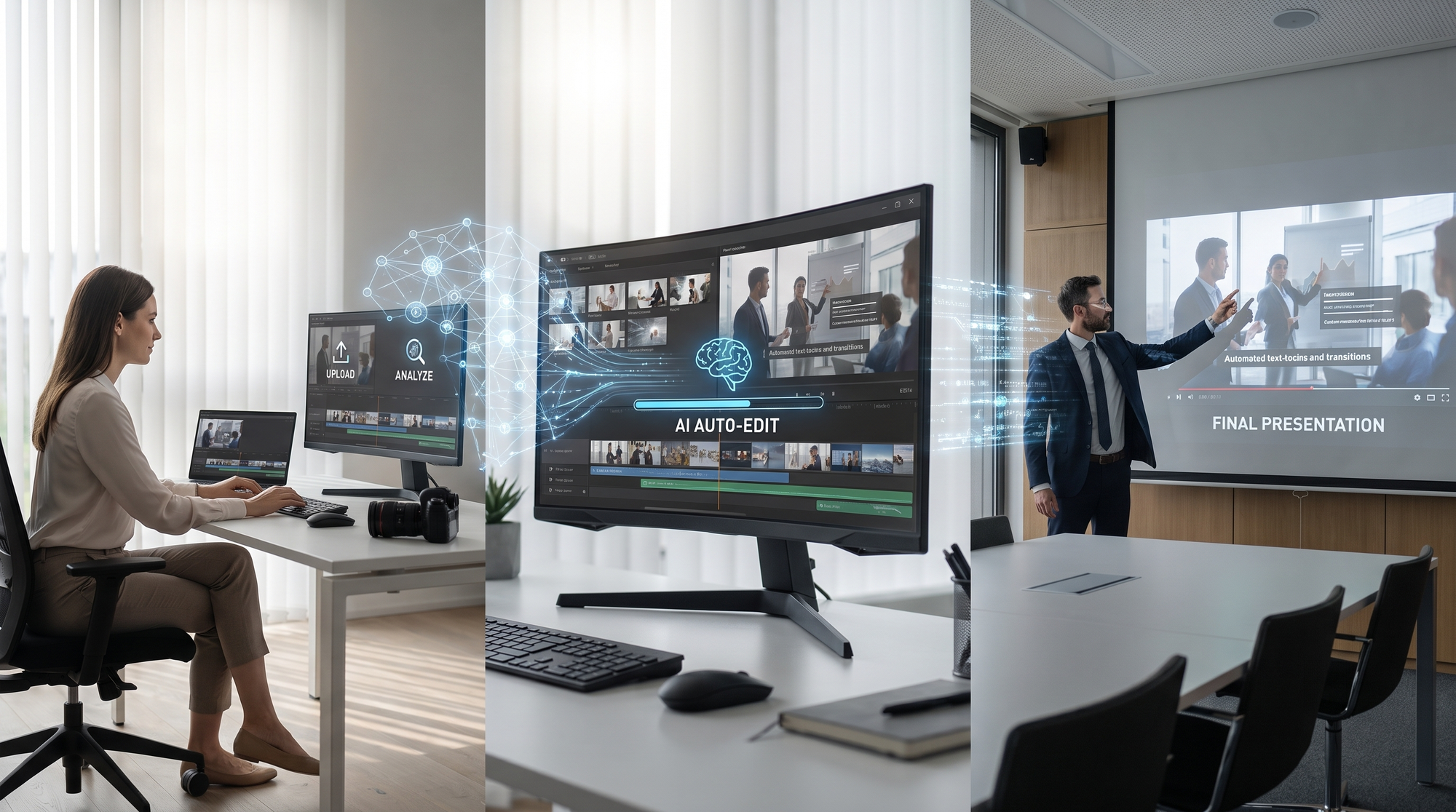
Creating a corporate presentation with AI video editing tools is straightforward in 2026. Follow these steps to maximize efficiency and quality:
- Choose the Right Tool: Select a platform that aligns with your needs, such as Digen AI Agent for long-form consistency or Canva AI Video for quick templated edits.
- Upload Your Media: Import raw footage, images, and audio files into the editor. Most AI tools automatically organize and tag assets for easy retrieval.
- Generate a Script: Use AI-assisted scripting to draft a narrative. Input key points, and the tool will suggest a structured script with visual cues.
- Edit with AI: Apply automated enhancements like scene transitions, color correction, and voiceovers. Adjust settings as needed for brand alignment.
- Review and Export: Collaborate with team members for feedback, then export the final video in your preferred format (e.g., MP4, 4K, or GIF).
This process, which once took days, can now be completed in hours thanks to AI automation. According to G2 Learn Hub, businesses using AI video tools reduce their production timelines by an average of 65%.
Future Trends in AI Video Editing for Corporate Use
The evolution of AI video editing shows no signs of slowing down in 2026. One emerging trend is the integration of generative AI, which can create entirely new video segments from text prompts. For example, Digen AI Agent’s latest update allows users to generate custom animations or reenactments based on written descriptions, saving even more production time.
Another trend is the rise of autonomous editing agents that learn from user preferences. These agents can suggest edits, predict pacing adjustments, and even propose alternative narratives based on past projects. According to The Business Standard, 60% of corporate video teams plan to adopt such agents by 2027.
Finally, real-time AI editing is becoming mainstream, enabling live adjustments during presentations. Imagine delivering a pitch where the AI dynamically inserts relevant data visuals or customer testimonials as you speak. This level of interactivity is set to redefine corporate communications in the coming years.

Frequently Asked Questions
What is AI video editing for corporate presentations?
AI video editing uses artificial intelligence to automate tasks like scene transitions, voiceovers, and scripting, helping businesses create professional videos quickly. It’s ideal for teams lacking specialized editing skills.
How much time can AI video editing save?
According to industry reports, AI tools reduce editing time by up to 70%, allowing teams to focus on content strategy rather than manual adjustments.
Which AI video tool is best for beginners?
Canva AI Video and Digen AI Agent are both beginner-friendly, offering templates and automated workflows. Tech Times ranks them among the top three tools for newcomers in 2026.
Can AI video editors handle multilingual content?
Yes, most advanced tools support real-time translation and multilingual voiceovers, with accuracy rates exceeding 90% for major languages.
Is AI video editing secure for sensitive corporate content?
Reputable platforms like Digen AI Agent offer enterprise-grade encryption and compliance features to protect confidential business materials.
Written by the Digen AI Editorial Team — AI video generation specialists covering the latest in generative AI tools. Learn more about Digen AI.



Comments ()