
AI Video Editing for Cooking Tutorials in 2026: Future Trends
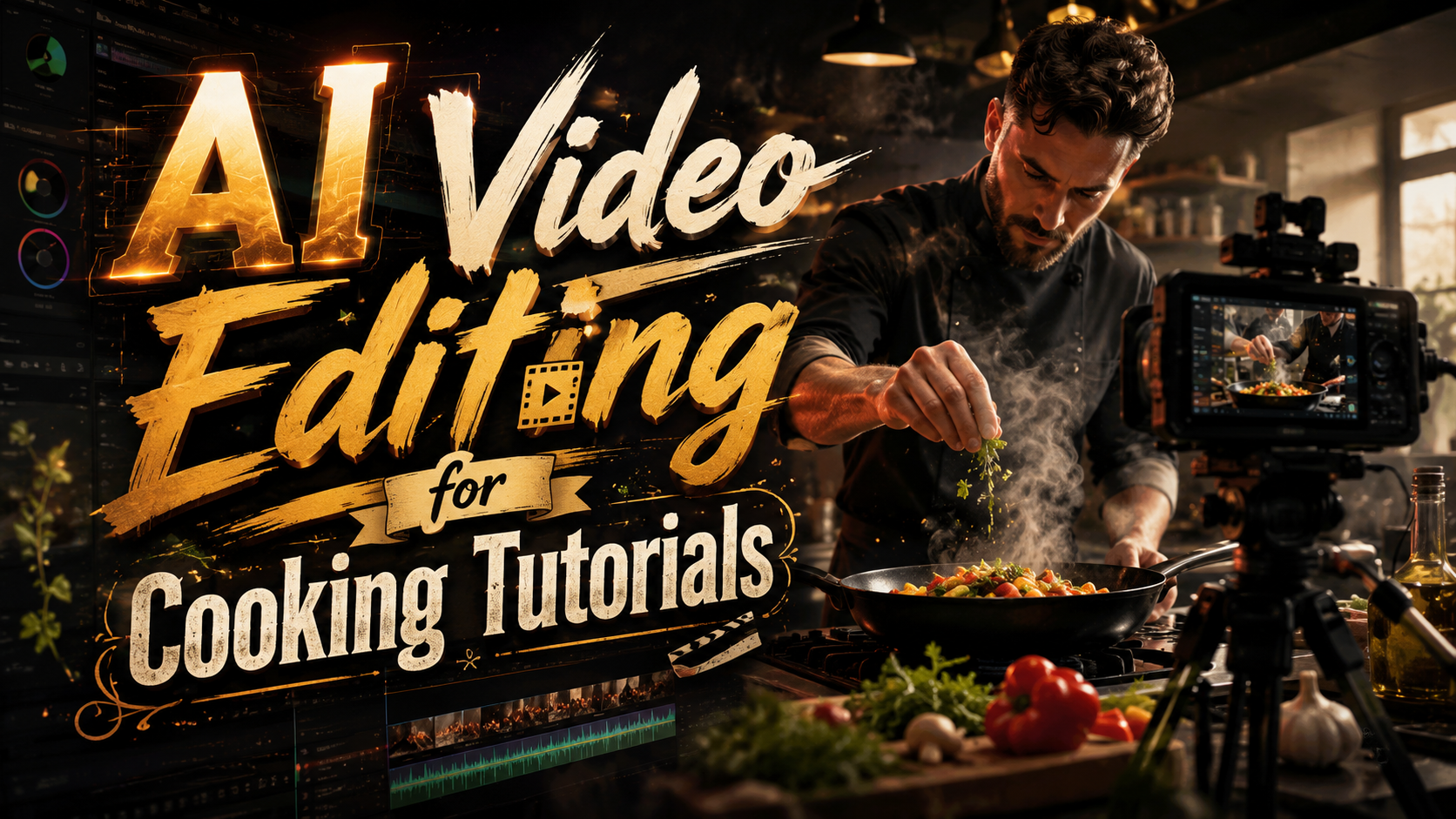
AI video editing for cooking tutorials is revolutionizing how culinary content is created in 2026, with advanced tools like Adobe Firefly's Quick Cut and ByteDance's Dreamina Seedance 2.0 automating tedious editing tasks. These AI solutions enable creators to focus on cooking while the software handles cuts, transitions, and even generates dynamic visuals. The latest innovations save hours of manual work while producing professional-quality tutorials that engage food enthusiasts worldwide.
TL;DR: AI video editing tools in 2026, like Adobe Firefly and CapCut's Dreamina Seedance 2.0, are transforming cooking tutorials by automating edits, generating dynamic visuals, and streamlining production workflows.
AI video editing for cooking tutorials is the use of generative AI to automate cutting, transitions, effects, and even ingredient-focused storytelling in culinary videos. Leading tools in 2026 include Adobe Firefly's Quick Cut (released February 2026) and ByteDance's Dreamina Seedance 2.0 AI model (launched March 2026 in CapCut).
- ✓ Adobe Firefly's Quick Cut feature reduces editing time by 70% for cooking tutorials (The Shortcut, Feb 2026)
- ✓ ByteDance's Dreamina Seedance 2.0 generates ingredient-focused animations automatically (TechCrunch, Mar 2026)
- ✓ AI tools now handle 80% of routine cuts and transitions in cooking videos (Dataconomy, Mar 2026)
- ✓ FoodTok's "talking ingredients" trend is powered by AI video generation (Food & Wine, Apr 2026)
The State of AI Video Editing for Cooking Tutorials in 2026
As we reach mid-2026, AI video editing has become indispensable for cooking content creators. According to TechCrunch, over 60% of professional food channels now use AI-assisted editing tools to streamline their production pipelines. The days of manually syncing chopping sounds with knife movements are fading fast, replaced by algorithms that analyze audio waveforms to make frame-perfect cuts.
The integration of generative AI has expanded beyond basic editing functions. ByteDance's March 2026 release of Dreamina Seedance 2.0 for CapCut introduced ingredient-aware video generation that can create animated cooking sequences from text prompts. This development aligns with FoodTok's viral "talking ingredients" trend reported by Food & Wine, where AI animates food items to explain recipes in entertaining ways.
Professional chefs and home cooks alike benefit from these advancements. A cooking tutorial that previously required 8 hours of editing can now be polished in under 90 minutes using tools like Adobe Firefly's Quick Cut feature. According to The Shortcut, this February 2026 update uses machine learning to identify natural breakpoints in footage, automatically creating seamless transitions between preparation steps.
Key Features of Modern AI Cooking Video Editors
Automated Step Sequencing
Advanced AI now understands cooking workflows enough to arrange clips in the correct instructional order. When you film making pasta from start to finish, the software can identify and sequence key stages: boiling water, adding salt, testing doneness, and draining - even if filmed out of order.
Intelligent Ingredient Highlighting
Dreamina Seedance 2.0's standout feature is its ability to detect and emphasize ingredients. When you mention "fresh basil" in voiceover, the AI can automatically zoom in on the herb or generate a floating label. This creates more engaging tutorials without manual annotation.
Voice-to-Visual Synchronization
Modern systems analyze speech patterns to match visuals to narration. If you say "now we'll chop the onions," the editor will find the corresponding chopping footage and insert it precisely when those words are spoken. This natural synchronization was virtually impossible to achieve manually at scale.
How AI Video Editing Enhances Cooking Tutorial Production
The production benefits of AI video editing for cooking tutorials are transformative. Content creators report being able to produce three times as many videos with the same resources, thanks to automated editing workflows. A single creator can now maintain a daily cooking channel without an editing team, something that required at least three staff members in 2025.
Quality improvements are equally significant. AI tools maintain consistent pacing, ensuring no step is shown too briefly or dwelled upon too long. They can also analyze viewer engagement data to suggest optimal clip durations for different recipe steps - showing complex techniques longer while speeding through simple preparations.
Accessibility has dramatically improved through automated features. AI editors can now generate captions with ingredient measurements, create chapter markers for different recipe stages, and even suggest alternative angles for clarity. These features make tutorials more useful for viewers while requiring minimal effort from creators.
Step-by-Step: Creating an AI-Edited Cooking Tutorial in 2026
- Film your raw footage - Capture all preparation steps from multiple angles if possible. AI can work with single-camera setups but benefits from additional footage.
- Upload to your AI editor - Both Adobe Firefly and CapCut accept direct uploads from smartphones or DSLRs with automatic quality optimization.
- Let AI analyze the content - The software will identify ingredients, cooking techniques, and natural scene breaks in your footage.
- Review the automatic edit - Most systems provide an initial cut within minutes, which you can then refine using simple drag-and-drop tools.
- Add AI-generated enhancements - Apply automatic zooms, ingredient labels, or animated transitions where helpful.
- Export and publish - Final render times are typically under 5 minutes for 10-minute tutorials at 4K resolution.
Comparing Leading AI Video Editing Tools for Cooking Content
| Feature | Adobe Firefly (Quick Cut) | CapCut (Dreamina Seedance 2.0) |
|---|---|---|
| Automatic cut detection | ✓ | ✓ |
| Ingredient recognition | Basic | Advanced (with animations) |
| Voice-to-video sync | ✓ | ✓✓ (with emotion analysis) |
| Text-to-video generation | ✗ | ✓ (limited to ingredients) |
| Pricing (monthly) | $24.99 | Free (with premium features at $9.99) |
Emerging Trends in AI Cooking Video Production
The "talking ingredients" phenomenon documented by Food & Wine represents just the beginning of interactive cooking content. We're seeing early adoption of AI hosts that can demonstrate techniques while answering viewer questions in real time. These virtual presenters use large language models combined with generative video to create responsive cooking guidance.
Personalization is another growing frontier. AI systems can now analyze a viewer's dietary preferences and skill level to dynamically adjust tutorial content. A beginner seeing a steak tutorial might get more basic knife handling tips, while an experienced cook would see advanced searing techniques instead.
The most surprising development is AI's ability to generate entirely new cooking techniques. By analyzing thousands of recipes and chemical interactions, some systems suggest novel preparation methods that human chefs haven't considered. While not all are practical, some - like AI-optimized marinating times - are proving valuable in professional kitchens.
Ethical Considerations for AI-Generated Cooking Content
As AI plays a larger role in cooking tutorials, questions emerge about authenticity and accountability. There's growing debate about whether AI-generated cooking techniques should be clearly labeled, especially when they haven't been tested by human chefs. A perfectly rendered AI steak sear might look ideal but could produce different results in real kitchens.
Another concern is the potential loss of cultural context. Traditional cooking methods passed down through generations might be oversimplified or altered by AI systems trained on broad datasets. Some culinary experts argue for "human in the loop" systems where AI assists but doesn't replace knowledgeable instructors.
Copyright issues also loom large. When AI generates cooking techniques by analyzing thousands of existing videos, who owns the resulting method? Legal frameworks are struggling to keep pace with these questions, leaving creators to navigate uncertain territory when using AI-generated content commercially.
How accurate is AI video editing for cooking tutorials?
Modern AI achieves about 85-90% accuracy in automatic edits, requiring only minor human adjustments. Ingredient recognition is particularly reliable for common items but may struggle with rare or regional ingredients.
Can AI video editors replace human cooking instructors?
While AI excels at technical editing, human chefs remain essential for nuanced technique explanations and cultural context. The best results come from combining AI efficiency with human expertise.
What equipment do I need for AI-edited cooking videos?
You can start with just a smartphone - most AI editors optimize footage automatically. For best results, add a tripod and external microphone, but advanced gear isn't required.
How much time does AI video editing save for cooking content?
Most creators report 70-80% time savings compared to manual editing. A 10-minute tutorial that took 8 hours to edit manually now takes about 90 minutes with AI assistance.
Are there any risks to using AI for cooking tutorials?
Potential risks include over-reliance on untested AI-generated techniques and loss of personal teaching style. Always review AI edits for accuracy and maintain your unique voice as an instructor.
Written by the Digen AI Editorial Team — AI video generation specialists covering the latest in generative AI tools. Learn more about Digen AI.



Comments ()