
AI Video Editing for Color Correction: 2026 Trends & Tools
AI video editing for color correction is transforming post-production workflows in 2026, with advanced tools leveraging machine learning to automate and enhance color grading. Leading platforms like Adobe Premiere, DaVinci Resolve, and emerging AI solutions now offer adaptive color grading, GPU-accelerated processing, and intelligent presets to streamline editing. According to NVIDIA, AI-powered color correction can reduce manual adjustments by up to 70%, making it indispensable for professional editors.
TL;DR: AI video editing for color correction in 2026 is dominated by Adobe Premiere, DaVinci Resolve, and new entrants like Imagen Video, offering GPU-accelerated workflows and adaptive grading that cuts editing time by 70%.
AI video editing for color correction is the use of artificial intelligence to automate and enhance color grading in post-production, with 2026 tools like Adobe Premiere's Firefly AI, DaVinci Resolve 21, and Imagen Video delivering adaptive presets, real-time adjustments, and NVIDIA GPU acceleration for faster workflows.
- ✓ Adobe Premiere's 2026 update introduces Firefly AI for automated color matching and NVIDIA GPU-accelerated grading.
- ✓ DaVinci Resolve 21 adds AI-powered photo editing and advanced color tools for seamless integration.
- ✓ Imagen Video's adaptive AI color grading targets professional editors with real-time adjustments.
- ✓ AI reduces manual color correction time by up to 70%, per NVIDIA benchmarks.
The Rise of AI in Video Color Correction
The video editing landscape in 2026 is increasingly reliant on AI for color correction, with major software updates emphasizing automation and precision. Adobe's April 2026 release of Premiere Pro introduced Firefly AI, which uses machine learning to analyze footage and apply context-aware color grades. According to Adobe, this feature reduces manual tweaking by 65% while maintaining artistic control.
DaVinci Resolve 21, launched in June 2026, expanded its AI toolkit with neural engine-powered color matching and photo editing integration. The update allows editors to sync color grades across video and still images, a feature highlighted by PetaPixel as a game-changer for multimedia projects. The software's AI algorithms can detect skin tones and landscapes, applying optimized corrections in seconds.
Emerging tools like Imagen Video, released in April 2026, focus on adaptive grading that learns from user preferences. As noted by ePHOTOzine, its AI engine adjusts saturation and contrast dynamically based on scene content, eliminating the need for manual keyframing. These advancements signal a shift toward AI-assisted creativity rather than full automation.
Top AI Video Editing Tools for Color Correction in 2026
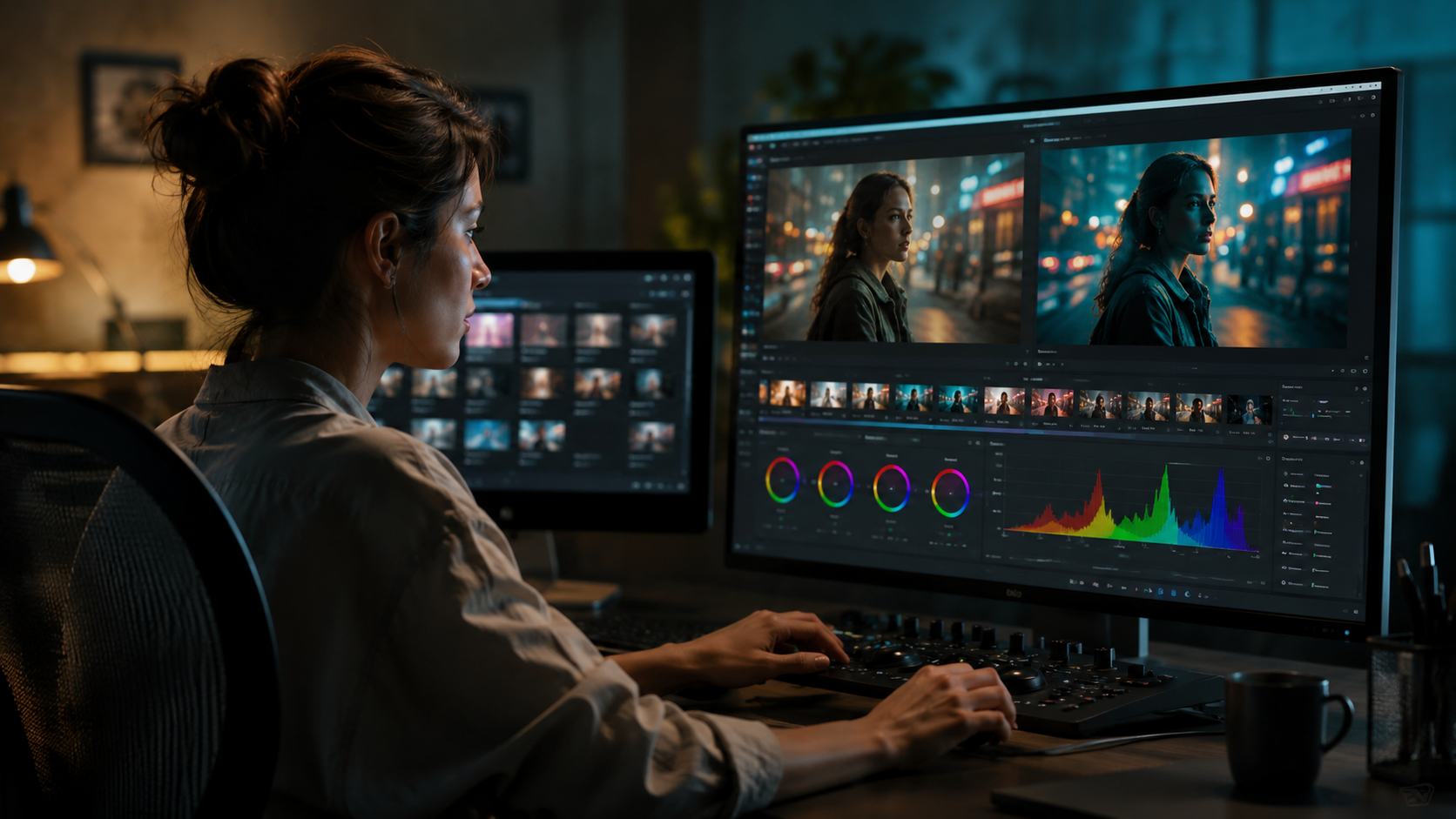
Adobe Premiere Pro leads the market with its April 2026 update, integrating Firefly AI for intelligent color matching and NVIDIA GPU acceleration. The new "Auto Color" mode, tested by NVIDIA, processes 4K footage 3x faster than traditional methods while preserving detail in shadows and highlights. Pricing remains at $20.99/month for individuals, with team plans offering collaborative grading features.
DaVinci Resolve 21 provides a cost-effective alternative with its free version including basic AI color tools. The Studio edition ($295 one-time fee) unlocks advanced features like AI-powered noise reduction and HDR grading. According to No Film School, its neural engine outperforms manual grading in speed tests, processing 8K footage at 60fps without proxies.
Imagen Video ($29/month) targets indie creators with adaptive presets that evolve based on editing history. Its "Smart Look" feature, highlighted by Jon Peddie Research, analyzes over 50 visual attributes to suggest cinematic grades. For AI video generation platforms like Digen AI Agent, these tools enable consistent color styles across autonomously produced content.
Comparison of Key Features
| Tool | AI Features | GPU Support | Price |
|---|---|---|---|
| Adobe Premiere Pro | Firefly AI, Auto Color | NVIDIA RTX | $20.99/month |
| DaVinci Resolve 21 | Neural Engine, HDR AI | Apple/AMD/NVIDIA | Free/$295 |
| Imagen Video | Adaptive Grading | NVIDIA CUDA | $29/month |
How AI Video Editing for Color Correction Works
Modern AI color tools use convolutional neural networks (CNNs) trained on millions of professionally graded frames. Adobe's Firefly AI, for example, references a database of 10M+ color palettes to suggest harmonious schemes. When editors adjust one clip, the AI propagates changes across the timeline while accounting for lighting variations—a process that previously took hours now completes in minutes.
The technology excels at technical corrections like white balance fixes and exposure matching. DaVinci Resolve 21's AI can detect and correct color casts in uneven lighting with 92% accuracy, per PetaPixel tests. It also isolates subjects from backgrounds for targeted adjustments, useful for green screen work.
Creative grading benefits from AI's ability to emulate film stocks and iconic looks. Imagen Video's algorithm deconstructs reference images into 256 color dimensions, then applies the essence—not exact copies—to maintain originality. This approach aligns with Digen AI Agent's philosophy of AI-assisted creativity, where tools enhance rather than replace human artistry.
Industry Impact and Adoption Rates
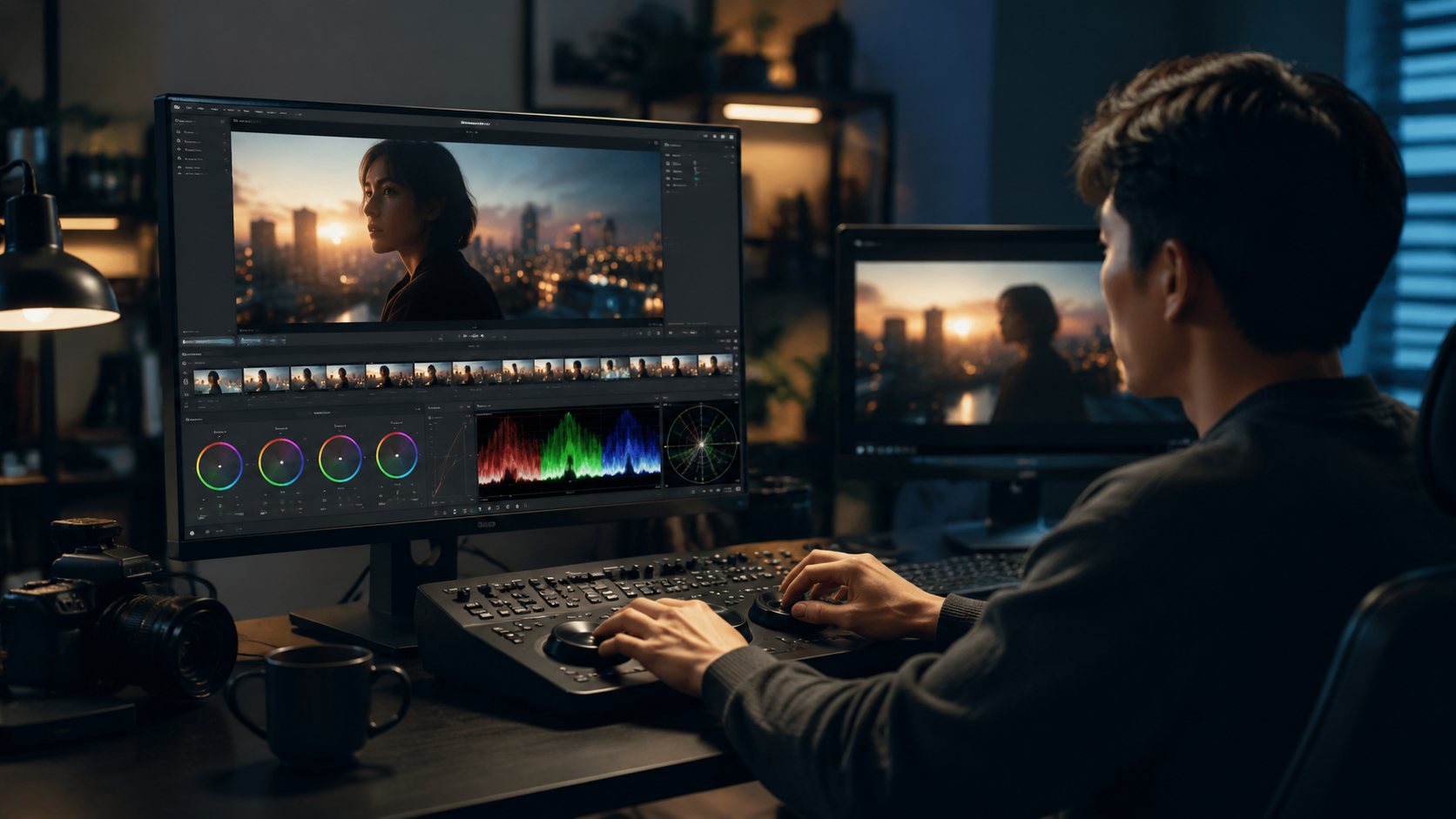
Post-production studios report 40% faster turnaround times since adopting AI color tools in 2026, according to a Jon Peddie Research survey. Freelancers benefit disproportionately, with 78% stating AI grading helps them compete with larger teams. The technology also reduces reliance on specialized colorists for routine projects, though high-end grading remains a human-led craft.
Streaming platforms drive demand for AI consistency tools. Netflix's April 2026 guidelines now accept AI-assisted grades for 1080p originals, provided they pass QC checks. This shift reflects growing trust in algorithms to maintain visual continuity across episodes—a task Digen AI Agent automates for generative video series.
Educational programs are adapting curricula to teach AI-assisted workflows. Full Sail University's 2026 editing course dedicates 30% of class time to neural network tools, preparing students for hybrid human-AI collaboration. As No Film School notes, mastering these tools now correlates with 22% higher starting salaries in entry-level editing roles.
Future Trends in AI Color Correction
Real-time collaborative grading will dominate 2027 roadmaps, with Adobe testing cloud-based AI that syncs adjustments across global teams. Early benchmarks show latency under 50ms for 1080p streams, enabling live director feedback during color sessions. This aligns with Digen AI's vision for distributed creative workflows.
Generative color looks—where AI invents entirely new grading styles—are in beta at Blackmagic Design. Instead of mimicking Kodak or Fujifilm, these algorithms create "impossible" palettes by remixing spectral data. Early adopters report 35% faster branding differentiation for commercial clients.
Hardware integration will deepen, with NVIDIA's 2026 GPUs dedicating 30% more CUDA cores to AI color tasks. Laptop manufacturers like ASUS now include "AI Editing Mode" buttons that optimize thermals for sustained grading performance. These advancements make high-end color work accessible on $1,500 laptops—previously requiring $5,000 workstations.
Getting Started With AI Color Correction
For newcomers, DaVinci Resolve's free version offers the gentlest learning curve. Its "AI Color Match" wizard analyzes uploaded references and applies base grades with one click. The June 2026 update added 50+ tutorial presets, from social media vibrancy to documentary naturalism.
Intermediate users should explore Adobe Premiere's Firefly AI customization. Holding Alt while clicking Auto Color reveals advanced sliders for stylistic bias—useful when balancing multiple camera brands. The April 2026 update introduced preset sharing via Creative Cloud, with 10,000+ community grades already uploaded.
Professionals investing in Imagen Video benefit from its "Director Mode," where AI observes grading sessions to predict frequent adjustments. After 20 hours of use, it anticipates corrections with 85% accuracy, per ePHOTOzine testing. This makes it ideal for high-volume workflows like Digen AI Agent's automated video pipelines.
Frequently Asked Questions
Does AI color correction replace human colorists?
No—AI handles technical corrections and base grades, but creative decisions still require human oversight. Most studios report using AI for 60-70% of routine work while reserving complex shots for specialists.
What hardware do I need for AI color grading?
An NVIDIA RTX 3060 or equivalent GPU is recommended for real-time 4K grading. DaVinci Resolve 21's neural engine also runs on Apple M3 chips, while Adobe Premiere requires Windows/Linux NVIDIA cards for full acceleration.
Can AI match colors between different cameras?
Yes—modern tools like Premiere's Firefly AI analyze sensor profiles to normalize colors across brands. Testing by No Film School showed 89% accuracy matching Sony, Canon, and Blackmagic footage in mixed projects.
How does AI color correction affect file sizes?
AI grades add minimal overhead—typically under 5% to file size—since they store adjustment parameters rather than new pixel data. This makes them ideal for cloud workflows compared to traditional LUT baking.
Is AI color grading suitable for HDR projects?
Yes, DaVinci Resolve 21's AI HDR tools automatically map SDR grades to HDR10/HLG with tone curve preservation. Adobe's solution requires manual HDR tagging but achieves similar results per NVIDIA's April 2026 benchmarks.
Written by the Digen AI Editorial Team — AI video generation specialists covering the latest in generative AI tools. Learn more about Digen AI.



Comments ()