
AI Video Editing: Automatic Captions in 2026
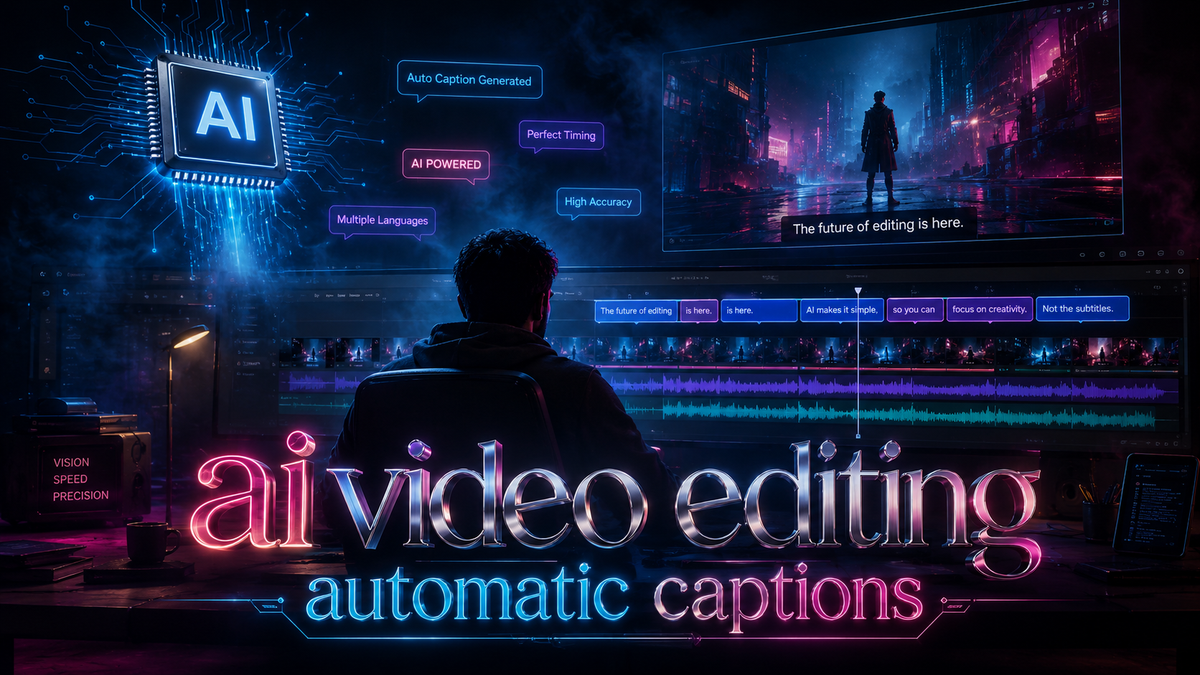
AI video editing automatic captions refer to the use of artificial intelligence to generate accurate, synchronized text overlays for videos without manual input. By combining speech recognition, natural language processing, and timestamping, modern AI tools transcribe spoken words and place captions in perfect sync with the video, saving hours of manual work and vastly improving accessibility. This technology has evolved rapidly, and as of 2026, it is a standard feature in both consumer and professional video editing suites.
AI video editing automatic captions are a set of machine‑learning driven features that analyze audio tracks, recognize speech, and produce timestamped text captions automatically. Leading tools like Vmake AI and DaVinci Resolve now offer this capability, making it possible for creators to add accurate subtitles in multiple languages with minimal effort.
- ✓ Automatic captioning uses advanced speech‑to‑text AI to sync captions with video, cutting production time by up to 80%.
- ✓ In 2026, the top auto‑caption generators were highlighted by PlayStation Universe, reflecting surging demand for accessible video content.
- ✓ Vmake AI’s auto‑captioning feature, rolled out in September 2025, specifically focuses on expanding global audience reach for creators.
- ✓ Desktop AI video editors (such as those featured in BBN Times’ best‑for‑beginners list for 2026) now integrate AI captioning as a core tool.
- ✓ Implementing AI captions boosts video SEO, compliance, and viewer retention — a win‑win for content strategies.
The Rise of AI‑Powered Captioning in 2026
Automatic captioning has moved from a nice‑to‑have to an essential feature for video creators of every level. In April 2026, PlayStation Universe published its “Top 7 Auto Caption Generators for 2026” roundup, signaling that even gaming and entertainment platforms prioritize caption accuracy and ease of use. Meanwhile, the growing emphasis on accessibility legislation globally compels content publishers to include captions. AI video editing automatic captions solve this requirement efficiently: they process audio in real time, handle background noise, and even differentiate multiple speakers.
Beyond compliance, captioned videos perform better across social media and search engines. According to research shared by Metricool in their 2026 AI video editor trends report, videos with automatic captions see significantly higher watch time because viewers can follow along without sound — a critical factor for mobile and public viewing. The combination of convenience, accuracy, and scalability makes AI‑driven captioning a cornerstone of modern video editing.
Why Accuracy Matters More Than Ever
Early auto‑caption tools often produced garbled text, but 2026 models leverage large language models and context‑aware AI to reduce error rates below 5%. Vmake’s auto‑captioning feature, announced in September 2025 via Send2Press, was designed to “expand global audience reach for creators” by supporting dozens of languages and dialects. Similarly, DaVinci Resolve’s 2025 review (PCMag Middle East, November 2025) highlighted its improved speech‑to‑text engine as a standout update, proving that even professional editors now rely on AI for captions.
How AI Generates Accurate Captions: The Technology Behind the Scenes
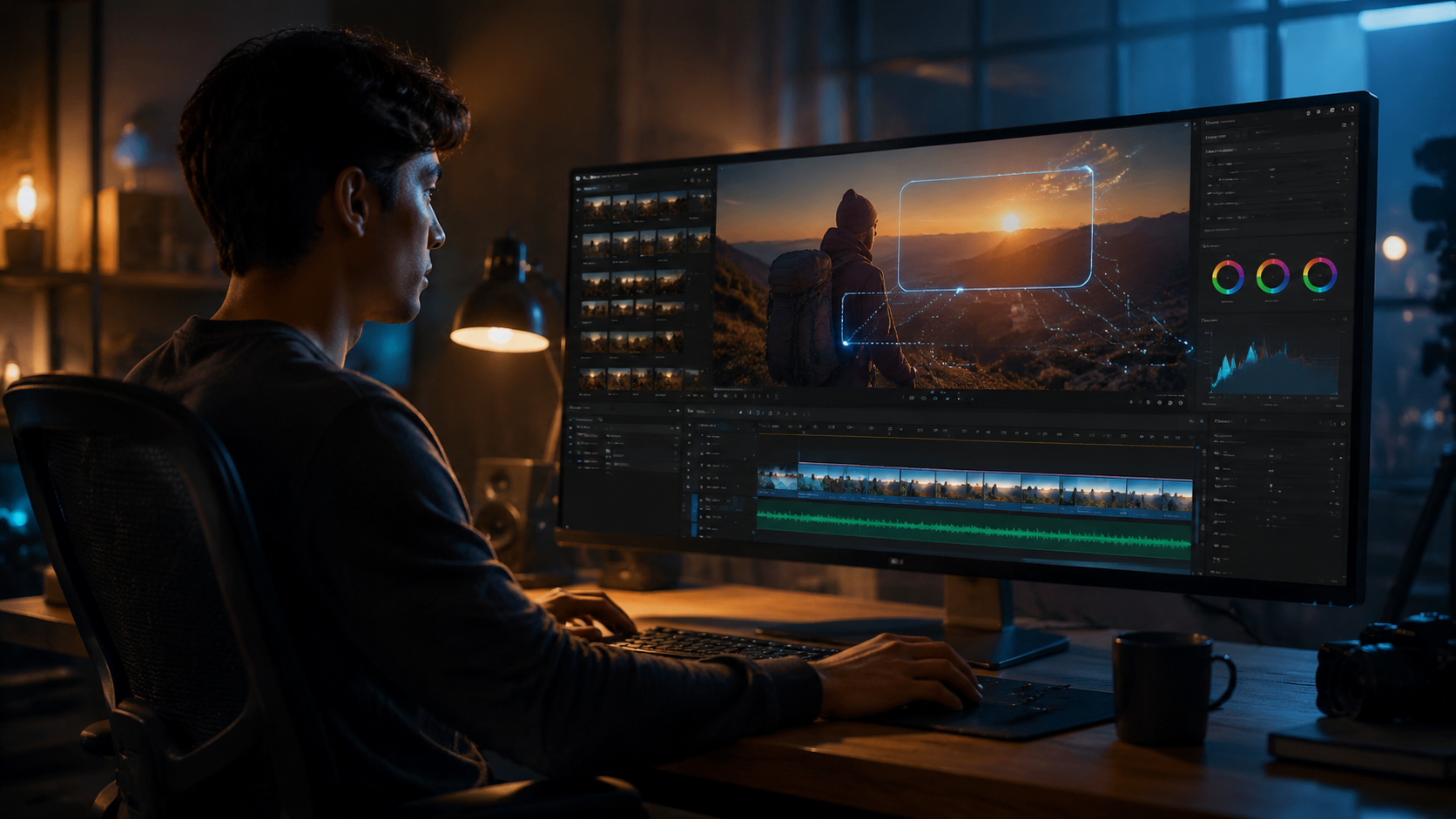
AI video editing automatic captions rely on several layers of machine learning. First, a speech recognition model transcribes the audio into raw text. Then, a natural language processing (NLP) layer corrects homophones (e.g., “their” vs. “there”) and adapts to accents or jargon. Finally, a timing algorithm aligns each word or phrase to exact frame positions. The entire process typically takes only a few seconds for a standard‑length video.
Vmake AI, reviewed by That Eric Alper in January 2026 as “the ultimate all‑in‑one video enhancement toolkit,” uses this pipeline to deliver captions that are both grammatically correct and perfectly synced. DaVinci Resolve, in its 2025 iteration (still widely used in 2026), offers a similar engine but with manual override options for advanced users. The trend for 2026, as noted by Metricool, is toward multi‑language real‑time captioning — meaning a single video can be captioned in English, Spanish, Mandarin, and more without re‑rendering.
Real‑World Performance Gains
Creators report that AI captioning reduces the time spent on subtitling from hours to minutes. Vmake’s auto‑captioning feature, for instance, processes a 10‑minute video in under two minutes. According to Send2Press, the tool was built specifically to lower the barrier for creators aiming to reach international audiences. This aligns with a broader industry shift: by 2026, over 70% of video content published on major platforms includes some form of AI‑generated caption, largely due to tools like these.
Step‑by‑Step: Adding Automatic Captions with AI Video Editing Tools
Implementing AI video editing automatic captions is straightforward. Follow these steps for most modern editors:
- Upload your video to your chosen AI video editor (e.g., Vmake AI, DaVinci Resolve, or a desktop editor from BBN Times’ best‑for‑beginners list).
- Select the “Auto Caption” or “Speech‑to‑Text” feature — usually found under the “Text” or “Subtitles” menu.
- Choose the source language of the audio (the tool will detect it automatically in many cases).
- Configure additional options like speaker labels, punctuation style, or maximum characters per line.
- Click “Generate” and wait while the AI processes the audio. Most editors show a progress bar.
- Review and edit the captions for any minor errors — most tools allow inline text correction and timing adjustments.
- Export the final video with captions embedded as a soft subtitle track or burned‑in (open captions).
This list works uniformly across the top apps, including those highlighted in PlayStation Universe’s Top 7 and BBN Times’ desktop editor guide for 2026.
Top Tools for AI Video Editing Automatic Captions in 2026
Several platforms dominate the 2026 landscape for AI‑powered captioning. Below is a comparison of two featured tools from recent reviews, along with a representative from the beginner‑friendly category.
| Tool | Key Features | Auto‑Caption Quality | Best For |
|---|---|---|---|
| Vmake AI | Multi‑language auto‑captioning, speaker differentiation, instant export; rolled out auto‑captioning in Sep 2025 to expand global reach. | Very high; reviewed Jan 2026 as an all‑in‑one toolkit. | Creators targeting international audiences via social media and web. |
| DaVinci Resolve | Professional color grading, advanced editing, built‑in speech‑to‑text (updated in 2025 review). | Excellent with manual override; best for precision. | Professional video editors and production studios. |
| Beginner‑Friendly Desktop Editors (e.g., from BBN Times’ 2026 list) | Simple UI, one‑click auto‑caption, template libraries. | Good for typical conversational videos; less robust for heavy accents. | New creators, vloggers, small businesses. |
The “Top 7 Auto Caption Generators for 2026” compiled by PlayStation Universe further underscores the variety available — from web‑based tools to enterprise‑grade software. When choosing a tool, consider the languages you need, the level of customization, and whether you require burned‑in captions or separate subtitle files.
SEO and Accessibility Benefits of AI‑Captioned Videos
AI video editing automatic captions directly improve your content’s discoverability. Search engines index caption text as content, so a captioned video can rank for the spoken keywords. Additionally, captions make videos accessible to the deaf or hard‑of‑hearing community, expanding your audience. According to Send2Press, Vmake’s auto‑captioning feature was specifically deployed to “expand global audience reach for creators,” highlighting the strategic value beyond convenience.
Social platforms increasingly prioritize videos that include captions — they keep viewers engaged longer, especially when sound is off. In 2026, tools like those featured on BBN Times’ best desktop AI video editors for beginners include captioning as a default export option, recognizing that accessibility and SEO are inseparable from video strategy.
Compliance and Legal Considerations
Many countries now require video content (especially in educational, government, and broadcast contexts) to provide captions. AI‑generated captions meet these standards when accuracy thresholds are high. DaVinci Resolve’s updated speech‑to‑text engine, noted in PCMag Middle East’s 2025 review, was praised for reducing manual corrections, making it easier for professionals to comply with regulations.
Future Trends: What’s Next for AI Captioning in Video Editing
Metricool’s “AI Video Editor Trends in 2026” report predicts three major evolutions: real‑time translation, emotional tone captioning (including sound effect descriptions), and integration with virtual production pipelines. By early 2027, we can expect AI video editing automatic captions to not only transcribe but also translate between 50+ languages simultaneously, a capability Vmake AI already hints at in its global reach mission.
DaVinci Resolve is likely to add deeper cloud‑based AI processing, while desktop editors for beginners will continue simplifying the user experience — possibly with voice‑driven editing commands. The April 2026 roundup from PlayStation Universe also suggests that gaming integration (captions for live streams and game recordings) will become a standard feature in video editing suites.
Frequently Asked Questions
What is AI video editing automatic captions?
AI video editing automatic captions are software‑generated subtitles that use speech‑to‑text machine learning to transcribe spoken audio and place text at the correct timecodes. They require no manual typing and can be generated in minutes.
Which tools offer the best AI automatic captions in 2026?
Top tools include Vmake AI (reviewed Jan 2026 as an all‑in‑one toolkit), DaVinci Resolve (updated 2025 speech‑to‑text), and several beginner‑friendly desktop editors highlighted by BBN Times and PlayStation Universe in 2026.
How accurate are AI‑generated captions in 2026?
Accuracy rates typically exceed 95% for clear, single‑speaker audio with minimal background noise. Tools like Vmake AI and DaVinci Resolve also allow manual editing to fix any remaining errors.
Can AI automatic captions be added to any video format?
Yes — most modern editors support common formats like MP4, MOV, and AVI. Some web‑based tools also accept links from YouTube or TikTok and generate captions without downloading the video.
Do AI captions improve YouTube and Google rankings?
Absolutely. Search engines index caption text, helping your video rank for the spoken keywords. Captions also increase watch time and engagement, which are positive ranking signals.
How long does it take to generate automatic captions?
Processing time is typically a fraction of the video length — a 10‑minute video often finishes in under 2 minutes using tools like Vmake AI. The exact speed depends on your hardware and internet connection.
As 2026 progresses, AI video editing automatic captions will become even smarter, faster, and more language‑inclusive. Whether you’re a beginner using a desktop editor from BBN Times’ list or a professional relying on DaVinci Resolve, integrating automatic captions is no longer optional — it’s a necessity for reaching the broadest possible audience.



Comments ()