
AI Video Creator for TikTok 2026: Make Viral Clips Fast
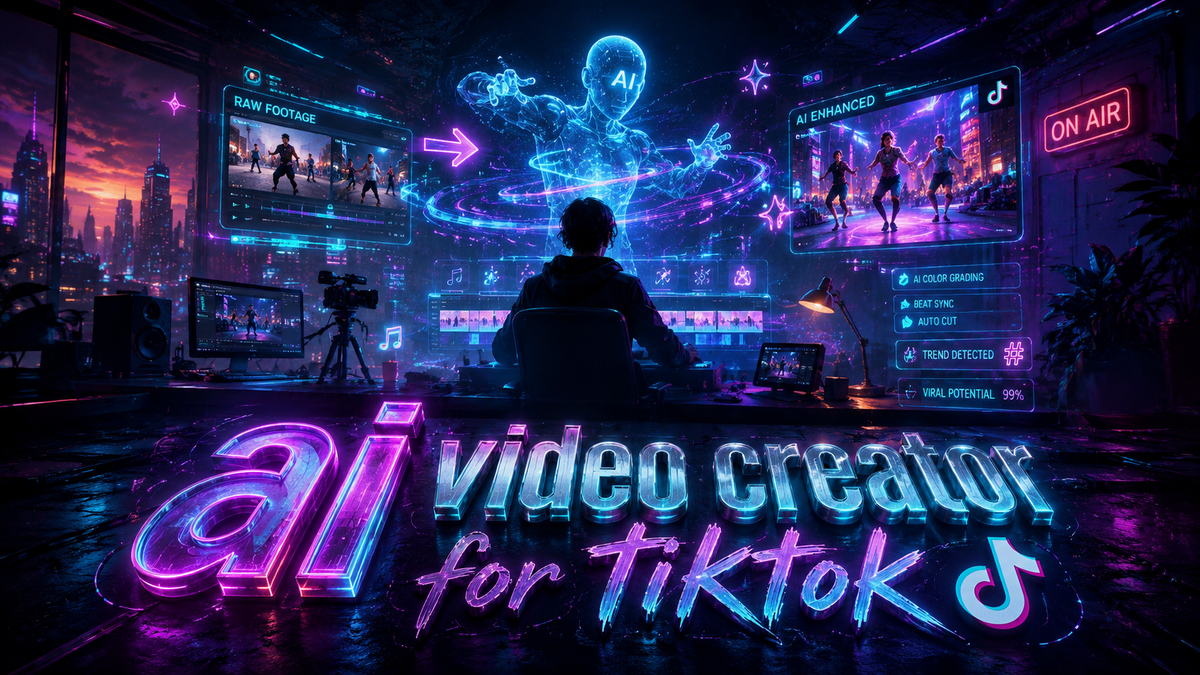
An AI video creator for TikTok is a software tool that uses artificial intelligence to automatically generate short-form video content tailored for the TikTok platform, enabling users to produce engaging clips quickly without deep video editing experience. In 2026, these tools have become indispensable for creators and brands aiming to keep pace with TikTok’s fast-moving trends, offering features like script generation, auto-captioning, AI voiceovers, and trend-based editing.
An AI video creator for TikTok is a generative application that leverages machine learning to automate the entire video production process — from ideation and scripting to rendering and optimization — helping any user create shareable, trend-aligned clips in minutes.
- ✓ AI video creators can produce a complete TikTok video in under five minutes, drastically reducing production time.
- ✓ Leading tools in 2026 include AI Inspo and ByteDance’s new AI video generator, each with unique features.
- ✓ Controversy around AI-generated content raises important questions about originality, copyright, and platform policies.
- ✓ Best practices involve using AI as a starting point while adding human creativity and oversight for ethical, engaging content.
- ✓ According to PC Tech Magazine, five top AI video generators now dominate the TikTok and Instagram space.
What Is an AI Video Creator for TikTok and Why Does It Matter in 2026?
An AI video creator for TikTok is essentially a digital assistant that handles the heavy lifting of video production. It can analyze trending audio, popular hashtags, and viral formats to suggest or automatically assemble clips that are likely to perform well. For creators who struggle with editing or idea generation, these tools lower the barrier to entry. In 2026, with TikTok’s algorithm favoring high-frequency posting, using an AI video creator for TikTok has moved from a nice-to-have to a strategic necessity for many content creators and small businesses.
Recent launches have made headlines. AI Inspo announced on May 7, 2026, that its AI video generator is now accessible to anyone wanting to make viral TikTok and Reels videos (24-7 Press Release Newswire). Meanwhile, ByteDance — TikTok’s own parent company — unveiled a new AI video tool that has been wowing early users (CNET, February 2026). These developments show that the technology is evolving rapidly, and understanding how to use it wisely is key to standing out.
How to Use an AI Video Creator for TikTok to Go Viral: A Step-by-Step Guide
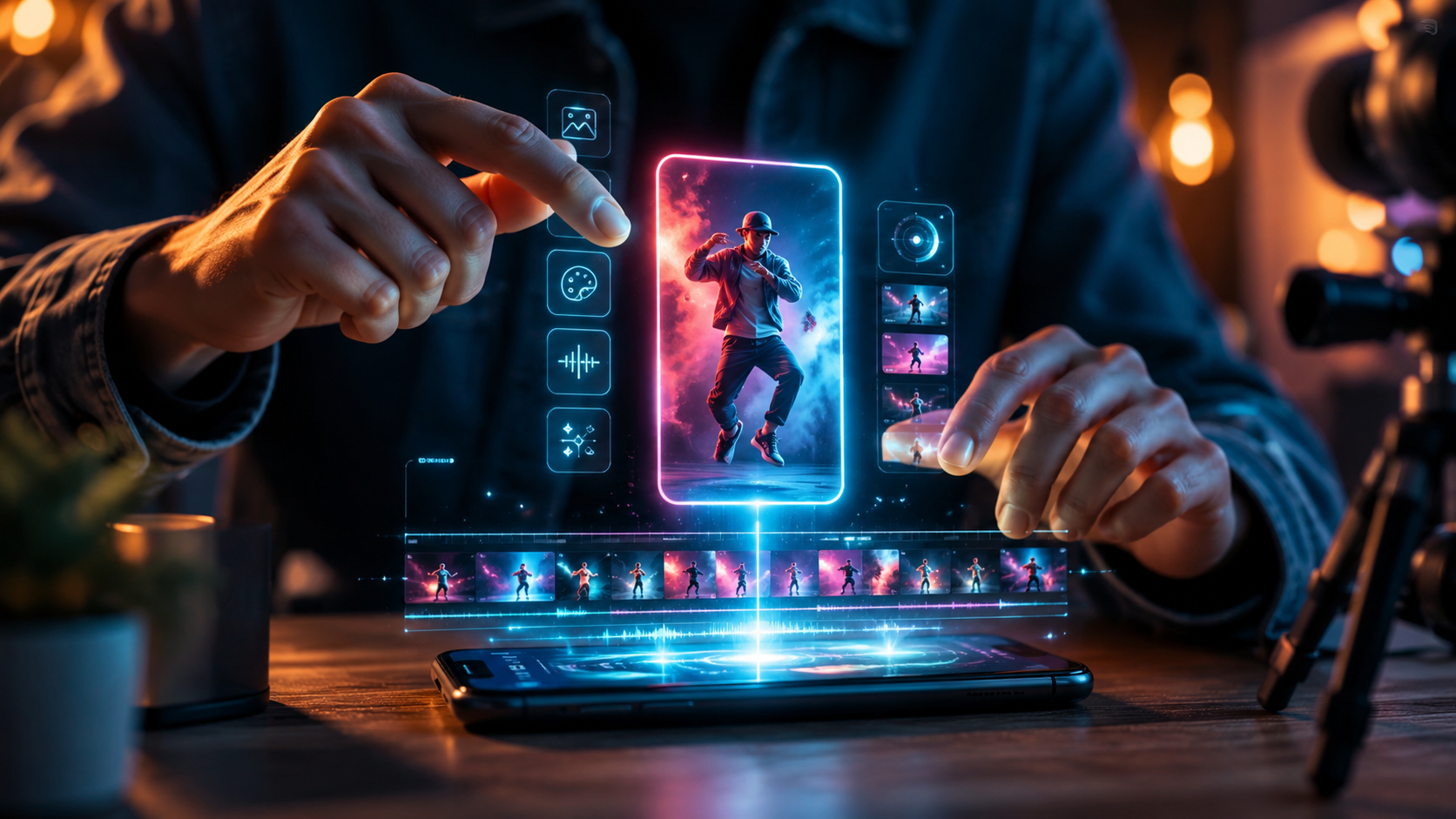
Making a viral clip with an AI video creator for TikTok involves more than just pressing a button. Follow these steps to maximize your chances of catching the algorithm’s attention:
- Choose a trending format or challenge. Open TikTok and identify a current trend — a popular sound, a filter, or an editing style. Most AI tools allow you to input a trend reference or select from a library of templates.
- Select or generate a script. Use the AI’s script feature. For example, input a brief topic (e.g., “quick productivity hack”) and let the tool generate a 15- to 30-second narrative. Review and tweak it to match your voice.
- Add visual elements automatically. Upload a few raw clips or use the AI’s stock library. The tool will trim, transition, and overlay text or effects based on the script and trending aesthetics.
- Enhance with AI voiceover and music. Choose a natural-sounding AI voice or select a trending song from the tool’s licensed music library. Ensure the audio syncs with the visuals.
- Optimize for TikTok’s algorithm. Most AI video creators for TikTok include metadata editors — add relevant hashtags (e.g., #fyp, #viral), a catchy caption, and a strong hook in the first few seconds. Some tools auto-generate captions and highlight keywords.
- Review, humanize, and publish. Watch the generated clip and add a personal touch — a funny intro or a unique visual. This step is crucial to avoid the “AI slop” label highlighted by The New York Times (June 1, 2026). Then export and post directly to TikTok.
By following these steps, you leverage the speed of AI while retaining the authenticity that audiences reward.
Top AI Video Generators for TikTok in 2026: A Comparison
Several AI video creators for TikTok have emerged in 2026, each with distinct strengths. Below is a comparison of two notable tools based on recent coverage, plus a reference to the wider market.
| Tool | Key Feature | Best For | Availability / Pricing |
|---|---|---|---|
| AI Inspo | Anyone-can-use interface; specializes in viral TikTok and Reels content; includes trend analytics. | Beginners and small creators who want quick, trend-aligned videos. | Public launch May 2026; free tier with premium options. |
| ByteDance’s AI Video Generator | Deep integration with TikTok’s ecosystem; state-of-the-art video generation quality; early users report impressive realism. | Advanced creators and brands seeking high-quality, platform-native content. | In beta as of February 2026; likely to expand later in 2026. |
| Other top 5 tools | PC Tech Magazine’s April 2026 roundup lists five leading generators, including options focused on text-to-video and avatar-based content. | Users looking for specialized features (e.g., AI avatars, multilingual voiceovers). | Various pricing models; many offer free trials. |
When choosing an AI video creator for TikTok, consider your skill level, the type of content you want to create, and whether you need deep TikTok integration. Tools like AI Inspo lower the learning curve, while ByteDance’s offering may appeal to those already comfortable with the platform.
The AI Content Debate: From Viral Hits to “Slop”
While AI video creators make production easier, they have also sparked controversy. The New York Times (June 1, 2026) asked provocatively, “Can You Get Rich Quick Off A.I. Slop?” — referring to low-quality, mass-produced AI videos that flood feeds without adding value. The article warns that relying entirely on AI without human curation can lead to content that feels hollow and fails to build a loyal audience.
Hollywood groups have also condemned ByteDance’s AI video generator, claiming copyright infringement (Spectrum News, February 2026; The Hollywood Reporter, February 2026). The backlash centers on the tool’s ability to generate clips that mimic copyrighted styles or use unlicensed training data. As a result, creators need to be mindful of legal and ethical boundaries. Using an AI video creator for TikTok does not give you carte blanche to copy protected material. Always verify the source of training data and choose tools that respect intellectual property.
Despite these concerns, the technology is not inherently bad. When used thoughtfully, an AI video creator for TikTok can augment your creativity — helping you test multiple variations, experiment with trends, and produce consistent content without burnout. The key is balance: let AI handle repetitive tasks, but retain your unique perspective.
Best Practices for Using AI Video Creators Ethically and Effectively
To avoid falling into the “slop” trap and to comply with platform guidelines, follow these best practices:
- Always add a personal touch. Edit the AI-generated output to include your voice, face, or original footage. This not only makes the video more authentic but also helps you build a brand.
- Disclose AI use when required. TikTok’s policy in 2026 encourages transparency for AI-generated content that could mislead viewers. Adding a simple “Created with AI” label can build trust.
- Focus on value, not volume. Posting dozens of low-effort AI videos each day may boost views short-term, but it can harm your account’s long-term reputation. Prioritize helpful, entertaining, or educational content.
- Stay informed about copyright. Use tools that provide licensed music and original visuals. Avoid prompts that directly mimic existing copyrighted works.
According to PC Tech Magazine’s “Best 5 AI Video Generator for TikTok and Instagram” (April 13, 2026), the most successful creators are those who combine AI efficiency with human creativity. The tools that rank highest are those that offer customization without compromising speed.
Future Outlook: AI Video Creation and TikTok in 2026 and Beyond
With ByteDance investing heavily in its own AI video generator, we can expect deeper integration between the TikTok platform and AI creation tools. This could mean built-in AI editing features within the TikTok app itself, making third-party tools even more powerful or leading to new partnerships. Meanwhile, AI Inspo’s launch demonstrates that independent companies can compete by focusing on user-friendliness and trend prediction.
As AI video creators for TikTok become more sophisticated, the line between human-created and AI-generated content will continue to blur. The challenge for creators will be to use these tools to enhance storytelling without losing the human connection that drives engagement. For now, the smartest approach is to experiment with multiple tools, stay updated on policy changes, and always ask: “Would I watch this myself?”
Frequently Asked Questions About AI Video Creators for TikTok
Is using an AI video creator for TikTok allowed by the platform?
Yes, TikTok permits AI-generated content as of 2026, but it requires disclosure if the content could be mistaken for real footage. Always check the latest community guidelines to stay compliant.
Can AI-made videos go viral on TikTok?
Absolutely. Many AI-assisted videos have reached millions of views, especially when they follow trending formats and add human creativity. The algorithm rewards engagement, not the method of creation.
What are the best free AI video creators for TikTok in 2026?
AI Inspo offers a free tier with basic features. Other tools listed in PC Tech Magazine’s roundup also provide free trials. For full functionality, many require a subscription — typical prices range from $10 to $30 per month.
How can I make sure my AI TikTok video doesn’t look like “AI slop”?
Inject your personality: record your own voiceover, include a live-action intro, or add unique graphics. Avoid using default templates without customization. High-quality AI tools like ByteDance’s generator produce more natural results, but always review and refine.
Do I need to credit the AI tool when I post?
While not always required by law, many ethical guidelines and platform rules suggest disclosing significant AI use. A simple hashtag like #AICreated or stating it in the caption can maintain transparency with your audience.
Will AI video creators replace human TikTok creators?
No, they are more likely to become complementary tools. AI handles repetitive tasks, but human creativity, emotional nuance, and real-world experiences remain irreplaceable. The most successful creators will be those who master the collaboration.



Comments ()