
Top AI Video Creation Tools for Educators 2026
AI video creation tools for educators are generative AI platforms that transform text descriptions, lesson plans, or presentation slides into polished instructional videos using text-to-video technology. The best ai video creation tools for educators in 2026 combine automated video generation, voiceover synthesis, interactive quiz embedding, and curriculum-aligned templates to help teachers produce engaging video content in minutes instead of hours.
AI video creation tools for educators are software applications that use generative AI to convert educational text content—such as lesson scripts, PowerPoint slides, or concept summaries—into professional-looking videos. According to Cybernews (June 2026), text-to-video technology is fundamentally changing content creation, and in education, these tools enable teachers to create everything from quick explainer videos to full lesson modules without any video editing expertise.
- ✓ AI video tools can reduce production time from hours to minutes, letting educators focus on teaching rather than editing
- ✓ Apple Creator Studio, announced in January 2026, brings professional-grade video creation capabilities to schools and universities
- ✓ AIMultiple's March 2026 report identifies 13 key use cases for generative AI in education, with video creation being one of the most impactful
- ✓ The Anthropic Education Report (August 2025) reveals that educators are actively using AI tools like Claude to plan and create instructional content
- ✓ UNESCO's October 2025 report on deepfakes reminds educators to implement AI literacy and verification practices when using AI-generated video
What Are AI Video Creation Tools for Educators?
AI video creation tools for educators use generative AI models to turn text inputs—such as a lesson objective, a script, or a set of bullet points—into fully formed video content. The process typically involves the AI generating relevant visuals, animating them, adding a voiceover, and synchronizing everything into a coherent video sequence. In 2026, the technology has matured to the point where educators can produce videos that look and sound like they were created by a professional production team.
According to a June 2026 report by Cybernews, the rise of AI video generators is one of the most significant shifts in content creation this year. For educators, this means being able to quickly produce video content for flipped classrooms, remote learning, revision materials, and student assessments. The technology also supports multiple languages, accessibility features like captions, and the ability to customize visuals to match school branding or curriculum requirements.
The core value proposition is simple: teachers spend an average of 7–10 hours per week on lesson planning and content creation. AI video tools can reduce the video production portion of that time by up to 80%, freeing educators to focus on instruction, student interaction, and personalized learning support. As the Anthropic Education Report (August 2025) highlights, educators are already using AI assistants to draft lesson plans, generate quiz questions, and outline video scripts—making the leap to full video creation a natural next step.
Top AI Video Creation Tools for Educators in 2026
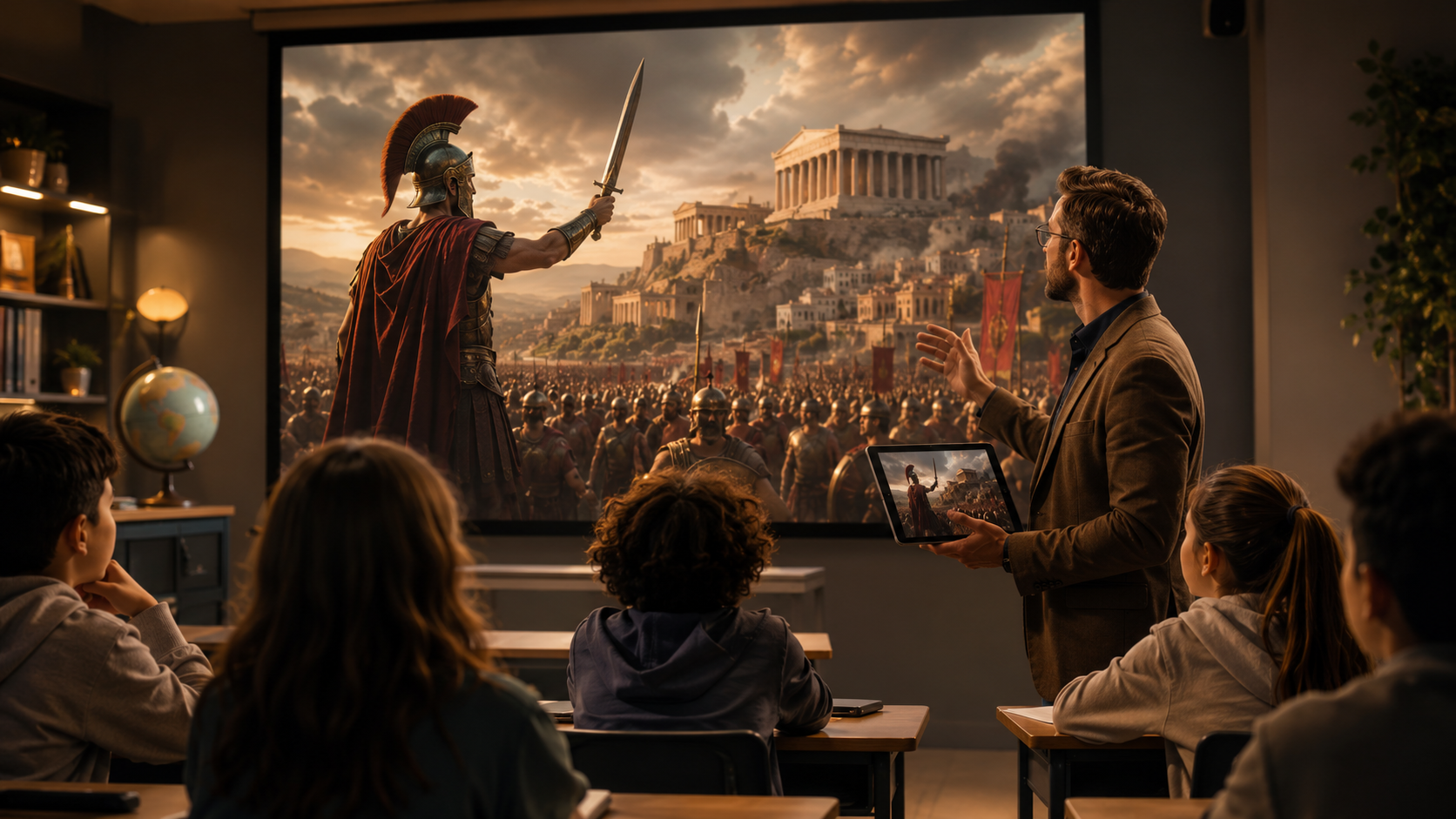
Several platforms stand out in 2026 for their education-specific features. While the market has grown rapidly, a few tools have emerged as particularly well-suited for classroom use. The Built In list of "48 Top AI Apps to Know in 2026" (January 2026) includes a range of video generation platforms that educators are adopting, while Apple's January 2026 announcement of Apple Creator Studio brings a powerful first-party option to the education ecosystem.
| Tool / Platform | Key Features | Education-Specific Benefits | Best For |
|---|---|---|---|
| Apple Creator Studio | AI-powered video editing, professional template library, deep Apple ecosystem integration, real-time collaboration | Seamless workflow with school iPads and Macs; no additional licensing for schools already in Apple ecosystem | Schools and universities using Apple devices |
| Text-to-Video Generators | Script-to-video conversion, multilingual AI voiceovers, avatar presenters, stock media libraries | Quick lesson explainers, homework help videos, revision summaries in 30+ languages | Teachers needing fast, multi-language video content |
| All-in-One Education Video Suites | Curriculum-aligned templates, interactive quiz embedding, analytics dashboards, LMS integration | Full course video production with built-in assessment tools and student progress tracking | Instructional designers and district-wide content teams |
| AI-Powered Presentation-to-Video Tools | Slide-to-video conversion, automatic animations, voiceover generation, branded themes | Turn existing PowerPoint or Google Slides into narrated video lessons instantly | Teachers converting lecture slides to video for flipped classrooms |
Apple Creator Studio, announced on January 13, 2026, is particularly noteworthy because it brings professional-grade creative tools directly to the devices that many schools already use. Educators can create, edit, and distribute video content without leaving the Apple ecosystem, and the AI-powered features handle tasks like automatic scene transitions, background music selection, and even script-to-storyboard conversion. For schools that have invested in iPads and Macs, this tool eliminates the need for separate video editing software licenses.
The broader category of dedicated AI video generators—many of which appear on Built In's 2026 list—offers advantages for teachers who work across different devices or need advanced features like AI avatars that can "present" the content. These platforms typically operate on a subscription model and include libraries of educational templates aligned to common curriculum standards. When evaluating these ai video creation tools for educators, look for options that offer school-wide licensing, student data privacy compliance, and integration with your existing learning management system.
How to Choose the Right AI Video Creation Tool for Your Classroom
Selecting the best ai video creation tools for educators requires matching platform capabilities to your specific teaching context. The following step-by-step process will help you evaluate options systematically and avoid tools that look impressive in demos but fall short in day-to-day classroom use.
- Identify your primary video use case. Are you creating short explainer videos, full lesson modules, or student project templates? Different tools excel at different formats, so knowing your primary need narrows the field considerably.
- Check device and ecosystem compatibility. If your school uses iPads, Apple Creator Studio may be the most seamless option. If you work across Windows, Chromebooks, and mobile devices, look for cross-platform text-to-video generators.
- Evaluate curriculum alignment and template quality. The best tools offer templates aligned to standards like Common Core, NGSS, or IB. Review the template library before committing—generic business templates often require heavy customization for classroom use.
- Review data privacy and compliance features. Ensure the tool complies with FERPA, COPPA, or your country's student data protection laws. Avoid tools that require students to create accounts or that use student data for model training without explicit consent.
- Test the voiceover and accessibility options. AI-generated voice quality varies widely. Look for tools that offer multiple voice options, adjustable speed, closed captions, and support for the languages spoken by your student population.
- Request a trial or demo with your actual lesson content. Upload a real lesson script or slide deck and evaluate the output quality. A tool that works well with marketing content may not handle scientific vocabulary, mathematical notation, or historical dates accurately.
After going through these steps, you should have a shortlist of two to three tools that meet your technical and pedagogical requirements. Many platforms offer educator discounts or free tiers, so start with a pilot program in one class or grade level before rolling out school-wide. The Anthropic Education Report emphasizes that educators who experiment with AI tools in low-stakes settings first are more likely to integrate them effectively into their teaching practice.
Key Use Cases for AI Video in Education
AIMultiple's March 2026 report on "Top 13 Use Cases of Generative AI in Education" identifies video creation as one of the most transformative applications. Below are three of the most impactful use cases that align with the report's findings, along with practical examples of how educators are applying them in 2026.
Lesson Summaries and Review Videos
Teachers are using AI video tools to create 3–5 minute lesson summaries that students can watch for review or catch up on missed material. Instead of spending an hour recording and editing a video, educators paste their lesson notes or slide deck into the tool and receive a polished video with visuals, voiceover, and captions in minutes. This approach is particularly effective for test preparation and for supporting students who benefit from repeated exposure to key concepts.
Interactive Tutorials and Lab Demonstrations
Science and vocational teachers are leveraging AI video tools to create step-by-step tutorials for lab procedures, equipment use, and safety protocols. By combining text instructions with AI-generated visuals and narration, educators can produce consistent, repeatable demonstrations that students can access anytime. Some tools allow embedding quiz questions directly into the video, enabling teachers to check comprehension before students enter the lab.
Student-Created Video Projects
Perhaps the most innovative use case involves turning the tools over to students. Instead of assigning a written report, teachers ask students to create a short AI-generated video explaining a concept, summarizing a book chapter, or presenting research findings. This approach develops digital literacy, creativity, and communication skills while reducing the barrier to video production. Students can focus on content and storytelling rather than struggling with complex editing software.
Ethical Considerations and Best Practices
As with any powerful technology, the use of AI video creation in education comes with important ethical responsibilities. UNESCO's October 2025 report, "Deepfakes and the crisis of knowing," serves as a timely reminder that AI-generated media can blur the line between authentic and synthetic content. For educators, this means developing both institutional policies and personal practices that promote responsible use.
First, always disclose when video content has been AI-generated. This applies whether you are sharing a video with students, parents, or colleagues. Transparency builds trust and models good digital citizenship for students. Second, verify factual accuracy before publishing. AI video tools can generate convincing visuals that may contain factual errors—a historical figure in the wrong outfit, a scientific diagram with incorrect labels, or a map with misplaced geography. Review every video for accuracy before sharing it.
Third, teach students to be critical consumers of AI-generated media. The UNESCO report emphasizes that deepfake literacy is a core 21st-century skill. Incorporate lessons on how to identify AI-generated content, why it matters, and how to verify sources. Finally, respect copyright and intellectual property. Some AI video tools are trained on copyrighted material, and using them to generate content for commercial school programs may raise legal concerns. Stick with tools that offer clear terms of use and indemnification for educational users.
The Anthropic Education Report found that educators who use AI tools like Claude for lesson planning and content creation report higher satisfaction when they combine AI output with their own professional judgment. The same principle applies to AI video: use the tool as a collaborator, not a replacement for your expertise. Review, edit, and personalize every AI-generated video before it reaches students.
Getting Started with AI Video Creation Tools for Educators
If you are new to AI video creation, the best approach is to start small and scale up as you gain confidence. Begin by selecting a single lesson or unit where video would add clear value—perhaps a topic that students traditionally find challenging or a concept that benefits from visual explanation. Use a free trial of one of the tools mentioned in this article to create your first video, and ask a colleague or a trusted student to review it for clarity and accuracy.
Once you have produced a few videos, gather feedback from students. Do they find the AI-generated voice clear and engaging? Is the pacing appropriate? Do the visuals support understanding? Use this feedback to refine your approach. Many educators find that a hybrid model works best: use AI to generate a rough cut of the video, then add your own voiceover, insert real-world footage, or include student-created elements to personalize the final product.
For schools and districts considering a broader adoption of ai video creation tools for educators, the key is to pair technology with training. Offer professional development sessions that cover not only how to use the tools but also best practices for video pedagogy, accessibility, and ethical use. The AIMultiple report notes that schools with a structured AI adoption framework see higher engagement and better learning outcomes than those that leave implementation to individual teachers without support.
Finally, stay informed about evolving capabilities and policies. The Cybernews report from June 2026 makes clear that text-to-video technology is advancing rapidly, and what is possible today will look primitive a year from now. Subscribe to education technology newsletters, join educator communities focused on AI in the classroom, and revisit your tool choices at least once a year to ensure you are using the best options available for your students.
Frequently Asked Questions About AI Video Creation Tools for Educators
What are AI video creation tools for educators?
AI video creation tools for educators are generative AI platforms that convert text, slides, or scripts into professional-quality instructional videos. They handle tasks like visual generation, voiceover synthesis, and video assembly, allowing teachers to produce educational video content in minutes with no prior editing experience.
Which AI video tool is best for teachers in 2026?
Apple Creator Studio is a strong choice for schools already in the Apple ecosystem, offering deep integration with iPads and Macs. For cross-platform needs, dedicated text-to-video generators and all-in-one education video suites—many featured in Built In's 2026 list of top AI apps—provide flexibility and curriculum-aligned templates. The best tool depends on your device environment, budget, and specific use case.
Are AI video creation tools safe for student use?
Safety depends on the tool's data privacy practices. Look for platforms that comply with FERPA, COPPA, or your region's student data protection laws, and avoid tools that require students to create accounts or that use student data for model training. Always review the privacy policy and terms of service before deploying any AI tool in the classroom.
How can AI video tools reduce teacher workload?
By automating the most time-consuming parts of video production—script-to-visual generation, voiceover recording, editing, and captioning—AI video tools can reduce a task that traditionally takes 2–3 hours down to 10–15 minutes. The Anthropic Education Report (August 2025) confirms that educators using AI for content creation report significant time savings, which they redirect toward student interaction and personalized instruction.
What is the difference between AI video generators and traditional video editing software?
Traditional video editing software requires users to manually import clips, arrange them on a timeline, add transitions, record voiceovers, and export the final file. AI video generators handle all of these steps automatically based on a text prompt or script. The teacher provides the content, and the AI handles the production, making video creation accessible to educators with no technical video editing skills.
Can students use AI video tools for projects and assignments?
Yes, and this is one of the most promising use cases identified by AIMultiple's March 2026 report. Student-created AI videos develop digital literacy, creativity, and communication skills. However, teachers should set clear guidelines about disclosure (students should note when content is AI-generated), academic integrity, and responsible use to ensure the tool supports learning rather than bypassing it.
How do I ensure AI-generated videos are accurate and appropriate for my students?
Always review AI-generated videos before sharing them with students. Check for factual accuracy, age-appropriate language, suitable visuals, and correct pronunciation of subject-specific terms. Make use of editing features to customize the output, and add your own voiceover or annotations where needed. Treat the AI output as a draft that requires your professional review and refinement.
Will AI video tools replace teachers creating their own video content?
No, these tools are designed to augment rather than replace teacher expertise. Educators bring pedagogical knowledge, understanding of their students' needs, and the ability to personalize content—skills that AI cannot replicate. The tools handle the technical production burden, freeing teachers to focus on the instructional design and human connection that make great teaching effective.



Comments ()