
AI Video Creation for Beginners: 2026 Complete Guide
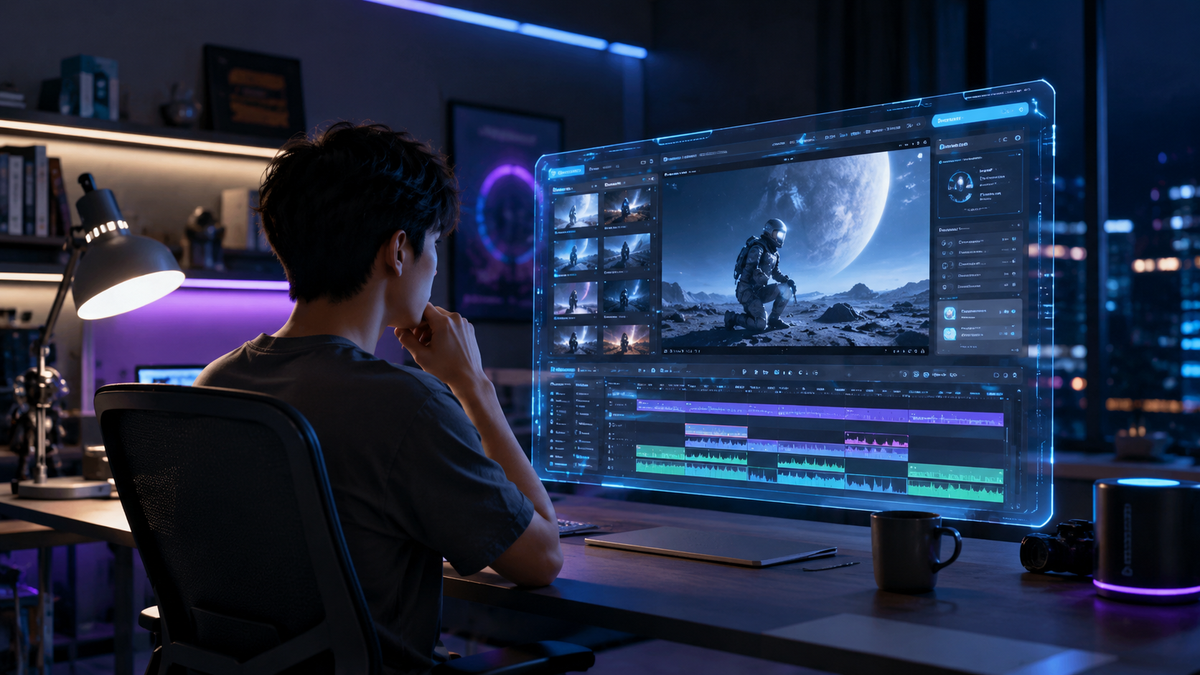
AI video creation for beginners is the process of using generative artificial intelligence tools to automate the production of high-quality video content from text prompts, images, or pre-built templates. In 2026, this technology has evolved to allow anyone—regardless of technical skill—to produce professional-grade cinematic sequences, social media ads, and educational content in a matter of minutes. By leveraging deep learning models, these tools handle the heavy lifting of editing, color grading, and animation, making the barrier to entry for video production lower than ever before.
AI video creation for beginners is a streamlined workflow where generative AI platforms transform simple inputs like text or static photos into dynamic video files. By 2026, the focus has shifted toward "one-click templates" and multimodal generation, allowing users to create monetizable content for platforms like YouTube and TikTok without needing expensive hardware or years of editing experience.
- ✓ AI video generators in 2026 prioritize one-click templates for rapid, professional output.
- ✓ Modern tools can now convert static images into full-motion cinematic scenes with high temporal consistency.
- ✓ Beginners can monetize AI-generated content through 17 proven methods, ranging from freelance services to automated social channels.
- ✓ Real-time previewing and intuitive prompt engineering are the core skills required for success this year.
How to Start with AI Video Creation for Beginners
The landscape of digital media has shifted dramatically. According to Tech Times, the top AI video generators in 2026 have become so intuitive that the "learning curve" has effectively disappeared for the average user. Whether you are a small business owner looking to scale your marketing or a creator wanting to launch a faceless YouTube channel, the process follows a standardized, user-friendly path.
To get started with ai video creation for beginners, you need to understand that the "magic" happens in the cloud. You don't need a powerful GPU or a high-end workstation; most of the heavy processing is handled by the provider's servers. Your primary role is that of a "Director" rather than a "Technical Editor," focusing on the creative vision and the prompts that guide the AI's output.
- Select Your AI Platform: Choose a tool based on your specific needs, such as text-to-video, image-to-video, or template-based social media creation.
- Input Your Prompt or Script: Provide a detailed description of the scene you want to create. In 2026, natural language processing allows you to describe emotions, lighting, and camera movements in plain English.
- Choose a One-Click Template: If you are using a platform like those highlighted by findarticles.com, select a pre-designed style that matches your brand’s aesthetic.
- Review and Refine: Use the AI's real-time preview feature to adjust the motion, pacing, and transition styles.
- Export and Distribute: Render your video in 4K or 8K resolution and share it directly to your desired social media or professional platforms.
Core Features of 2026 AI Video Generators
As we move through 2026, the features available to beginners have expanded far beyond simple "talking head" avatars. According to CNET, the best AI video generators are now ranked based on their ability to maintain "temporal consistency," which ensures that characters and objects don't morph or flicker between frames. This leap in quality means that beginner-level tools are now producing content that is indistinguishable from traditional film production in many contexts.
The Power of One-Click Templates
One of the most significant advancements this year is the rise of the "One-Click Template." As noted by findarticles.com, these templates allow beginners to bypass the complexities of prompt engineering. By selecting a template for a "Product Launch" or a "Travel Vlog," the AI automatically applies the correct lighting, music, and pacing. This democratization of design means that the aesthetic quality of a video is no longer tied to the user's individual artistic skill, but rather to their ability to select the right tool for the job.
Image-to-Video Transformation
Another breakthrough in 2026 is how AI is changing the way we create videos from images. Programming Insider reports that static photos can now be "brought to life" with incredible realism. This is particularly useful for beginners who may have a library of high-quality photos but no video footage. The AI analyzes the depth and textures of the image to simulate realistic movement, such as wind blowing through hair or water rippling in a lake, providing a cost-effective way to generate b-roll for larger projects.
Comparing the Top AI Video Tools for Beginners
With so many options on the market, choosing the right software can be overwhelming. Below is a comparison of the key features found in the top-rated platforms of 2026, based on recent reviews from CNET and Tech Times.
| Feature | Template-Based Tools | Generative Motion Tools | Avatar-Based Tools |
|---|---|---|---|
| Best For | Social Media & Ads | Cinematic Scenes | Training & Education |
| Skill Level | Absolute Beginner | Intermediate Beginner | Beginner |
| Input Type | Text & Assets | Text Prompts/Images | Script/Voiceover |
| Rendering Speed | Near Instant | 2-5 Minutes | 5-10 Minutes |
| Customization | High (Drag & Drop) | Moderate (Prompt-based) | High (Visual editing) |
Monetizing Your Skills: AI Video Creation for Beginners
The ability to generate video quickly isn't just a hobby; it’s a significant financial opportunity. According to Memeburn, there are now 17 proven methods to make money using AI in 2026, many of which revolve around video production. For beginners, the most accessible path is offering video creation services on freelance marketplaces. Because the AI handles the time-consuming parts of editing, a beginner can manage a much higher volume of clients than a traditional editor could.
Furthermore, the rise of "faceless" content channels has exploded. By using ai video creation for beginners techniques, individuals are launching successful YouTube and TikTok accounts without ever stepping in front of a camera. These creators use AI to write the script, generate the voiceover, and create the visual content. This automated workflow allows for consistent posting schedules, which is the primary driver of algorithmic success in 2026.
Freelance Opportunities
Businesses in 2026 are hungry for short-form video content but often lack the budget for full-scale production houses. A beginner proficient in AI tools can fill this gap by providing high-quality promotional videos, social media snippets, and internal training videos at a fraction of the traditional cost while maintaining a healthy profit margin due to low overhead.
Content Automation
Automating the creative process allows for the "batching" of content. A beginner can spend one day generating a month's worth of video content. This efficiency is what Memeburn highlights as a key factor in the "AI Gold Rush" of 2026. The focus is no longer on the struggle to create, but on the strategy of distribution and audience engagement.
Advanced Tips for Stunning AI Video Results
While the tools are designed for ease of use, there are certain strategies that can elevate your content from "good" to "stunning." INQUIRER.net USA emphasizes that the most successful beginners are those who treat the AI as a collaborator. This means providing descriptive, sensory-rich prompts and not being afraid to iterate on the results.
For example, instead of prompting "a person walking," a more effective prompt would be "a cinematic wide shot of a traveler walking through a neon-lit Tokyo street at night, reflections of rain on the pavement, 8k resolution, hyper-realistic." The more context you provide regarding lighting, camera angles, and atmosphere, the better the AI can execute your vision. In 2026, "prompt literacy" has become the most valuable skill in the creative industry.
Integrating Real-World Assets
Don't rely solely on AI-generated visuals. The most engaging videos often blend AI-generated scenes with real-world photos or clips. This hybrid approach adds a layer of authenticity that resonates with viewers. Beginners should look for AI tools that allow for "layering," where you can place an AI-generated background behind a real subject or vice-versa.
Sound Design and Voiceovers
A video is only as good as its audio. Most top-tier AI video generators in 2026 include integrated AI voice synthesis and sound effect libraries. According to INQUIRER.net USA, using "emotionally aware" AI voices—which can whisper, shout, or sound excited based on the script—is crucial for maintaining viewer retention. Always match the energy of the voiceover to the visual pacing of the video.
Common Challenges and How to Overcome Them
Despite the advancements, ai video creation for beginners still comes with a few hurdles. The most common issue is "hallucinations," where the AI adds strange artifacts or glitches to the video. To mitigate this, many 2026 platforms have introduced "seed locking," which allows you to keep the character's appearance consistent across multiple clips.
Another challenge is the ethical use of AI. As the technology becomes more powerful, the importance of transparency grows. Many platforms now automatically include digital watermarks or metadata that identify the content as AI-generated. Beginners should embrace this transparency, as it builds trust with audiences who are increasingly savvy about synthetic media. Following best practices for copyright and attribution is essential for long-term success in the creator economy.
What is the best AI video generator for a total beginner in 2026?
According to recent reviews from CNET and Tech Times, the best tools are those that offer one-click templates and intuitive drag-and-drop interfaces. These platforms allow users to create high-quality videos without needing to learn complex prompt engineering or video editing software.
Can I really make money with AI video creation?
Yes, Memeburn identifies 17 proven methods for monetizing AI in 2026. Beginners can earn revenue through freelance video editing, creating faceless YouTube channels, or producing automated social media marketing content for small businesses.
Do I need a powerful computer to use these tools?
No, most AI video creation in 2026 is cloud-based. This means all the heavy processing happens on the service provider's servers, allowing you to create 4K and 8K videos using a standard laptop or even a mobile device.
How long does it take to generate an AI video?
Depending on the complexity and the tool used, generation can take anywhere from a few seconds for simple social media clips to 5-10 minutes for high-resolution cinematic sequences with complex character consistency.
Is AI-generated video content legal to use for commercial purposes?
Generally, yes, provided you are using a reputable platform that grants commercial usage rights. However, it is important to stay updated on the latest 2026 copyright regulations and ensure your content does not infringe on existing intellectual property.
As we look toward the remainder of 2026, the evolution of AI video creation shows no signs of slowing down. For beginners, the message is clear: the tools are ready, the market is growing, and the only limit is your imagination. By starting today and mastering the basics of prompt-based creation and template utilization, you can position yourself at the forefront of the next generation of digital storytelling.



Comments ()