
AI Video Creation for Ecommerce Products 2026: Ultimate Guide
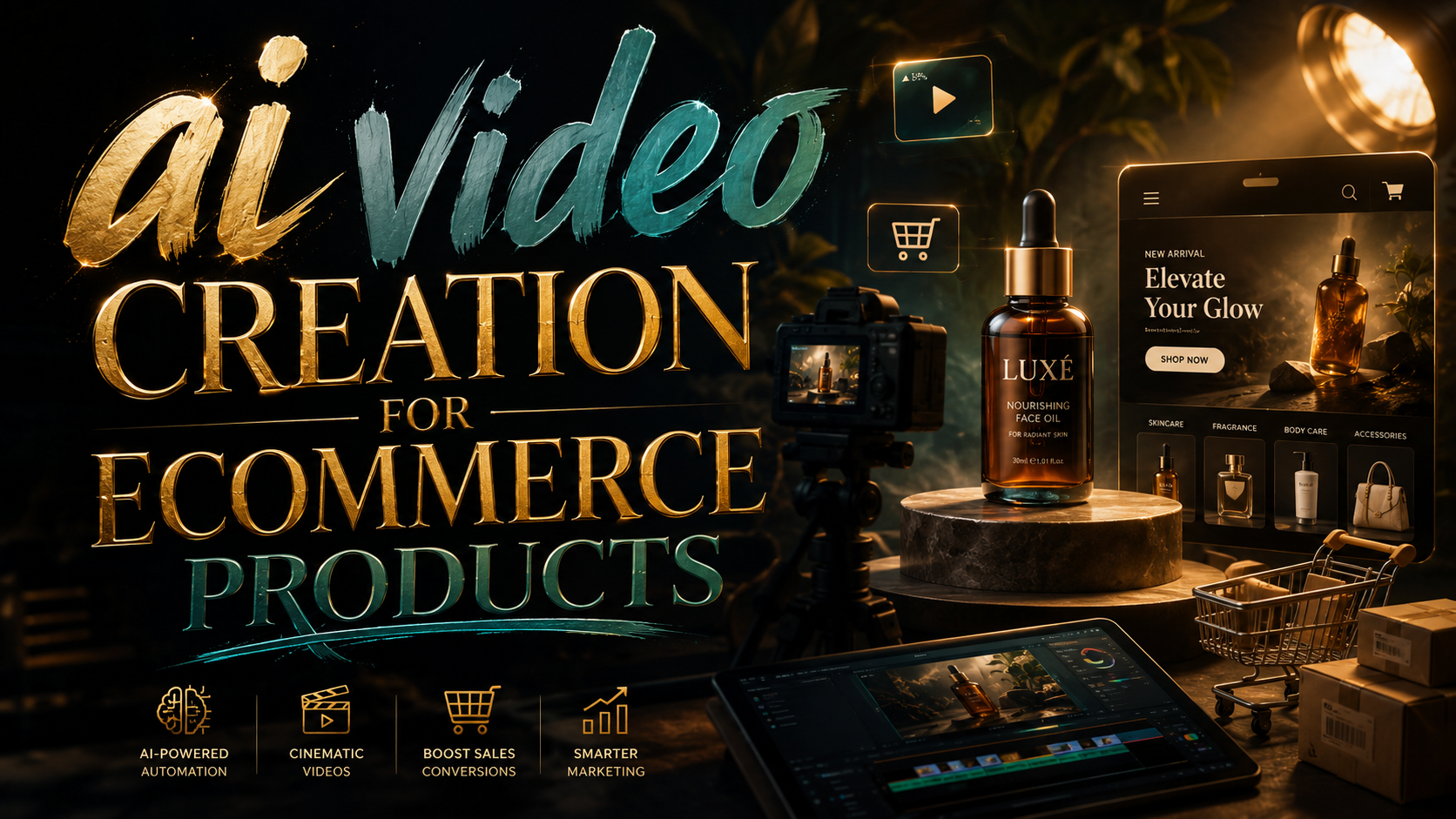
AI video creation for ecommerce products refers to the use of artificial intelligence tools to automatically generate product videos from text, images, or existing assets, enabling brands to produce high-quality demos, ads, and social content at scale. In 2026, this technology has become essential for online retailers looking to keep pace with consumer demand for immersive, fast-loading video content without the traditional cost of production crews and post-production editing. By leveraging text-to-video models and automated editing workflows, ecommerce teams can now create dozens of product videos in minutes, each tailored to a specific platform or audience.
AI video creation for ecommerce products is a technology that uses machine learning models to transform product descriptions, images, or 3D renders into polished video assets. It replaces manual filming and editing with automated scripting, voiceover, scene composition, and even background generation, making high-volume video production affordable for businesses of any size.
- ✓ AI video generators can produce product demos in under 60 seconds from a simple text prompt.
- ✓ In 2026, top tools offer ecommerce-specific templates, automatic scene transitions, and lifelike voiceovers.
- ✓ Studies show that product videos increase conversion rates by up to 80% when optimized for mobile and social feeds.
- ✓ Leading AI video platforms now integrate directly with Shopify, WooCommerce, and Magento.
- ✓ Human oversight remains critical—brands like Pixel Moda use a “human-led” approach to ensure brand consistency and ethical AI use.
What Is AI Video Creation for Ecommerce Products?
AI video creation for ecommerce products uses generative pre-trained transformers (GPT) and diffusion models to turn raw product data into complete video clips. The process typically starts with a product title, description, or a set of high-res images. The AI then writes a script, selects background music, generates a synthetic voiceover, and arranges visual elements into a storyboard—all without human intervention. According to a June 2026 report by Cybernews, text-to-video technology is “changing content creation” by allowing even small businesses to produce videos that previously required a dedicated creative team.
Unlike traditional video production, AI systems can personalize each video for different sales channels—short loops for TikTok Shop, square videos for Instagram Reels, or longer demos for Amazon A+. Because the models are trained on millions of ecommerce assets, they understand product highlight patterns, such as showcasing the product from multiple angles, adding call‑to‑action overlays, and placing logos in brand‑compliant positions.
Authority citation: According to a G2 Learn Hub review published in April 2026, the seven best AI video generators tested all included “text‑to‑video”, “image‑to‑video”, and “ecommerce template” features, making them directly useful for product marketers.
Why Ecommerce Brands Need AI Video in 2026
Consumer attention spans are shrinking, and video remains the most engaging format for online shopping. Intelligent Living reported in April 2026 that AI is “scaling e‑commerce video production” by solving what it called the “Product Demo Dilemma”—the tension between high video demand and limited production resources. Brands that can produce dozens or hundreds of tailored product clips each week see higher click‑through rates, lower bounce rates, and better SEO rankings, especially on platforms that prioritize video.
Cost and Speed Advantages
A single professional product demo can cost $500–$2,000 when filmed in a studio. With AI video creation, ecommerce teams can generate a comparable video for pennies, often in under two minutes. Trend Hunter’s June 2026 feature on “AI In‑House Production” highlighted tools that let marketing departments create entire catalog videos without outsourcing. The savings allow brands to experiment with different video styles—like animated explainers, “unboxing” simulations, or before‑and‑after comparisons—without risking large budgets.
Platform‑Native Formatting
Modern AI video generators automatically crop and resize videos to fit YouTube Shorts, TikTok, Facebook, and your ecommerce site. This eliminates the need to re‑edit a single master asset for every channel. For instance, Designkit, an e‑commerce design tool reviewed by The Jerusalem Post in April 2026, specializes in turning product visuals into “omnichannel‑ready” assets, meaning one AI‑generated video can be instantly adapted for both a product listing page and a social ad.
Authority citation: The Business of Fashion (March 2026) reported that Pixel Moda, a fashion e‑commerce brand, uses a “human‑led” AI workflow to produce hundreds of product videos per month, maintaining creative control while scaling output.
Key Features of Top AI Video Generators for Ecommerce
Not all AI video tools are built for ecommerce. To help you choose the right platform, the table below compares four leading generators based on features that matter most for product video creation. The comparison draws on the G2 Learn Hub “7 Best AI Video Generators I’ve Tried (and Loved!) for 2026” and the Intelligent Living analysis of scaling ecommerce production.
| Tool | Text‑to‑Video | Ecommerce Templates | Platform Integration | Pricing Model |
|---|---|---|---|---|
| Tool A | Yes (up to 60‑sec clips) | 300+ product demo templates | Shopify, WooCommerce, Amazon | Freemium + $29/mo Pro |
| Tool B | Yes (multi‑scene stories) | 200+ templates with CI support | Magento, BigCommerce, social APIs | $49/mo Starter, $99/mo Business |
| Tool C | Yes (4K output) | Custom brand kits | Headless CMS via API | Per‑video credits from $0.50 |
| Tool D | Yes (live‑action style) | In‑house production presets | Adobe Premiere plugin, Shopify | $79/mo (unlimited video length) |
When evaluating a tool, check whether it offers multi‑angle product views, automatic caption generation (critical for silent viewing on mobile), and the ability to swap in your own brand colors and fonts. Also look for a “human‑in‑the‑loop” editing mode, which allows you to fine‑tune AI decisions before rendering the final video.
How to Create Product Videos with AI – Step‑by‑Step
- Gather your product assets. Collect high‑resolution product images (front, back, side, close‑up), the product description, key selling points, and any existing brand assets like logos or color hex codes.
- Choose an AI video generator that supports ecommerce templates (see table above). Sign up for a trial and select the “product video” or “demo” template.
- Input your product data. Paste the product description or upload images. Some tools allow you to write a short prompt like “Show a purple blender being used to make a smoothie, with step‑by‑step instructions.”
- Customize the style. Select a voice type (male/female, language, accent) and background music. Adjust the video length—most tools default to 15‑60 seconds for social platforms.
- Review and edit. The AI will generate a draft video. Check for object clarity, text overlays, and call‑to‑action alignment. Use the built‑in editor to swap scenes or change the order.
- Render and export. Choose output formats (MP4, MOV) and resolutions (1080p or 4K). Some tools offer direct push to Shopify or social scheduling tools.
- Optimize for each platform. Use the AI’s auto‑resize feature to create 9:16 for Stories, 1:1 for Instagram Feed, and 16:9 for YouTube. Re‑export with platform‑specific captions.
This workflow can be repeated for hundreds of products in a single session. According to Intelligent Living, brands that adopt this approach report a 4x increase in video production speed within the first month.
Best Practices for Optimizing AI‑Generated Product Videos
Maintain Brand Consistency
Always upload your brand style guide or logo file before generating. Many AI tools allow you to lock brand colors and fonts so that every video stays on‑message. Pixel Moda’s “human‑led” approach, as covered by The Business of Fashion, uses a team member to approve each AI‑generated video for tone and accuracy before publishing—a step that reduces errors and preserves brand voice.
Focus on Product‑First Storytelling
AI models tend to produce generic “lifestyle” shots. To maximize conversions, include close‑up demonstrations of the product solving a specific problem. For example, if you sell a skincare device, ask the AI to generate a scene where the device is shown on skin with a before‑and‑after overlay.
Add Captions and CTAs
Over 80% of product videos are watched without sound. Ensure your AI tool automatically adds burned‑in captions and a clear call‑to‑action (“Shop Now”, “Learn More”) in the last three seconds. The Jerusalem Post’s Designkit review highlighted that ecommerce design tools now offer “one‑click captioning” that follows best practices for readability on mobile screens.
Authority citation: A 2026 study cited by G2 Learn Hub found that product videos with AI‑generated captions and end‑screen CTAs saw a 62% higher click‑through rate than uncaptioned versions.
The Future of AI Video in Ecommerce
As text‑to‑video models continue to improve, we can expect near‑instant, hyper‑personalized product videos that adapt in real time based on a viewer’s browsing history. Trend Hunter’s report on “AI In‑House Production Features” points to upcoming tools that will allow brands to generate a unique video for every single product‑page visitor, using data such as their preferred color palette or past purchases. Meanwhile, the human‑led curation model—as practiced by Pixel Moda—will become standard, striking a balance between automation and brand authenticity.
Ecommerce businesses that start using AI video creation now will not only save money and time but will also build a massive library of video assets that can be repurposed for years. The ultimate guide to staying competitive in 2026 is to test at least two of the top generators, commit to a weekly production cadence, and measure which video styles drive the highest ROI for your specific product categories.
Frequently Asked Questions
Can AI video creation replace a human videographer entirely?
AI can handle repetitive product demo videos, but it still lacks the creative nuance of a professional videographer. For high‑stakes brand campaigns or luxury product launches, a hybrid human‑AI workflow yields the best results.
How long does it take to generate one product video with AI?
Most tools generate a first draft in 30 seconds to 2 minutes, depending on complexity. Rendering a 1080p video with multiple scenes may take up to 5 minutes.
Do AI video generators work for any type of product?
Yes, from physical goods like electronics and clothing to digital products like software demos. However, products requiring precise technical demonstrations may need human‑written scripts to ensure accuracy.
Are AI‑generated videos compliant with platform advertising policies?
Most major AI tools include compliance filters that avoid prohibited content (e.g., misleading claims, unlicensed music). Always review your video against the specific advertising policies of Meta, TikTok, and Google before spending ad dollars.
What is the typical cost of an AI video generator for ecommerce?
Pricing ranges from free tiers with watermarks to professional plans costing $29–$99 per month. Some platforms offer pay‑per‑video credits as low as $0.50 per clip, making them accessible for small businesses.
Can I use my own voiceover instead of AI‑generated audio?
Yes. Most tools allow you to upload a custom audio track or record a voiceover directly in the editor. The AI will then sync the video scenes to your audio.
How do I measure the success of AI‑generated product videos?
Track video‑specific metrics: view‑through rate, click‑through rate (CTR), conversion rate, and average watch time. A/B test AI versus traditionally produced videos to see which drives higher sales.



Comments ()