
AI Video Creation Beginners Guide: Master Pro Tools in 2026
An ai video creation beginners guide is a comprehensive roadmap for using artificial intelligence to generate professional-grade video content from text, images, or raw footage without the need for traditional filming equipment. In 2026, this technology has evolved into a streamlined process where users can master tools like Sora 2 and Seedance 2.0 to produce cinematic results in minutes. By following this guide, you will learn how to navigate the latest generative engines to create everything from viral faceless shorts to high-end marketing campaigns.
AI video creation is the process of using generative algorithms to automate video production. In 2026, it involves using natural language prompts to generate high-fidelity scenes (Text-to-Video), animating static images (Image-to-Video), or using AI directors like Seedance 2.0 to manage complex cinematic sequences with minimal manual editing or technical expertise.
- ✓ Master text-to-video prompting to unlock the full potential of engines like Sora 2.
- ✓ Utilize Seedance 2.0’s "AI Director" features for consistent character and scene management.
- ✓ Leverage "faceless" video techniques for rapid social media growth on platforms like TikTok and YouTube Shorts.
- ✓ Understand the ethical implications and best practices for AI-generated content in 2026.
Step-by-Step: How to Use an AI Video Creation Beginners Guide
Starting your journey in AI video production can feel overwhelming due to the rapid release of new tools. However, the workflow has become remarkably standardized in 2026. Whether you are creating a short film or a social media clip, the following steps will help you achieve professional results on your first try.
- Define Your Concept and Script: Start by writing a detailed prompt or script. Tools like Sora 2 perform best when provided with specific lighting, camera movement, and character descriptions.
- Select Your AI Engine: Choose a platform based on your needs. For cinematic quality, Sora 2 is the industry leader; for granular control and "AI Director" capabilities, Seedance 2.0 is the preferred choice.
- Generate Initial Clips: Input your prompt into the generator. In 2026, most tools allow for real-time previews, letting you adjust parameters before the final high-resolution render.
- Refine with Seedance 2.0: According to Binance, the Seedance 2.0 update allows users to act as "AI Directors," fine-tuning specific movements and ensuring character consistency across multiple shots.
- Post-Production and Upscaling: Use integrated AI editing tools to add transitions, voiceovers, and background music. Many platforms now offer "one-click" formatting for viral shorts.
The Evolution of AI Video Tools in 2026
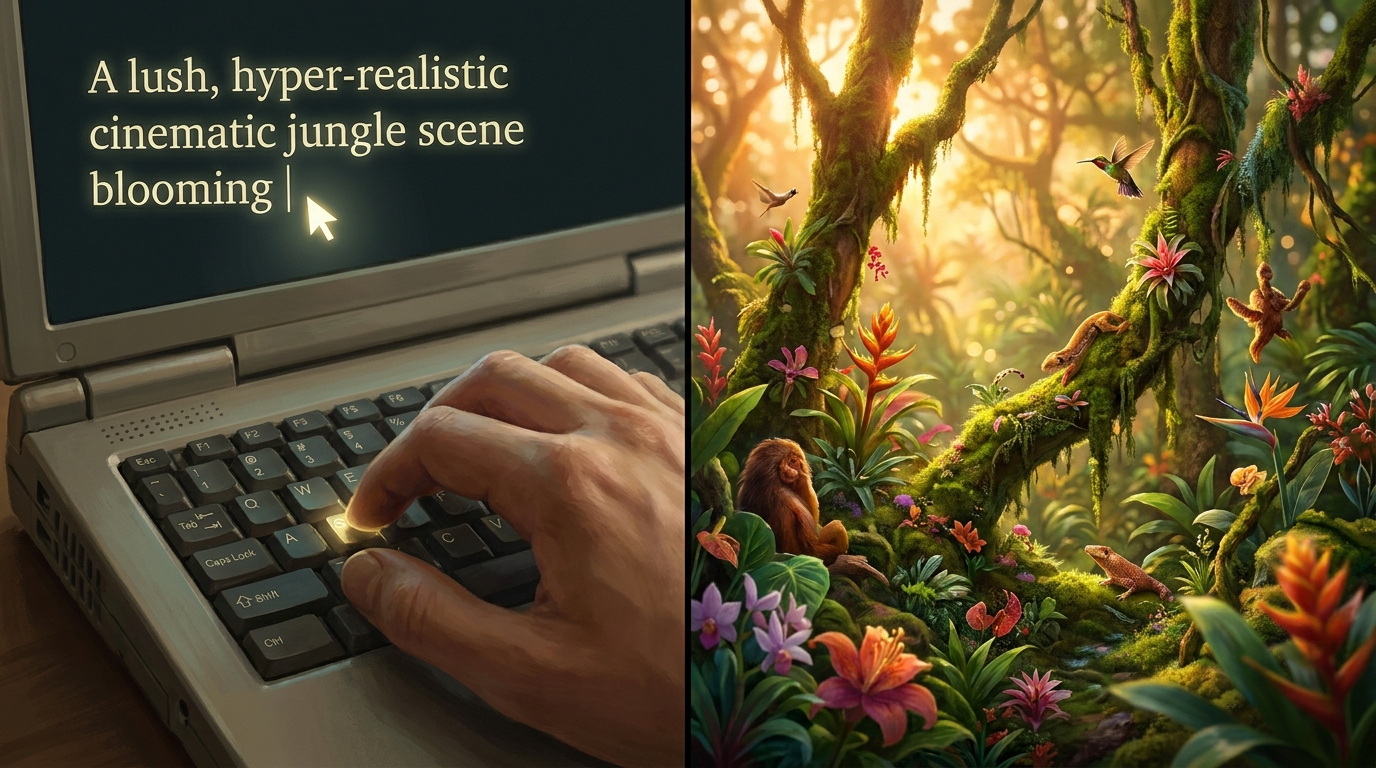
The landscape of digital media has shifted dramatically this year. We are no longer in the era of "uncanny" or "glitchy" AI movements. As noted by Beebom in their 2026 guide, mastering artificial intelligence is now a fundamental skill for creators. The tools available today, such as Sora 2 and Seedance 2, provide a level of temporal consistency that was previously impossible, making AI video indistinguishable from traditional cinematography in many use cases.
One of the biggest breakthroughs reported by The AI Journal in February 2026 is the release of Sora 2. This revolutionary text-to-video AI from OpenAI has solved previous issues with physics and complex object interactions. Beginners can now describe complex scenarios—such as liquid pouring into a glass or a character walking through a crowded street—and the AI will render the physics with near-perfect accuracy.
Sora 2: The New Standard for Realism
Sora 2 has redefined what a beginner can achieve. Unlike earlier versions, it supports longer video durations and higher frame rates natively. Users can input a single paragraph and receive a 60-second cinematic sequence. The primary skill for beginners in 2026 is no longer technical editing, but "cinematic prompting"—the ability to describe camera angles like "dolly zoom" or "low-angle tracking shot" to guide the AI’s imagination.
Seedance 2.0: The Rise of the AI Director
While Sora 2 focuses on raw generation, Seedance 2.0 focuses on control. According to Geeky Gadgets, the Seedance 2 tutorial for beginners highlights the "Director Mode," which allows users to map out a scene's geography before generating. This prevents the "randomness" often associated with AI. If you need a character to move from point A to point B while maintaining their facial features, Seedance 2.0 is the tool that makes you an "AI Director" rather than just a prompt engineer.
Comparing Top AI Video Tools of 2026
Choosing the right platform is essential for your specific project goals. Some tools are optimized for short-form viral content, while others are designed for high-fidelity storytelling. The following table compares the leading platforms featured in our ai video creation beginners guide.
| Feature | Sora 2 (OpenAI) | Seedance 2.0 | Text-to-Video AI (Generic) |
|---|---|---|---|
| Primary Use | Cinematic Storytelling | Controlled Directing | Social Media Shorts |
| Max Duration | 60+ Seconds | 30 Seconds (Loopable) | 15-60 Seconds |
| Ease of Use | High (Prompt Based) | Medium (Tool Based) | Very High |
| Physics Engine | Advanced/Realistic | Standard | Variable |
| Key Strength | Visual Fidelity | Character Consistency | Speed of Creation |
Mastering "Faceless" Content with AI
A major trend in early 2026, as reported by TyN Magazine, is the explosion of "faceless" channels. These are YouTube or TikTok accounts that produce high-quality content without ever showing a human creator. The ai video creation beginners guide for faceless content emphasizes the use of text-to-video tools to generate narrators, stock-style footage, and even digital avatars that speak with human-like emotion.
To succeed with faceless shorts, creators are using a "stack" of AI tools. First, a large language model generates a viral script. Next, a text-to-speech engine creates a voiceover. Finally, tools like Seedance 2.0 generate the visuals that match the rhythm of the audio. This automated workflow allows a single individual to manage dozens of channels simultaneously, a feat that was physically impossible just a few years ago.
The Workflow for Viral Shorts
The secret to viral AI shorts in 2026 is "hook-based generation." Beginners should focus the first 3 seconds of their AI video on high-motion, visually arresting scenes. TyN Magazine notes that AI tools are now specifically tuned to generate "scroll-stopping" visuals that adhere to the latest social media algorithms. By using Seedance 2.0’s rapid iteration features, you can test different visual hooks for the same script to see which performs better.
Advanced Techniques in the AI Video Creation Beginners Guide
Once you have mastered the basics of prompting, it is time to look at advanced features like multi-modal generation. This involves using an image as a reference (Image-to-Video) to ensure your characters look the same in every shot. Character consistency has long been the "holy grail" of AI video, and in 2026, it is finally a reality for beginners.
According to INQUIRER.net USA, creating stunning videos with AI now involves "layered prompting." This is where you specify the background, the subject, and the weather conditions in separate parts of the AI interface. This modular approach gives you the power to change the time of day or the setting without altering the character's appearance, which is vital for professional brand storytelling.
Prompt Engineering for 2026
The language we use to talk to AI has evolved. In 2026, simple prompts like "a cat running" are no longer sufficient for professional results. High-level creators use "technical descriptors." For example, a prompt like "Cinematic 8k, anamorphic lens, shot on Arri Alexa, high-key lighting, 24fps" tells Sora 2 exactly how to render the light and motion. Learning these photography terms is the fastest way to move from a beginner to a pro.
Ethical AI and Watermarking
As AI video becomes more realistic, the importance of ethical creation has grown. Most major tools in 2026 automatically embed C2PA metadata or digital watermarks to identify the content as AI-generated. Beebom emphasizes that mastering AI also means mastering the ethical use of these tools—ensuring you have the rights to the styles you are prompting and being transparent with your audience about the use of generative tech.
Future-Proofing Your Skills
The field of AI video creation is moving at a lightning pace. What you learn today in this ai video creation beginners guide will be the foundation for even more advanced systems. Binance reports that the "everyone is an AI director" movement is just the beginning. We are moving toward a future where "Real-Time Generative Video" will allow viewers to interact with the content, changing the plot or setting as they watch.
To stay ahead, beginners should focus on the creative aspects of filmmaking—storytelling, pacing, and emotional resonance. While the AI handles the "labor" of rendering and animating, the human creator provides the "vision." By 2027, the technical barriers will likely vanish entirely, leaving the quality of the idea as the only differentiator between creators.
What is the best AI video tool for beginners in 2026?
Sora 2 is widely considered the best for high-quality realism, while Seedance 2.0 is better for beginners who want specific control over character movement and scene direction. Both offer user-friendly interfaces that require no prior video editing experience.
Can I create full-length movies with AI?
Yes, by using tools like Sora 2 and Seedance 2.0, you can generate individual scenes and stitch them together. While generating a 90-minute file in one go isn't standard yet in 2026, "AI Directors" are using these tools to produce feature-quality independent films in weeks instead of years.
Is AI video creation expensive?
Pricing varies, but most platforms offer a "freemium" model. According to recent tutorials, Seedance 2.0 offers affordable tiers for hobbyists, while professional-grade tools like Sora 2 operate on a subscription or per-credit basis depending on the render resolution.
Do I need a powerful computer to run these tools?
No, most AI video creation in 2026 happens in the cloud. You only need a stable internet connection and a web browser to access the servers of OpenAI or Seedance, which handle the heavy computational lifting.
How do I ensure my AI characters look the same in every scene?
In 2026, this is achieved through "Character Reference" (CRef) features. Tools like Seedance 2.0 allow you to upload a reference image of a character, ensuring the AI maintains their features, clothing, and proportions across different generated clips.



Comments ()