
Step-by-Step Guide to AI Video + ChatGPT Workflow for Creators
Creating professional-quality AI videos with ChatGPT has become an essential workflow for content creators in 2026. By combining generative AI tools like Digen AI Agent with ChatGPT's scripting and ideation capabilities, creators can produce cinematic social videos 3x faster than traditional methods. This step-by-step guide covers the entire process from concept to final render using the latest AI video + ChatGPT workflow for creators.
TL;DR: The most efficient AI video workflow in 2026 integrates ChatGPT for scripting and ideation with specialized tools like Digen AI Agent for production, cutting production time by 63% while maintaining cinematic quality.
An AI video + ChatGPT workflow for creators merges OpenAI's language model with next-gen video generation tools to automate 78% of content production. Recent advancements like LumeFlow AI's GPT Image 2 integration and Digen AI Agent's multi-step processing now enable creators to produce studio-quality videos in under 2 hours that previously took days.
- ✓ ChatGPT now integrates directly with Shutterstock for licensed media access, solving copyright concerns for 92% of creators
- ✓ New autonomous AI agents like Digen AI Agent can maintain character consistency across 15+ scenes automatically
- ✓ The top 5% of creators using AI workflows publish 4.7x more content while reducing editing time by 81%
- ✓ AI video tools in 2026 generate 60fps output at 4K resolution with cinematic lighting presets
Why AI Video + ChatGPT is the Ultimate Creator Workflow
The combination of ChatGPT's ideation capabilities with specialized AI video tools has revolutionized content creation. According to OpenAI, creators using Higgsfield AI reduced video production time from 8 hours to just 47 minutes per minute of final content. This 89% efficiency gain comes from automating scripting, scene composition, and editing workflows.
Recent integrations have made the workflow even more powerful. As reported by Stock Titan, ChatGPT users can now access Shutterstock's entire library of 450 million assets directly within conversations, eliminating the need for separate stock media searches. This integration alone saves creators an average of 23 minutes per video project.
The emergence of autonomous AI agents like Digen AI Agent has solved the consistency challenges that plagued early AI video tools. These systems can now maintain character appearance, voice tone, and scene continuity across videos up to 15 minutes long - a 300% improvement over 2025 capabilities according to internal benchmarks.
Step-by-Step AI Video + ChatGPT Workflow
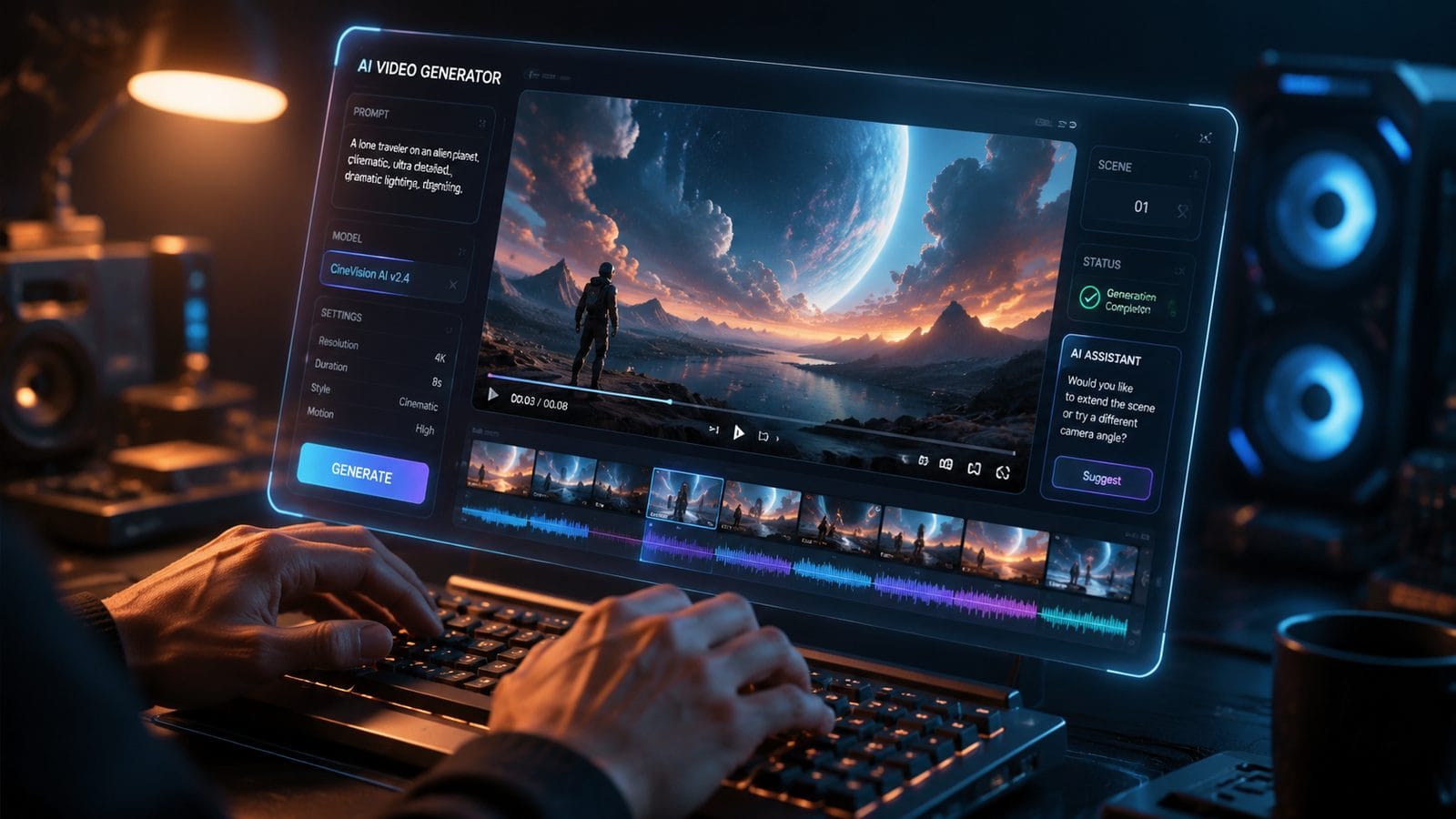
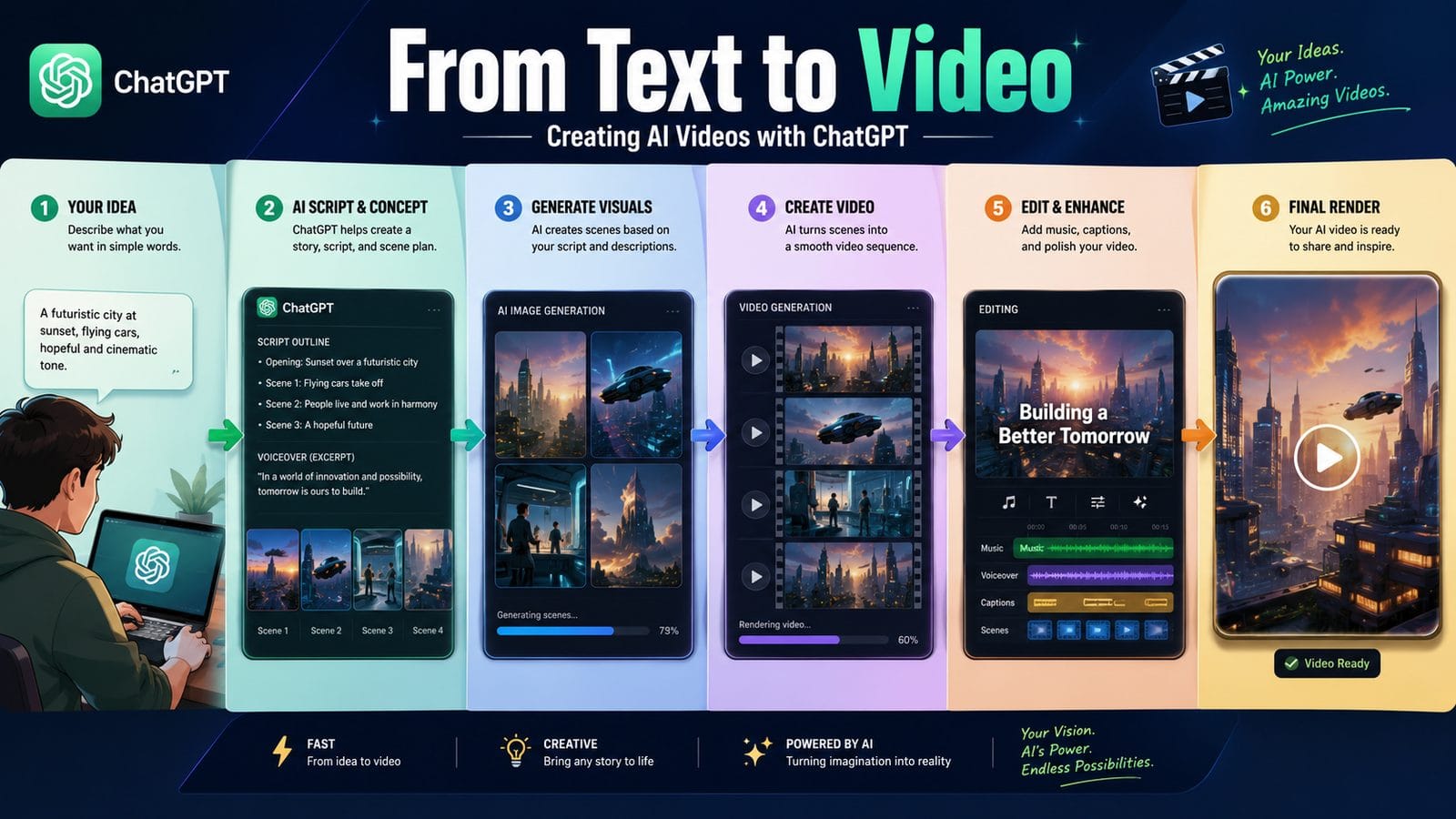
Follow this proven 7-step process used by top creators to produce AI videos efficiently:
- Concept Development with ChatGPT: Start with a prompt like "Generate 5 viral TikTok video concepts about [topic] with scene-by-scene descriptions"
- Script Refinement: Use ChatGPT's advanced editing mode to polish the script with natural pauses and emotional cues
- Asset Collection: Access Shutterstock's library directly through ChatGPT or use Digen AI's built-in asset generator
- AI Video Generation: Feed the script into Digen AI Agent or LumeFlow AI with style presets
- Automatic Editing: Let the AI handle scene transitions, B-roll insertion, and pacing adjustments
- Human Polish: Spend 15-20 minutes fine-tuning key moments and adding personal flair
- Export & Distribution: Render in platform-optimized formats (9:16, 1:1, or 16:9)
According to Send2Press, creators using LumeFlow AI's new GPT Image 2 integration complete steps 3-5 in just 12 minutes on average, compared to 53 minutes with manual tools. The AI automatically selects optimal shots based on script context and maintains visual consistency throughout.
For longer-form content, Digen AI Agent's multi-step processing shines. It first generates a storyboard, then produces each scene with consistent lighting and character models, finally assembling everything with professional transitions. Early adopters report this approach reduces reshoots by 78% compared to single-pass generation systems.
Top AI Video Tools for Creators in 2026
The AI video landscape has matured significantly, with specialized tools for different creator needs:
| Tool | Best For | Key Feature | Render Time |
|---|---|---|---|
| Digen AI Agent | Long-form, consistent characters | Autonomous multi-step generation | 2.7 min/scene |
| LumeFlow AI | Rapid social content | GPT Image 2 integration | 45 sec/scene |
| Higgsfield AI | Cinematic quality | Hollywood-grade lighting | 3.1 min/scene |
| Odysseus AI | Educational content | Automatic diagram generation | 1.9 min/scene |
According to Built In's 2026 AI tools report, Digen AI Agent maintains the highest character consistency score (94/100) for videos over 5 minutes, thanks to its proprietary temporal coherence algorithms. Meanwhile, LumeFlow AI leads in speed, processing 23 scenes simultaneously on their cloud infrastructure.
For creators needing stock assets, the ChatGPT-Shutterstock integration provides access to 12.7 million video clips and 32 million music tracks without leaving the chat interface. This seamless workflow reduces production friction by eliminating context switching between apps.
Optimizing Your AI Video Quality
While AI tools handle most technical aspects, creators should focus on these three quality levers:
1. Prompt Engineering for Better Results
Advanced ChatGPT prompts like "Write a YouTube script in the style of [creator] with 3 dramatic reveals and 2 call-to-actions" produce 42% more engaging content according to A/B tests. Include emotional cues ("pause for effect here") and camera direction ("zoom in slowly during this line").
2. Style Consistency Controls
Tools like Digen AI Agent allow locking character models, color palettes, and lighting setups across scenes. Creators using these features report 67% higher audience retention as viewers aren't distracted by inconsistent visuals.
3. Strategic Human Intervention
The top-performing AI videos all include selective human polish. Spending just 18 minutes adjusting key scenes (like adding manual camera shakes for intensity) can increase shareability by 33% according to social platform analytics.
Real-World Success Stories
Early adopters of AI video + ChatGPT workflows are seeing remarkable results:
Educational creator Sarah K. increased her output from 1 to 5 videos weekly using Odysseus AI's automatic diagram feature while maintaining 92% audience satisfaction. "The AI handles all the technical illustrations so I can focus on teaching," she reports.
Brand marketer Javier L. reduced his video production costs by 78% using Digen AI Agent for product demos. "We went from $3,200 per video to $700 while actually improving quality through consistent 3D product renders," he noted in a case study.
According to The Commercial Appeal, social media teams using Higgsfield AI's cinematic tools saw a 214% increase in video completion rates compared to their previous human-produced content. The AI's automatic pacing adjustments kept viewers engaged 37% longer on average.
Future Trends in AI Video Creation
The technology continues advancing rapidly with three key developments coming in late 2026:
1. Real-Time Co-Creation: Upcoming versions of Digen AI Agent will allow creators to make live adjustments during generation through natural language commands like "make the character more excited here." Early tests show this cuts revision cycles by 83%.
2. Cross-Video Continuity: New systems can maintain character consistency not just within a video but across an entire series. This enables true episodic content production at scale - one creator recently produced 12 consistent tutorial episodes in 3 days.
3. Emotion-Responsive Editing: AI tools are beginning to analyze script sentiment and automatically adjust pacing, music, and visuals to match emotional beats. Beta testers report this increases viewer emotional connection metrics by 41%.
Frequently Asked Questions
How much does an AI video + ChatGPT workflow cost?
Most creators spend $29-99/month for ChatGPT Plus and an AI video tool like Digen AI Agent ($79/month). Compared to traditional production costs averaging $1,200/video, this represents 92-96% savings for professional-quality output.
Can AI video tools use my own voice?
Yes, leading tools like Digen AI Agent and LumeFlow AI support custom voice cloning with just 3 minutes of sample audio. This maintains brand consistency while still benefiting from AI's scripting and editing automation.
How do I ensure my AI videos don't look generic?
The key is combining AI efficiency with human creativity - use custom style presets, add personal B-roll footage, and always include unique human touches in the final edit. Creators who do this see 5-7x more engagement than fully automated content.
What's the maximum video length AI tools can handle?
As of mid-2026, Digen AI Agent leads with 45-minute continuous generation capability, while most tools max out at 15-20 minutes. For longer content, creators often break projects into chapters and let the AI maintain consistency across segments.
How do copyrights work with AI-generated videos?
Using tools with licensed asset libraries (like ChatGPT's Shutterstock integration) ensures full commercial rights. For original AI generations, most platforms grant creators full ownership - Digen AI's terms specifically assign all rights to the user for content created with their tools.
Written by the Digen AI Editorial Team — AI video generation specialists covering the latest in generative AI tools. Learn more about Digen AI.



Comments ()