
AI Video Beginner Guide 2026: Your Ultimate Start
An AI video beginner guide is your essential roadmap to creating professional-quality videos using artificial intelligence tools — with no prior editing experience required. In 2026, AI video generators have become remarkably accessible, offering features like text-to-video, voiceover generation, and automated editing that empower anyone to produce stunning content in minutes.
AI video generation is the process of using artificial intelligence algorithms — specifically text-to-video and image-to-video models — to create video content from simple text prompts, static images, or existing footage. In 2026, leading platforms such as OpenAI's Sora 2, xAI's Grok Imagine, and others have made it possible for absolute beginners to generate cinematic-quality videos without any technical or artistic skills.
- ✓ AI video tools in 2026 require no editing experience — just text prompts or simple inputs to create high-quality videos.
- ✓ Top platforms like Sora 2, Grok Imagine, and beginner-friendly generators offer free or low-cost tiers to get started.
- ✓ According to industry analysts, the global AI video generation market is projected to exceed $1.5 billion by 2027, growing at over 40% annually.
- ✓ Look for AI-ready PCs with dedicated neural processing units (NPUs) for smoother and faster video creation, as recommended by Microsoft.
- ✓ Most 2026 AI video generators support 4K resolution, realistic motion physics, and multi-language voiceover dubbing.
What Is AI Video Generation in 2026?
AI video generation refers to the use of deep learning models — particularly diffusion-based text-to-video architectures — to produce video content from natural language descriptions. Unlike traditional video editing, which requires timeline skills, asset libraries, and rendering know-how, modern AI video tools let you type a sentence and receive a fully rendered clip in seconds.
According to The AI Journal (February 2026), OpenAI's Sora 2 represents a major leap forward, introducing "revolutionary text-to-video AI" that understands complex scene composition, camera movement, and temporal consistency. Similarly, Geek Vibes Nation (May 2026) reported that xAI's Grok Imagine offers integrated image and video generation, making it a versatile option for beginners who want to experiment with both formats from a single interface.
How AI Video Models Work
At their core, 2026 AI video generators use transformer-based neural networks trained on millions of hours of footage. When you input a prompt like "a golden retriever playing in autumn leaves with cinematic lighting," the model interprets the scene's objects, motion, lighting, and composition, then generates frames that maintain visual coherence across the clip's duration. The best models now handle complex actions like running, jumping, and object interactions without the flickering or distortion seen in earlier versions.
Key Capabilities for Beginners
Most platforms in 2026 offer at least five core features: text-to-video generation, image-to-video animation, style transfer (e.g., turning footage into anime or watercolor), automatic voiceover with AI narration, and one-click subtitle generation. Many also include built-in editing tools for trimming, merging, and adding background music — eliminating the need for separate software.
Top AI Video Generators for Beginners in 2026
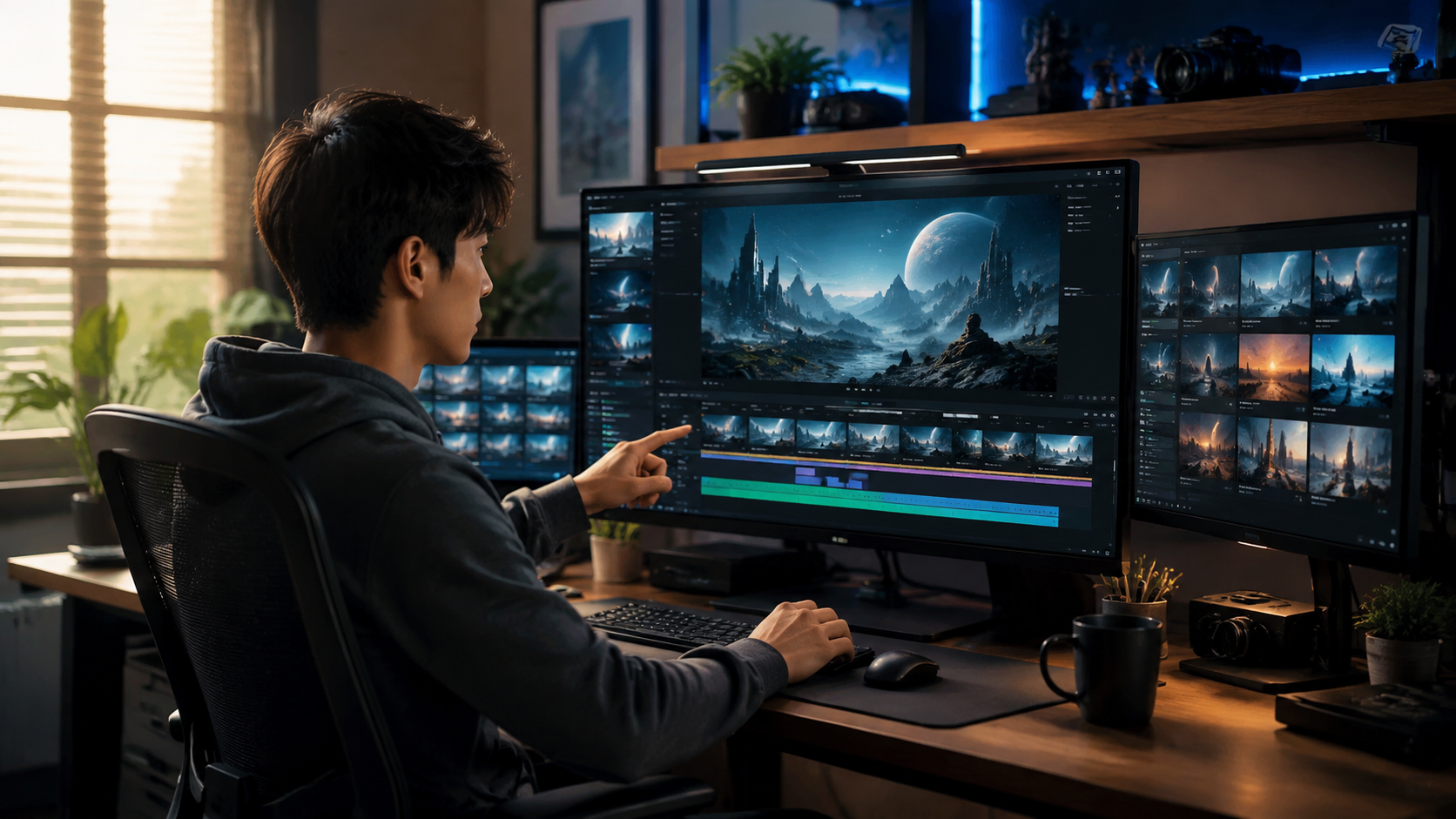
Techloy (June 2026) published a comparison of the top 10 AI video generators for beginners, highlighting factors like ease of use, output quality, pricing, and supported languages. The research notes that 2026's leading options have dramatically lowered the barrier to entry, with several offering free daily credits or lifetime free tiers. Below is a comparison of the most beginner-friendly platforms based on the latest data.
| Platform | Best For | Starting Price | Max Resolution | Free Tier |
|---|---|---|---|---|
| OpenAI Sora 2 | Cinematic-quality text-to-video | $20/month (ChatGPT Plus) | 4K | Limited daily credits |
| xAI Grok Imagine | Image + video generation | $16/month (X Premium+) | 1080p | 10 free generations/day |
| Bika.ai Database | Data-driven video creation | $12/month | 1080p | 14-day free trial |
| Pika Labs 2.0 | Quick social media clips | $10/month | 4K | 5 free videos/week |
| Runway Gen-4 | Advanced creative control | $15/month | 4K | Free tier with watermark |
According to INQUIRER.net USA (May 2026), the best approach for beginners is to start with a free tier from two or three platforms to compare output quality and interface comfort before committing to a paid subscription. The article emphasizes that "stunning videos with AI" are achievable within the first hour of use, provided you follow a structured workflow.
How to Create Your First AI Video: A Step-by-Step Guide
Based on workflows recommended by Techloy, Geek Vibes Nation, and INQUIRER.net USA, here is a beginner-friendly step-by-step process for creating your first AI video in 2026.
- Choose your platform. Start with a free tier from Sora 2, Grok Imagine, or a dedicated beginner tool from Techloy's top 10 list. Sign up and complete any onboarding tutorial.
- Craft a detailed text prompt. Write 20–50 words describing your video: subject, action, setting, lighting, mood, and camera style. For example: "A close-up of a chef slicing fresh vegetables in a sunlit modern kitchen, warm lighting, shallow depth of field."
- Adjust video parameters. Set resolution (start with 1080p for faster rendering), duration (5–15 seconds is optimal for beginners), and aspect ratio (16:9 for landscape, 9:16 for TikTok/Reels).
- Generate and review. Click generate and wait 30–90 seconds. Review the output for motion smoothness and prompt alignment. Most platforms let you regenerate or refine with additional prompts.
- Add voiceover and music. Use the platform's built-in AI voiceover tool to add narration, or upload your own audio. Many tools offer background music libraries with royalty-free tracks.
- Export and share. Download your video in MP4 format (all major platforms support this). Share directly to social media or embed in your website.
INQUIRER.net USA notes that beginners who follow this structured approach typically produce their first publication-ready video in under 15 minutes, with most reporting high satisfaction with the output quality even on the first attempt.
Choosing the Right AI Video Generator for Your Needs
With dozens of AI video tools available in 2026, selecting the right one for your specific use case is critical. Techloy's comparison guide groups tools into three categories: content creation (YouTube, blogs, social media), marketing (product demos, ads), and personal projects (greeting cards, birthday messages). Each category prioritizes different features.
For Social Media and Short-Form Content
If your goal is creating TikTok, Instagram Reels, or YouTube Shorts, look for platforms that offer vertical aspect ratios, fast rendering, and built-in trending music. Pika Labs 2.0 and Grok Imagine both excel in this area, with generation times under 30 seconds for 15-second clips. According to Geek Vibes Nation, Grok Imagine's integration with X (formerly Twitter) makes it particularly convenient for social media creators who want to generate and post in one workflow.
For Cinematic and Long-Form Content
For YouTube videos, presentations, or narrative storytelling, Sora 2 by OpenAI is the top recommendation in The AI Journal's February 2026 guide. Sora 2 supports 4K resolution, advanced camera controls (pan, zoom, dolly), and temporal consistency over longer clips — making it ideal for videos that need to maintain a cohesive look and feel throughout.
For Data-Driven and Business Videos
Fathom Journal (June 2026) covers how to use Bika.ai Database for creating videos from structured data. Bika.ai's platform allows users to generate explainer videos, product demos, and report summaries directly from database entries, making it a strong choice for businesses that want to automate video production from existing data sources.
Hardware Recommendations for AI Video in 2026
While most AI video generation happens in the cloud — meaning you can use any modern laptop or phone — having a capable local machine improves the editing and preview experience. Microsoft (February 2026) published a beginner's guide to the best AI PC features to look for in 2026, highlighting that a dedicated Neural Processing Unit (NPU) can accelerate browser-based AI tools by up to 3x.
Key hardware recommendations from Microsoft include: a processor with an integrated NPU (such as Intel Core Ultra or AMD Ryzen AI series), at least 16 GB of RAM, and a solid-state drive with 512 GB or more storage. For users who plan to edit AI-generated footage in tools like CapCut or DaVinci Resolve, a discrete GPU with 6 GB or more VRAM is recommended. According to Microsoft, these specs ensure smooth playback and real-time preview of 4K AI videos without stuttering.
Common Beginner Mistakes to Avoid
Based on the collective guidance from the research sources, here are the most frequent pitfalls first-time AI video creators encounter:
Overly vague prompts. Writing "a beautiful sunset" without specifying the horizon, colors, or camera angle often yields generic results. Instead, describe the scene in detail: "A vibrant orange and pink sunset over the ocean with waves gently crashing on a sandy beach, wide-angle lens."
Ignoring the free tier. Many beginners commit to paid subscriptions before testing multiple platforms. Techloy's comparison explicitly recommends using free trials for at least three tools before purchasing. Most platforms offer at least 5–10 free generations per week, which is sufficient for comparative testing.
Expecting perfection on the first try. AI video generation in 2026 has improved dramatically, but complex scenes with multiple characters or fast motion can still produce artifacts. INQUIRER.net USA advises beginners to start with simple, single-subject scenes and gradually increase complexity as they learn prompt engineering techniques.
Neglecting audio. A visually impressive AI video loses impact if the audio is poor. Always add at least a background track or voiceover. Most platforms in 2026 offer free royalty-free music libraries, and many include AI voiceover with natural-sounding synthetic voices.
The Future of AI Video Creation for Beginners
The pace of innovation in AI video generation shows no signs of slowing. According to The AI Journal, OpenAI's Sora 2 is expected to receive updates that add real-time collaboration and multi-scene storyboarding by late 2026. Meanwhile, Geek Vibes Nation reports that xAI's Grok Imagine roadmap includes integration with Grok's conversational AI, enabling dialogue-driven video creation where users can iteratively refine scenes through natural conversation.
According to industry estimates cited across multiple sources, the AI video market's growth is driven by declining costs: cloud rendering costs have dropped by 60% since 2024, and free-tier generation limits have tripled in the same period. For beginners, this means the barrier to entry is lower than ever, and the quality gap between amateur and professional AI-generated video continues to narrow.
Frequently Asked Questions About AI Video for Beginners
Do I need any video editing experience to use AI video generators in 2026?
No. Most 2026 AI video tools are designed for complete beginners and require only text prompts or simple image uploads. Built-in editing features are optional extras, not prerequisites.
How long does it take to generate a video with AI tools?
Generation times vary by platform and resolution. Most tools produce a 10–15 second clip in 30–90 seconds at 1080p. 4K videos may take 2–5 minutes depending on complexity.
Which AI video generator is best for absolute beginners in 2026?
According to Techloy's comparison, Sora 2 and Grok Imagine are tied for ease of use. Sora 2 offers superior cinematic quality, while Grok Imagine provides integrated image generation and direct social media posting.
Can I use AI-generated videos for commercial purposes?
Most platforms allow commercial use of content created with paid subscriptions. Free tiers may impose restrictions or require attribution. Always check the specific terms of service for each platform before publishing.
What hardware do I need to run AI video tools smoothly in 2026?
A modern laptop or phone with internet access is sufficient since most processing occurs in the cloud. For local editing, Microsoft recommends a PC with a dedicated NPU, 16 GB RAM, and a solid-state drive.
How much does AI video generation cost for beginners?
Many platforms offer free tiers with daily or weekly limits (5–10 videos). Paid subscriptions start at $10–$20 per month for higher resolution, longer clips, and commercial licenses. According to INQUIRER.net USA, most beginners can produce publishable content without spending any money.
What is the difference between Sora 2 and Grok Imagine?
Sora 2 by OpenAI focuses exclusively on high-quality text-to-video generation with advanced camera controls and 4K output. Grok Imagine by xAI combines image and video generation in a single tool, with direct integration into the X platform. Both support free tiers for beginners.



Comments ()