
AI Text to Video Tutorial 2026: Master Cinematic AI Creation
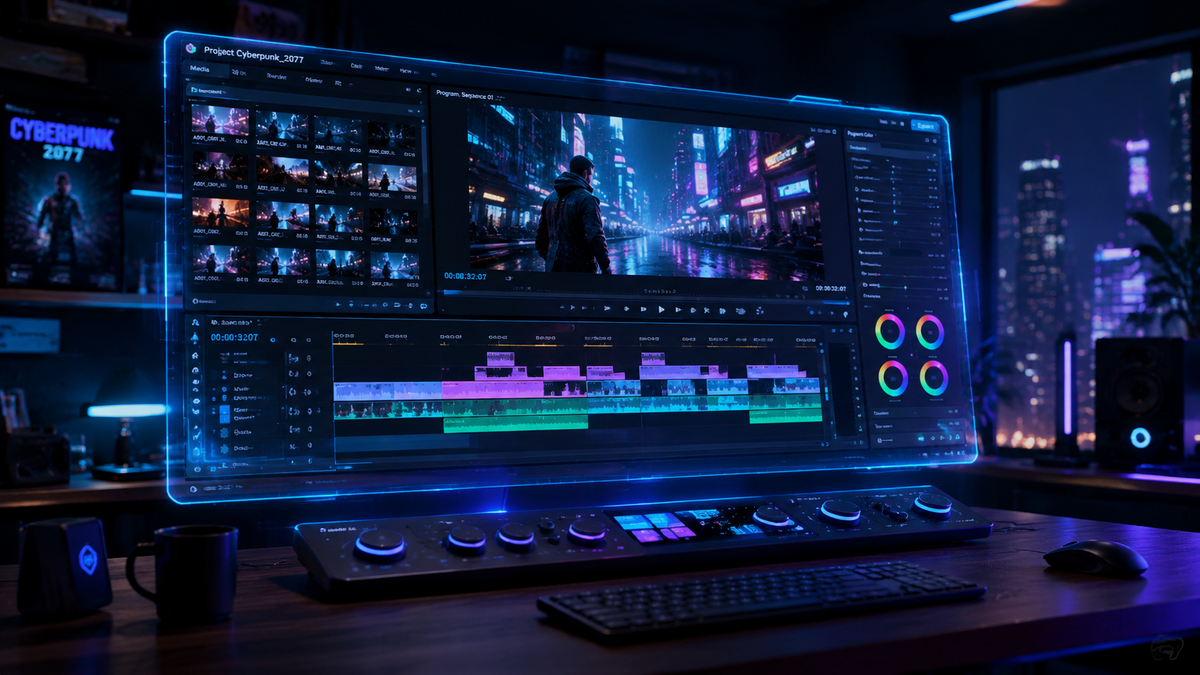
An ai text to video tutorial 2026 edition provides the essential roadmap for transforming written prompts into high-fidelity, cinematic motion pictures using the latest generative models. By leveraging local hardware like NVIDIA RTX PCs or cloud-based platforms, creators can now produce 4K resolution sequences with consistent physics and emotional depth in a matter of minutes. This guide explores the sophisticated workflows required to master these tools, ensuring your visual storytelling meets the professional standards of the current digital landscape.
AI text to video is a generative process where deep learning models interpret natural language descriptions to render temporal visual data. In 2026, this technology has evolved to include spatial consistency and object permanence, allowing users to generate high-definition video clips (up to 60fps) by simply describing scenes, lighting, and camera movements in a text prompt.
- ✓ Master the "Prompt-to-Physics" workflow for realistic motion and object interaction.
- ✓ Utilize local NVIDIA RTX acceleration for real-time rendering and privacy.
- ✓ Implement advanced object removal and scene editing using integrated AI brushes.
- ✓ Combine AI-generated visuals with modern AI music production for complete cinematic outputs.
- ✓ Stay updated with the top 15 generative tools currently dominating the 2026 market.
Step-by-Step Guide: Your AI Text to Video Tutorial 2026
Creating professional-grade video from text has become significantly more intuitive in 2026. The integration of "World Models" allows the AI to understand not just what things look like, but how they move in a 3D space. Whether you are a solo content creator or part of a marketing team, following a structured workflow is key to avoiding the "uncanny valley" and achieving cinematic results.
According to Simplilearn, the top generative AI tools of 2026 now offer benefits such as automated storyboarding and style-consistency layers, which are crucial for long-form storytelling. To get started with your first project, follow these five essential steps:
- Concept and Scripting: Write a detailed descriptive prompt. Instead of "a car driving," use "a vintage 1960s sports car cruising down a neon-lit Tokyo street, rain reflections on the asphalt, cinematic tracking shot."
- Platform Selection: Choose between cloud-based generators for ease of use or local NVIDIA RTX-powered software for maximum control and data security.
- Parameter Tuning: Adjust the aspect ratio (16:9 for film, 9:16 for social), motion intensity, and seed values to lock in the visual style.
- Generation and Iteration: Render a low-resolution preview. Use "In-painting" tools to correct specific frames or remove unwanted artifacts.
- Upscaling and Post-Production: Use a 2026-era AI upscaler to bring the footage to 4K or 8K, then sync with AI-generated audio for a finished product.
Choosing the Right Tools for Your AI Text to Video Tutorial 2026
The market in 2026 is diverse, with tools specialized for different niches. While some platforms focus on hyper-realistic human avatars, others are designed for abstract art or architectural visualization. Identifying the right tool depends on your hardware capabilities and the specific aesthetic you want to achieve.
As noted by Breaking AC News in their "Top 15 AI Video Generators in 2026" guide, the gap between professional studios and independent creators has narrowed due to the accessibility of these tools. High-end tools now feature "Director Modes" where you can specify camera angles like "dolly zoom" or "pan left" via text commands.
Hardware vs. Cloud Solutions
A significant trend in 2026 is the move toward local processing. The NVIDIA Blog recently highlighted how to get started with visual generative AI on NVIDIA RTX PCs, emphasizing that local GPUs allow for faster iterations without subscription fees or cloud wait times. For those without high-end hardware, cloud platforms remain the standard, offering massive server-side clusters to handle complex physics simulations.
| Feature | Local (RTX Powered) | Cloud-Based Platforms | Mobile AI Suites |
|---|---|---|---|
| Processing Speed | Instantaneous (Real-time) | Queue-based (1-5 mins) | Optimized (30-60 secs) |
| Privacy | 100% Private / Offline | Data stored on servers | Varies by app provider |
| Max Resolution | 8K (Hardware dependent) | 4K (Subscription tier) | 1080p / 2K |
| Cost Model | One-time hardware cost | Monthly subscription | Freemium / Credits |
Advanced Techniques: Mastering Cinematic Motion
To truly master an ai text to video tutorial 2026, you must go beyond basic prompting. The most successful creators use "Multi-Modal Prompting," which involves feeding the AI a reference image along with text to ensure the characters and environments remain consistent across multiple clips. This technique is vital for creating episodic content or short films where continuity is paramount.
Another breakthrough in 2026 is the ability to manipulate specific objects within a generated video. PlayStation Universe reports that AI now helps remove objects from video through a simple step-by-step guide, allowing editors to clean up busy backgrounds or delete "hallucinated" artifacts without frame-by-frame manual masking. This level of control was unimaginable just a few years ago.
Prompt Engineering for Cinematography
In 2026, prompt engineering has evolved into "Scene Orchestration." You are no longer just describing a subject; you are directing a virtual set. Use keywords like "anamorphic lens flares," "shallow depth of field," and "sub-surface scattering" to trigger specific rendering behaviors in the AI model. This creates a more "filmic" look that distinguishes your work from amateur generations.
Integrating Audio and Visuals for a Complete Experience
A video is only as good as its soundscape. In 2026, the workflow for "AI Music Video Creation" has become a streamlined process. According to a practical guide from vocal.media, modern visual production tools now offer "Audio-Reactive" features where the AI video generator analyzes the tempo and frequency of a music track to sync visual transitions and lighting shifts automatically.
This synchronization is essential for music videos, advertisements, and social media content. By using AI to generate both the background score and the visual assets, creators can maintain a unified artistic vision. Tools like those reviewed by G2 Learning Hub often include built-in audio libraries that use generative AI to compose original, royalty-free tracks tailored to the mood of your video.
The Role of Generative AI in Post-Production
Post-production in 2026 is less about fixing errors and more about enhancing intent. Beyond object removal, AI tools now allow for "Dynamic Relighting." If you generate a scene that looks too bright, you can apply a "Golden Hour" filter that recalculates the shadows and highlights across the entire video sequence, rather than just applying a flat color overlay.
Ethics and Best Practices in AI Video Creation
As we navigate the capabilities of 2026 technology, ethical considerations remain a priority. Transparency in AI usage is not just a legal requirement in many jurisdictions but also a mark of professional integrity. Most top-tier AI video generators now embed invisible watermarks (C2PA standards) to verify the origin of the content and prevent the spread of deepfakes.
Furthermore, staying updated with the "7 Best AI Video Generators" as tested by industry experts like G2 Learning Hub ensures you are using platforms that respect intellectual property rights and provide "clean" training data sets. This protects you as a creator from potential copyright disputes when using AI-generated footage for commercial purposes.
Future-Proofing Your Skills
The AI landscape moves fast. To stay relevant, focus on the creative direction rather than just the technical buttons. While the AI handles the rendering, the human creator provides the "soul"—the narrative structure, the emotional pacing, and the unique perspective that algorithms cannot yet replicate. Master the ai text to video tutorial 2026 techniques today to be the creative lead of tomorrow.
Frequently Asked Questions
What is the best AI text to video tool in 2026?
While there is no single "best" tool, the top 15 generators of 2026 include a mix of local RTX-accelerated software and cloud platforms like those mentioned by Breaking AC News. The choice depends on whether you value rendering speed, privacy, or high-end cinematic features.
Can I run AI video generators on my laptop?
Yes, provided your laptop has a modern GPU. According to the NVIDIA Blog, RTX-powered PCs and laptops are now capable of running visual generative AI locally, allowing for faster production and better data security compared to cloud-only tools.
How do I ensure my AI characters look the same in every clip?
Character consistency is achieved in 2026 through "Seed Locking" and "Reference Image" inputs. By providing the AI with a consistent character sheet and using the same seed number for generations, you can maintain a stable look across different scenes.
Is AI-generated video copyrightable in 2026?
Copyright laws vary by region, but generally, the human-authored elements (like the specific prompt, the editing, and the arrangement) are protectable. Many 2026 platforms provide commercial usage rights as part of their subscription tiers.
How long does it take to generate a 1-minute AI video?
In 2026, generating a 1-minute high-quality video typically takes between 10 to 30 minutes of total processing time, depending on the complexity of the scene and whether you are using local hardware or a cloud-based render farm.



Comments ()