
AI Text to Video for Educators: 2026 Innovation Guide
The integration of ai text to video for educators represents a transformative shift in pedagogical delivery, allowing teachers to convert written lesson plans into high-fidelity visual content in minutes. In 2026, these tools have evolved from simple animation generators into sophisticated multimodal engines capable of producing photorealistic avatars, complex motion clips, and interactive educational modules. By leveraging generative AI, educators can now bridge the gap between static text and the dynamic visual learning preferences of modern students, making complex subjects more accessible and engaging than ever before.
AI text to video for educators is a generative technology that uses Natural Language Processing (NLP) to transform written scripts or prompts into fully realized video content. It enables teachers to create instructional videos, historical reenactments, and science simulations without needing professional editing skills, high-end hardware, or expensive filming equipment.
- ✓ Rapidly convert lesson plans and PDFs into high-quality instructional videos.
- ✓ Utilize photorealistic avatars and "image-to-motion" technology for personalized lectures.
- ✓ Implement ethical safeguards to prevent the misuse of AI video in school environments.
- ✓ Access free-to-use platforms like Mango AI for cost-effective classroom innovation.
- ✓ Leverage OpenAI's Sora for high-fidelity cinematic simulations of complex concepts.
How to Use AI Text to Video for Educators: A Step-by-Step Guide
Implementing generative video in the classroom no longer requires a degree in cinematography. The current 2026 landscape of tools has prioritized "zero-threshold" design, meaning if you can write a prompt, you can produce a film. This democratization of media production allows teachers to focus on curriculum design rather than technical troubleshooting.
- Draft Your Script: Input your lesson summary or a specific prompt into the AI interface. In 2026, many tools now allow you to upload existing PDFs or lecture notes to auto-generate a narrative script.
- Select a Visual Style: Choose between photorealistic avatars, 3D animations, or cinematic b-roll. Tools like Sora are particularly effective for high-fidelity visual storytelling.
- Customize the Avatar and Voice: Select a digital presenter that reflects the diversity of your classroom. You can often clone your own voice or use high-quality synthetic voices that provide natural inflection.
- Generate and Refine: Hit "Generate" to see the AI synthesize the video. Use the built-in editor to adjust timing, add text overlays, or insert specific diagrams.
- Share and Integrate: Export the video to your Learning Management System (LMS) or share it directly with students for asynchronous learning.
The Evolution of Generative Video in 2026 Classrooms
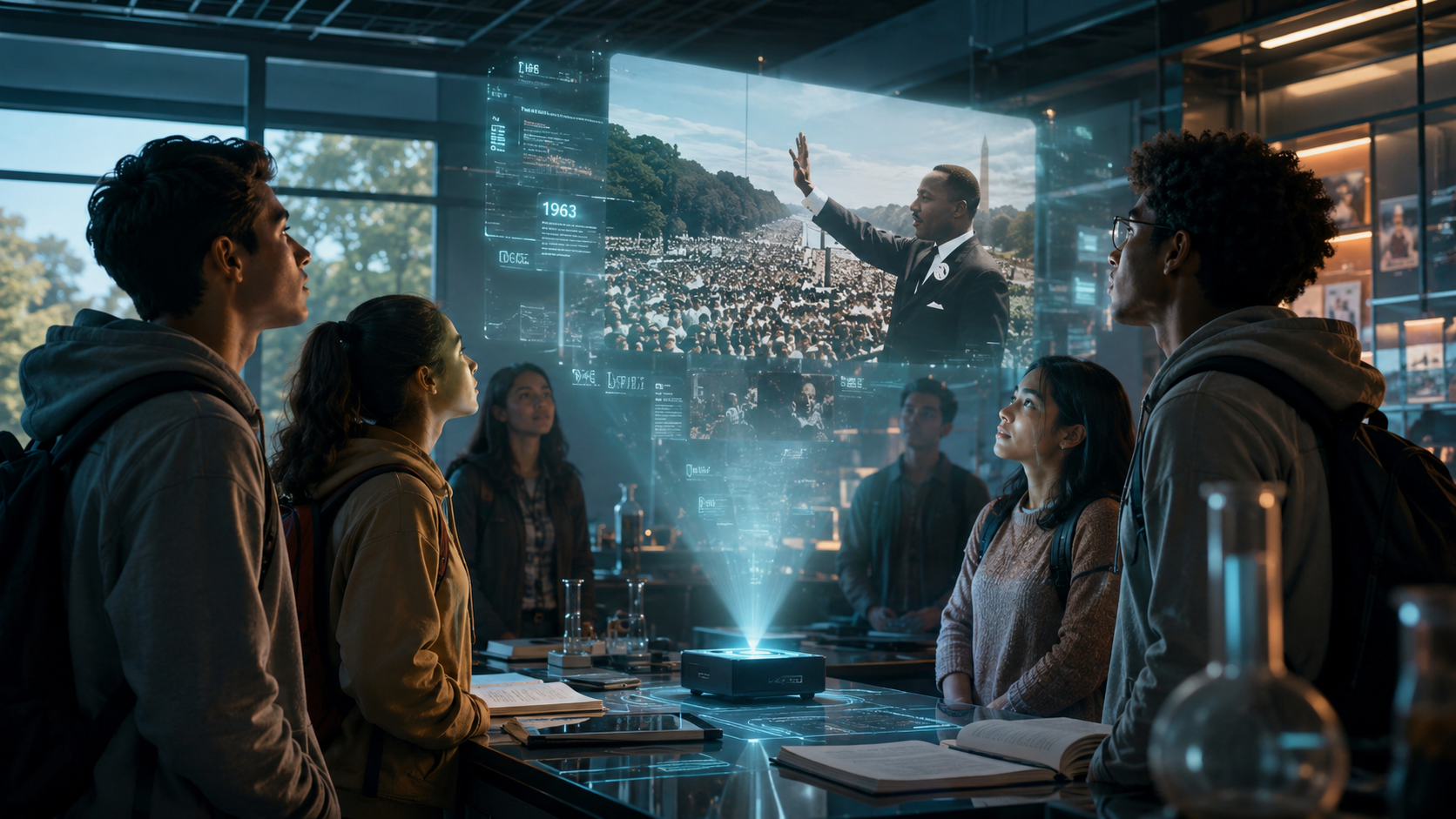
The landscape of educational technology has shifted dramatically this year. According to a report by PR Underground, the release of Mango AI’s free text-to-video generator in May 2026 has significantly lowered the barrier to entry for public school teachers. This tool allows for the effortless creation of professional-grade videos without the subscription costs that previously hindered widespread adoption. This democratization ensures that digital equity is maintained across different school districts.
Furthermore, the ability to convert static images into motion has opened new doors for history and science teachers. As reported by WebWire in May 2026, Mango AI’s Image to Video Generator now allows educators to take a historical photograph or a scientific diagram and convert it into a motion clip. This adds a layer of "living history" to the curriculum, where students can see a static portrait of a historical figure begin to speak or a diagram of a cell begin to function in real-time.
Key Features of 2026 AI Video Tools
Modern platforms have moved beyond simple slide-to-video conversions. Today’s ai text to video for educators tools include advanced features like emotional intelligence in avatars, where the digital presenter can match their facial expressions to the tone of the lesson. If a teacher is discussing a somber historical event, the AI adjusts its cadence and micro-expressions accordingly.
Another breakthrough is the integration of "Full-Length Content" capabilities. According to OCNJ Daily, top AI text-to-video tools in 2026 are now capable of generating long-form educational content that maintains visual consistency across multiple chapters. This is a significant upgrade from the 60-second clips that dominated the market just a few years ago.
Comparing Top AI Text-to-Video Platforms for Schools
Choosing the right tool depends on the specific needs of the classroom, whether it be high-end cinematic realism or quick, avatar-based instructional snippets. The following table compares the leading options available to educators in 2026.
| Feature | OpenAI Sora | Mango AI | General Pro Tools |
|---|---|---|---|
| Primary Strength | Cinematic Realism | Ease of Use / Free Tier | Full-Length Lectures |
| Input Method | Complex Text Prompts | Text & Image Uploads | LMS Integration |
| Best For | Science/History Simulations | Daily Classroom Content | Online Course Creation |
| Key Update (2026) | Enhanced Physics Engine | Image-to-Motion Clips | Multi-Chapter Consistency |
Addressing the Ethical Challenges of AI Video in Education
While the benefits of ai text to video for educators are vast, 2026 has also seen the rise of significant ethical concerns. A troubling trend reported by Futurism in March 2026 highlights how teenagers are using generative AI to create "slander" videos of their teachers. These deepfake videos can damage reputations and disrupt the learning environment, necessitating strict school policies on the use of AI tools.
Educators must be at the forefront of teaching "AI Literacy." This involves not only showing students how to use these tools for creativity but also discussing the moral implications of synthetic media. Schools are increasingly adopting digital watermarking and verification protocols to ensure that educational content is authentic and that students are held accountable for misuse of the technology.
Promoting Positive Student Creativity
Despite the risks, the creative potential for students is immense. In late 2025, a senior at St. Bonaventure University won a prestigious AI video contest from the Broadcast Education Association, proving that when guided correctly, students can produce award-winning, meaningful content using these technologies. This success story serves as a model for how high schools and universities can integrate AI video production into their communications and media curricula.
Maximizing Engagement with AI Text to Video for Educators
To truly benefit from ai text to video for educators, the content must be more than just a visual version of a textbook. Successful educators are using AI to create "choose-your-own-adventure" style learning paths. By generating multiple video outcomes based on student decisions, teachers can create an interactive environment that mimics a high-end educational video game.
Additionally, the "Flipped Classroom" model has been revitalized. Teachers can now produce a week's worth of preparatory video content in a single afternoon. This allows classroom time to be dedicated to hands-on experiments, discussions, and personalized support, while the AI-generated videos handle the initial delivery of facts and concepts.
Accessibility and Universal Design for Learning (UDL)
One of the most powerful applications of AI video is in the realm of accessibility. AI tools can automatically generate sign language avatars or provide real-time translations into dozens of languages. For an educator with a diverse classroom of English Language Learners (ELL), being able to instantly generate a video lesson in a student's native tongue—complete with accurate lip-syncing—is a game-changer for inclusivity.
The Future of AI in the Classroom: Beyond 2026
As we look toward the latter half of the decade, the line between video and virtual reality is blurring. The ai text to video for educators tools of today are the foundations for the holographic "AI Tutors" of tomorrow. We are moving toward a reality where a teacher can prompt an AI to create a 3D historical environment that students can walk through using AR glasses, all generated from a simple text-based lesson plan.
According to OpenAI, the ongoing development of Sora and similar models is focused on "understanding the physical world in motion." For educators, this means the simulations will become so accurate that they can be used for virtual lab experiments that are too dangerous or expensive to perform in real life. The role of the teacher is evolving from a "sage on the stage" to a "curator of AI experiences," guiding students through a rich, visually-driven digital world.
Is there a free AI text to video tool for teachers?
Yes, Mango AI unveiled a free AI text to video generator in May 2026 specifically designed for effortless video creation. This allows educators to explore generative media without initial financial investment.
Can I turn my photos into video for my lessons?
Absolutely. As of May 2026, Mango AI’s Image to Video Generator allows you to convert static photos into motion clips, which is perfect for bringing historical figures or scientific diagrams to life.
How long does it take to generate an AI video?
Most modern tools in 2026 can generate a 2-3 minute instructional video in under five minutes, depending on the complexity of the visuals and the length of the script provided.
What are the risks of using AI video in schools?
A primary risk is the creation of unauthorized deepfakes. Reports from March 2026 indicate that some students have used AI to create slanderous videos of faculty, highlighting the need for robust AI ethics education.
Can AI videos be used for students with disabilities?
Yes, AI video tools are excellent for accessibility, offering features like automatic closed captioning, sign language avatars, and instant translation into multiple languages to support diverse learning needs.



Comments ()