
AI Text to Video for Beginners: 2026 Complete Guide
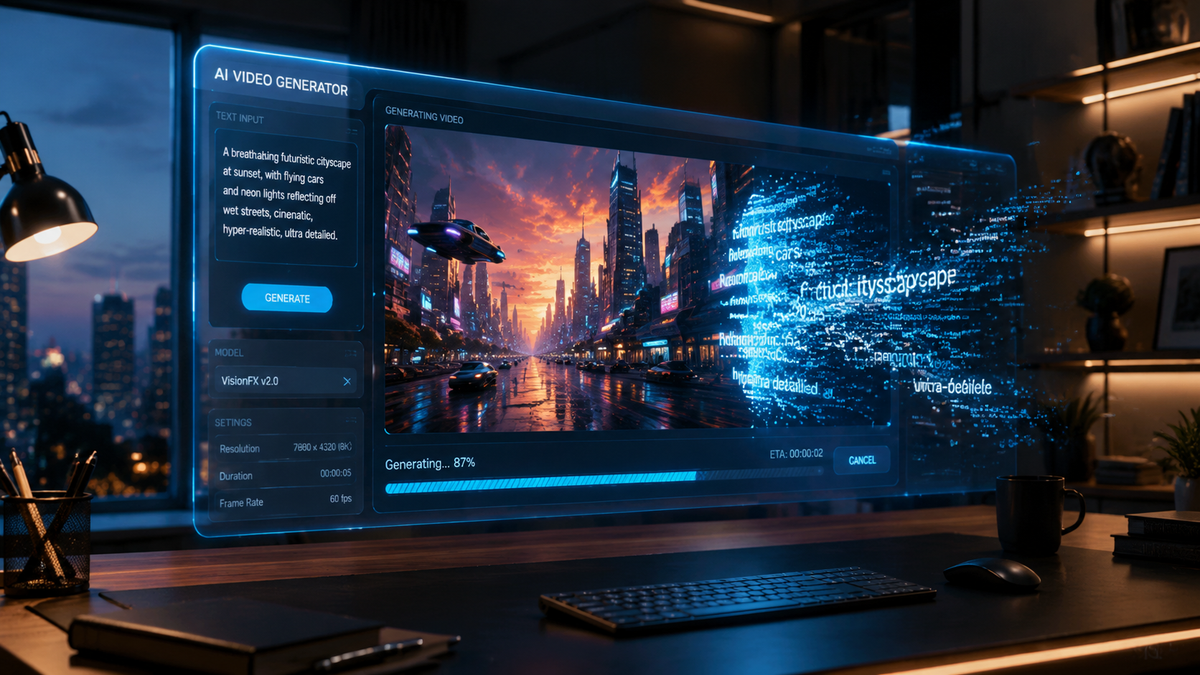
AI text to video for beginners is the process of using artificial intelligence software to generate high-quality video content directly from written prompts, scripts, or blog posts. In 2026, this technology has evolved from simple slideshows into sophisticated cinematic engines capable of producing realistic human avatars, complex physics, and synchronized voiceovers in seconds. By leveraging generative models, creators can now bypass traditional filming and editing hurdles to produce professional-grade video content with minimal technical expertise.
AI text to video for beginners is a generative technology that transforms text descriptions into fully realized video clips. According to industry reports from Tech Times, the leading tools of 2026 focus on "one-click" generation, allowing users to input a concept and receive a polished video featuring AI-generated visuals, music, and narration without needing manual editing skills.
- ✓ AI video tools in 2026 prioritize "Faceless" content creation for social media platforms like TikTok and YouTube Shorts.
- ✓ Modern platforms now integrate text-to-speech (TTS) and video generation into a single, seamless workflow.
- ✓ Desktop-based AI editors are becoming the standard for creators who require granular control over AI outputs.
- ✓ The industry has shifted toward specialized models following the discontinuation of early pioneer projects like OpenAI’s Sora.
How to Start with AI Text to Video for Beginners
Starting your journey with AI video generation has never been easier than it is in 2026. The barrier to entry has dropped significantly as developers have moved away from complex coding requirements toward intuitive, natural language interfaces. Whether you are a small business owner, a social media influencer, or an educator, the ability to turn a paragraph of text into a minute of high-definition video is a transformative skill that saves hundreds of hours in production time.
To succeed as a beginner, you must understand the relationship between your "prompt"—the text you provide the AI—and the final visual output. According to recent reviews by CNET, the best AI video generators of 2026 now use "Semantic Understanding 2.0," which means the AI can interpret emotional context and cinematic lighting cues better than ever before. This allows beginners to achieve professional results by simply describing the mood and action of a scene.
- Select Your AI Video Platform: Choose a tool based on your goals (e.g., social media shorts vs. long-form desktop editing).
- Draft a Descriptive Prompt: Write a clear, concise script or a descriptive paragraph detailing the characters, setting, and action.
- Choose a Visual Style: Select from presets such as "Cinematic," "3D Animation," "Hyper-Realistic," or "Minimalist Vector."
- Configure Audio and Voiceover: Use integrated tools like ElevenLabs or Filmora's built-in TTS to add a realistic human voice to your video.
- Generate and Refine: Render the initial draft and use "In-Painting" or "Text-to-Edit" features to tweak specific frames or sequences.
- Export and Optimize: Download your video in the correct aspect ratio (9:16 for mobile or 16:9 for widescreen) and resolution.
The Landscape of AI Video Tools in 2026
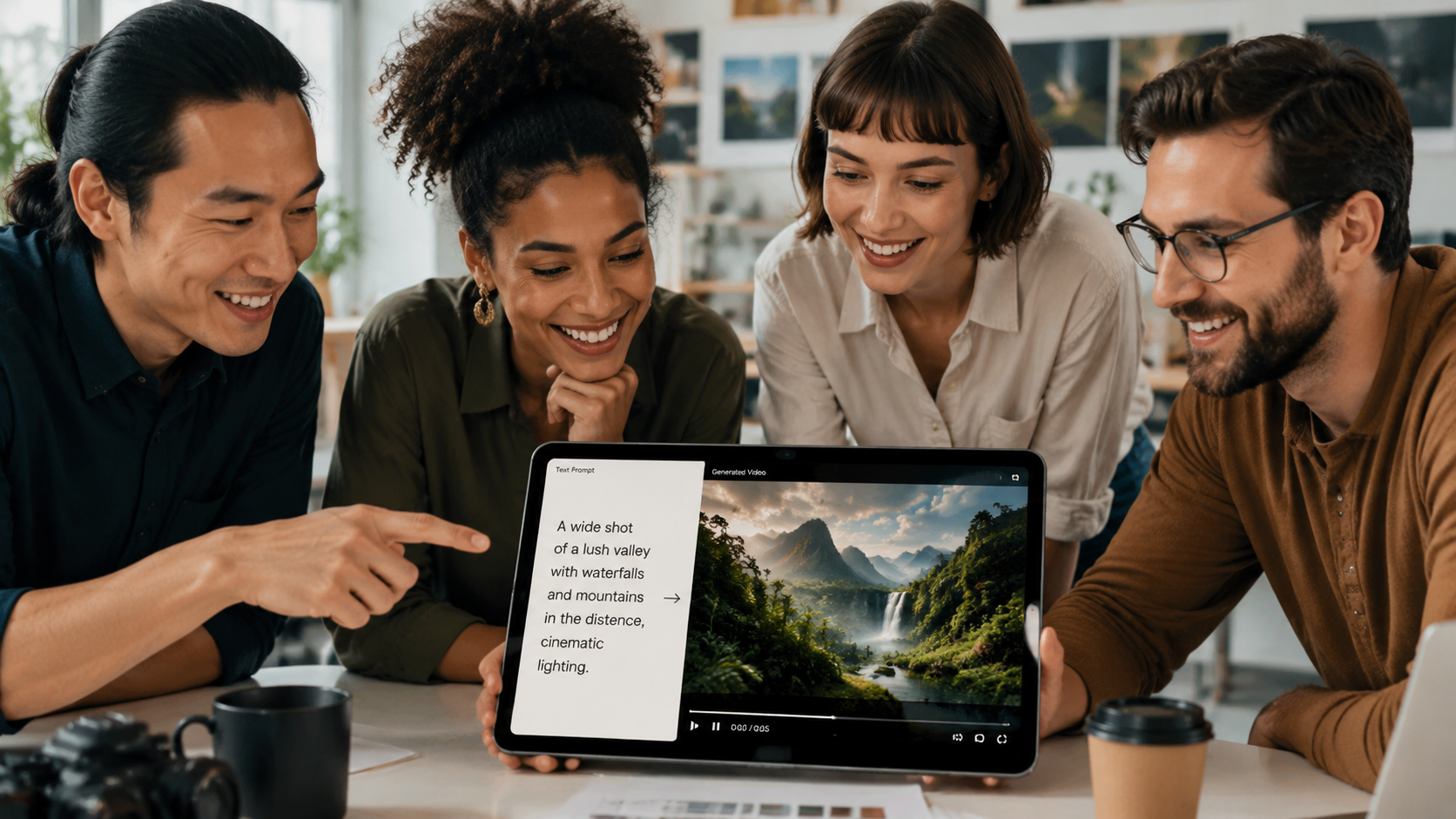
The AI video market underwent a massive shift in early 2026. As reported by IndieWire, the landscape changed dramatically when OpenAI officially ended the Sora project and its partnership with Disney, citing a strategic pivot toward "AGI infrastructure" rather than consumer creative tools. This vacuum has been filled by a new generation of specialized competitors who have refined the "text to video for beginners" experience to be more reliable and user-friendly.
Top 3 AI Video Generators for Beginners
According to a 2026 study by Tech Times, the market is currently dominated by three major players that cater specifically to those new to the field. These tools emphasize "Faceless" content creation, which is the trend of making viral videos without ever appearing on camera. This is particularly popular for creators on YouTube and Instagram who want to scale their output without high production costs.
| Feature | Filmora AI (2026) | ElevenLabs Video | BBN Desktop Pro |
|---|---|---|---|
| Primary Use | Creative Video Editing | High-Fidelity Narration | Long-form Desktop Production |
| Ease of Use | High (Drag & Drop) | High (Text-Centric) | Medium (Feature Rich) |
| Best For | Social Media Creators | Audio-Heavy Content | Professional Beginners |
| Key Feature | Smart-Cut AI | Emotional TTS Sync | Multi-track AI Timeline |
The Rise of Desktop AI Video Editors
While web-based tools are excellent for quick clips, BBN Times notes that "Desktop AI Video Editors" have become the preferred choice for beginners who want to move beyond basic templates. These applications utilize local hardware acceleration to provide real-time previews of AI-generated scenes. For a beginner, this means you can see how your text changes the video instantly, rather than waiting for a cloud server to process the request.
Creating Viral Faceless Shorts with AI
One of the most profitable applications of AI text to video for beginners is the creation of "faceless" shorts. TyN Magazine highlights that this niche has exploded in 2026 because AI can now generate consistent characters across multiple scenes. This was a major technical hurdle in previous years, but modern "Character Seeding" technology allows a beginner to describe a character once and have them appear identical throughout an entire series of videos.
To create a viral faceless short, the focus should be on the hook—the first three seconds of the video. Beginners should use the AI to generate high-contrast visuals and "Dynamic Captions" that are synchronized with the AI voiceover. By using a tool like Filmora or ElevenLabs, you can ensure that the tone of the voice matches the urgency of the text, a feature that Nokiamob identified as a key differentiator in their May 2026 comparison of creator tools.
Optimizing for Social Media Algorithms
The 2026 algorithms on platforms like TikTok and YouTube prioritize "Retention Rate" and "Re-watchability." AI text to video tools help beginners achieve this by automatically inserting "Pattern Interrupts"—sudden changes in visual style or camera angles—every 2-3 seconds. This keeps the viewer engaged. When using these tools, look for the "Auto-Hook" feature, which suggests the most engaging opening lines based on current trending topics in your specific niche.
Advanced Features for Beginner AI Creators
As you progress in your use of AI text to video for beginners, you will encounter features that were once reserved for Hollywood VFX studios. In 2026, "Neural Physics" is a standard feature in most beginner-friendly platforms. This ensures that when you type a prompt like "a cup of coffee spilling on a silk tablecloth," the liquid and fabric behave realistically, avoiding the "uncanny valley" glitches of the past.
Integrated Text-to-Speech (TTS) and Video
The integration of high-quality audio is essential. As Nokiamob reported in May 2026, the battle between Filmora and ElevenLabs has pushed both companies to offer "Zero-Latency Sync." This means the AI video's lip movements and gestures are perfectly timed to the generated speech. For a beginner, this eliminates the need for complex manual syncing, allowing for the creation of realistic "Talking Head" videos with just a few sentences of text.
AI-Powered B-Roll Generation
Another breakthrough for beginners is the "Smart B-Roll" engine. Instead of searching through stock footage libraries for hours, you can now prompt the AI to "Insert relevant B-roll of a busy Tokyo street at night." The AI analyzes your primary script and generates original, copyright-free footage that matches the aesthetic of your main video. This ensures that every part of your production is unique and tailored to your specific message.
Common Mistakes to Avoid in AI Video Creation
Despite the advancements in 2026, beginners often fall into the trap of "Over-Prompting." This occurs when a user provides too many conflicting instructions, leading the AI to produce a cluttered or nonsensical video. Experts recommend starting with a core concept and adding "Style Layers" one by one. According to CNET’s 2026 rankings, the most successful beginner videos are those that maintain a consistent visual theme rather than trying to showcase every possible AI effect in a single clip.
Another common error is neglecting the "Human Touch." While AI can generate the visuals and the voice, the creative direction must come from you. The most successful AI-generated videos in 2026 are those where the creator has edited the AI script to include personal anecdotes, specific brand values, or unique humor. Remember, AI is a tool for efficiency, not a total replacement for human creativity and strategy.
Is AI text to video difficult for beginners to learn?
No, in 2026, most AI video tools are designed with "Natural Language Interfaces," meaning if you can write a text message, you can generate a video. Most platforms offer "One-Click" modes that handle the technical aspects of lighting, framing, and editing automatically.
What is the best AI video generator for beginners in 2026?
Based on reviews from CNET and Tech Times, Filmora AI and ElevenLabs are the top choices for beginners due to their intuitive interfaces and powerful integrated features. For those looking for more professional desktop control, BBN's AI Video Editor is highly recommended.
Can I make money with AI-generated videos?
Yes, many creators use AI text to video to build profitable "Faceless" YouTube channels, create marketing content for small businesses, or sell stock footage. The key is to focus on high-demand niches and maintain a consistent posting schedule using AI's speed advantages.
Do I need an expensive computer to run AI video software?
Not necessarily. While desktop editors benefit from powerful hardware, many of the best tools in 2026 are cloud-based, meaning the heavy processing is done on the company's servers, allowing you to create videos on a standard laptop or even a tablet.
Is OpenAI's Sora available for beginners in 2026?
No, as of March 2026, OpenAI has discontinued the Sora project and ended its partnership with Disney. Beginners should instead look toward specialized tools like Filmora, ElevenLabs, or other emerging competitors that have taken over the consumer AI video market.



Comments ()