
AI Music Video Creation 2026: Future of Visual Storytelling
AI music video creation in 2026 refers to the use of generative artificial intelligence to produce professional-grade music videos from audio tracks, with tools now offering advanced features like lip-sync, character consistency, and one-click editing. This technology has transformed visual storytelling by enabling artists, marketers, and content creators to produce high-quality videos in minutes rather than weeks, democratizing a once-costly production process.
AI music video creation in 2026 is a fast-growing field where generative models turn audio into synchronized visuals, with tools like Sondo AI and ChatArt offering professional editors, lip-sync capabilities, and consistent character branding. These innovations streamline production while maintaining artistic control.
- ✓ AI music video generators in 2026 feature real-time lip-sync, character consistency, and one-click creation workflows.
- ✓ Sondo AI launched a dedicated professional video editor for music video workflows in early June 2026, according to the Black Hills Pioneer.
- ✓ ChatArt introduced an AI music video generator with lip-sync and 1-click creation in late May 2026, as reported by the Killeen Daily Herald.
- ✓ Top tools now prioritize artist branding and consistent character appearance across scenes, a trend highlighted by Eye On Annapolis.
- ✓ The market for audio-to-video AI generators is expanding rapidly, with Robotics & Automation News naming five leading solutions for modern workflows.
The Evolution of AI Music Video Creation in 2026
The landscape of AI music video creation in 2026 has shifted dramatically from earlier experimental tools. Just a year ago, creators struggled with inconsistent character rendering and limited editing control. Today, platforms like Sondo AI and ChatArt have introduced professional-grade editors that allow frame-by-frame adjustments, multi-layer compositing, and real-time previews. According to a report from Robotics & Automation News (June 2026), the five best audio-to-video AI generators now support resolutions up to 4K and can handle complex narrative structures, making them viable for commercial music videos.
One of the most notable advancements is the integration of lip-sync technology. ChatArt’s AI music video generator, launched on May 27, 2026, as reported by the Killeen Daily Herald, enables creators to upload an audio track and generate a video where the character’s mouth movements perfectly match the lyrics. This eliminates the need for expensive motion capture or manual animation. Similarly, Sondo AI’s professional video editor, unveiled on June 3, 2026 (Black Hills Pioneer), offers timeline-based editing, color grading, and transition effects, bridging the gap between AI generation and traditional video production.
The evolution is not just technical but also conceptual. AI music video creation in 2026 emphasizes visual storytelling that aligns with the artist’s brand. Tools now include style presets inspired by popular music video aesthetics, from neon cyberpunk to vintage film grain. This allows creators to maintain a cohesive visual identity across multiple videos, a critical factor for building a recognizable artistic presence.
Key Features of Modern AI Music Video Generators
Lip-Sync and Audio-Visual Synchronization
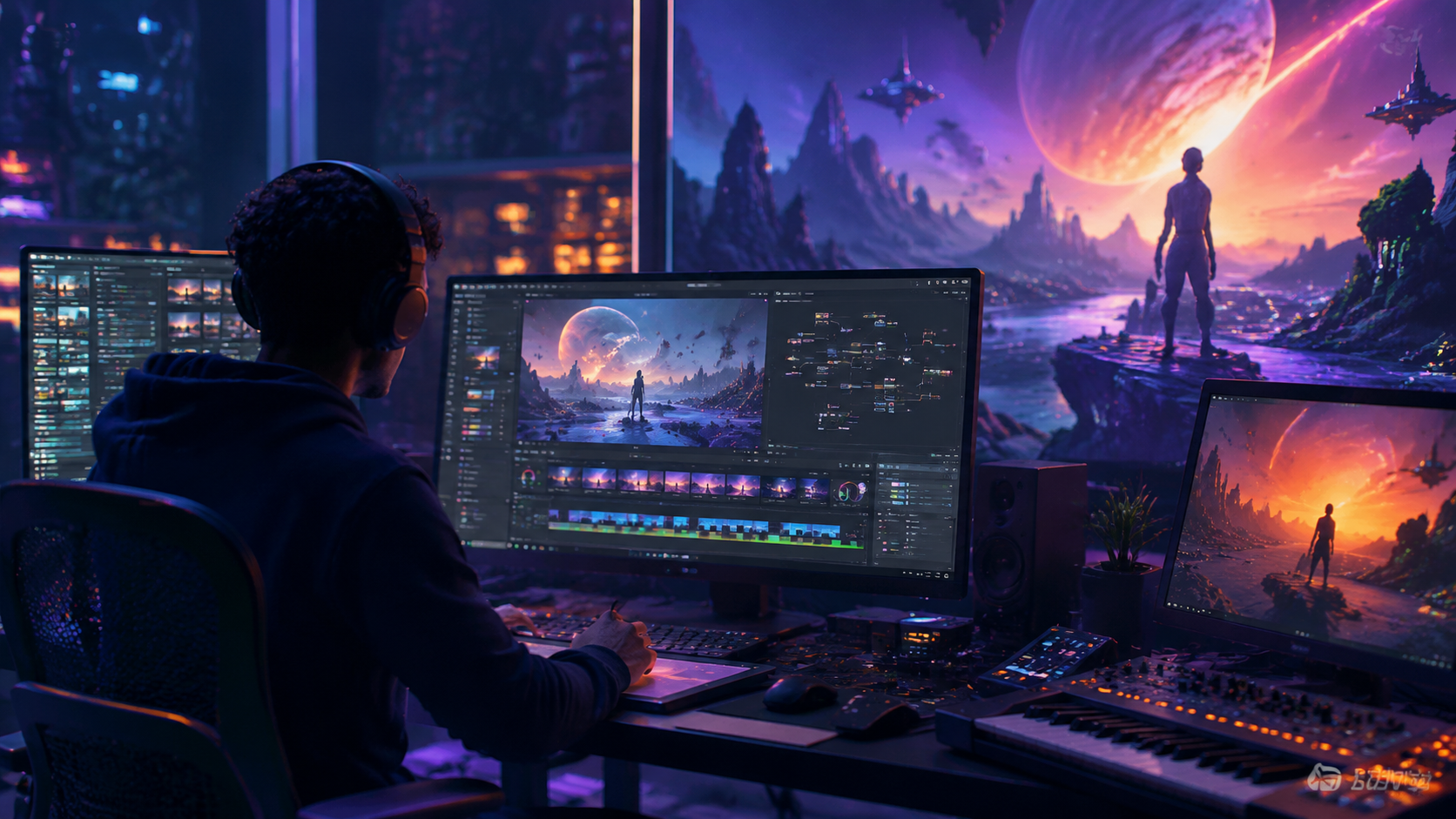
Accurate lip-sync has become a baseline expectation. ChatArt’s 1-click creation pipeline automatically analyzes the audio waveform and aligns character mouth movements syllable by syllable. The Killeen Daily Herald noted that this feature reduces production time by up to 80% compared to manual dubbing. Sondo AI’s editor further refines synchronization through a visual timeline where creators can adjust timing offsets and add phonetic markers for tricky pronunciations.
Character Consistency and Artist Branding
Maintaining a consistent character appearance across different scenes is a top priority for AI music video creation in 2026. Eye On Annapolis (May 29, 2026) highlighted that the best tools now use “character anchors” – AI models that store facial features, clothing, and body proportions from a reference image. When generating new frames, the system ensures the character looks identical, even under different lighting or camera angles. This is crucial for artists who want to build a recognizable avatar or maintain continuity in a narrative video.
Professional Editing Workflows
Sondo AI’s launch of a dedicated professional video editor marks a shift from fully automated generation to hybrid human-AI workflows. The editor includes multi-track timelines, keyframe animation, and integration with external assets like stock footage and 3D models. As reported by the Corsicana Daily Sun (June 2, 2026), this tool allows creators to override AI suggestions and manually fine-tune every frame, giving them full creative control while still leveraging AI for repetitive tasks like rotoscoping and color matching.
One-Click Creation and Template Systems
For rapid prototyping, ChatArt offers a 1-click creation mode that generates a complete music video from a single audio file and a few style prompts. The system intelligently selects camera movements, scene transitions, and character expressions based on the music’s mood and tempo. Robotics & Automation News described this as a “game-changer for social media content creators who need to produce videos in minutes, not days.”
Comparison of Leading AI Music Video Tools in 2026
To help you choose the right platform for your project, the table below compares two prominent tools – Sondo AI and ChatArt – based on features reported in the latest news. Both were launched in late May to early June 2026 and represent the cutting edge of AI music video creation.
| Feature | Sondo AI | ChatArt |
|---|---|---|
| Launch Date | June 3, 2026 (Black Hills Pioneer) | May 27, 2026 (Killeen Daily Herald) |
| Editor Type | Professional video editor with timeline, keyframes, and color grading | 1-click generator with optional manual adjustments |
| Lip-Sync Quality | High accuracy with manual fine-tuning | Automated syllable-level sync |
| Character Consistency | Character anchor system for multi-scene consistency | Style presets with limited customization |
| Output Resolution | Up to 4K | Up to 1080p (likely higher in future updates) |
| Best For | Professional music videos with complex narratives | Rapid social media content and prototypes |
While Sondo AI targets professional studios, ChatArt excels at speed and ease of use. Many creators use both: ChatArt for initial drafts and Sondo AI for final polish. The “5 Best Audio to Video AI Generators” list from Robotics & Automation News also includes tools like Runway Gen-3 and Pika Labs, but Sondo and ChatArt are the latest to specifically address music video workflows.
How to Create an AI Music Video in 2026: A Step-by-Step Guide
Whether you’re an independent musician or a marketing team, follow this practical workflow to produce a polished AI music video using the latest tools.
- Prepare your audio and concept. Export your final mix in WAV or high-bitrate MP3. Write a brief script or storyboard that outlines key scenes and emotional beats. The AI will use this to guide visual generation.
- Choose your AI music video generator. For rapid prototyping, start with ChatArt’s 1-click creation. For fine control, use Sondo AI’s professional editor. Many creators begin with ChatArt to generate a base video, then import it into Sondo for refinement.
- Upload your audio and set style parameters. Both tools allow you to select a visual style (e.g., cinematic, anime, retro) and define character appearance. For character consistency, upload a reference photo as a character anchor (Sondo AI) or use ChatArt’s built-in character presets.
- Generate the initial video. Click “Create” and wait for the AI to produce a rough cut. ChatArt typically delivers a 3-minute video in under 5 minutes. Sondo AI’s generation may take longer due to higher resolution and editing complexity.
- Refine and edit. Use the timeline editor to adjust scene transitions, lip-sync timing, and color grading. Sondo AI’s keyframe animation lets you add camera zooms or slow-motion effects. For lip-sync issues, manually shift audio-visual alignment by a few frames.
- Export and publish. Render the final video in your desired resolution (1080p or 4K). Add captions or subtitles using the integrated text tools. Then upload directly to YouTube, TikTok, or Instagram.
This step-by-step process works for both beginners and professionals. According to a practical guide on vocal.media (May 31, 2026), the key to success is iterating: generate, review, tweak, and regenerate until the video matches your creative vision.
Best Practices for Artist Branding and Character Consistency
As noted by Eye On Annapolis, character consistency is the single most requested feature among artists using AI music video creation in 2026. To achieve a cohesive brand identity, follow these best practices:
Create a character style guide. Define your character’s hair color, skin tone, clothing palette, and facial proportions in a reference image. Upload this image as a character anchor in Sondo AI or use ChatArt’s “lock character” feature. Avoid changing the reference mid-project, as the AI may reinterpret features.
Use consistent lighting and backgrounds. The AI tends to inherit lighting mood from the audio’s energy. For a consistent look, specify a lighting style (e.g., “soft golden hour” or “neon blue”) in the prompt. Sondo AI’s editor allows you to save lighting presets across scenes.
Maintain a uniform aspect ratio and resolution. If you plan to publish on multiple platforms, generate in 16:9 for YouTube and 9:16 for TikTok. Some tools, like ChatArt, offer automatic cropping but may distort character proportions. Always preview before exporting.
Branding extends beyond the character. Use the same font, color palette, and logo placement in every video. Sondo AI’s editor includes a “brand kit” feature where you can upload your logo and choose accent colors that the AI respects during generation.
The Future of Visual Storytelling with AI
AI music video creation in 2026 is not just a technical novelty; it is reshaping how stories are told visually. The ability to generate entire narratives from a single audio track empowers independent artists who lack budgets for professional crews. According to the vocal.media guide, “the barrier to entry has never been lower – anyone with a song and a computer can now produce a music video that looks like it cost $50,000.”
Looking ahead, we can expect deeper integration with virtual production and real-time rendering. Sondo AI’s professional editor already supports importing 3D models, hinting at a future where AI-generated characters interact with real-world footage. The Black Hills Pioneer article noted that Sondo AI plans to add multi-character scenes and dialogue-based video generation by late 2026. Meanwhile, the Robotics & Automation News piece suggested that audio-to-video AI will soon incorporate emotional arc detection, automatically adjusting visual intensity to match song dynamics.
For creators, the key is to embrace these tools while retaining a human touch. AI handles the heavy lifting of rendering and synchronization, but the artistic direction – the story, the mood, the cultural references – remains firmly in the hands of the storyteller. As AI music video creation evolves, it will become an indispensable part of the visual artist’s toolkit, not a replacement for creativity.
Frequently Asked Questions About AI Music Video Creation 2026
What is AI music video creation in 2026?
AI music video creation in 2026 refers to using generative AI models to automatically produce synchronized video content from an audio track, with advanced features like lip-sync, character consistency, and professional editing tools that allow human refinement.
Which tools are best for AI music video creation in 2026?
Leading tools include Sondo AI (professional editor launched June 2026) and ChatArt (1-click generator with lip-sync launched May 2026). Both are widely covered in recent news. Other top generators are listed in the Robotics & Automation News “5 Best Audio to Video AI Generators” article.
Can AI music videos maintain consistent characters?
Yes. Tools like Sondo AI use character anchors – a reference image that the AI uses to keep facial features, clothing, and body proportions identical across scenes. Eye On Annapolis highlighted this as a key trend in May 2026.
How long does it take to create an AI music video?
With ChatArt’s 1-click creation, a 3-minute video can be generated in under 5 minutes. Sondo AI’s professional editor may take 15–30 minutes for high-resolution output. Additional editing time varies based on complexity.
Do I need technical skills to use AI music video generators?
No. Most tools are designed for beginners. ChatArt offers a fully automated mode, while Sondo AI provides intuitive timeline editing. The vocal.media guide (May 2026) states that anyone with basic computer skills can produce a professional-looking video.
Is AI music video creation expensive?
Pricing varies. ChatArt offers a free tier with watermarked exports and paid plans starting around $15/month. Sondo AI’s professional editor is subscription-based at approximately $49/month (as reported in the Black Hills Pioneer). Many tools also offer pay-per-video options.
What are the limitations of AI music video generators in 2026?
Current limitations include occasional character inconsistencies in complex scenes, difficulty with multi-character interactions, and limited control over subtle emotional expressions. However, tools are rapidly improving – Sondo AI plans to add multi-character scenes later in 2026.



Comments ()