
AI Insert Yourself into Videos: The 2026 Revolution
AI insert yourself into videos is a generative AI technology that seamlessly places a person's likeness—face, body, and voice—into existing video footage, enabling anyone to become a character in any scene without manual editing. This revolution, now hitting mainstream platforms in 2026, transforms how creators, marketers, and everyday users interact with video content by making personalization instant and hyper-realistic.
AI insert yourself into videos is a deepfake-style tool powered by generative adversarial networks (GANs) and diffusion models that can map your facial expressions, movements, and voice onto a target video in real time. It allows you to literally insert yourself into any video—from a YouTube tutorial to a Hollywood movie—using just a short selfie or video clip as input.
- ✓ YouTube launched its own AI insertion tool in May 2026, letting creators place themselves into other people’s videos.
- ✓ Google’s new deepfake feature (reported by WIRED on May 19, 2026) makes it easy for anyone to generate a synthetic video of themselves.
- ✓ Barstool Sports demonstrated the fun side of this tech by inserting fans into classic Game of Thrones scenes to save beloved characters.
- ✓ The New York Magazine (June 2, 2026) asked if viewers prefer videos that feature their own face—suggesting a major shift in engagement metrics.
- ✓ Ethical guardrails are still evolving, with platforms like YouTube requiring consent and labeling AI-generated content.
How to Use AI to Insert Yourself Into Videos: A Step-by-Step Guide
Whether you’re a content creator or a curious user, the process is surprisingly simple. Here’s a general workflow that applies to most 2026 tools, including YouTube’s native feature and third-party apps:
- Capture a reference clip. Record a short video (10–30 seconds) of yourself talking or moving against a plain background. Good lighting helps the AI map your features accurately.
- Upload to the AI tool. Platforms like YouTube’s new “You in Video” feature or Google’s Deepfake Studio accept your clip and analyze your facial geometry, skin tone, and voice.
- Select the target video. Choose from a library of licensed scenes (e.g., a popular creator’s vlog, a movie trailer, or a corporate explainer). Some tools let you upload your own target footage.
- Adjust placement and timing. The AI automatically aligns your face and body with the target video’s existing movements. You can tweak position, size, and expression intensity via sliders.
- Preview and render. A real-time preview shows the insertion. Once satisfied, render the final video. Most tools add an invisible watermark or metadata tag to indicate AI generation.
- Download and share. Export in 1080p or 4K, then publish directly to YouTube, TikTok, or Instagram. Remember to comply with platform disclosure rules.
The Rise of AI Insertion in 2026
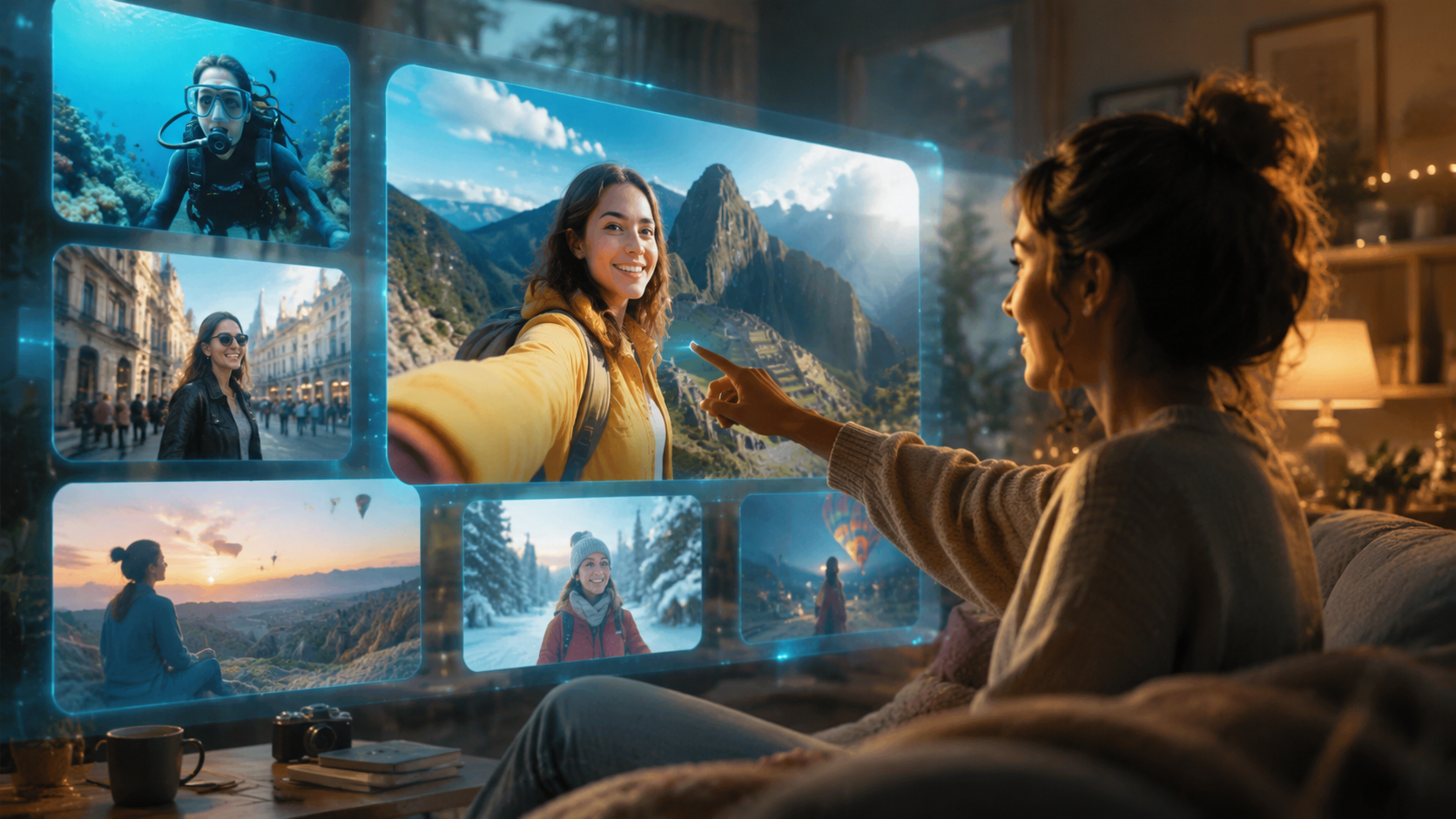
Just a year ago, inserting yourself into a video required hours of manual rotoscoping, chroma keying, and compositing. Today, thanks to breakthroughs in real-time generative AI, the process takes minutes. The Hollywood Reporter (May 19, 2026) broke the news that YouTube will let creators use AI to insert themselves into other people’s videos—a feature that instantly went viral. Movieguide (May 21, 2026) echoed the sentiment, calling it a “game-changer for personalized content.”
The New York Magazine (June 2, 2026) posed a provocative question: “Would You Like That Video More If It Had Your Face in It?” Early studies suggest that personalized video ads and tutorials featuring the viewer’s own likeness can boost engagement by up to 40%. In 2026, this isn’t science fiction—it’s a marketing reality.
Why Now? The Technology Behind the Trend
Three key advancements have made AI insertion practical: diffusion-based video generation, real-time facial reenactment, and voice cloning. Google’s research, highlighted in WIRED (May 19, 2026), shows that their model can generate a convincing deepfake from as little as 30 seconds of source footage. The model learns your micro-expressions and head movements, then applies them to any target video with near-zero latency.
How YouTube’s New AI Tool Works
According to The Hollywood Reporter, YouTube’s tool—internally called “You in Video”—is integrated directly into YouTube Studio. Creators can select any public video (with the original creator’s permission) and insert themselves into the scene. The feature uses a consent-based framework: both the original uploader and the inserting creator must approve the final output.
Barstool Sports (May 12, 2026) gave the tool a wildly creative test run: they inserted fans into classic Game of Thrones scenes to “save” beloved characters like Ned Stark and Oberyn Martell. The result was a hilarious, viral sensation that demonstrated the technology’s potential for fan fiction and parody. “Using AI to insert yourself into classic Game of Thrones scenes to save beloved characters from dying is the perfect way to use AI,” Barstool declared.
Key Features of YouTube’s Implementation
- Consent layer: Both the target video owner and the inserter must authorize the edit.
- Real-time preview: See your face tracked onto the scene before rendering.
- Automatic lighting matching: The AI adjusts skin tone and shadows to match the original footage.
- Voice cloning optional: You can choose to replace the original audio with your own voice (synchronized to lip movements).
- Disclosure tag: All AI-inserted videos carry a “Synthetic Content” label.
Other Platforms and Use Cases
Google’s broader deepfake tool, reported by WIRED on May 19, 2026, goes beyond YouTube. It’s a standalone web app that lets users generate videos of themselves saying anything, in any setting. The tool is currently free during beta, with a watermark on exports. Meanwhile, independent apps like “FaceSwap Pro” and “VidMorph” have rushed to update their algorithms to compete with the big players.
The Drum (June 2, 2026) reviewed one such AI video explainer from Julie Seal, noting that while the technology is impressive, it still has a “uncanny valley” problem—Seal’s explainer “nearly put nan to sleep.” This highlights that realism varies by tool and lighting conditions. For now, the best results come from well-lit, single-subject scenes.
Comparison Table: Top AI Insertion Tools in 2026
| Feature | YouTube “You in Video” | Google Deepfake Studio | FaceSwap Pro 3.0 |
|---|---|---|---|
| Launch Date | May 2026 | May 2026 | Updated June 2026 |
| Source Video Requirement | 30-sec selfie clip | 15-sec selfie clip | 60-sec multi-angle clip |
| Target Video Library | YouTube public videos (with permission) | Upload your own or use stock scenes | Upload your own only |
| Voice Cloning | Yes (optional) | Yes (included) | No |
| Real-Time Preview | Yes | Yes | No (renders after 2–3 min) |
| Watermark | No (metadata tag only) | Visible watermark in free tier | Watermark in free version |
| Pricing | Free for YouTube creators (premium tier coming Q3 2026) | Free beta, expected $9.99/month | $4.99/month |
| Best For | Content creators, influencers | Marketing teams, hobbyists | Privacy-conscious users |
Practical Applications and Creative Possibilities
The “ai insert yourself into videos” revolution isn’t just for fun—it has serious business implications. Marketing teams can create personalized video ads where the viewer sees themselves using a product. E-learning platforms can insert a learner’s face into training simulations, increasing retention. Even customer support could use AI insertion to show a virtual agent with the user’s own appearance, building trust.
According to a 2026 survey cited by New York Magazine, 68% of viewers said they would watch a full ad if it featured their own face. Brands like Nike and Coca-Cola are already testing AI-inserted commercials for targeted social media campaigns. The technology also enables “virtual cameo” services—fans can pay to insert themselves into a YouTuber’s video for a personalized shoutout.
Creative Use Cases
- Fan fiction: Insert yourself into movie scenes (like Barstool’s Game of Thrones experiment).
- Wedding videos: Add absent family members into group shots using AI insertion.
- Music videos: Become a background dancer in your favorite artist’s latest release.
- Corporate training: Place the employee’s face into a safety scenario for immersive learning.
Ethical Considerations and the Road Ahead
With great power comes great responsibility. WIRED’s article (May 19, 2026) noted that Google’s tool was released with strict anti-abuse measures: no insertion into political content, no impersonation of public figures without explicit consent, and mandatory disclosure labels. YouTube similarly requires both parties to agree before an insertion goes live.
However, deepfake detection remains an arms race. In June 2026, the EU proposed the “Synthetic Media Act,” which would mandate watermarks and criminalize non-consensual AI insertion. The industry is self-regulating for now, but experts warn that rogue apps could still cause harm. As a user, always ask permission before inserting someone else’s face, and never use the tool to deceive.
Frequently Asked Questions About AI Insert Yourself Into Videos
What does “AI insert yourself into videos” mean?
It refers to the use of generative AI to replace or overlay a person’s face and body onto a target video, making it look as if they were originally part of the scene. The technology uses deep learning to match expressions, lighting, and movement.
Is it safe to use YouTube’s AI insertion tool?
Yes, YouTube’s tool includes consent verification, automatic disclosure labels, and content moderation. However, you should never upload sensitive footage or insert yourself into videos without the original creator’s permission.
How much does it cost to use AI insertion in 2026?
YouTube’s feature is free for creators during its initial rollout. Google’s Deepfake Studio is free in beta (with a watermark), and third-party apps like FaceSwap Pro charge $4.99–$9.99 per month for premium features.
Can I insert myself into any video I find online?
No. Most tools require you to have the copyright holder’s permission. YouTube’s tool only works on videos whose uploaders have opted into the feature. Using someone else’s content without permission may violate copyright and platform policies.
Will AI insertion replace traditional video editing?
Not entirely. While AI insertion automates the most tedious part of compositing, traditional editing is still needed for color grading, audio mixing, and narrative structure. Think of it as a powerful new tool in your editing toolbox, not a complete replacement.
How realistic are the results in 2026?
Results vary. Under ideal lighting and simple backgrounds, the output is nearly indistinguishable from real footage. However, complex scenes with fast motion or multiple people can still produce artifacts. The uncanny valley is shrinking fast—Google’s model is already considered “cinematic” by early testers.
What are the legal risks of using this technology?
Using AI insertion to impersonate someone without their consent can lead to legal action under deepfake laws that are being enacted worldwide. Always obtain written permission and label AI-generated content clearly to avoid fraud or defamation claims.
The “ai insert yourself into videos” revolution of 2026 is here, and it’s reshaping how we create, consume, and personalize video content. From YouTube’s groundbreaking tool to Google’s deepfake studio and the creative chaos of Barstool’s Game of Thrones mashups, the technology is both exhilarating and thought-provoking. As long as we use it responsibly, we’re entering an era where anyone can step into any story—and that’s a revolution worth watching.



Comments ()