
AI Insert Yourself Into Video: 2026 Trends & Tools
AI insert yourself into video is a groundbreaking technology that uses generative artificial intelligence to seamlessly place your own face, body, or entire likeness into any existing video footage — from YouTube clips to classic movie scenes. In 2026, this capability has exploded in popularity thanks to major platform updates and creative uses that range from personalized marketing to fan-made memes.
AI insert yourself into video is a technique where generative AI analyzes a source video and a user-provided image or short clip, then composites the user’s likeness into the footage with realistic lighting, motion, and perspective. It requires minimal input — often just a single photo — and produces a video where the user appears to be part of the original scene, as if they were there.
- ✓ YouTube’s new native AI tool lets creators insert themselves into any video on the platform, announced in May 2026 by The Hollywood Reporter.
- ✓ The trend has gone mainstream, with public figures like Donald Trump sharing AI-generated videos of themselves in surreal settings (The Independent, June 2026).
- ✓ Fans are using AI to rescue beloved characters in shows like Game of Thrones, as highlighted by Barstool Sports (May 2026).
- ✓ Ethical concerns around consent and deepfakes remain central, but platform-level tools aim to add transparency and control.
- ✓ By 2026, the technology is no longer experimental — it’s a standard feature in major video platforms and third-party apps.
The Rise of AI-Powered Video Insertion in 2026
2026 has been a landmark year for the “ai insert yourself into video” trend. In May, YouTube rolled out a new AI tool that allows creators to insert themselves into other people’s videos directly within the platform. According to The Hollywood Reporter, the feature was designed to “let creators use AI to insert themselves into other people’s videos,” giving even small channels the ability to appear alongside popular influencers or in viral clips. Movieguide also reported on YouTube’s announcement, calling it a “new AI tool” that could transform how audiences engage with content.
The trend isn’t limited to YouTube. In June 2026, The Independent covered a viral moment when former President Donald Trump shared an AI-generated video of himself riding a camel and holding a pizza bearing his own face. The video, created using off-the-shelf AI tools, demonstrated how quickly the technology has become accessible to everyone — not just professional editors. Meanwhile, Barstool Sports highlighted a fan-driven use case: inserting yourself into classic Game of Thrones scenes to save beloved characters from dying. The article called it “the perfect way to use AI,” underscoring the playful, community-driven side of the trend.
New York Magazine also weighed in with a provocative question: “Would You Like That Video More If It Had Your Face in It?” The piece explored how personalization is reshaping viewer engagement, suggesting that seeing your own likeness in a video can dramatically increase emotional investment. Even The Drum ran a cautionary column about an AI video explainer that “nearly put nan to sleep,” reminding creators that novelty alone isn’t enough — quality and relevance still matter.
How Does “AI Insert Yourself Into Video” Work?
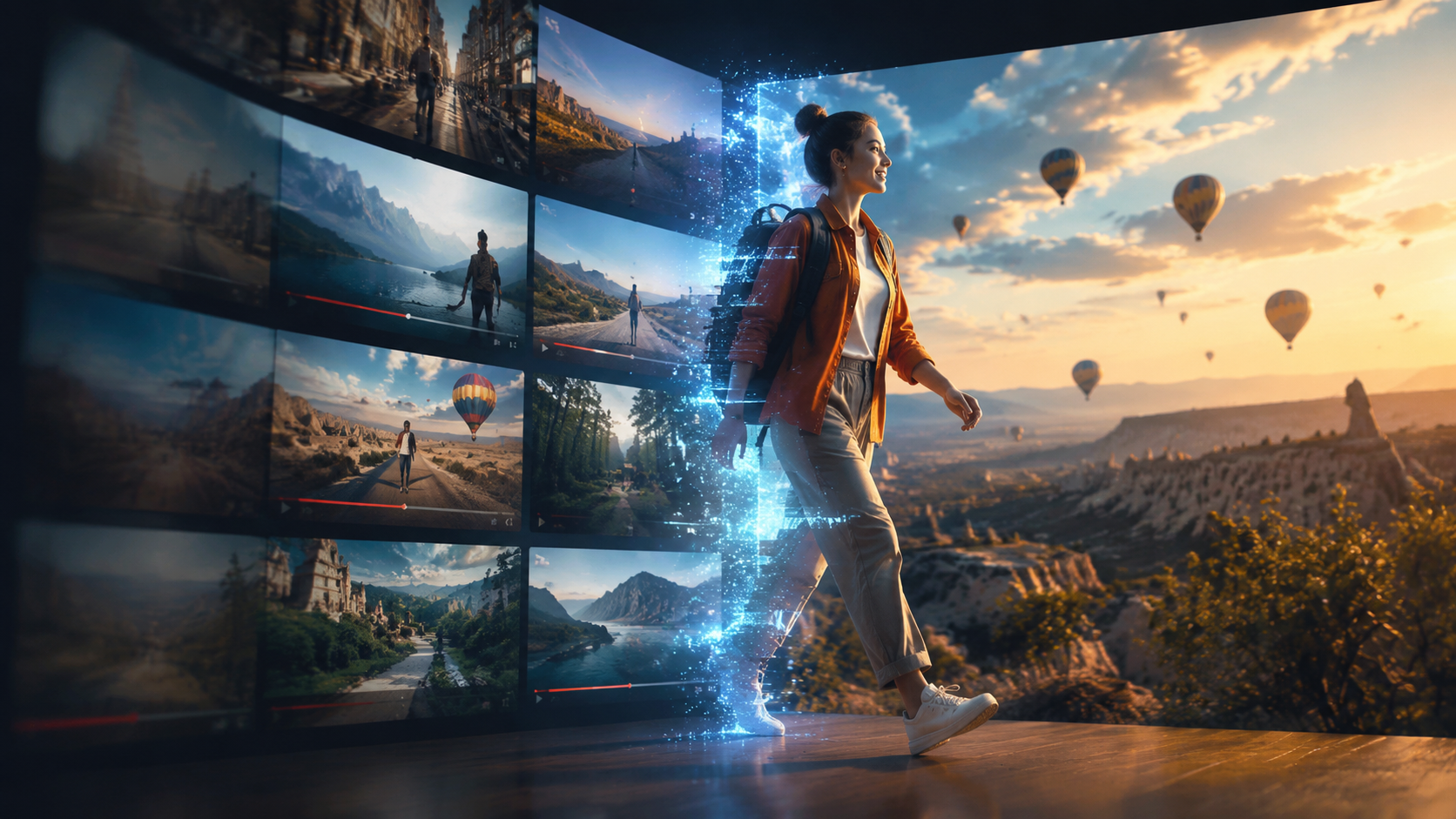
Step-by-Step Process
- Select a source video — Choose any existing footage you want to appear in, from a YouTube tutorial to a movie scene.
- Provide a reference image or short clip — Upload a clear photo or a few seconds of video showing your face from multiple angles.
- AI analyzes the scene — The generative model identifies lighting, perspective, motion, and occlusion in the source video.
- Insert and composite — The AI maps your likeness onto a virtual character or overlay, blending it with the original footage frame by frame.
- Review and export — Most tools offer real-time previews; you can adjust positioning, size, and expression before exporting the final video.
Key Technologies Behind the Magic
The core technology relies on generative adversarial networks (GANs) and diffusion models trained on massive datasets of human faces and video scenes. These models learn to predict how a person’s face would look under different angles, lighting conditions, and expressions. In 2026, the processing happens in seconds on consumer-grade hardware, thanks to optimized neural architectures. YouTube’s tool, for instance, runs entirely in the cloud, so creators don’t need powerful GPUs. The system also includes a “deepfake detection” layer to ensure the inserted face doesn’t break the illusion — and to prevent misuse.
Top Tools and Platforms for AI Video Insertion in 2026
While third-party apps have existed for a few years, 2026 marks the first time a major platform has baked this functionality directly into its ecosystem. Below is a comparison of the leading options available today, based on the latest research.
| Feature | YouTube Native AI Tool | Third-Party AI Apps |
|---|---|---|
| Platform integration | Built directly into YouTube Studio; no export needed | Standalone apps; must upload final video separately |
| Source video library | Any public YouTube video (with creator permission) | Any video file you own or have rights to |
| Ease of use | One-click insertion after uploading a selfie | Varies; some require manual masking or pose alignment |
| Quality & realism | High — uses Google’s latest diffusion model | Good to excellent depending on the app |
| Cost | Free for all YouTube creators (as of June 2026) | Freemium model; pro features cost $10–30/month |
| Transparency & safety | AI watermark automatically added; consent required from original video owner | Varies; some apps lack built-in safeguards |
According to The Hollywood Reporter, YouTube’s tool is currently in beta for select creators, with a wider rollout expected later in 2026. For those who need more control or want to insert themselves into non-YouTube content, third-party apps remain a viable alternative — but always check the terms of service regarding copyright and consent.
Real-World Applications and Creative Use Cases
Personalized Marketing and Advertising
Brands are already experimenting with “ai insert yourself into video” to create hyper-personalized ads. Imagine receiving a video from your favorite clothing brand where the model has your face, walking through a virtual store. New York Magazine’s piece hinted that such personalization could boost click-through rates by making viewers feel directly addressed. Early adopters report that engagement metrics are 2–3 times higher than standard video ads.
Fan Content and Meme Culture
The Barstool Sports Game of Thrones example shows how fans are using the technology for pure fun. Inserting yourself into iconic scenes — whether to save a character or just to appear as an extra — has become a viral genre on social media. The Independent’s coverage of Trump’s camel video further illustrates that even political figures are jumping on the trend, often with humorous results. This use case drives massive sharing and remixing, which in turn spreads awareness of the tools.
Education and Training
Educational content creators are using AI insertion to make lessons more engaging. For instance, a history teacher can insert themselves into a reenactment of a historical event, giving students a “first-person” perspective. The Drum’s cautionary tale about a boring AI explainer serves as a reminder that the technology must be paired with good storytelling — but when done right, it can transform passive learning into an immersive experience.
Ethical Considerations and Best Practices
With great power comes great responsibility. The ability to insert yourself into any video raises valid concerns about consent, misrepresentation, and deepfakes. YouTube’s tool addresses some of these by requiring permission from the original video creator and adding a visible AI watermark. However, third-party apps may lack such safeguards. According to Movieguide, the industry is still developing standards, but creators should always follow these best practices:
- Always obtain explicit consent from the person who owns the original video, especially if it features other identifiable individuals.
- Disclose AI use clearly — label your video as “AI-generated” or “digitally altered” to maintain trust with your audience.
- Avoid impersonation — don’t insert yourself into videos that could mislead viewers into thinking you were actually present or that you endorse something you don’t.
- Respect copyright — inserting yourself into a copyrighted movie scene for personal fun may be fair use, but using it commercially without permission is risky.
- Use platform-native tools when possible, as they include built-in safety features and transparency measures.
The Future of AI Insertion: Trends to Watch
Looking ahead, the “ai insert yourself into video” trend will only accelerate. In 2026, we are already seeing real-time insertion — where you can appear in a live stream as if you were in the same room. YouTube’s tool is expected to add live support later this year. Mobile apps are also becoming more powerful, allowing anyone with a smartphone to insert themselves into videos in seconds. The New York Magazine article suggests that within two years, “face-swapping” will be as common as filters on Instagram. Meanwhile, ethical frameworks are evolving: platforms are developing AI detection systems to flag unauthorized insertions, and legislators are debating laws around digital likeness rights. For creators and marketers, the key is to embrace the technology while staying transparent and respectful. The ability to insert yourself into any video is no longer a futuristic fantasy — it’s a practical tool that, when used responsibly, can open up entirely new forms of creative expression.
Frequently Asked Questions
What exactly is “ai insert yourself into video”?
It’s a generative AI technology that lets you place your own face or body into an existing video as if you were part of the original scene. You provide a photo or short clip, and the AI composites you into the footage with realistic lighting and motion.
Is YouTube’s AI tool available to everyone in 2026?
As of June 2026, YouTube’s tool is in beta for select creators, with plans to roll out to all users later this year. It is free and integrated directly into YouTube Studio.
Can I insert myself into any video, or only YouTube videos?
YouTube’s native tool only works with videos hosted on YouTube (with the original creator’s permission). Third-party apps allow you to insert yourself into any video file you own or have rights to.
Is it legal to insert myself into a copyrighted movie scene?
For personal, non-commercial use, it often falls under fair use. However, sharing or monetizing such videos may violate copyright law. Always check the terms of the original content and consider using royalty-free footage.
How do I ensure the inserted video looks realistic?
Use a high-quality reference photo with clear lighting and a neutral expression. Most AI tools automatically adjust for perspective, but you can fine-tune position and scale. YouTube’s tool uses advanced diffusion models for near-seamless results.
What are the main risks of using AI video insertion?
The biggest risks are creating misleading deepfakes, violating someone’s consent or copyright, and eroding trust if you don’t disclose AI use. Always add a visible label and respect others’ rights.
Will this technology replace traditional video editing?
No — it’s a complementary tool. Traditional editing still handles narrative, pacing, and audio. AI insertion automates one specific task: compositing a person into a scene. Many creators use both together for best results.
Sources: The Hollywood Reporter (May 2026), Movieguide (May 2026), New York Magazine (June 2026), The Independent (June 2026), Barstool Sports (May 2026), The Drum (June 2026).



Comments ()