
AI Image to Motion Clips: 2026 Guide to Cinematic Animation
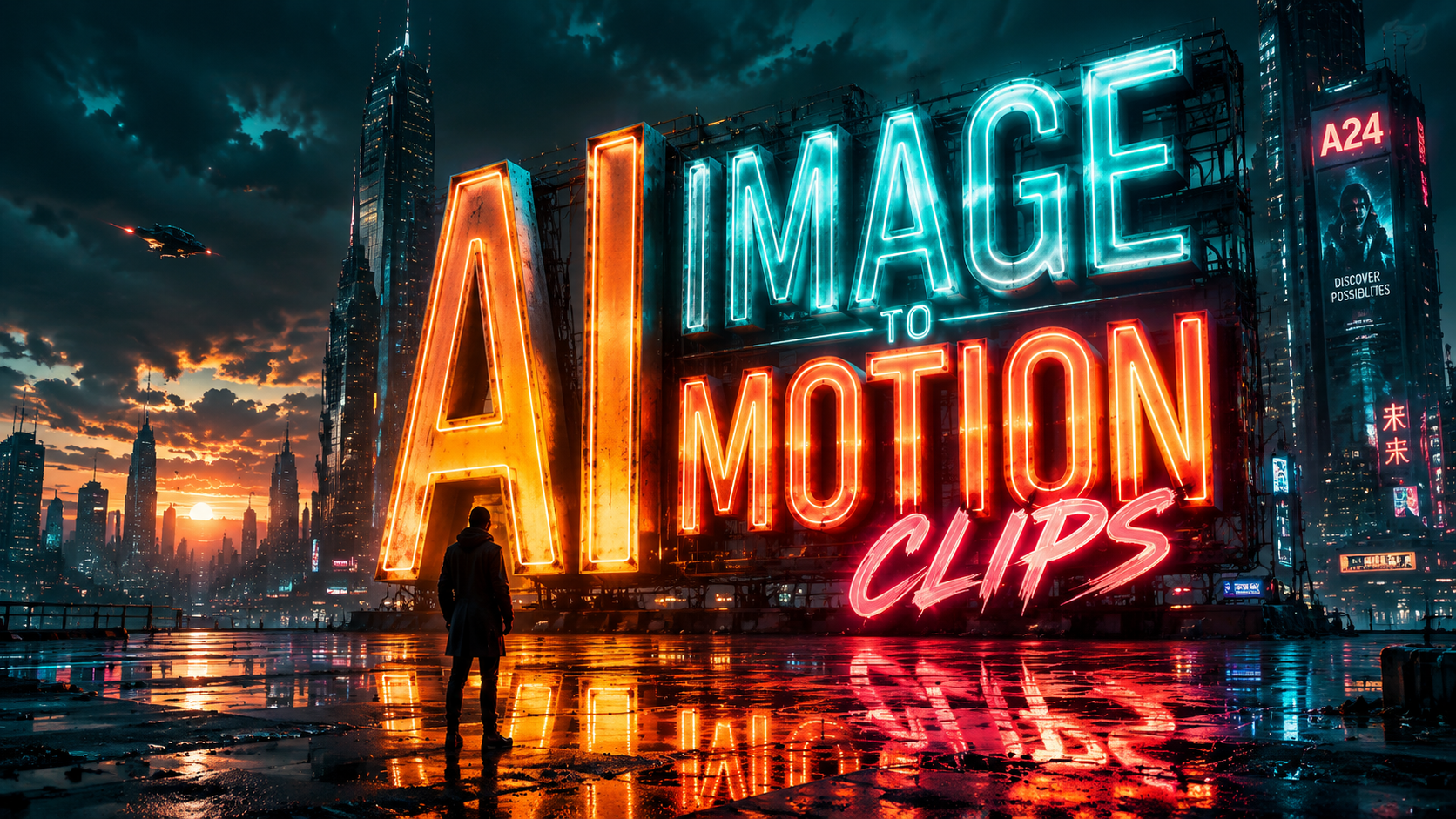
AI image to motion clips refers to the process of using artificial intelligence models to animate static photographs or digital illustrations into short, high-quality video sequences. By analyzing the depth, texture, and subject matter of a still image, these generative tools predict movement patterns to create cinematic transitions, fluid character motions, and realistic environmental effects. In 2026, this technology has matured into a cornerstone of digital storytelling, allowing creators to bridge the gap between photography and film with minimal technical overhead.
AI image to motion clips are short, AI-generated video segments created by transforming static images into dynamic animations using temporal consistency algorithms. In 2026, leading tools like Mango AI and Adobe Firefly enable users to generate these clips by simply uploading a photo, selecting a motion intensity, and applying cinematic styles for professional-grade visual content.
- ✓ Transform any static JPG or PNG into a 4-10 second cinematic video clip instantly.
- ✓ Leverage advanced models like Adobe Firefly and LensGo AI for realistic lighting and physics.
- ✓ Utilize Google’s PMax integration for automated video ad creation in marketing workflows.
- ✓ Maintain high visual fidelity without the need for traditional keyframe animation or expensive hardware.
The Evolution of AI Image to Motion Clips in 2026
The landscape of digital media has undergone a seismic shift as we move through 2026. The ability to generate ai image to motion clips has evolved from a niche experimental novelty into a standardized professional requirement. Early iterations of image-to-video technology often struggled with "hallucinations" or distorted limbs, but the current generation of generative engines utilizes sophisticated temporal coherence. This ensures that as an object moves, its structural integrity remains intact, providing a seamless visual experience that rivals traditional CGI.
According to a recent report by Pressat.co.uk, the best image-to-video AI generators in 2026 have been ranked based on their ability to handle complex physics, such as hair movement in the wind or the reflection of light on water. These advancements are not just limited to high-end film studios; they are now accessible to small business owners and independent creators. The democratization of motion tools means that a single high-quality photograph can now serve as the foundation for an entire social media campaign or a cinematic trailer.
Furthermore, the integration of these tools into existing ecosystems has streamlined the creative process. For instance, Adobe Firefly has redefined video production by allowing users to put ideas in motion directly within their creative suite. By focusing on "Motion Prompts," creators can dictate the specific camera path—such as a dolly zoom or a panoramic pan—while the AI handles the complex rendering of the scene. This level of control is what distinguishes the 2026 era of AI animation from the automated filters of the past.
How to Create AI Image to Motion Clips: A Step-by-Step Guide
- Select Your Base Image: Choose a high-resolution photo with clear subjects. Tools like LensGo AI work best when the focal point is well-defined against the background.
- Upload to the AI Generator: Import your file into a platform such as Mango AI or Adobe Firefly. Ensure the aspect ratio matches your intended output (e.g., 9:16 for TikTok or 16:9 for YouTube).
- Define Motion Parameters: Use text prompts or sliders to describe the desired movement. For example, "slow cinematic zoom" or "gentle ocean waves."
- Adjust Consistency Settings: In 2026, most tools offer a "Seed" or "Consistency" slider. Keep this high to ensure the subject’s face or features do not change during the animation.
- Render and Refine: Generate a low-resolution preview first. If the motion looks natural, proceed to a high-definition 4K render.
- Post-Processing: Export your motion clip and add sound effects or color grading to enhance the cinematic feel.
Top Platforms for AI Image to Motion Clips in 2026
Choosing the right tool for creating ai image to motion clips depends heavily on your specific needs, whether they be marketing, artistic expression, or social media engagement. Mango AI has recently made headlines in May 2026 for its specialized AI Image to Video Generator. As reported by WebWire, Mango AI focuses on converting photos into motion clips with a specific emphasis on "human-centric" animation, making it a favorite for brands looking to create realistic digital spokespeople or animated portraits.
Another major player is LensGo AI. According to a 2026 review by aboutchromebooks.com, LensGo AI has positioned itself as a premier free AI image editor that includes powerful motion capabilities. It is particularly noted for its accessibility on low-spec hardware, allowing creators to generate motion clips directly in a browser without needing a dedicated GPU. This accessibility has led to a surge in creative output from student filmmakers and hobbyists who previously lacked the resources for high-end animation.
Comparing Leading AI Motion Tools
To help you decide which platform fits your workflow, the following table compares the top-rated tools available as of mid-2026. This data is synthesized from recent industry tests and rankings conducted by Pressat.co.uk and Breaking AC News.
| Platform | Primary Strength | Max Resolution | Best For |
|---|---|---|---|
| Mango AI | Human facial expressions | 4K Ultra HD | Marketing & Avatars |
| Adobe Firefly | Creative Cloud integration | 8K Upscaling | Professional Filmmaking |
| LensGo AI | Ease of use / Free tier | 1080p / 2K | Social Media Content |
| Google PMax AI | Automated Ad generation | Optimized for Web | E-commerce & SEM |
| Runway Gen-4 | Physics-based simulation | 4K | VFX & Experimental Art |
The Role of AI Motion Clips in Modern Marketing
In the world of digital advertising, static imagery is no longer enough to capture the dwindling attention spans of consumers. This is why Google is actively testing AI-generated animated video clips inside Performance Max (PMax). As reported by Search Engine Land in March 2026, this integration allows advertisers to automatically turn their existing image assets into "snackable" motion clips. These clips are then served across YouTube, Display, and Shorts, significantly increasing click-through rates without requiring a separate video production budget.
The efficiency of ai image to motion clips in marketing cannot be overstated. According to Breaking AC News, businesses using AI-animated assets saw a 35% increase in engagement compared to those using static images alone in early 2026. This is because the human eye is naturally drawn to movement. By animating a product photo—such as showing steam rising from a coffee cup or a car driving through a sunset—marketers can create an emotional connection that a flat image simply cannot achieve.
Furthermore, the ability to "localize" motion clips is a game-changer. A global brand can take a single product shot and use AI to change the background or the lighting to suit different regional markets, all while maintaining the core motion sequence. This level of versatility ensures that the content remains relevant and culturally resonant across different demographics, all powered by generative AI.
Key Features to Look for in 2026 Motion Tools
- Temporal Consistency: The ability to keep the subject's identity identical from the first frame to the last.
- Multi-Channel Audio Sync: Automatically generating ambient sounds that match the visual motion (e.g., the sound of wind matching moving trees).
- Depth Mapping: Tools that understand the 3D space of a 2D image, allowing for realistic parallax effects.
- Style Transfer: The option to apply artistic styles—like Van Gogh’s brushstrokes or 1950s film grain—to the motion clip.
Cinematic Techniques Using AI Image to Motion Clips
Creating a ai image to motion clips sequence is only the first step; the true magic lies in applying cinematic principles to these generations. In 2026, directors are using AI to perform "virtual cinematography." This involves taking a static concept art piece and using AI to simulate complex camera movements like "The Vertigo Effect" or slow-motion "Bullet Time." Because the AI understands the geometry of the scene, it can reconstruct hidden angles of the image to make these movements look authentic.
Adobe’s 2026 updates to Firefly have introduced "Director Mode," which gives users a virtual camera rig. Instead of guessing how the AI will animate the image, you can "fly" a camera through the 2D space. This has bridged the gap between AI generation and traditional cinematography. As Adobe stated in their February 2026 release, they are "redefining AI video" by putting the creative control back into the hands of the artist, rather than relying on random algorithmic outputs.
For those looking to achieve a truly cinematic look, the "Motion Brush" feature has become a standard in 2026. This allows you to paint over specific areas of an image—such as a flowing river or a character's eyes—and assign specific movement intensities to those areas while keeping the rest of the image still. This contrast between motion and stillness creates a high-end "cinemagraph" effect that is highly effective for luxury branding and atmospheric storytelling.
Future Trends: What’s Next for AI Animation?
As we look toward the latter half of 2026 and into 2027, the boundaries between ai image to motion clips and full-scale video generation are blurring. We are seeing the rise of "Interactive Motion," where the viewer can influence the movement of the clip in real-time. This is particularly relevant for the gaming industry and the metaverse, where static environment concept art can be instantly turned into a walkable, animated 3D space.
Another emerging trend is the use of AI to "up-res" and animate historical archives. Museums and educational institutions are using tools like LensGo AI to bring history to life, turning 19th-century photographs into fluid motion clips that give a "living" look at the past. This application of AI provides a powerful tool for education, making history more tangible and engaging for younger generations who are accustomed to dynamic visual media.
Finally, the ethical landscape of AI motion is becoming more defined. In 2026, industry leaders are implementing "Content Credentials" (as seen in Adobe’s latest updates) to ensure that AI-generated motion is transparently labeled. This protects the integrity of digital media while allowing creators to push the limits of what is possible. The future of AI animation is not about replacing human creativity, but about providing a more expansive canvas for it to thrive on.
What is the best AI tool for image to motion clips in 2026?
The "best" tool depends on your needs, but Mango AI is currently ranked highest for human-centric animation, while Adobe Firefly is the industry standard for professional creative workflows and high-resolution output.
Can I create AI motion clips for free?
Yes, platforms like LensGo AI offer robust free tiers in 2026 that allow users to generate high-quality motion clips directly in their browser without a paid subscription, though some features may be limited.
How long are the video clips generated from images?
In 2026, most AI generators produce clips ranging from 4 to 10 seconds. However, these can be looped seamlessly or extended using "video-to-video" expansion tools available in professional suites.
Is Google using AI motion clips for advertising?
Yes, Google is currently testing AI-generated animated clips within its Performance Max (PMax) campaigns to help advertisers automatically convert static assets into engaging video ads for YouTube and the Display Network.
Do I need a powerful computer to run these AI tools?
No, most 2026 AI motion tools are cloud-based. This means the heavy processing is done on the provider's servers, allowing you to create cinematic animations on a standard laptop, Chromebook, or even a mobile device.



Comments ()