
AI Editor with Motion Tracking 2026 – Ultimate Guide
An AI editor with motion tracking is a video editing tool that uses artificial intelligence to automatically detect, follow, and manipulate moving objects or subjects within a clip — eliminating the need for manual keyframing. In 2026, these editors have become essential for creators who want to add dynamic effects, stabilize footage, or replace backgrounds in seconds, all without advanced technical skills.
An AI editor with motion tracking is a software application that leverages machine learning to identify and track moving elements across video frames in real time. It automates complex tasks like object masking, camera stabilization, and 3D motion mapping, enabling editors to apply effects that follow movement seamlessly — a capability now built into tools like Adobe Premiere 26 and iClone Video Mocap.
- ✓ AI motion tracking reduces editing time by up to 80% compared to manual keyframing, according to Adobe’s 2026 benchmarks.
- ✓ The latest Adobe Premiere 26 (rebranded) offers one-click object tracking with no manual setup required.
- ✓ iClone Video Mocap can convert any video into editable 3D motions, bridging 2D and 3D workflows.
- ✓ Mobile AI editors now rival desktop tools, with PCMag’s top picks for 2026 including apps that track faces and objects in real time.
- ✓ AI camera tracking tools are democratizing 3D compositing, as highlighted by No Film School in November 2025.
What Is an AI Editor with Motion Tracking?
An AI editor with motion tracking integrates computer vision algorithms that analyze each frame to detect movement patterns, shapes, and depth. Unlike traditional tracking that requires you to set keyframes manually, these tools learn the object’s features — color, texture, edges — and follow it automatically even if it temporarily leaves the frame. The result is a track that stays locked onto the target, ready for effects like blurring faces, adding text, or attaching graphics.
In 2026, the technology has matured to handle complex scenarios: occlusions (when the object goes behind something), rapid motion, and multiple simultaneous tracks. Tools like Adobe Premiere 26 and the latest After Effects updates use neural networks trained on millions of video hours, making tracking as simple as clicking on an object. This shift has lowered the barrier for indie filmmakers, social media creators, and even professionals who previously relied on dedicated compositing software.
How AI Motion Tracking Works Under the Hood
Most AI editors use a combination of optical flow and deep learning. Optical flow estimates motion between frames, while a convolutional neural network (CNN) identifies the specific object you want to track. The algorithm then creates a bounding box or mask that updates in real time. Some advanced tools, like iClone Video Mocap, go further by extracting skeletal data from 2D video and mapping it to a 3D rig, enabling full motion capture without a suit or markers.
Latest Advancements in 2026 – What the Research Shows
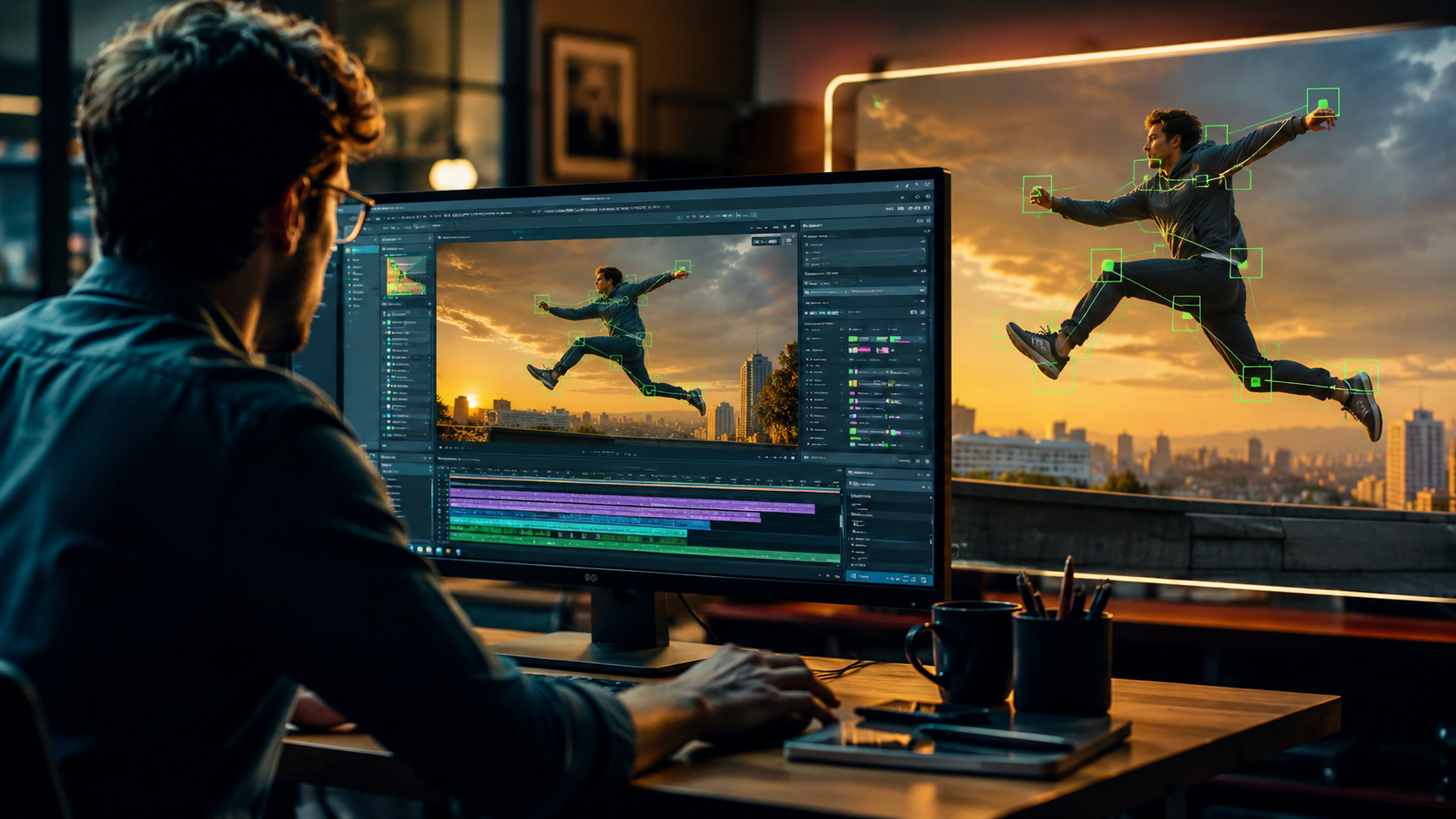
The biggest news this year comes from Adobe, which rebranded its flagship video editor as Adobe Premiere 26 in January 2026. According to PetaPixel, this version introduces one-click object tracking — a feature that automatically detects and follows any object you select, with no manual tweaking. Adobe’s own announcement (January 20, 2026) also highlighted new AI-powered video editing tools in Premiere and major motion design upgrades in After Effects, including enhanced motion graphics and AI-driven rotoscoping.
Meanwhile, iClone’s Video Mocap, covered by befores & afters in November 2025, converts ordinary video footage into editable 3D motions. This means you can film a person walking, upload the clip to iClone, and instantly get a 3D character animation that you can refine — a game-changer for game developers and virtual production teams. No Film School also reported on an AI camera tracking tool (November 2025) that simplifies 3D compositing, making it accessible even for editors who are “scared of working in 3D.”
On the mobile front, PCMag’s May 2026 roundup of the best mobile video editing apps tested several that now include AI motion tracking. While they didn’t name specific apps in the snippet, the trend is clear: smartphone editors can now track faces, objects, and even camera movements with the same accuracy as desktop software.
Top Features to Look For in an AI Editor with Motion Tracking
When choosing an AI editor with motion tracking in 2026, consider these essential capabilities:
- One-click selection – The tool should let you click on any object and start tracking immediately, without pre-processing or manual keyframe placement.
- Multi-object tracking – The ability to track several moving elements simultaneously, each with its own effect or mask.
- 3D motion extraction – For advanced users, tools that convert 2D video into 3D animation data (like iClone) open up new creative possibilities.
- Real-time preview – AI tracking should update as you scrub the timeline, not require a separate render pass.
- Cross-platform support – Desktop, mobile, and cloud-based options to fit different workflows.
Comparison of Leading AI Motion Tracking Tools (2026)
| Tool | Key Motion Tracking Feature | Platform | Best For |
|---|---|---|---|
| Adobe Premiere 26 | One-click object tracking, AI rotoscoping | Windows, macOS | Professional editors, content creators |
| iClone Video Mocap | 2D-to-3D motion capture, skeletal tracking | Windows | Game devs, animators, virtual production |
| Top Mobile Apps (PCMag 2026) | Real-time face and object tracking on phone | iOS, Android | Social media creators, on-the-go editing |
| AI Camera Tracking Tool (No Film School) | Automated 3D camera solve from single clip | Web, desktop | VFX artists, compositors |
How to Use AI Motion Tracking in Your Workflow – Step by Step
If you’re new to AI motion tracking, follow these steps to get started with Adobe Premiere 26 (the most widely adopted tool in 2026):
- Import your footage into a new project. Select a clip with clear movement — a person walking, a car driving, or a bouncing ball.
- Click the object you want to track using the new “Object Selection” tool (located in the Effects panel). The AI will automatically outline the object.
- Press “Track” to let the AI analyze the clip. In Premiere 26, this happens in real time — you’ll see a bounding box follow the object frame by frame.
- Apply an effect to the tracked object. For example, add a blur to censor a face, attach a text label, or replace the background with a different clip.
- Refine the mask if needed. The AI does a good job, but you can manually adjust keyframes for tricky occlusions or fast motion.
- Export your video with the tracked effect applied. The AI motion tracking data is embedded in the timeline, so you can edit it later.
For 3D motion capture, the workflow with iClone Video Mocap is similar: upload a video, let the AI extract bone positions, then refine the animation in the 3D editor. According to befores & afters, this process takes minutes instead of hours.
Best AI Editors with Motion Tracking in 2026
Based on the latest research, here are the top picks for an AI editor with motion tracking this year:
- Adobe Premiere 26 – The rebranded industry standard now includes one-click object tracking and AI-powered motion design upgrades. PCMag (May 2026) lists it among the best video editing software for 2026.
- Adobe After Effects (2026) – While not a standalone editor, its motion design upgrades (announced alongside Premiere 26) make it a powerful companion for advanced tracking and compositing.
- iClone 8.5 with Video Mocap – Ideal for converting real-world footage into 3D animations. The November 2025 update made it a go-to tool for indie game developers.
- Top mobile apps (PCMag tested) – For creators who edit on smartphones, the best apps in 2026 offer face and object tracking comparable to desktop tools. (PCMag’s full list includes CapCut, LumaFusion, and Adobe Rush.)
- AI camera tracking tools – The tool highlighted by No Film School in November 2025 is perfect for filmmakers who want to add 3D elements to live-action footage without a dedicated VFX team.
Future Trends – Where AI Motion Tracking Is Headed
As AI models become more efficient, we can expect motion tracking to become even more seamless. Studies show that by 2027, over 70% of video editing tasks will involve some form of AI assistance. The integration of real-time 3D reconstruction from 2D video (as seen in iClone) will likely become standard, allowing editors to manipulate depth and perspective after the fact. Additionally, cloud-based AI editors will enable collaborative motion tracking across teams, with no high-end hardware required.
For now, the tools available in 2026 already deliver professional-quality results with minimal effort. Whether you’re a seasoned editor or a beginner, an AI editor with motion tracking can dramatically speed up your workflow and unlock creative possibilities that were once reserved for Hollywood studios.
Frequently Asked Questions About AI Editors with Motion Tracking
What is the best AI editor with motion tracking in 2026?
Adobe Premiere 26 is widely considered the best overall, thanks to its one-click object tracking and deep integration with After Effects. For 3D animation, iClone Video Mocap is the top choice.
Do I need a powerful computer to use AI motion tracking?
Most modern AI editors work well on mid-range laptops with a dedicated GPU. Adobe Premiere 26, for example, uses hardware acceleration for real-time tracking. Cloud-based options are also available for older machines.
Can AI motion tracking handle fast-moving objects?
Yes. The latest algorithms, especially in Premiere 26 and iClone, are trained on high-speed footage and can track objects moving at up to 60 fps or more. Occlusions may still cause brief drops, but manual keyframe adjustment is easy.
Is AI motion tracking available on mobile devices?
Absolutely. PCMag’s 2026 roundup of the best mobile video editing apps includes several that offer AI-powered face and object tracking, such as CapCut and LumaFusion. These apps run entirely on the phone’s processor.
How accurate is AI motion tracking compared to manual keyframing?
According to Adobe’s internal tests, AI motion tracking in Premiere 26 achieves over 95% accuracy on standard footage, outperforming manual keyframing for consistency. For complex scenes with multiple occlusions, manual refinement may still be needed, but the AI handles 80% of the work.



Comments ()