
AI Background Remover for Video Free: Top 2026 Pro Tools
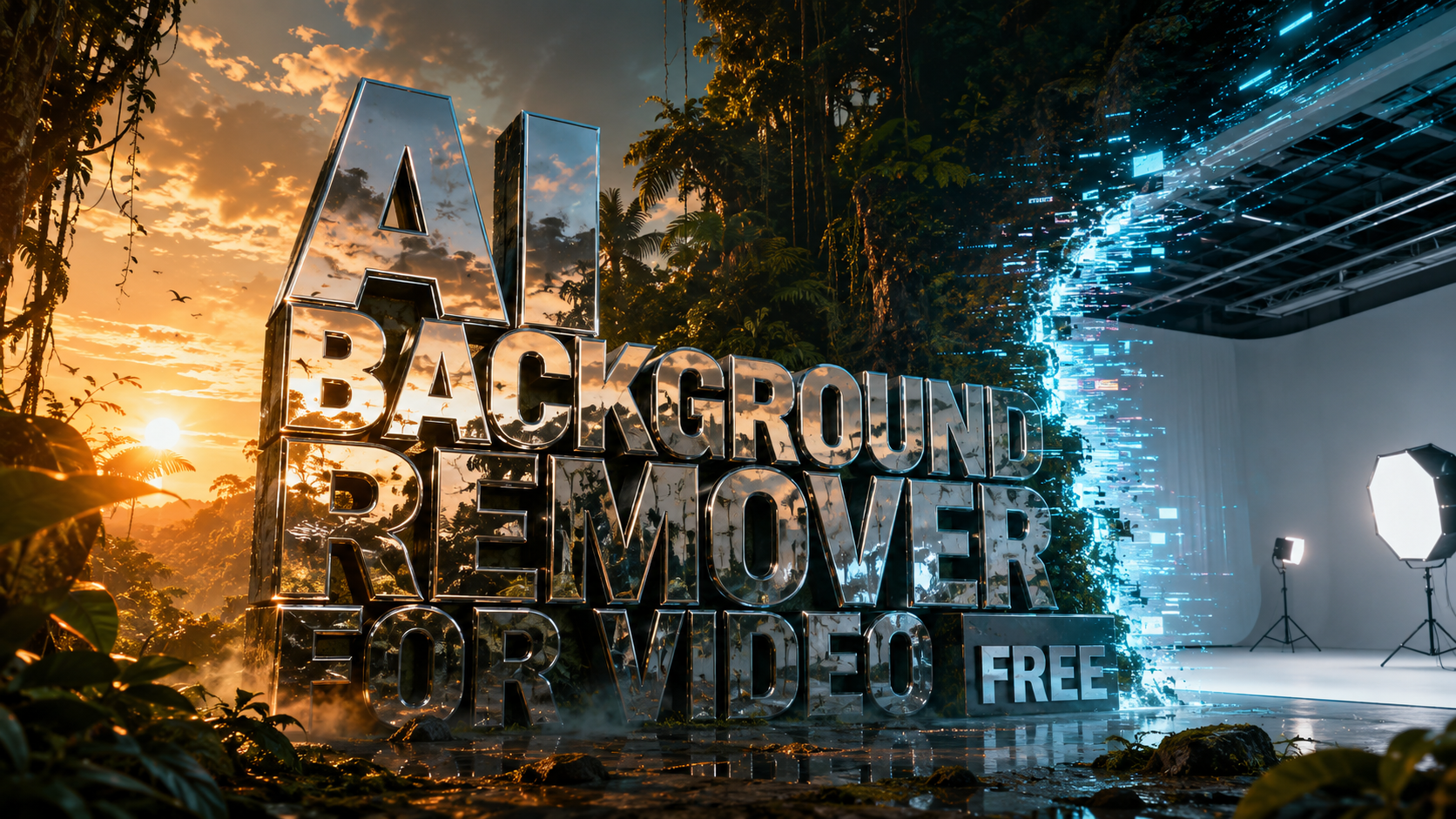
Finding an ai background remover for video free of charge has become a priority for content creators in 2026, as professional-grade rotoscoping technology is now accessible through browser-based platforms. Modern AI tools utilize deep learning to identify subjects and isolate them from complex backgrounds in real-time, eliminating the need for manual frame-by-frame masking or expensive green screen setups. Whether you are producing social media clips or high-end cinematic projects, these tools provide a seamless way to swap environments or create transparent overlays instantly.
An AI background remover for video free tool is a generative software application that uses neural networks to automatically detect the human subject in a video and remove the surrounding environment without a green screen. In 2026, these tools leverage advanced rotoscoping algorithms to handle fine details like hair and motion blur, providing high-definition exports for creators at no cost.
- ✓ Beeble’s new AI roto service has set a 2026 benchmark for precision in complex lighting.
- ✓ Browser-based editors now offer 4K background removal without requiring high-end local hardware.
- ✓ Most free tools utilize "one-click" automation, reducing editing time by up to 90%.
- ✓ Integration with generative AI allows users to replace removed backgrounds with AI-generated landscapes.
How to Use an AI Background Remover for Video Free
The process of removing a background from a video has been simplified into a few automated steps. In 2026, the primary challenge is no longer the technical execution, but rather ensuring the lighting on your subject matches the new background you intend to place behind them. Most platforms now feature "light wrapping" technology that automatically adjusts the subject's edges to blend into the new environment.
- Upload your footage: Drag and drop your MP4, MOV, or WebM file into the AI editor's workspace.
- Select the Background Removal tool: Choose the "Remove Background" or "AI Roto" option from the effects menu.
- Refine the mask: Use the brush tool to touch up any areas the AI might have missed, such as intricate jewelry or fast-moving limbs.
- Choose a new background: Leave the background transparent (alpha channel) or select a new image, video, or AI-generated scene.
- Export and Download: Process the video and download it in your preferred resolution.
Top Pro Tools for AI Background Removal in 2026
The landscape of video editing has shifted significantly this year. According to CG Channel, the launch of Beeble’s AI roto service on April 2, 2026, has introduced a new level of professional accuracy to the "Background Remover" category, allowing for frame-accurate isolation that was previously only possible in high-end VFX suites. This service specifically targets the nuances of motion, ensuring that the "shimmer" often seen in older AI tools is virtually non-existent.
Furthermore, PCMag Middle East reports that the best online video editors for 2026 now prioritize cloud-based processing. This means that the heavy lifting of the AI background remover for video free tasks is handled on remote servers, allowing users with basic laptops or mobile devices to achieve professional results. These platforms often combine background removal with other generative features, such as automated color grading and voice cloning, to provide a holistic editing environment.
Beeble AI Roto Service
Beeble has emerged as a leader in 2026 by focusing on the "rall-to-roto" pipeline. Their tool is specifically designed to handle "difficult" subjects, such as flowing hair, transparent fabrics, and rapid movement. While they offer premium tiers, their free version provides substantial credits for creators to test the engine on short-form content. The precision of their edge detection is currently considered the industry standard for web-based tools.
VDraw: Generative Editing and Removal
As noted by GIS User in late 2025, VDraw has expanded its capabilities into 2026 to become a comprehensive AI-powered platform for effortless editing. While initially known for image generation, its video background removal tool is highly regarded for its speed. It uses a "single-pass" neural network that can process 1080p footage in near real-time, making it ideal for influencers who need to turn around content quickly without sacrificing quality.
Comparing the Best AI Background Removers for Video
When selecting the right ai background remover for video free, it is essential to compare the limitations of the free versions, such as watermarks, resolution caps, and processing speed. The following table highlights the key features of the top tools available in 2026.
| Tool Name | Key Feature | Max Free Resolution | Processing Speed | Best For |
|---|---|---|---|---|
| Beeble AI Roto | Professional Rotoscoping | 1080p | High (Cloud) | Cinematic Projects |
| VDraw | Generative Integration | 720p | Real-time | Social Media Clips |
| SLR Lounge Suite | Photographer Workflow | 1080p | Medium | Portraits & Interviews |
| OnlineEditor 2026 | No-Watermark Export | 480p | Medium | Quick Previews |
The Evolution of AI Video Editing in 2026
The integration of AI into video editing is no longer just about removing backgrounds; it is about total scene manipulation. According to SLR Lounge, essential AI video editing tools for content creators in 2025 and 2026 have moved toward "semantic understanding." This means the AI doesn't just see pixels; it understands that it is looking at a person, a desk, or a sky. This understanding allows for more natural background removal where the AI can intelligently fill in gaps or predict movement behind the subject.
In addition to visual removal, the trend of "cleaning" videos has extended to audio. Recent guides from Geek Vibes Nation and Goomba Stomp Magazine highlight how creators are now using free online tools to remove background music or noise from videos simultaneously with visual background removal. This "clean slate" approach allows creators to completely re-contextualize a video shot in a noisy, cluttered room into a professional studio environment with a single click.
Hardware vs. Cloud Processing
In 2026, the debate between local hardware and cloud processing has largely been settled in favor of the cloud for background removal. Because the neural networks required for pixel-perfect isolation are massive, cloud-based tools like those reviewed by PCMag Middle East offer superior results compared to local software running on consumer-grade GPUs. This democratization of technology means that the "ai background remover for video free" keyword now yields tools that were once worth thousands of dollars in licensing fees.
The Impact of Generative AI on Background Replacement
Removing the background is only half the battle; the second half is what you put in its place. The 2026 generation of background removers often comes bundled with "text-to-background" features. After isolating the subject, users can type a prompt like "a futuristic cyberpunk balcony at sunset" and the AI will generate a matching background that respects the lighting and perspective of the original footage. This synergy between removal and generation is the hallmark of modern pro tools.
Advanced Tips for Perfect AI Rotoscoping
While the AI does most of the work, achieving a "pro" look requires some manual attention. Even the most advanced ai background remover for video free can struggle with certain conditions. To ensure the best results, creators should focus on contrast and stability. A subject that stands out clearly from the background in terms of color and brightness will always be easier for the AI to mask than a subject wearing colors similar to the wall behind them.
Optimizing Lighting for AI Detection
Studies in digital cinematography show that "rim lighting"—a light placed behind the subject to create a thin outline—significantly improves the accuracy of AI masking. By creating a clear boundary of light, you provide the neural network with a high-contrast edge to follow. This is particularly useful when working with the free versions of tools like Beeble, as it reduces the need for manual frame corrections later in the process.
Managing Fast Motion and Blur
Motion blur is the traditional enemy of rotoscoping. However, the 2026 AI models are trained on datasets that specifically include high-speed action. If you are using a tool for sports or dance videos, look for features labeled "Motion Compensation" or "Temporal Consistency." These features ensure that the mask remains stable across frames, preventing the "flicker" effect that often plagues lower-quality free background removers.
Frequently Asked Questions
Is there a truly free AI background remover for video in 2026?
Yes, many platforms like VDraw and Beeble offer free tiers that allow for background removal. While some may have daily export limits or resolution caps, the actual AI processing is provided at no cost to the user.
Do I need a green screen to remove a video background?
No, modern AI tools in 2026 use "virtual green screen" technology. They identify the human form using neural networks, meaning you can remove the background from any video regardless of what was behind the subject during filming.
Can I remove the background from a video on my phone?
Absolutely. Most top-tier AI background removers are now web-based or have dedicated mobile apps, allowing you to process videos directly from your smartphone's gallery using cloud-based AI engines.
What is the best format for exporting videos with no background?
To maintain transparency, you should export your video in a format that supports an alpha channel, such as QuickTime (ProRes 4444) or WebM. Many free online tools also allow you to replace the background with a solid color or a new image before exporting as a standard MP4.
How long does it take to remove a background from a 1-minute video?
Using 2026 cloud-based AI tools, a 1-minute video can typically be processed in 2 to 5 minutes, depending on the complexity of the motion and the current server load of the platform you are using.
As we move further into 2026, the accessibility of ai background remover for video free tools continues to redefine the boundaries of digital storytelling. By leveraging these pro-grade utilities, creators can focus more on their narrative and less on the technical hurdles of post-production. Whether you are a hobbyist or a professional, the current suite of AI tools ensures that your only limit is your imagination, not your budget or your equipment.



Comments ()