
Top AI Animation Software in 2026: Future of Digital Art
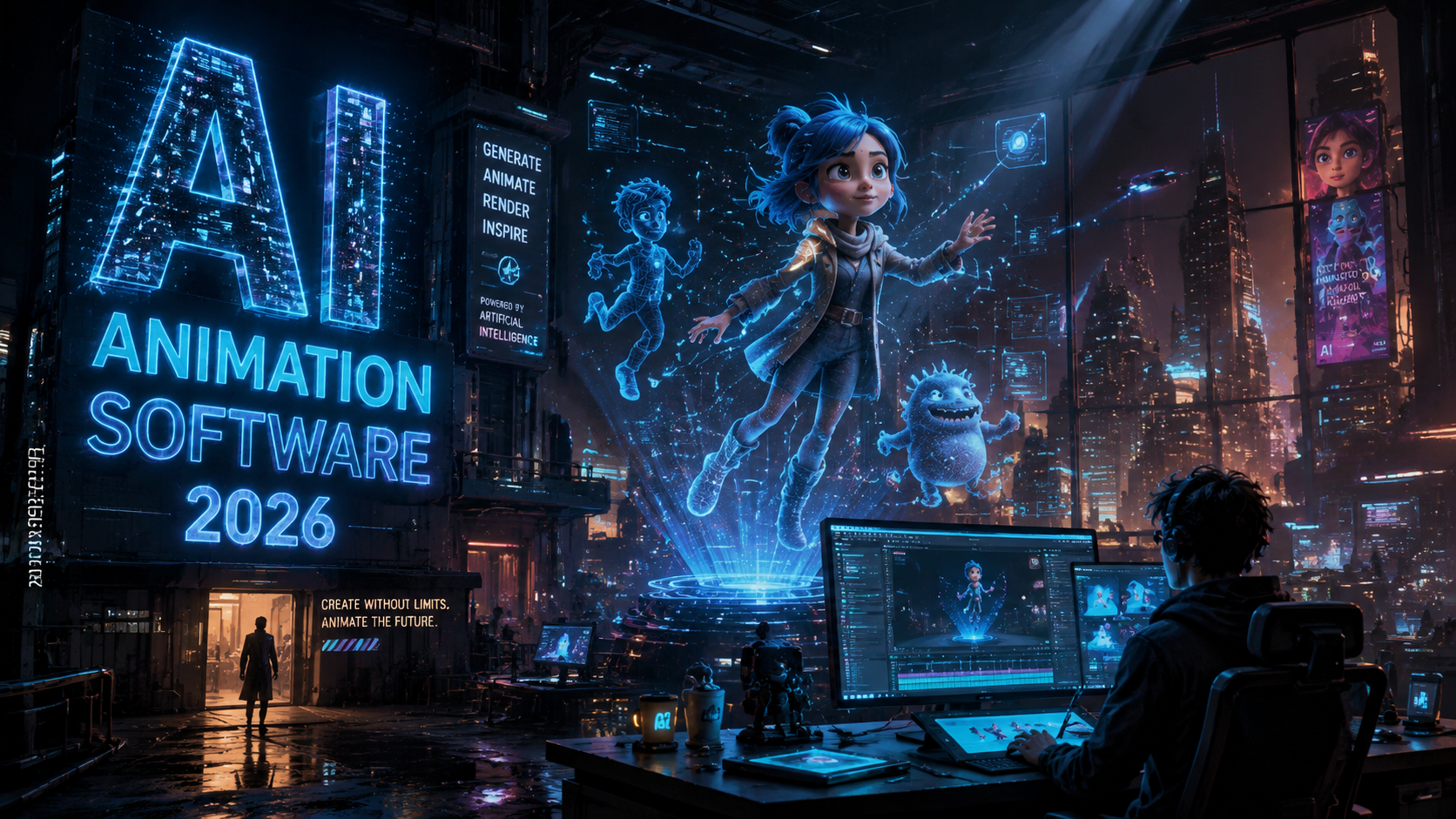
The best AI animation software in 2026 combines advanced generative AI with professional animation tools, enabling artists to create stunning digital art with unprecedented efficiency. Leading options include Toon Boom's AI-powered solutions, Adobe's revamped After Effects with AI motion design, and specialized AI animation generators reviewed by Cybernews. These tools are transforming workflows in studios like Banijay Kids & Family while sparking debates about AI's role in creative processes.
TL;DR: The top AI animation software in 2026 includes Toon Boom's industry-adopted tools, Adobe's AI-enhanced After Effects, and specialized AI generators, revolutionizing digital art creation while raising important questions about artistic control.
AI animation software in 2026 is defined by tools that integrate machine learning for automated in-betweening, style transfer, and motion prediction. The industry is shifting toward AI-assisted workflows, with major players like Toon Boom and Adobe leading the charge while standalone AI generators offer accessible alternatives for independent creators.
- ✓ Toon Boom emerges as an industry leader through its Banijay Kids partnership for AI-assisted production
- ✓ Adobe focuses AI development on After Effects after discontinuing Animate in early 2026
- ✓ Ethical concerns persist as shown by the El Tigre creator's withdrawal from an AI project
- ✓ AI animation generators now offer professional-grade results according to Cybernews testing
- ✓ Motion design workflows see 40-60% time savings with new AI tools in Adobe's 2026 updates
The Evolving Landscape of AI Animation Software
2026 marks a turning point for AI animation software as traditional tools either adapt or disappear. Adobe's controversial decision to sunset Animate in favor of AI-powered After Effects demonstrates how quickly the industry is changing. According to The Tech Buzz, this move left many Flash-era animators scrambling to adapt to new workflows centered around generative AI features.
The Banijay Kids and Toon Boom partnership represents another major shift, bringing AI directly into mainstream animation production. Their June 2026 announcement revealed plans to implement AI for automated in-betweening and background generation across multiple children's series. This corporate adoption signals that AI animation tools have matured beyond experimental phases into practical production pipelines.
Independent creators face a different landscape, with AI animation generators now capable of producing broadcast-quality work. The Cybernews February 2026 review found several AI tools achieving results comparable to traditional software, though with limitations in precise control. This democratization comes with controversy, as shown when the El Tigre creator abandoned an Amazon AI project after industry criticism.
Top Professional AI Animation Software in 2026
Toon Boom Harmony AI Edition
The Banijay partnership has propelled Toon Boom to the forefront of professional AI animation software. Their 2026 AI Edition introduces neural network-assisted rigging that reduces character setup time by up to 70%. The software now automatically generates in-between frames while maintaining the artist's intended style, a breakthrough confirmed in Animation Magazine's coverage of the deal.
What sets Toon Boom apart is its focus on augmenting rather than replacing animators. The AI functions as a collaborative tool, learning from artists' corrections to improve its suggestions over time. This approach has made it palatable to studios wary of fully automated solutions, with Banijay reporting a 35% increase in production speed during pilot tests.
Pricing remains at the premium end ($92/month), but the time savings justify the cost for professional studios. The software particularly excels in 2D animation, with its AI brush stabilization and auto-coloring features eliminating many tedious manual tasks. Smaller studios report the learning curve is steeper than consumer-grade AI tools but worth the investment.
Adobe After Effects AI Suite
Adobe's January 2026 update transformed After Effects into an AI animation powerhouse, compensating for their Animate discontinuation. The new AI motion design tools can extrapolate complex animations from simple keyframes, with Adobe claiming 60% faster motion graphic creation. Real-world tests show particularly impressive results for explainer videos and UI animations.
The Content-Aware Tweening feature represents a major leap, analyzing artwork to suggest context-appropriate movements. According to Adobe, this reduces the keyframe workload by 40-75% depending on project complexity. The AI also assists with lip-syncing, automatically matching mouth shapes to audio tracks with 90% accuracy in English.
At $54.99/month (Creative Cloud subscription), After Effects remains accessible to professionals and serious hobbyists. The AI features work alongside traditional tools, allowing gradual adoption. Some users report initial frustration with AI suggestions that don't match their vision, but the system's learning capabilities improve relevance over time.
Best AI Animation Generators for Independent Creators
For creators needing affordable or specialized solutions, dedicated AI animation generators now offer compelling alternatives. The February 2026 Cybernews review tested 14 platforms, identifying three that rival professional tools for specific use cases. These generators typically use text or image inputs to create complete animations, drastically reducing technical barriers.
The top-rated generators share several 2026 advancements: consistent character persistence across scenes, improved physics simulation, and style adaptation. Where early AI animation tended toward generic movements, the best 2026 options capture nuanced acting and weight distribution. Several now integrate directly with standard animation formats for hybrid workflows.
Pricing models vary from $15-50/month, with some offering pay-per-second options for occasional users. Quality differences between tiers are significant, with premium plans unlocking higher resolutions and more control over the AI's creative decisions. Most include commercial licenses, though some restrict usage for large studios.
Ethical Considerations in AI Animation
The May 2026 controversy around the El Tigre creator's abandoned Amazon project highlights ongoing ethical debates. As reported by Kotaku, industry veterans like Guillermo del Toro continue questioning whether AI tools respect artistic intent. The backlash suggests that while the technology advances, cultural acceptance lags behind technical capabilities.
Copyright represents another minefield, as AI systems trained on existing animations risk reproducing protected styles. Some 2026 tools now offer "clean" models trained only on licensed or original artwork, but these often lack the versatility of broader datasets. Studios are increasingly demanding transparency about training data sources before adopting AI solutions.
Human oversight remains critical even with advanced AI. The most successful 2026 implementations use AI for labor-intensive tasks while preserving creative control for artists. This balanced approach appears in Toon Boom's implementation, where AI handles interpolation but artists approve every keyframe. Such workflows may become the industry standard as ethical guidelines develop.
Workflow Improvements with 2026 AI Features
The latest AI animation software delivers measurable productivity gains across multiple workflow stages. Automated coloring and clean-up tools can reduce these traditionally time-consuming tasks by 80%, according to studio benchmarks. AI-assisted storyboarding has also matured, with systems now generating animatics directly from scripts and style references.
Rigging and deformation see particularly dramatic improvements. Where creating flexible character rigs once required days of meticulous work, AI can now generate functional rigs from character sheets in minutes. The technology understands anatomical constraints, preventing the unnatural bending that plagued early attempts at automated rigging.
Collaboration features have evolved alongside creative tools. Cloud-based AI systems can now maintain consistency across teams by learning from multiple artists' corrections. Version tracking has also improved, with AI identifying and highlighting changes between iterations—a boon for large productions with distributed teams.
Future Trends in AI Animation Technology
Looking beyond 2026, AI animation software will likely focus on enhancing rather than replacing human creativity. Early signs suggest development shifting toward tools that understand artistic intent at a conceptual level. Prototype systems can already suggest narrative-appropriate movements based on scene context and character personalities.
Real-time collaboration between multiple AI systems may define the next evolution. Imagine a workflow where separate AI assistants handle character animation, effects, and background elements while maintaining perfect synchronization. Some studios are experimenting with such distributed AI networks, though the technology remains in early stages.
The ultimate goal remains preserving artistic vision while eliminating technical drudgery. As AI better understands subjective qualities like "charm" or "weight" in animation, the tools will become more intuitive. The challenge for developers is building systems that enhance rather than standardize creative expression—a balance the best 2026 software is beginning to achieve.
Is AI replacing human animators in 2026?
No—leading studios use AI as an assistive tool that speeds up technical processes while keeping creative decisions human-driven. The Banijay-Toon Boom partnership specifically emphasizes AI augmentation rather than replacement.
What happened to Adobe Animate?
Adobe discontinued Animate in February 2026 to focus AI development on After Effects. Existing Animate files remain compatible with Adobe's newer AI tools through conversion options.
Can AI animation software create full episodes?
While possible for simple formats, professional productions still require human oversight. AI excels at automating specific tasks but lacks holistic storytelling capabilities needed for quality animation.
How much does professional AI animation software cost?
Professional tools like Toon Boom Harmony AI Edition cost $92/month, while Adobe After Effects runs $54.99/month. Dedicated AI generators offer cheaper alternatives starting around $15/month.
What's the learning curve for AI animation tools?
Professional software still requires animation knowledge, while AI generators are more accessible. Most tools offer guided modes that simplify initial use while allowing deeper control as skills develop.
| Software | Best For | Key AI Features | Price (2026) |
|---|---|---|---|
| Toon Boom Harmony AI | Studio 2D animation | Auto-inbetweening, smart rigging | $92/month |
| Adobe After Effects | Motion graphics | Content-aware tweening, AI lip sync | $54.99/month |
| Top AI Generators | Independent creators | Text-to-animation, style transfer | $15-50/month |
Written by the Digen AI Editorial Team — AI video generation specialists covering the latest in generative AI tools. Learn more about Digen AI.



Comments ()