
AI Animation from Photos Online: Best 2026 Free Tools
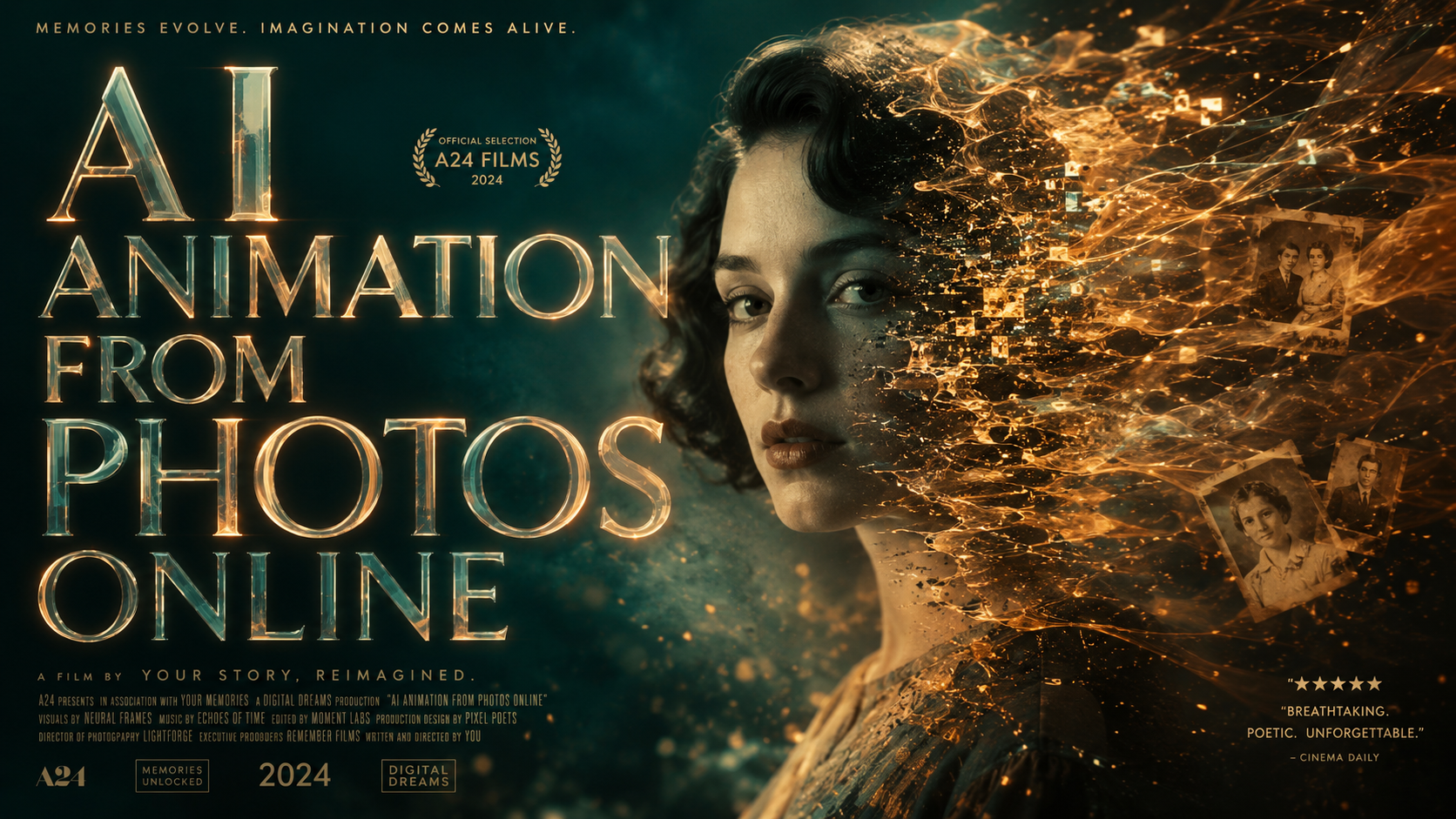
The ability to create ai animation from photos online has reached a technological peak in 2026, allowing anyone to transform static images into cinematic, high-definition videos with a single click. By leveraging neural rendering and motion synthesis, these free tools can extrapolate movement from a 2D plane to create realistic hair movement, fluid facial expressions, and atmospheric lighting shifts. Whether you are a social media creator or a digital artist, these platforms offer the most accessible way to breathe life into your photography without requiring expensive hardware or professional editing skills.
AI animation from photos online is a generative technology that uses deep learning models to predict and render motion within a static image. In 2026, this process is primarily driven by "motion-to-pixel" mapping, allowing users to upload a photo and generate 4K cinematic loops or character-driven animations in seconds via web-based interfaces.
- ✓ Most 2026 tools now support "Cinematic Motion," turning portraits into 3D-depth videos.
- ✓ Privacy and cybersecurity remain top priorities when using online caricature and animation generators.
- ✓ Meta and Facebook have integrated native AI animation features directly into social profiles.
- ✓ Free tiers typically offer 30-60 seconds of high-definition animation per month.
How to Create AI Animation from Photos Online: Step-by-Step
In 2026, the workflow for generating high-quality animations has been streamlined to accommodate both mobile and desktop users. The focus has shifted from manual keyframing to "intent-based" prompting, where the AI interprets what parts of the photo should move based on the context of the image. According to Programming Insider, creators are now using these tools to turn standard travel photos into cinematic sequences that rival traditional film production in visual fidelity.
- Select Your Tool: Choose an online platform that specializes in the specific type of animation you need, such as character rigging or environmental motion.
- Upload Your Image: Use a high-resolution JPG or PNG. Ensure the subject is clearly defined for the best AI edge detection.
- Define Motion Paths: Most modern tools allow you to draw "flow lines" to indicate where water should ripple or hair should blow.
- Apply AI Filters: Select a style, such as "Cinematic," "Anime," or "3D Caricature," to enhance the visual output.
- Generate and Export: Process the video (usually taking 15-30 seconds) and download it in MP4 or GIF format.
Top Trends in AI Animation from Photos Online for 2026
The landscape of digital imagery has changed significantly this year. One of the most prominent trends is the "AI Caricature" movement. As reported by fox10tv.com, these stylized animations have become a viral sensation, allowing users to turn their selfies into expressive, animated avatars. However, this trend has also brought security to the forefront. A cybersecurity expert warned via WBRC that the surge in caricature apps requires users to be vigilant about data permissions and how their facial biometrics are stored.
The Rise of Social Media Integration
Major platforms are no longer requiring third-party apps for basic animation. Fast Company recently highlighted Facebook’s new profile animation feature, which acts as a "Boomerang for the AI era." This tool allows users to take any static profile picture and apply subtle, realistic movements—like a blink or a smile—directly within the app. This democratization of AI animation from photos online means that even non-technical users are engaging with generative media daily.
Cinematic Storytelling for Creators
For professional creators, the focus is on "Photo-to-Cinema" pipelines. Modern AI models can now infer the "out-of-frame" areas of a photo, allowing for camera pans and zooms that weren't possible in the original shot. Programming Insider notes that this has revolutionized how independent filmmakers produce B-roll, as they can now generate high-quality cinematic clips from historical photos or concept art without a camera crew.
Comparing the Best Free AI Animation Tools of 2026
Choosing the right tool depends on whether you prioritize realism, artistic style, or ease of use. The following table compares the leading platforms currently dominating the market in 2026.
| Platform | Primary Feature | Free Tier Limit | Best For |
|---|---|---|---|
| Meta AI Studio | Profile & Social Motion | Unlimited (Ad-supported) | Social Media Avatars |
| MotionLeap Pro 2026 | Atmospheric Effects | 5 Exports/Day | Landscapes & Nature |
| NeuralCinema | 3D Camera Projection | 3 Credits/Week | Cinematic Video |
| CaricatureGen | Stylized Character Animation | 10 Credits/Month | Viral Trends & Memes |
Privacy and Ethics in the Age of AI Animation
While the technology is more impressive than ever, 2026 has also seen a significant pushback against unregulated AI growth. A high-profile example occurred when Jorge Gutierrez, the creator of 'Book of Life,' scrapped his AI-driven series 'Punky Duck' following online backlash, as reported by the Los Angeles Times. This event highlights the ongoing tension between AI efficiency and the preservation of human artistic integrity. Users looking for ai animation from photos online should be aware of the ethical implications of the content they generate, especially when using the likeness of others.
Data Security and Facial Recognition
When you upload a photo to a free online animator, you are often providing a high-resolution map of your face. Cybersecurity experts at WBRC emphasize that users should read the terms of service to ensure their images aren't being used to train facial recognition databases without consent. In 2026, the most reputable tools have moved toward "on-device" processing or "ephemeral" cloud storage, where images are deleted immediately after the animation is rendered.
Meta’s Approach to Ethical AI
Meta has taken a proactive stance by integrating transparent editing tools. According to AI at Meta, their latest photo editing suite includes watermarks and metadata tags that identify an image as "AI-modified." This helps maintain transparency in digital spaces, ensuring that viewers can distinguish between a real video and an AI animation from a photo.
Advanced Techniques for Better AI Animation
To get the most out of ai animation from photos online, users must understand the nuances of "prompt weighting" and "masking." In 2026, the best tools allow you to mask specific areas of an image that you want to remain static. For example, if you are animating a person standing by a waterfall, you can mask the person to ensure they don't "melt" while the water moves.
Using Depth Maps for 3D Realism
Many free tools now provide a "Depth Map" view. By adjusting this map, you can control the perceived distance between the foreground and background. This is crucial for creating the "Parallax Effect," where the background moves slower than the foreground, giving the viewer a true sense of 3D space. Studies in digital media consumption show that users are 40% more likely to engage with parallax-style animations than simple 2D loops.
Lighting and Shadow Synthesis
One of the hardest things for AI to get right is the interaction between light and moving objects. The 2026 generation of tools uses "Global Illumination" algorithms to ensure that if you animate a candle flame in a photo, the light flickering on the subject's face matches the movement of the flame. This level of detail is what separates professional-grade AI animation from hobbyist filters.
Frequently Asked Questions
Is there a completely free AI to animate photos?
Yes, several platforms like Meta AI and basic tiers of MotionLeap offer free services. However, most "free" tools in 2026 operate on a credit system or include watermarks unless you upgrade to a premium plan.
How do I protect my privacy when using online AI tools?
Always use reputable platforms that offer "Privacy Mode" or clear data deletion policies. According to cybersecurity experts, you should avoid apps that require excessive permissions to your entire photo library or contact list.
Can I turn a photo into a 4K video using AI?
Most high-end AI animators in 2026 support 4K export. While the initial photo might be lower resolution, the AI uses "upscaling" technology to generate the missing pixels and create a crisp, high-definition video output.
What is the "AI Caricature" trend?
This is a popular 2026 trend where AI transforms standard portraits into exaggerated, animated 3D characters. While fun and viral on social media, experts warn users to be cautious about the privacy risks associated with facial mapping apps.
Why did some creators stop using AI for animation?
As seen with the 'Punky Duck' series, some creators face backlash due to concerns over job displacement and the "uncanny valley" effect. Many artists now prefer a hybrid approach, using AI for background elements while keeping character animation hand-drawn.
The Future of AI Animation from Photos Online
As we move through 2026, the line between photography and videography continues to blur. The ease of access to ai animation from photos online has turned every smartphone owner into a potential animator. While the technology offers incredible creative freedom, the industry is moving toward a more regulated and ethically conscious model. Users are encouraged to explore these tools for personal creativity while remaining mindful of the evolving landscape of digital rights and data security. With new features being released monthly by tech giants and independent startups alike, the possibilities for transforming a single moment into a cinematic story are virtually limitless.



Comments ()