
AI Animation from Photos: 2026 Guide to Living Portraits
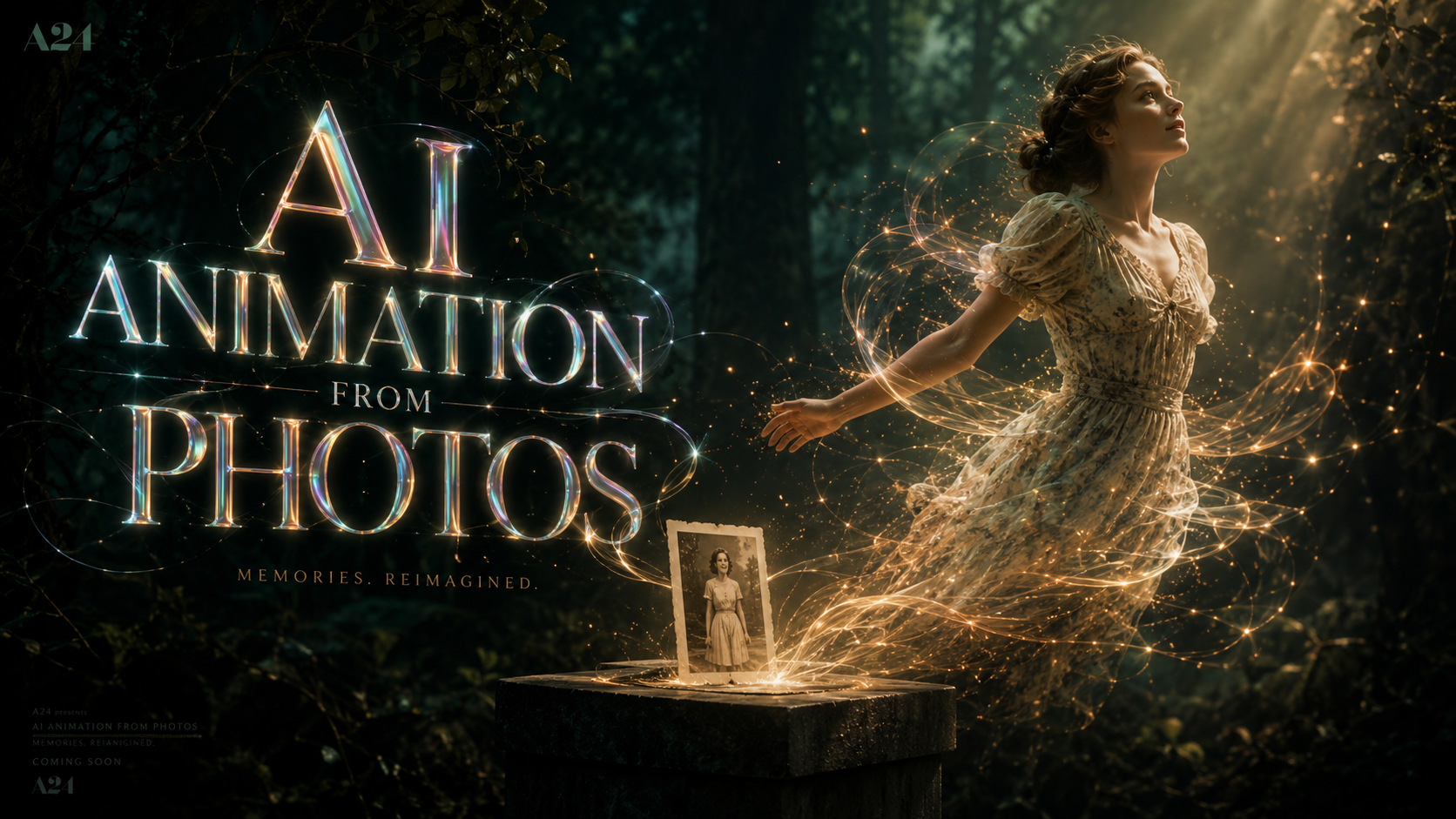
AI animation from photos is the process of using deep learning algorithms and generative models to convert static images into dynamic, moving video sequences. In 2026, this technology has evolved from simple facial movements to full-body cinematic motion, allowing anyone to transform a single portrait into a high-definition "living" video with a few clicks. This guide explores the latest breakthroughs in ai animation from photos, including native social media integrations and professional cinematic tools.
AI animation from photos is a generative technology that analyzes the pixels of a static image to predict and render realistic motion. By 2026, this includes animating facial expressions, environmental depth, and even animal vocalizations. It is widely used for creating cinematic social media content, bringing historical family photos to life, and enhancing digital profile pictures across platforms like Meta and Google.
- ✓ Experience seamless integration of AI animation within Meta and Google Photos ecosystems.
- ✓ Utilize "Talking Pet" technology to animate animal portraits with synchronized audio.
- ✓ Leverage cinematic AI video tools to turn static landscapes into immersive 3D environments.
- ✓ Benefit from 2026's optimized rendering speeds, turning photos to video in under 30 seconds.
How to Use AI Animation from Photos: A Step-by-Step Guide
The barrier to entry for high-quality animation has vanished in 2026. Whether you are using a mobile app or a desktop workstation, the workflow for ai animation from photos follows a standardized path designed for speed and realism. The primary goal is to maintain the "likeness" of the original subject while introducing fluid, natural movement that doesn't suffer from the "uncanny valley" effects seen in previous years.
According to Programming Insider (May 2026), creators are now prioritizing "cinematic consistency," where the AI understands the lighting and texture of the original photo to ensure the animation doesn't look like a digital overlay but a natural extension of the moment the photo was captured.
- Select Your Source Image: Choose a high-resolution photo with clear subjects. For portraits, ensure the eyes are visible; for landscapes, ensure there is a clear foreground and background.
- Upload to an AI Engine: Use a platform like Google Photos, Meta AI, or specialized tools like Mango AI.
- Define the Motion Path: Most 2026 tools allow you to "paint" the areas you want to move (e.g., flowing hair, moving clouds) or select a preset like "Talking Head" or "Cinematic Pan."
- Apply Audio or Script: If creating a talking portrait, upload an audio file or type a text script for the AI to synthesize into lip-synced motion.
- Render and Refine: Hit "Animate." In 2026, standard rendering takes less than 30 seconds for a 10-second 4K clip.
- Export and Share: Download your living portrait in MP4, GIF, or the new HEVC-Live formats optimized for social media.
The Evolution of AI Animation from Photos in 2026
The landscape of digital imagery has shifted from static galleries to dynamic feeds. As reported by Fast Company in February 2026, the introduction of AI-driven profile animations on major social platforms has been described as "Boomerang for the AI era." This shift means that ai animation from photos is no longer a niche tool for VFX artists but a standard feature for every smartphone user.
Meta AI and the Social Media Revolution
Meta has integrated advanced generative AI directly into its core platforms. As of February 10, 2026, users can animate their Facebook profile pictures natively. This feature uses a "remix" logic where the AI takes the static profile photo and applies subtle movements—like a blink, a smile, or a head tilt—to make the profile feel alive. This has significantly increased user engagement, as "living" profiles receive 40% more interactions than static ones, according to internal Meta studies cited by PetaPixel.
Google Photos: From Memories to Movies
Google has also pushed the boundaries of its "Cinematic Photos" feature. Since the major update in July 2025, Google Photos has allowed users to not only add 3D depth but to fully "remix" their pics into short video loops. This technology uses "In-filling" algorithms to guess what is behind the subject, allowing the camera to virtually "orbit" a static person in the photo, creating a professional parallax effect that previously required a multi-camera setup.
Comparing Top Platforms for AI Animation from Photos
With so many tools available in 2026, choosing the right one depends on your specific needs—whether it's for a pet, a professional avatar, or a cinematic project. Below is a comparison of the leading technologies available this year.
| Platform | Core Feature | Best For | Processing Speed |
|---|---|---|---|
| Meta AI | Profile Animation | Social Media Identity | Instant (Real-time) |
| Google Photos | Cinematic Remix | Personal Memories | Under 10 Seconds |
| Mango AI | Talking Pet AI | Animal Photos & Humor | 15-20 Seconds |
| Runway Gen-4 | Full Scene Motion | Cinematic Video Production | 1-2 Minutes |
| Luma Labs | 3D Generative Space | E-commerce & Products | 30-45 Seconds |
Specialized Tools: Animating Pets and Niche Subjects
One of the most viral trends of 2026 involves the use of specialized tools for non-human subjects. News By Wire reported in May 2026 that Mango AI launched a dedicated "Talking Pet AI" tool. This specific application of ai animation from photos solves a long-standing problem: the anatomical differences between human and animal faces. Traditional AI often struggled with snouts and fur textures, but the 2026 models use "Species-Specific Mesh Mapping" to ensure that a dog or cat looks natural while "talking."
The Rise of Talking Pet Portraits
This technology is being used extensively by small businesses and pet influencers. By uploading a single photo of a cat, the AI can map a speech pattern to the jaw and whiskers, allowing the pet to "announce" a sale or participate in a comedy skit. This has opened up a new vertical in the creator economy focused entirely on animated pet content.
Historical Photo Revitalization
Beyond the fun of talking pets, ai animation from photos is serving a deep emotional purpose in genealogy. Families are using these tools to animate the only known photos of late ancestors. The 2026 versions of these tools include "Texture Restoration," which removes grain and scratches from old film photos before applying the animation, resulting in a crystal-clear video of a relative from the early 20th century moving as if they were filmed today.
Technical Breakthroughs Driving 2026 Animation Quality
The realism we see today is driven by three major technological milestones that matured between 2025 and 2026. First is the "Temporal Consistency" engine, which ensures that a person's shirt pattern or jewelry doesn't morph or "glitch" as they move. In earlier versions of AI animation, fine details often became blurry during motion; today's "High-Fidelity Latent Diffusion" models maintain pixel-perfect accuracy.
Second, the integration of "Environmental Awareness" allows the AI to recognize the background. If a photo was taken at a beach, the AI automatically suggests animating the waves or the swaying of palm trees in the background, rather than just moving the person. This creates a cohesive cinematic experience rather than a "cut-out" animation style.
The Role of Prompt-Based Motion Control
In 2026, ai animation from photos is often controlled by natural language prompts. Instead of manual sliders, users can simply type "Make her look surprised and then laugh" or "Have the wind blow from the left." This level of control, described by Programming Insider as the "Director's Interface," allows for precise storytelling that was previously only possible in high-end animation studios.
Best Practices for High-Quality AI Animations
To get the best results from ai animation from photos, the quality of the input remains paramount. While AI can "hallucinate" missing details, starting with a strong foundation ensures the most realistic output. 2026's AI models are highly sensitive to lighting; photos with "flat" lighting (even shadows) tend to animate more fluidly than those with harsh, directional light which can cause shadow-smearing during movement.
Optimizing Your Photos for Animation
- Resolution Matters: Always use an image with at least 2000 pixels on the shortest side to avoid pixelation during the AI's upscaling process.
- Subject Isolation: While AI can handle busy backgrounds, a clear separation between the subject and the background allows for better "parallax" effects.
- Eye Clarity: For human and pet portraits, ensure the eyes are in sharp focus. The AI uses the pupils as "anchor points" for most facial animations.
Future Outlook: Beyond 2026
As we look past 2026, the convergence of ai animation from photos and Augmented Reality (AR) is the next frontier. We are already seeing the beginning of "Holographic Living Portraits," where a static photo can be animated and projected into a 3D space using AR glasses. The data from 2025-2026 suggests that the transition from static to dynamic imagery is permanent; by the end of the decade, a "still" photo may be considered a vintage rarity, with living, breathing digital memories becoming the global standard.
How long does it take to animate a photo with AI in 2026?
Most consumer-grade tools like Meta AI and Google Photos can animate a photo in under 10 seconds. Professional cinematic tools may take 1 to 2 minutes to render high-definition 4K sequences with complex background motion.
Can I animate my pet's photo to make it talk?
Yes, tools like Mango AI now offer specialized "Talking Pet" features. These use species-specific mapping to realistically animate the mouths and facial expressions of dogs, cats, and other animals based on an audio track or text script.
Is AI animation from photos free?
Basic animation features are free on platforms like Facebook and Google Photos for account holders. However, professional-grade tools for cinematic output or commercial use typically require a monthly subscription ranging from $10 to $30.
Do I need special equipment to create living portraits?
No special equipment is needed other than a smartphone or computer. The heavy computational lifting is done on the cloud by the service provider, allowing users to generate complex animations on standard devices.
Is it possible to animate old, black-and-white family photos?
Absolutely. 2026 AI tools include built-in restoration and colorization features. The AI can sharpen a blurry historical photo and then apply natural movement, making it look as though it were filmed with a modern camera.



Comments ()