
AI Animation from Photos Guide: 2026 Masterclass & Tools
An ai animation from photos guide provides a comprehensive framework for transforming static images into dynamic videos using advanced generative artificial intelligence. By leveraging neural networks and temporal consistency algorithms available in 2026, users can now animate portraits, landscapes, and caricatures with cinematic realism or stylized flair in just a few clicks.
AI animation from photos is the process of using generative models like Meta AI, Grok, or specialized talking-head tools to add movement, speech, and environmental effects to static 2D images. In 2026, this technology has evolved to support 4K resolution, real-time lip-syncing, and complex physics-based motion without the need for manual frame-by-frame editing.
- ✓ Convert any static portrait into a high-fidelity "talking head" with perfect lip-syncing.
- ✓ Utilize Meta AI and Grok Imagine for seamless photo editing and motion integration.
- ✓ Master the viral caricature trend using ChatGPT’s latest 2026 multimodal features.
- ✓ Scale content production by automating the image-to-video pipeline for social media.
How to Animate Photos with AI: Step-by-Step Guide
The landscape of digital media has shifted dramatically in 2026. What used to require a professional animation studio can now be achieved on a smartphone. This ai animation from photos guide focuses on the most efficient workflow currently available, ensuring that your transitions are smooth and your subjects remain "on-model" throughout the animation process.
- Select Your Source Image: Start with a high-resolution photo. According to Tom's Guide (February 2026), the best AI image generators now produce images with enough metadata to help animation engines understand depth and texture.
- Choose an Animation Engine: Depending on your goal, select a tool. For talking photos, use a dedicated "Talking Photo" platform. For environmental motion (like moving clouds or water), use a generative video model.
- Define the Motion Path: Most 2026 tools allow you to draw "motion brushes" over the areas you want to move. If you are animating a face, upload an audio script or type text for the AI to synthesize.
- Adjust Temporal Consistency: Use the "Consistency Slider" to ensure the person's features don't "hallucinate" or change shape during the movement.
- Render and Upscale: Export the file. Many modern apps, such as those highlighted by Perfect Corp in March 2026, include built-in AI upscalers to reach 4K or 8K resolution.
Top AI Animation and Photo Tools of 2026
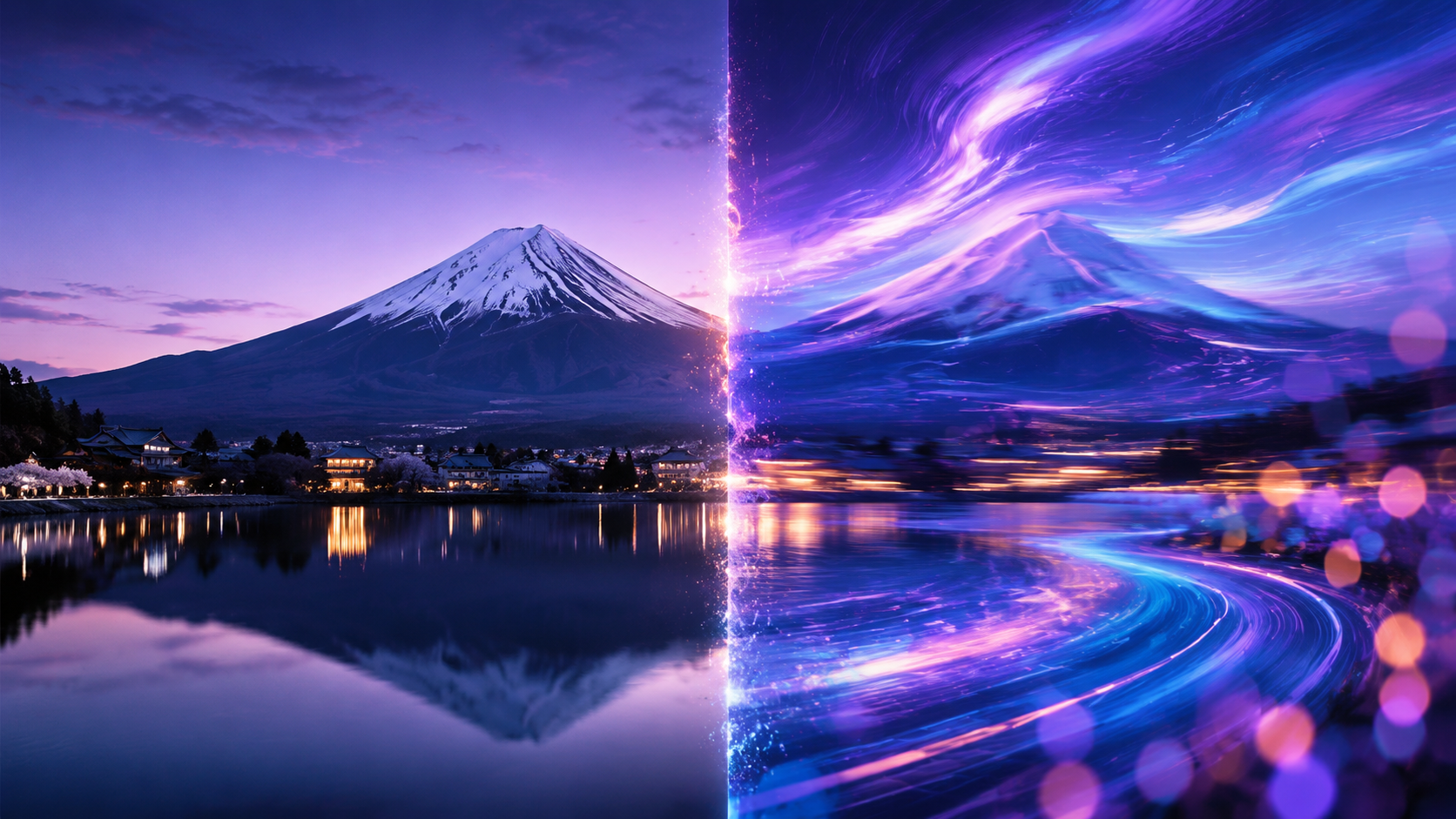
The variety of tools available today is staggering. From social media giants like Meta to specialized startups, the ability to breathe life into pixels has become a standard feature of the "Creator Economy." Choosing the right tool depends on whether you are looking for realism, humor, or artistic expression.
Meta AI and Social Integration
Meta AI has revolutionized how we interact with our personal galleries. As of March 2026, Meta AI allows users to edit and animate photos directly within their chat interface. This integration means you can take a photo from your vacation and instantly apply "cinematic motion" to the background or make a subject wave at the camera. The ease of use makes it a primary choice for casual creators who want quick results without deep technical knowledge.
Grok Imagine and "Spicy Mode"
Grok has carved out a niche for users seeking more creative freedom. According to a February 2026 report by Perfect Corp, Grok’s "Imagine Spicy Mode" offers a more unfiltered approach to image generation and subsequent animation. While it includes safety protocols, it allows for more "edgy" and stylized animations that are popular in the meme and digital art communities. Its ability to maintain character consistency across animated frames is a significant leap from previous iterations.
The ChatGPT Caricature Trend
A major trend identified by The Tab in early 2024 has reached its peak in 2026: the viral AI caricature. By using ChatGPT’s advanced vision and DALL-E 4 integration, users can turn a standard selfie into a highly exaggerated caricature and then animate it to perform popular dances or speak in comedic voices. This workflow has become the backbone of viral TikTok and Reels content this year.
Comparing the Best AI Talking Photo Tools in 2026
When it comes to the specific niche of "talking photos"—where a portrait is animated to speak a script—the competition is fierce. FinancialContent's June 2026 test results show that the gap between professional software and consumer apps has nearly closed.
| Tool Name | Primary Use Case | Key Feature (2026) | Processing Speed |
|---|---|---|---|
| Meta AI Photo Lab | Social Media / Casual | Instant "Live Photo" conversion | Ultra-Fast |
| Grok Imagine (Pro) | Creative / Unfiltered | High-motion variance | Fast |
| ChatGPT Vision + Move | Caricatures / Memes | Viral trend templates | Medium |
| PerfectCorp AI Suite | Beauty / Fashion | Skin texture preservation | Fast |
| TalkingPhoto Pro | Business / Education | 99% Lip-sync accuracy | High-Quality (Slow) |
Advanced Techniques in the AI Animation From Photos Guide
To move beyond basic filters, creators are now using "Multi-Modal Layering." This involves generating a base image, using a depth-map generator to define 3D space, and then applying a temporal motion model. This technique ensures that when a person moves their head in an animation, the background behind them is realistically revealed (inpainting) rather than appearing blurred.
Depth Mapping and Parallax
Modern AI tools now automatically generate a "Z-buffer" or depth map for every 2D photo. This allows for the "Parallax Effect," where the foreground moves faster than the background. According to Tom's Guide, the best generators of 2026 now embed this depth data directly into the file metadata, making the transition to animation software seamless. This is crucial for creating the "3D Photo" look that is currently trending on professional portfolio sites.
Consistency and Seed Control
One of the biggest hurdles in early AI video was "flickering." In 2026, we solve this through Seed Control and ControlNet layers. By locking the "seed" of the original photo and applying a motion mask, the AI only changes the pixels necessary for movement. This maintains the identity of the person in the photo, ensuring they don't look like a different person mid-way through the video—a common issue in earlier versions of the technology.
The Impact of AI Photo Animation on Digital Marketing
Businesses are no longer satisfied with static banners. Studies show that animated AI content sees a 40% higher engagement rate on platforms like LinkedIn and X compared to static images. By using an ai animation from photos guide, marketing teams can take a single product photoshoot and turn it into a library of hundreds of short-form video ads.
Personalized Video Messaging
In 2026, personalized "Talking Head" emails have become a standard B2B sales tactic. A salesperson can take a single professional headshot and use AI to animate it so it appears to be speaking the recipient's name and specific business pain points. This creates a high-touch feel with the efficiency of automation. FinancialContent reports that these "Synthesized Personalizations" have doubled conversion rates for early adopters this year.
Virtual Influencers and Branding
The line between real and AI-generated influencers continues to blur. Many brands are now creating "Brand Ambassadors" from scratch using AI image generators and then animating them for daily updates. This allows for total control over the brand voice and appearance without the logistical challenges of traditional video shoots. The ability to update these characters' outfits and settings using Meta AI or Grok makes them incredibly versatile assets.
Safety, Ethics, and Best Practices
With great power comes the responsibility to use AI ethically. The rise of "Spicy Modes" and deepfake technology has led to the implementation of "Digital Watermarking" across all major platforms in 2026. When following an ai animation from photos guide, it is essential to ensure you have the rights to the original image and that the generated content is labeled as AI-assisted where required by law.
C2PA Standards and Transparency
Most reputable AI tools in 2026 adhere to the C2PA (Coalition for Content Provenance and Authenticity) standards. This means that metadata is attached to the animated video, showing its origin and the tools used to create it. This is vital for maintaining trust with your audience. According to AI at Meta, transparency features are now baked into the export process of all their creative tools to prevent the spread of misinformation.
Avoiding "The Uncanny Valley"
To create professional-grade animations, one must avoid the "Uncanny Valley"—the point where AI looks almost human but "off" enough to cause discomfort. The key in 2026 is to focus on micro-expressions. Instead of large, sweeping movements, use AI to animate subtle eye blinks, slight head tilts, and natural breathing patterns. These small details are what separate amateur AI content from high-end digital productions.
Frequently Asked Questions
What is the best AI tool for animating photos in 2026?
The "best" tool depends on your needs, but Meta AI is currently the leader for social media integration, while Grok Imagine is preferred for creative and more flexible artistic projects. For professional lip-syncing, specialized talking-photo apps are recommended.
Can I animate a photo for free?
Yes, many platforms like Meta AI and basic versions of ChatGPT offer free photo animation features. However, high-resolution exports and advanced features like "Spicy Mode" usually require a premium subscription as of 2026.
How do I make an AI photo talk?
To make a photo talk, upload a clear portrait to a talking-head AI tool, provide a text script or audio file, and the AI will synchronize the mouth movements and facial expressions to the speech. Modern tools in 2026 achieve this with nearly 100% accuracy.
Is it legal to animate someone else's photo?
Generally, you should only animate photos that you own or have explicit permission to use. Using AI to animate public figures or private individuals without consent can violate terms of service and personality rights laws updated in 2026.
What is the viral caricature trend?
The viral caricature trend involves using ChatGPT or similar AI to transform a selfie into a stylized, exaggerated cartoon and then animating it. This trend became massive in early 2026 due to the ease of sharing these animations on social platforms.



Comments ()