
10 Affordable AI Video Tools for Beginners (2026 Guide)
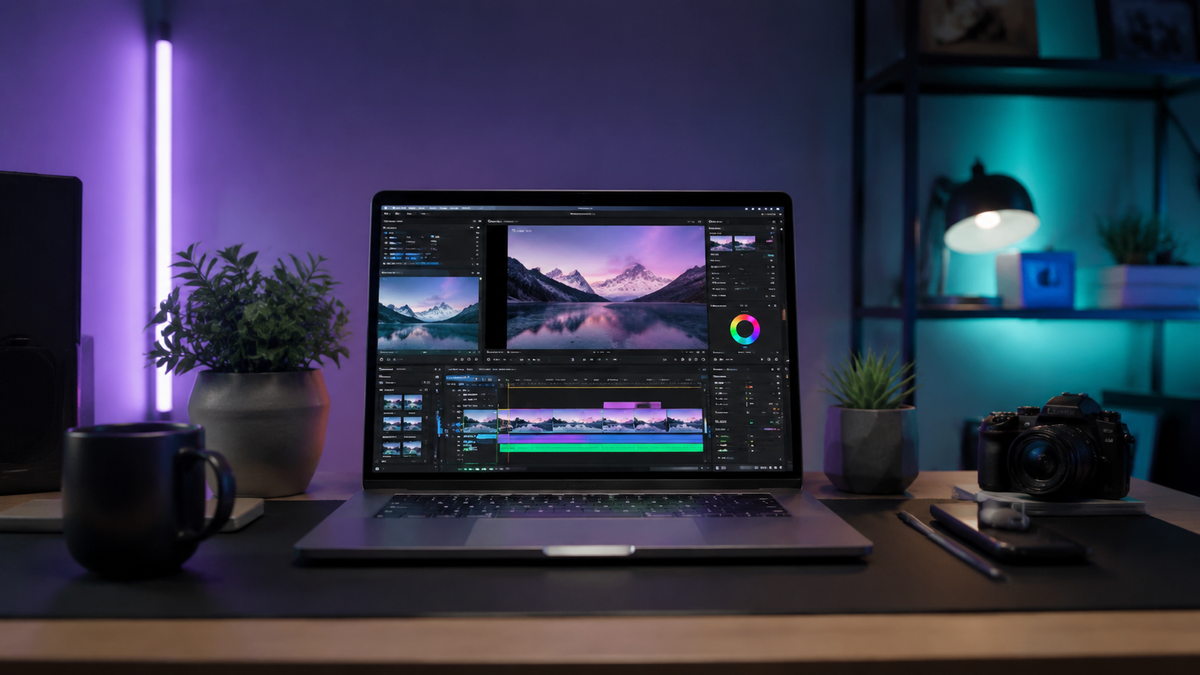
Finding the right affordable ai video tools for beginners in 2026 means balancing high-end generative capabilities with a price point that fits a creator's budget. The most effective tools this year focus on "text-to-video" simplicity, allowing users to generate high-definition content from basic prompts without expensive hardware. Whether you are looking for free-tier options like Xelta AI or enterprise-lite versions like Google’s Veo 3.1 Lite, the current market offers professional-grade results for a fraction of traditional production costs.
Affordable AI video tools are software applications that use generative models to automate editing, scriptwriting, and visual creation at a low monthly cost. In 2026, these tools prioritize accessibility, offering "lite" versions of powerful engines (like Veo 3.1) and generous free tiers (like Xelta AI) to help beginners produce high-quality video content without technical expertise.
- ✓ Google's Veo 3.1 Lite has become a primary choice for high-quality, budget-friendly generative video.
- ✓ Xelta AI offers one of the most robust free tiers for fast video generation in 2026.
- ✓ Hybrid tools now combine AI generation with traditional timeline editing to save time.
- ✓ Beginners should prioritize tools with "one-click" style transfers and automated captioning.
How to Start Using Affordable AI Video Tools for Beginners
Entering the world of AI video creation can feel overwhelming given the rapid pace of technological advancement. However, the workflow in 2026 has been streamlined so that even those with zero editing experience can produce social-media-ready clips in minutes. According to recent tests by TechRadar, which reviewed over 70 AI tools this year, the learning curve has dropped significantly due to improved natural language processing (NLP) in these interfaces.
- Define Your Concept: Start with a clear text prompt or a basic script. Most affordable tools now feature built-in "Script-to-Video" assistants.
- Select an Engine: Choose a tool based on your needs—use Xelta AI for speed or Veo 3.1 Lite for cinematic quality.
- Apply Style Presets: Instead of manual color grading, use AI style transfers (e.g., "Cinematic," "Anime," or "Corporate") to instantly set the mood.
- Refine with Generative Fill: Use AI brushes to add or remove elements within the video frames without re-rendering the entire project.
- Export and Optimize: Utilize the tool’s built-in aspect ratio presets for YouTube, TikTok, or Instagram to ensure the video fits your platform.
Top 10 Affordable AI Video Tools for Beginners in 2026
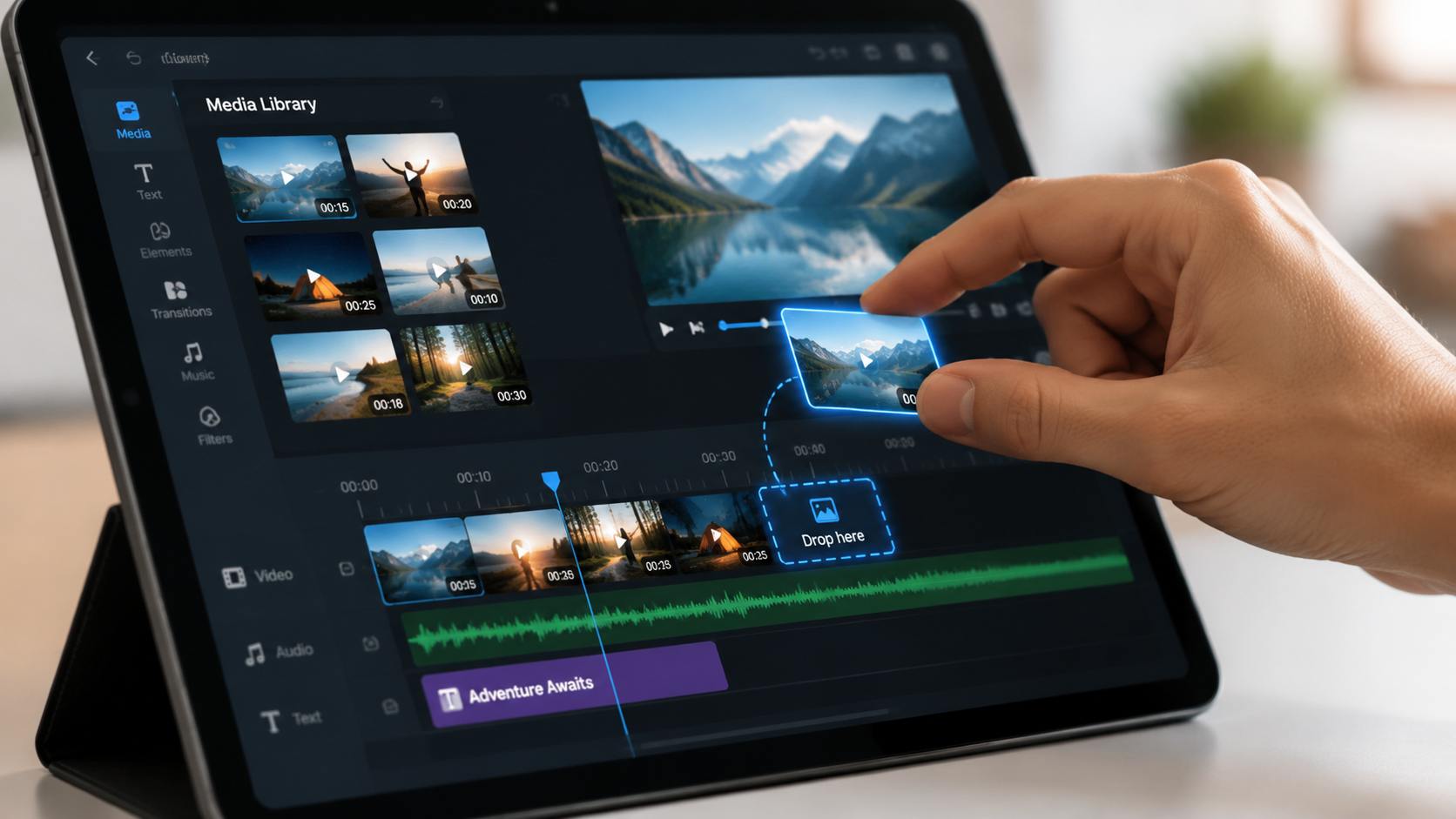
The landscape of 2026 is defined by a shift toward "Lite" models. These are versions of high-end AI engines that are optimized for speed and cost-efficiency. This allows beginners to access the same underlying technology used by major studios but at a price point suitable for independent creators. As CNET reported in May 2026, the democratization of these tools has led to a surge in high-quality independent content production.
1. Google Veo 3.1 Lite
Google’s recent bet on affordable ai video tools for beginners is centered around Veo 3.1 Lite. This version is specifically designed to provide high-fidelity video generation without the heavy subscription fees of the Pro version. It excels at understanding complex spatial instructions, making it ideal for beginners who want precise control over character movement without learning complex keyframing.
2. Xelta AI (Free Tier)
As highlighted by Issuewire in May 2026, Xelta AI has gained massive popularity for its "Free With Xelta" campaign. It allows users to create short-form videos fast using a credit-based system that resets daily. For a beginner on a strict budget, Xelta provides the most consistent output for social media reels and promotional clips without requiring an upfront investment.
3. Runway Gen-4 Basic
Runway remains a staple in the industry, and their 2026 "Basic" tier is tailored for those just starting out. It includes the "Director Mode," which gives users intuitive sliders to control camera motion—pan, tilt, and zoom—using simple AI commands. It is widely considered one of the most user-friendly interfaces for creative experimentation.
4. Luma Dream Machine 2.0
Luma has optimized its Dream Machine for 2026 to focus on realistic physics. For beginners, this means less "warping" in videos. Their affordable subscription tier is perfect for creators who need realistic human movements and environmental consistency, which were previously only available in expensive, high-compute software.
5. Pika Art Pro-sumer
Pika has carved out a niche for beginners interested in animation and stylized content. Their 2026 updates include "Sound-to-Video," where the AI generates visuals that sync perfectly with an uploaded audio track. This significantly reduces the time spent on manual synchronization, a common pain point for new editors.
6. Canva Magic Video (2026 Edition)
Canva continues to be the king of accessibility. Their Magic Video suite in 2026 integrates seamlessly with their design templates. It is perhaps the most affordable ai video tool for beginners who are already using Canva for graphic design, as it requires no new software installation and offers a "drag-and-drop" AI experience.
7. Wondershare Filmora 15
Filmora has evolved into a hybrid powerhouse. PCMag’s 2026 testing identified it as one of the best video editing softwares for its balance of traditional tools and AI automation. Its "AI Copilot" stays with the user throughout the editing process, suggesting cuts and transitions based on the rhythm of the background music.
8. HeyGen Lite
For those looking to create talking-head videos or tutorials, HeyGen Lite is the go-to affordable option. In 2026, its "Instant Avatar" technology allows beginners to create a digital version of themselves using just two minutes of smartphone footage. This is a game-changer for educators and small business owners on a budget.
9. InVideo AI 3.0
InVideo focuses on the "Prompt-to-Video" workflow. You type a topic, and it generates a script, voiceover, and stock footage montage. Their 2026 pricing model remains one of the most competitive for beginners who need to produce high volumes of content quickly for platforms like YouTube Shorts.
10. CapCut Desktop AI
While often associated with mobile, CapCut’s 2026 desktop version offers advanced AI features for free or a very low "Pro" cost. Its auto-captioning and background removal tools are powered by the latest ByteDance AI models, making it a reliable and cost-effective choice for creators globally.
Comparison of Top Affordable AI Video Tools
When selecting the best tool, it is essential to compare the "Free" vs "Paid" value. According to Geeky Gadgets' May 2026 study, while many tools claim to be free, only a few actually deliver usable, watermark-free content without a subscription. The following table compares the top contenders based on beginner-friendly features and pricing accessibility.
| Tool Name | Best For | Pricing Model (2026) | Key AI Feature |
|---|---|---|---|
| Veo 3.1 Lite | Cinematic Quality | Pay-per-generation | Spatial Intelligence |
| Xelta AI | Fast Social Media | Generous Free Tier | Rapid Rendering |
| Filmora 15 | Hybrid Editing | Annual Subscription | AI Editing Copilot |
| HeyGen Lite | Avatars/Tutorials | Monthly Credits | Instant Avatar 2.0 |
| Canva Magic | Simple Marketing | Freemium | Template Integration |
Why Beginners Are Choosing AI Over Traditional Software
The shift toward affordable ai video tools for beginners is driven by more than just cost; it is driven by the "time-to-output" ratio. In 2026, a beginner can produce a video in 15 minutes that would have taken a professional editor five hours in 2023. This efficiency is largely due to the integration of Large Language Models (LLMs) directly into the video timeline, allowing for "chat-based editing."
Furthermore, the barrier of hardware has been removed. Traditional video editing required expensive GPUs and high RAM. Today, as noted by TechRadar, most AI video generation happens in the cloud. This means a beginner with a basic laptop or even a high-end tablet can render 4K AI-generated scenes without worrying about their computer crashing. This "Cloud-First" approach is what makes these tools truly affordable, as users no longer need to invest thousands in hardware.
Finally, the quality of AI-generated voices has reached a "human-parity" level in 2026. Beginners no longer need to hire voice actors or buy expensive microphones. Tools like InVideo and HeyGen provide natural-sounding narrations in over 100 languages, allowing small creators to reach a global audience for the price of a single monthly subscription.
Key Features to Look for in Budget AI Video Software
When searching for affordable ai video tools for beginners, you should not just look at the price tag. You must evaluate the "Utility-per-Dollar." A tool that costs $10 a month but requires hours of manual fixing is less valuable than a $20 tool that works perfectly the first time. In 2026, the most valuable features for beginners include "Consistency Models" (keeping the same character across different scenes) and "Multi-Modal Input" (using images, text, and audio together to guide the AI).
Another critical factor is the library of assets. Many affordable tools include millions of royalty-free music tracks and stock clips. According to PCMag, the value of these integrated libraries often exceeds the cost of the AI subscription itself. For a beginner, having everything in one dashboard—the generator, the editor, and the asset library—is the key to staying consistent with content creation.
What is the best free AI video tool for beginners in 2026?
Xelta AI is currently ranked as the top free option, offering high-speed generation and a generous daily credit limit for new users. It allows for the creation of short-form content without immediate payment requirements.
Is Google Veo 3.1 Lite better than Runway?
It depends on your needs; Veo 3.1 Lite is optimized for cinematic realism and spatial accuracy, while Runway Gen-4 offers more creative control through its Director Mode sliders. Both are highly competitive in the 2026 market.
Can I use these AI tools for commercial YouTube videos?
Yes, most paid tiers of these tools (and some free tiers like Xelta AI) grant full commercial rights. Always check the specific terms of service for the "Lite" or "Basic" versions to ensure compliance.
Do I need a powerful computer to run AI video software?
No, most 2026 AI video tools are cloud-based. All the heavy processing happens on the provider's servers, meaning you only need a stable internet connection and a standard web browser.
How much do affordable AI video tools cost on average?
In 2026, beginner-level subscriptions typically range from $10 to $25 per month. Many also offer "pay-as-you-go" models where you only buy credits for the specific videos you need to render.



Comments ()