
Best Affordable AI Video Generator for Beginners (2026 Guide)
Finding the best affordable AI video generator for beginners in 2026 requires balancing high-end cinematic output with a price point that doesn't break the bank. Currently, the top choice for most newcomers is Google’s Veo 3.1 Lite, which offers professional-grade motion synthesis at a fraction of the cost of enterprise tools. By prioritizing ease of use and tiered subscription models, these modern tools allow anyone to transform text prompts into high-definition video clips in seconds.
An affordable AI video generator for beginners is a cloud-based software that uses generative models to create video content from text or images at a low monthly cost. In 2026, these tools focus on "Lite" versions and pay-as-you-go credits, making professional video production accessible to creators without expensive hardware or technical expertise.
- ✓ Google Veo 3.1 Lite has emerged as the most cost-effective entry point for high-fidelity video generation.
- ✓ Modern beginner tools now include "Director Mode" features that simplify camera movement without complex prompting.
- ✓ Most affordable platforms in 2026 offer a free-to-try tier with at least 30 seconds of monthly generation.
- ✓ Integration with AI image generators has become a standard feature for consistent character design.
How to Start Using an Affordable AI Video Generator for Beginners
Stepping into the world of AI-driven cinematography is no longer a privilege reserved for tech-savvy editors. With the release of streamlined interfaces in early 2026, the learning curve has flattened significantly. Beginners can now produce social media content, marketing clips, or personal projects by simply describing their vision in plain English. The shift toward "natural language cinematography" means the AI handles the lighting, physics, and frame interpolation automatically.
To get the most out of your chosen platform, follow these steps to create your first high-quality AI video:
- Select Your Model: Choose a platform like Veo 3.1 Lite or the latest Cybernews-recommended budget tools that offer a "beginner mode" to hide complex parameters.
- Draft a Descriptive Prompt: Write a 2-3 sentence description focusing on the subject, the action, and the lighting (e.g., "A golden retriever running through a neon-lit park at sunset, 4k, cinematic blur").
- Set Aspect Ratio and Duration: Select 9:16 for TikTok/Reels or 16:9 for YouTube. Most affordable plans now support up to 10-second clips per generation.
- Apply Style Filters: Use pre-set styles like "Cyberpunk," "Oil Painting," or "Hyper-Realistic" to ensure visual consistency without advanced prompting.
- Generate and Refine: Hit generate, review the output, and use "region-to-video" tools to fix specific areas of the frame if necessary.
The Evolution of Budget-Friendly AI Video in 2026
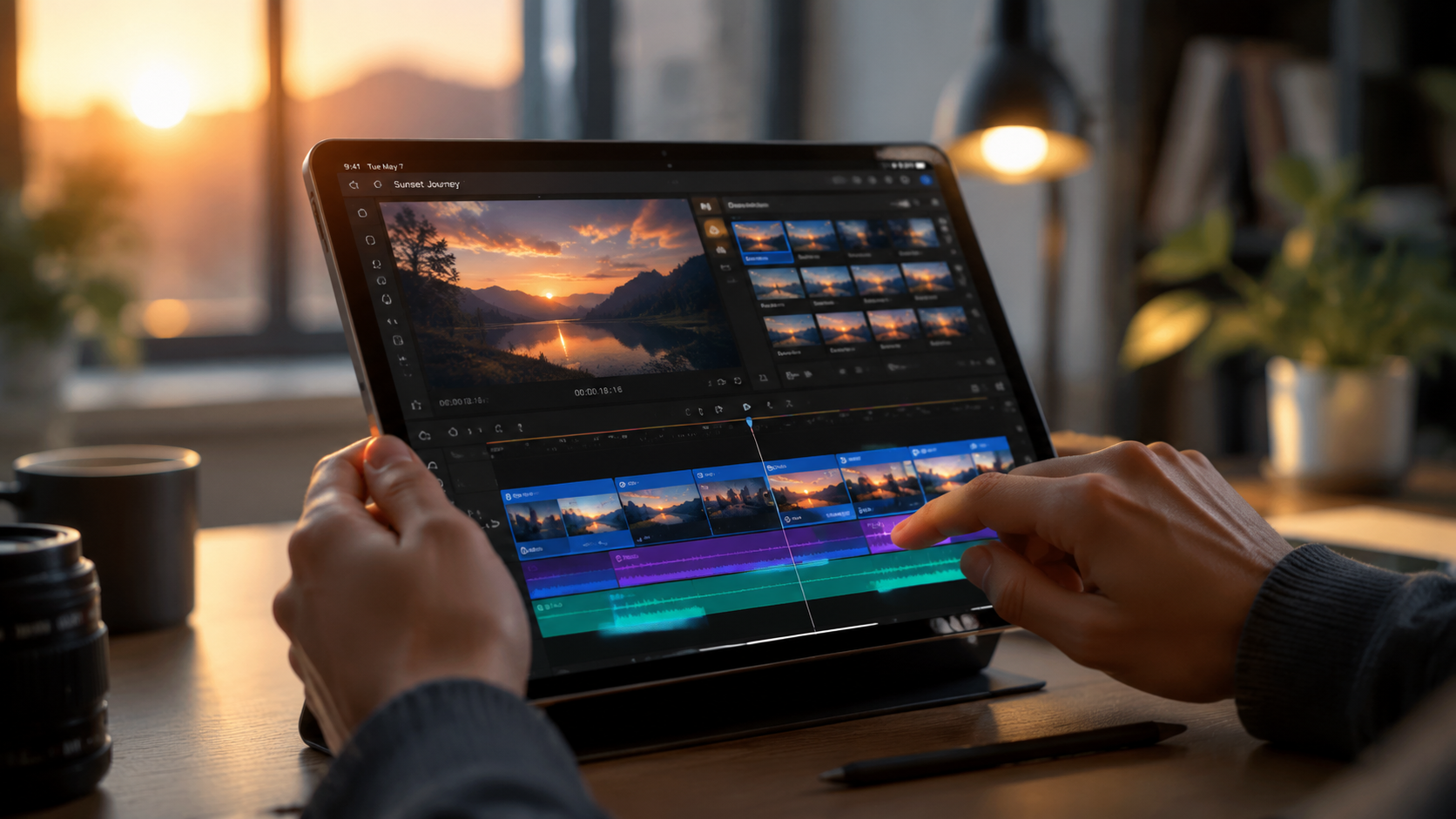
The landscape of generative media has shifted dramatically since the early experiments of previous years. According to a recent TechRadar report where experts tested over 70 AI tools, the focus in 2026 has moved from raw power to "efficiency and accessibility." While high-end models once required massive computing power, the current generation of "Lite" models utilizes distilled neural networks that run faster and cost significantly less for the end user.
This democratization of technology means that an affordable AI video generator for beginners now provides features that were considered "Pro" only twelve months ago. Features like temporal consistency—where objects don't morph randomly between frames—and accurate text rendering within videos are now standard in budget tiers. This allows small business owners and solo creators to compete with larger agencies in terms of visual quality.
Why Google Veo 3.1 Lite is a Game Changer
As reported by ForkLog in April 2026, the launch of Google Veo 3.1 Lite specifically targeted the "prosumer" and beginner market. Unlike the full enterprise version, the Lite model is optimized for speed and lower credit consumption. It allows users to generate 720p and 1080p clips with high adherence to prompts, making it an ideal starting point for those who want quality without a $100-per-month commitment.
The Rise of "So Long, Sora" Alternatives
While early pioneers dominated the headlines, PCMag noted in March 2026 that the market is now flooded with "Sora-killers" that are both more powerful and more affordable. These competitors have focused on niche markets, such as vertical video for social media or hyper-realistic human avatars for corporate training, often at half the price of the original market leaders. For a beginner, this competition is beneficial as it drives down subscription costs and improves the user interface.
Comparing the Top Affordable AI Video Generators of 2026
To help you decide which platform fits your budget and creative needs, we have compiled a comparison of the leading tools based on the latest 2026 reviews from CNET and Cybernews.
| Tool Name | Best For | Monthly Starting Price | Key Beginner Feature |
|---|---|---|---|
| Veo 3.1 Lite | Cinematic Quality | $9.99 | Google Workspace Integration |
| MotionDiffuser v4 | Social Media Creators | $12.00 | One-click Viral Templates |
| StyleGen Pro | Artistic/Stylized Clips | $15.00 | Drag-and-Drop Motion Paths |
| QuickVid 2026 | Fast Turnaround | $7.50 | Auto-Captioning & Voiceover |
Key Features to Look for in an Affordable AI Video Generator
When searching for an affordable AI video generator for beginners, price shouldn't be the only factor. You need a tool that grows with your skills. In 2026, the best budget tools include "Multi-Modal Input," meaning you can start with a photo, a sketch, or just text. This flexibility is crucial for beginners who might find it easier to start with a reference image rather than a blank text box.
Another essential feature is "Seed Control." According to CNET's 2026 Review, the ability to lock a specific "seed" or character design across multiple generations is what separates a toy from a professional tool. Even at the $10 price point, many tools now offer basic character consistency, allowing you to tell a story with the same protagonist across different scenes.
User Interface and Ease of Use
The best tools for beginners in 2026 have moved away from "code-heavy" or "parameter-heavy" interfaces. Instead, they use visual sliders for "Motion Intensity" and "Camera Zoom." If a tool requires you to learn complex syntax just to pan the camera to the left, it likely isn't the best choice for a newcomer. Look for platforms that offer a "What You See Is What You Get" (WYSIWYG) editor.
Community and Tutorial Support
Because the AI field moves so quickly, having a robust community is vital. The most popular affordable generators have active Discord servers or built-in galleries where you can see the prompts used by other creators. Learning by remixing existing videos is one of the fastest ways to master AI video generation in 2026.
Maximizing Your Budget: Tips for AI Video Creation
Even with an affordable AI video generator for beginners, credits can run out quickly if you aren't careful. Most platforms in 2026 operate on a credit-per-second basis. To save money, experts recommend using "Image-to-Video" workflows. By generating a static image first (which is often cheaper or free), you give the AI a clear visual reference, which reduces the number of failed generations and wasted credits.
Additionally, take advantage of "low-resolution previews." Many 2026 tools allow you to generate a grainy, low-res version of your video for 0.1 credits. Once you are happy with the movement and composition, you can then "Upscale" it to 4K. This strategy can triple the amount of content you produce on a standard $10 monthly plan.
According to Cybernews, the "16 best AI video generation tools for 2026" all now include some form of credit rollover. This means if you don't use your full quota in one month, those generations stay in your account. This is a massive win for hobbyists who may only have time to create on the weekends.
The Future of AI Video: What Beginners Should Expect
As we move further into 2026, the line between "affordable" and "professional" continues to blur. We are seeing the introduction of real-time previewing, where the AI generates a low-fidelity stream of the video as you type your prompt. This immediate feedback loop is perfect for beginners who are still learning how different words affect the final visual output.
Furthermore, local execution is becoming a reality. While most tools are cloud-based, some affordable 2026 software allows users with decent home computers to run "distilled" models locally, removing the monthly subscription cost entirely. However, for most beginners, the cloud-based affordable AI video generator for beginners remains the most convenient and powerful option due to the massive server-side GPUs required for high-end rendering.
What is the most affordable AI video generator for beginners in 2026?
Google Veo 3.1 Lite is widely considered the most affordable high-quality option, offering a balance of low monthly costs and professional features. Other budget-friendly contenders include QuickVid and MotionDiffuser, which offer entry-level tiers starting under $10.
Can I create AI videos for free?
Yes, many platforms in 2026 offer a "freemium" model where you receive a limited number of credits each month. However, these free versions usually include a watermark and limit the video resolution to 720p.
Do I need a powerful computer to use these tools?
No, most affordable AI video generators are cloud-based, meaning the heavy processing happens on the provider's servers. You only need a standard web browser and a stable internet connection to generate and download your videos.
How long does it take to generate a 10-second video?
In 2026, most "Lite" models can generate a 10-second high-definition clip in approximately 60 to 90 seconds. Faster "Turbo" modes exist but may cost more credits per generation.
Is the content generated by these tools copyright-free?
Generally, most paid subscriptions in 2026 grant you full commercial usage rights for the content you generate. However, you should always check the specific Terms of Service of the platform, especially regarding the use of "Lite" or "Free" tiers.



Comments ()