
10 Best Affordable AI Video Editing Software in 2026
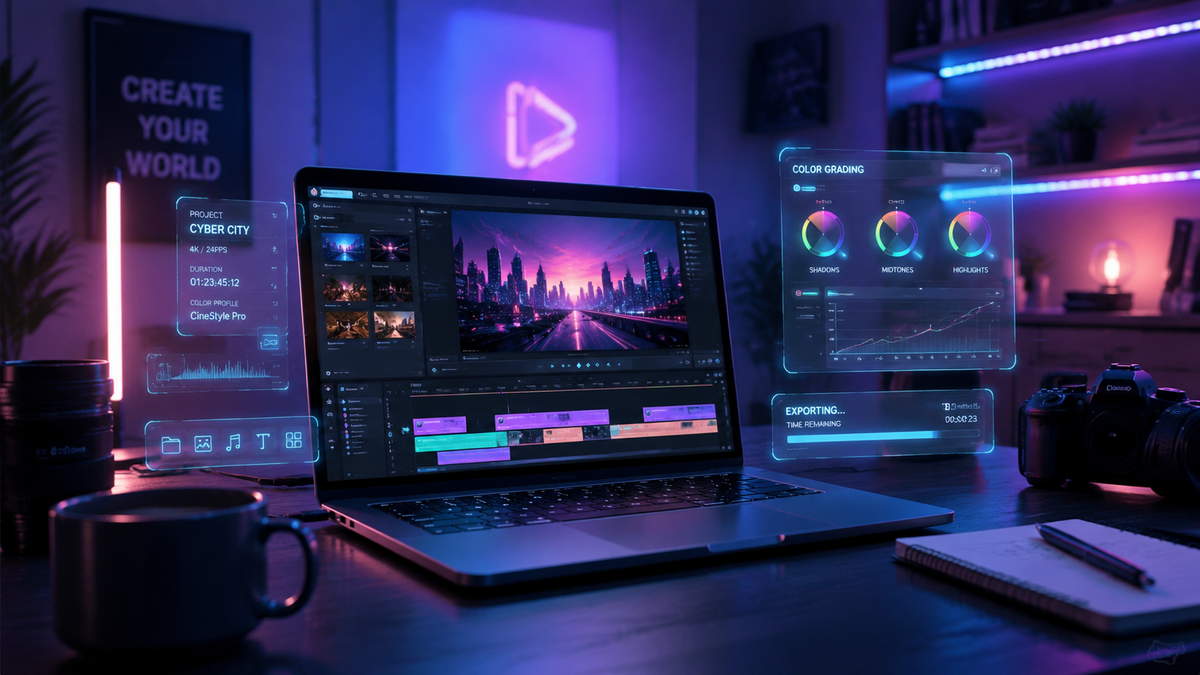
Finding the most affordable ai video editing software 2026 has to offer is essential for creators who need professional-grade results without the enterprise-level price tag. In 2026, the best budget-friendly options combine generative AI, automated color grading, and voice-to-text features to streamline workflows for social media, marketing, and filmmaking. By prioritizing tools that offer robust free tiers or low-cost monthly subscriptions, you can leverage cutting-edge neural engines to produce high-quality video content at a fraction of the traditional cost.
Affordable AI video editing software is a category of digital tools that use machine learning and generative models to automate tasks like trimming, captioning, and object removal at a low price point. In 2026, these tools focus on accessibility, allowing users with any budget to access advanced features like AI video generation and real-time collaborative editing.
- ✓ AI-driven automation now reduces manual editing time by up to 80% compared to traditional methods.
- ✓ Many top-rated platforms in 2026 offer high-performance "Freemium" tiers for casual creators.
- ✓ Cloud-based rendering has made advanced AI features accessible on mid-range hardware and tablets.
- ✓ Cross-platform compatibility between Mac, Windows, and mobile is now a standard feature for budget software.
How to Choose the Best Affordable AI Video Editing Software in 2026
Selecting the right software requires a balance between cost and the specific AI capabilities you need for your niche. Whether you are a YouTuber, a small business owner, or a student, the landscape in 2026 offers specialized tools that cater to different skill levels. According to recent testing by TechRadar, which evaluated over 70 AI tools this year, the most effective budget software often prioritizes specific "intelligent" features like auto-reframe and noise reduction over a bloated suite of manual tools.
To get started with your new editing workflow, follow these steps to ensure you are getting the best value for your money:
- Identify your primary output: Determine if you are making short-form vertical content or long-form cinematic videos, as AI tools often specialize in one or the other.
- Test the "Free-to-Try" limits: Most affordable platforms allow you to export at least one project without watermarks to test the AI's accuracy.
- Check hardware requirements: While many 2026 tools are cloud-based, some local AI features require specific GPU capabilities.
- Compare subscription vs. lifetime licenses: In 2026, many creators find that monthly "pay-as-you-go" models are more affordable than heavy upfront costs.
- Verify AI generation credits: Ensure the software provides enough monthly "AI credits" for tasks like voice cloning or background generation.
Top Comparison of Budget AI Editors
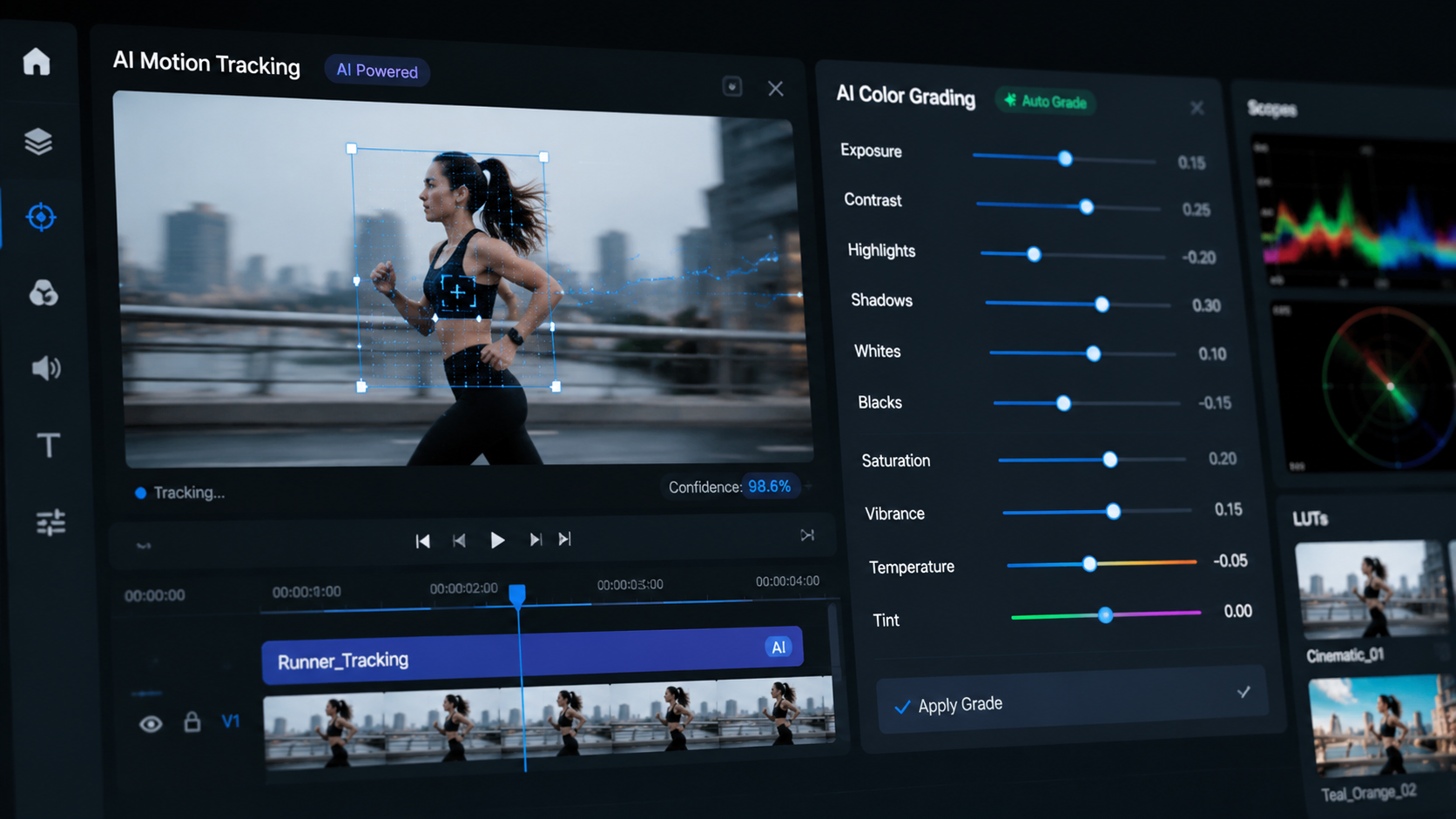
When looking for affordable ai video editing software 2026, it is helpful to see how the top contenders stack up in terms of price and their standout artificial intelligence features. Based on reporting from PCMag and Cybernews, the market has bifurcated into "Generative" tools and "Workflow" tools.
| Software Name | Best For | Key AI Feature | Price Range (2026) |
|---|---|---|---|
| CapCut Desktop | Social Media Creators | Auto-Captions & Magic Tools | Free / $9.99 mo |
| DaVinci Resolve 19+ | Professional Colorists | Neural Engine Masking | Free / $295 Lifetime |
| Filmora 15 | Beginner/Intermediate | AI Copilot Editing | $49.99 Annual |
| InVideo AI | Prompt-to-Video | Script & Scene Generation | Free / $20.00 mo |
| LumaFusion AI | Mobile/iPad Users | AI Audio Ducking | $29.99 One-time |
1. CapCut: The King of Social Media Automation
CapCut continues to dominate the affordable market in 2026, offering a suite of AI tools that were once reserved for high-end studios. Its "Magic Tools" allow for one-click background removal and 3D zoom effects that are perfectly optimized for TikTok and Instagram Reels. According to Amateur Photographer, these programs are now so intuitive that literally anyone can use them to produce professional-looking results within minutes.
Advanced AI Script-to-Video
One of the standout features of CapCut in 2026 is its refined script-to-video generator. Users can input a simple text prompt, and the AI will source stock footage, generate a voiceover, and add captions automatically. This feature drastically reduces the barrier to entry for creators who may not have their own camera equipment but want to build a following online.
Cloud Collaboration and Storage
CapCut’s integration with cloud services allows for seamless transitions between mobile and desktop editing. In 2026, the software provides generous cloud storage even on its free tier, making it one of the most cost-effective solutions for teams working remotely on collaborative video projects.
2. DaVinci Resolve: Professional Power for Zero Dollars
DaVinci Resolve remains a phenomenon in 2026. While it offers a "Studio" version, the free version contains more AI power than most paid competitors. The DaVinci Neural Engine uses machine learning to handle tasks like facial recognition, object removal, and "Speed Warp" motion estimation. PCMag recently rated it as one of the best video editing software options tested for 2026 due to its uncompromising performance on both Mac and Windows.
The DaVinci Neural Engine
The Neural Engine is the heart of Resolve's AI capabilities. In the 2026 version, it can automatically detect and track people in a frame, allowing editors to apply color grades or effects specifically to a subject without manual rotoscoping. This level of automation is a massive time-saver for independent filmmakers working on tight budgets.
Fairlight AI Audio Tools
Audio is often the most difficult part of editing, but Resolve’s Fairlight page now includes AI-driven voice isolation. This tool can strip away heavy wind noise or background chatter from a recording, leaving crystal-clear dialogue. For creators filming in uncontrolled environments, this feature alone makes Resolve a top contender for the title of best affordable ai video editing software 2026.
3. Wondershare Filmora 15: The AI Copilot Experience
Filmora has evolved into a powerhouse of generative AI. In 2026, the software features an "AI Copilot" that acts as a digital assistant. You can chat with the editor, asking it to "make the video look more cinematic" or "remove all the silent gaps," and the software will execute the commands instantly. This conversational interface is perfect for those who find traditional timelines intimidating.
AI Image and Sticker Generation
Beyond video editing, Filmora 15 includes built-in stable diffusion models. This allows users to generate custom thumbnails, stickers, and textures directly within the app. According to TechRadar's review of 70+ AI tools, this integration of generative art within a video editor is a key trend that defines the 2026 creative landscape.
Smart Cutout 3.0
The Smart Cutout tool has been updated to version 3.0, allowing for even more precise tracking of moving objects. Whether you are trying to place text behind a moving person or replace a boring sky with a sunset, the AI handles the complex masking with high accuracy, even in low-resolution footage.
4. Adobe Premiere Elements 2026: Simplified Intelligence
For those who want the Adobe ecosystem without the "Creative Cloud" monthly commitment, Premiere Elements 2026 offers a one-time purchase model. It focuses on "Sensei AI," Adobe's proprietary machine learning technology, to automate the most tedious parts of the editing process. It is particularly popular among hobbyists and family historians who want to polish their videos quickly.
Automated Highlight Reels
The 2026 version of Premiere Elements can scan hours of footage to identify the best shots based on focus, lighting, and facial expressions. It then compiles these into a "Highlight Reel" set to the beat of your chosen music. This is a perfect example of how affordable ai video editing software 2026 is designed to save time for non-professional users.
AI-Powered Artistic Effects
Adobe has integrated "Style Transfer" technology that allows you to apply the look of famous paintings or specific cinematic styles to your videos. Unlike simple filters, these AI effects analyze the geometry of your footage to apply the style realistically, creating unique visual identities for your content.
5. InVideo AI: The Future of Prompt-Based Editing
InVideo AI represents the shift toward "Generative Video." As noted by Cybernews in their report on the 16 best AI video generation tools for 2026, InVideo is a leader in turning text ideas into full video productions. It is an ideal platform for marketers who need to produce high volumes of content without a traditional filming setup.
AI Voice Cloning and Synthesis
InVideo AI allows users to clone their own voices or choose from a library of hyper-realistic AI narrators. In 2026, these voices include emotional inflection and natural breathing patterns, making them indistinguishable from human voiceovers. This significantly reduces the cost of hiring professional voice talent.
Real-Time Script Optimization
The platform doesn't just generate video; it helps you write. The AI scriptwriter uses the latest large language models to ensure your video's narrative is engaging and optimized for viewer retention. This holistic approach makes it one of the most efficient tools in the budget category.
Evaluating Performance on Modern Hardware
While the software itself may be affordable, the hardware you use can impact your experience. Digital Camera World notes that the best MacBooks for photo and video editing in 2026 now feature dedicated neural engines that accelerate AI tasks. If you are using a budget AI editor, ensure your laptop or desktop can handle the specific AI features of the software.
Many affordable ai video editing software 2026 options now offer "Proxy Editing" powered by AI. This means the software creates a low-resolution version of your video for you to edit smoothly, then applies all those changes to the high-resolution file during the final export. This allows even older laptops to run modern AI editing suites without lagging.
What is the best free AI video editor in 2026?
DaVinci Resolve remains the best free option for those with a powerful computer, while CapCut is the best free choice for mobile and social media creators. Both offer extensive AI features without requiring a subscription.
Does AI video editing software require a GPU?
Most AI video editors in 2026 benefit significantly from a GPU with dedicated AI cores (like NVIDIA's RTX series or Apple's M-series chips). However, cloud-based editors like InVideo AI can run on any device with a web browser.
Is AI video editing better than manual editing?
AI editing is faster for repetitive tasks like subtitling, color matching, and basic cutting. However, manual editing is still preferred for high-level creative storytelling and complex narrative structures where human intuition is required.
How much does affordable AI video software cost in 2026?
Most affordable options range from free to $20 per month. Some professional-grade tools like DaVinci Resolve offer a one-time lifetime license for around $295, which is highly cost-effective in the long run.
Can AI generate entire videos from scratch?
Yes, tools like InVideo AI and others mentioned by Cybernews can generate scripts, footage, and voiceovers based on a single text prompt, though these often require some manual "polishing" for the best results.
Comments ()