
Adobe Firefly Video Model Features: 2026 AI Innovation Guide
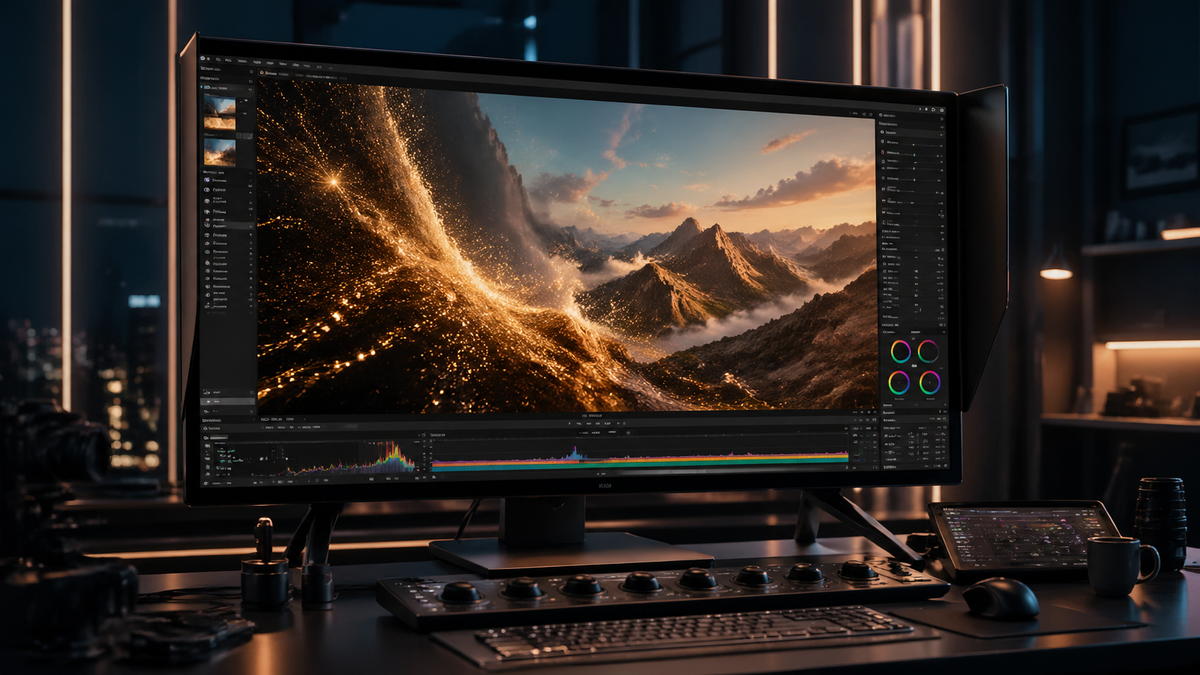
The adobe firefly video model features represent the pinnacle of generative AI, offering creators the ability to generate high-fidelity video from text prompts, extend existing footage, and automate complex editing tasks through an agentic AI assistant. As of April 2026, Adobe has transitioned from simple generation to a holistic "Creative Agent" ecosystem that orchestrates entire production workflows across Premiere Pro and After Effects.
The Adobe Firefly Video Model is a commercially safe generative AI engine designed to create video from text or image prompts, featuring advanced camera controls, unlimited generation tiers, and a new agentic AI assistant. It integrates directly into Creative Cloud, allowing for seamless b-roll generation, frame extension, and automated color grading powered by the latest 2026 model updates.
- ✓ Agentic AI Assistant that orchestrates entire creative workflows autonomously.
- ✓ High-fidelity 4K video generation with granular camera and motion controls.
- ✓ Seamless integration with Adobe Premiere Pro and the new Firefly Video Editor.
- ✓ Commercially safe outputs backed by Content Credentials for transparency.
- ✓ Unlimited generation tiers introduced in late 2025 to support high-volume production.
The Evolution of Adobe Firefly Video Model Features in 2026
The landscape of digital video production has been fundamentally altered by the latest 2026 updates to Adobe Firefly. What began as a tool for generating short clips has evolved into a comprehensive video intelligence engine. According to the April 15, 2026, announcement from the Adobe Newsroom, the company has officially ushered in a "New Era of Creativity" by introducing a Creative Agent. This agent is not just a chatbot; it is a functional partner that understands the context of a video project and can suggest edits, find assets, and apply effects based on natural language instructions.
One of the most significant adobe firefly video model features introduced recently is the move toward "Agentic AI." As reported by The Shortcut, this new AI Assistant can orchestrate your entire creative workflow. For example, a user can instruct the model to "create a 15-second cinematic intro for a travel vlog based on my existing footage's color palette," and the model will generate the clip, match the color grading, and place it directly onto the Premiere Pro timeline. This level of integration ensures that AI is an additive force in the creative process rather than a standalone gimmick.
Furthermore, Adobe has addressed the primary pain point of early AI video tools: consistency. The 2026 model utilizes advanced temporal consistency algorithms, ensuring that characters, lighting, and textures remain stable across multiple generated clips. This makes the Firefly Video Model suitable for professional film production and high-end advertising, where visual continuity is non-negotiable.
How to Use the Adobe Firefly Video Model Features
- Access the Workspace: Open the Firefly web application or the integrated Firefly Video Editor within Adobe Premiere Pro (updated December 2025).
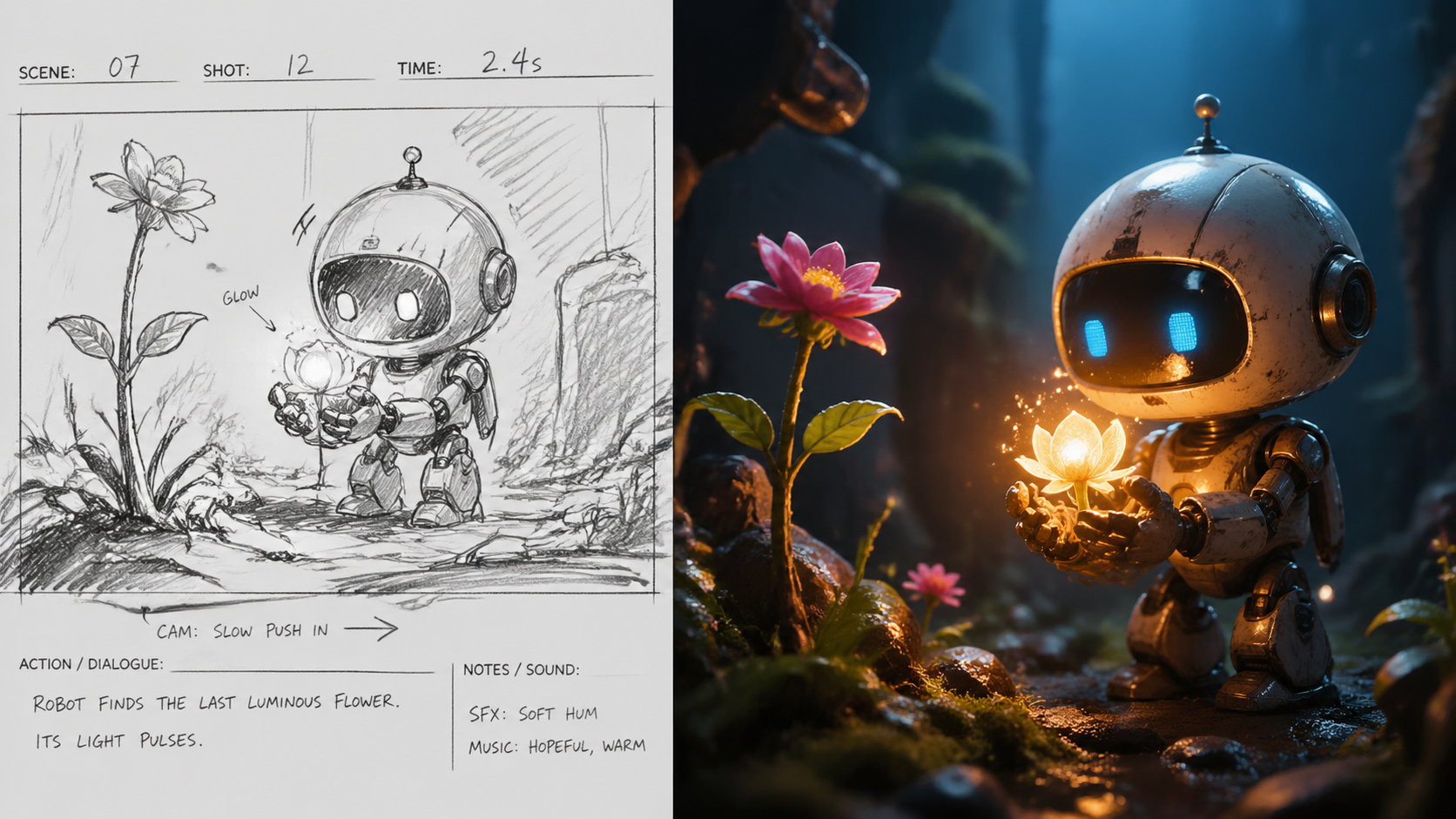
- Select Generation Mode: Choose between "Text to Video" for brand new clips or "Image to Video" to animate a static concept or storyboard.
- Input Detailed Prompts: Use descriptive language to specify lighting (e.g., "golden hour"), camera movement (e.g., "dolly zoom"), and subject action.
- Adjust Camera Controls: Use the manual sliders to set the focal length, motion intensity, and angle of the shot to match your project's cinematography.
- Refine with Creative Agent: Invoke the AI Assistant to tweak the generated output, such as asking it to "make the movement slower" or "add more cinematic shadows."
- Export and Integrate: Drag the generated clip directly into your timeline, where Content Credentials will automatically be attached to certify the AI origin.
Core Capabilities: From Text-to-Video to Agentic Workflows
The core of the adobe firefly video model features lies in its versatility. Since the major update in December 2025, Adobe has provided users with "unlimited generations" on specific subscription tiers, a move that Forbes noted was designed to capture the professional market. This allows editors to iterate endlessly without the fear of running out of credits, which is essential when trying to capture a specific "vibe" or complex motion sequence. The model now supports resolutions up to 4K, providing the clarity required for modern displays.
A standout feature is the "Generative Extend" capability. This tool allows editors to add frames to the beginning or end of a clip that was shot too short. By analyzing the existing pixels, Firefly generates new, matching footage that blends perfectly with the original. This is a lifesaver in post-production when a reaction shot needs to linger for two more seconds or a transition requires a bit more "tail" on a clip. According to RedShark News, the Firefly Video Editor has become a central hub for these operations, streamlining the path from raw idea to finished render.
Key Feature Comparison: 2025 vs. 2026 Models
| Feature | 2025 Firefly Video Model | 2026 Firefly Video Model |
|---|---|---|
| Max Resolution | 1080p HD | 4K Cinematic |
| AI Interaction | Prompt-based only | Agentic AI Assistant (Workflow Orchestration) |
| Generation Limits | Credit-based system | Unlimited Tiers available |
| Integration | Standalone Web Beta | Deep Premiere Pro & Firefly Video Editor Integration |
| Commercial Safety | Standard Indemnification | Full Content Credentials & Enterprise Protection |
Advanced Camera and Motion Controls
Professional cinematographers require more than just a "generate" button; they need control. The adobe firefly video model features include a robust set of camera controls that mimic real-world gear. Users can specify lens types, such as 35mm or 85mm, to change the depth of field and perspective of the generated video. This ensures that AI-generated b-roll doesn't look out of place when cut alongside footage shot on professional cinema cameras.
Motion control is another area where the 2026 model excels. Through the "Motion Brush" and "Path Animation" tools, users can dictate exactly how an object moves within the frame. Instead of relying on the AI to guess the action, you can draw a path for a car to follow or highlight an area of water to indicate flow direction. This granular level of influence transforms the user from a "prompter" into a "director," maintaining the human-centric approach Adobe is known for.
According to Wired, Adobe Firefly has remained the "best-kept secret in generative AI" because of its focus on utility over hype. While other models might produce flashy but uncontrollable clips, Firefly focuses on "editability." The 2026 model introduces "Structure Reference," allowing users to upload a simple sketch or a low-fidelity video to guide the composition of the high-fidelity AI output. This ensures the final video matches the intended storyboard exactly.
Commercial Safety and Content Credentials
In the professional world, the legality of AI-generated content is paramount. One of the most critical adobe firefly video model features is its "commercially safe" design. Unlike many generative models trained on scraped internet data, Firefly is trained on Adobe Stock images and videos, along with openly licensed and public domain content. This means that enterprises can use Firefly-generated video in global ad campaigns without the risk of copyright infringement.
To support this, Adobe has integrated "Content Credentials" into every video export. This serves as a "nutrition label" for digital content, providing metadata that declares the use of AI tools in the creation process. In 2026, these credentials have become the industry standard for transparency, helping viewers distinguish between captured footage and synthetic media. This commitment to ethics is a cornerstone of the Firefly ecosystem, ensuring that the 2026 innovations benefit creators without compromising intellectual property rights.
Furthermore, the 2026 update introduced "Custom Models" for enterprise clients. Companies can now train a "private" version of the Firefly Video Model on their own brand assets. This allows a brand to generate video content that automatically adheres to its specific visual identity, color schemes, and character designs, all while remaining within a secure, private environment. This feature has revolutionized how internal marketing teams produce social media content at scale.
Integration with the New Firefly Video Editor
The launch of the dedicated Firefly Video Editor in late 2025 marked a shift in how Adobe views video creation. Rather than just being a feature inside Premiere Pro, the adobe firefly video model features are now accessible in a lightweight, web-based editor designed for rapid iteration. This tool is perfect for social media managers and content creators who need to produce high-quality video quickly without the steep learning curve of a full NLE (Non-Linear Editor).
The Firefly Video Editor utilizes the "Creative Agent" to automate the tedious parts of editing. For instance, it can automatically generate captions, suggest the best cuts based on the beat of a music track, and even "fill" vertical video frames with matching backgrounds when using horizontal footage. This "Generative Fill for Video" is one of the most used features in 2026, allowing for easy repurposing of content across platforms like TikTok, Instagram, and YouTube.
According to reports from Adobe's April 2026 event, the integration between the Firefly Video Editor and Premiere Pro is bidirectional. A creator can start a project on their tablet using the Firefly web interface, generating assets and roughing out a timeline, and then open that exact project in Premiere Pro for fine-tuning. This cloud-native workflow is powered by the Firefly model's ability to understand and describe video content through metadata, making the search for the "perfect clip" a thing of the past.
Frequently Asked Questions
What are the standout adobe firefly video model features in 2026?
The 2026 features include the Agentic AI Assistant for workflow orchestration, 4K video generation, and "Generative Extend" for lengthening clips. It also features deep integration with Premiere Pro and a dedicated Firefly Video Editor for rapid content creation.
Is the video generated by Adobe Firefly commercially safe?
Yes, the Firefly Video Model is trained on Adobe Stock and public domain content, making it safe for commercial use. Adobe also provides Content Credentials to ensure transparency regarding the use of AI in the production process.
Does Adobe Firefly offer unlimited video generation?
As of the December 2025 update, Adobe introduced unlimited generation tiers for professional subscribers. This allows users to iterate on video prompts without worrying about a monthly credit limit, facilitating a more creative and experimental workflow.
Can I control the camera movement in Firefly video?
Yes, the model includes granular camera controls such as pan, tilt, zoom, and motion intensity. Users can also specify lens focal lengths and use a "Motion Brush" to direct specific movements within the frame.
How does the "Creative Agent" work in Adobe Firefly?
The Creative Agent is an AI assistant that can perform tasks across the Creative Cloud. It can find assets, apply complex edits, and generate b-roll based on natural language commands, acting as a co-pilot for the entire video production process.

Comments ()