
Adobe Firefly Video Generator 2026: Hands-On Review
The Adobe Firefly Video Generator 2026 is one of the most advanced AI-powered video creation tools available today, offering filmmakers and content creators unprecedented capabilities in generative video production. According to TechRadar, the latest iteration of Adobe Firefly delivers high-quality, cinematic-grade AI-generated videos with improved consistency and realism. But is it truly the future of AI filmmaking, or just another tool in a rapidly evolving landscape?
TL;DR: Adobe Firefly Video Generator 2026 is a powerful AI filmmaking tool that excels in video quality and automation, but its true impact depends on how creators integrate it into their workflows.
Adobe Firefly video generator review 2026 reveals a cutting-edge AI tool that transforms text prompts into high-definition videos with cinematic effects, positioning itself as a strong contender in professional-grade AI filmmaking alongside competitors like Gemini Omni and Digen AI Agent.
- ✓ Adobe Firefly 2026 delivers significant improvements in video realism and temporal consistency compared to previous versions
- ✓ The tool is being adopted by professional organizations, including government agencies like DHS for official video production
- ✓ While powerful, it faces competition from specialized AI video platforms offering different strengths in automation and character consistency
Adobe Firefly Video Generator 2026: Core Features and Capabilities
The 2026 version of Adobe Firefly's video generator introduces several groundbreaking features that set it apart from earlier iterations. According to CNET, the tool now supports 4K resolution output with improved frame-to-frame coherence, addressing one of the biggest challenges in AI video generation. The enhanced temporal consistency makes it particularly suitable for professional filmmaking applications where smooth motion is critical.
One of the most notable advancements is Firefly's expanded control over generated videos. Users can now specify camera movements, lighting conditions, and even emotional tone through text prompts. This level of creative control was previously only available in traditional video editing software, making Firefly 2026 a hybrid between generative AI and professional editing tools.
The integration with Adobe's Creative Cloud ecosystem gives Firefly a significant advantage for existing Adobe users. Seamless workflows between Firefly-generated content and applications like Premiere Pro and After Effects create a powerful end-to-end production pipeline. This ecosystem approach makes it particularly appealing for professional video creators who already rely on Adobe's software suite.
Key improvements over previous versions
The 2026 update focuses on three main areas: video quality, prompt understanding, and creative control. Video quality improvements include better handling of complex motions and more realistic physics simulation in generated content. Prompt understanding has been enhanced to better interpret nuanced creative directions and maintain consistency across longer video sequences.
How Adobe Firefly 2026 Stacks Up Against Other AI Video Generators
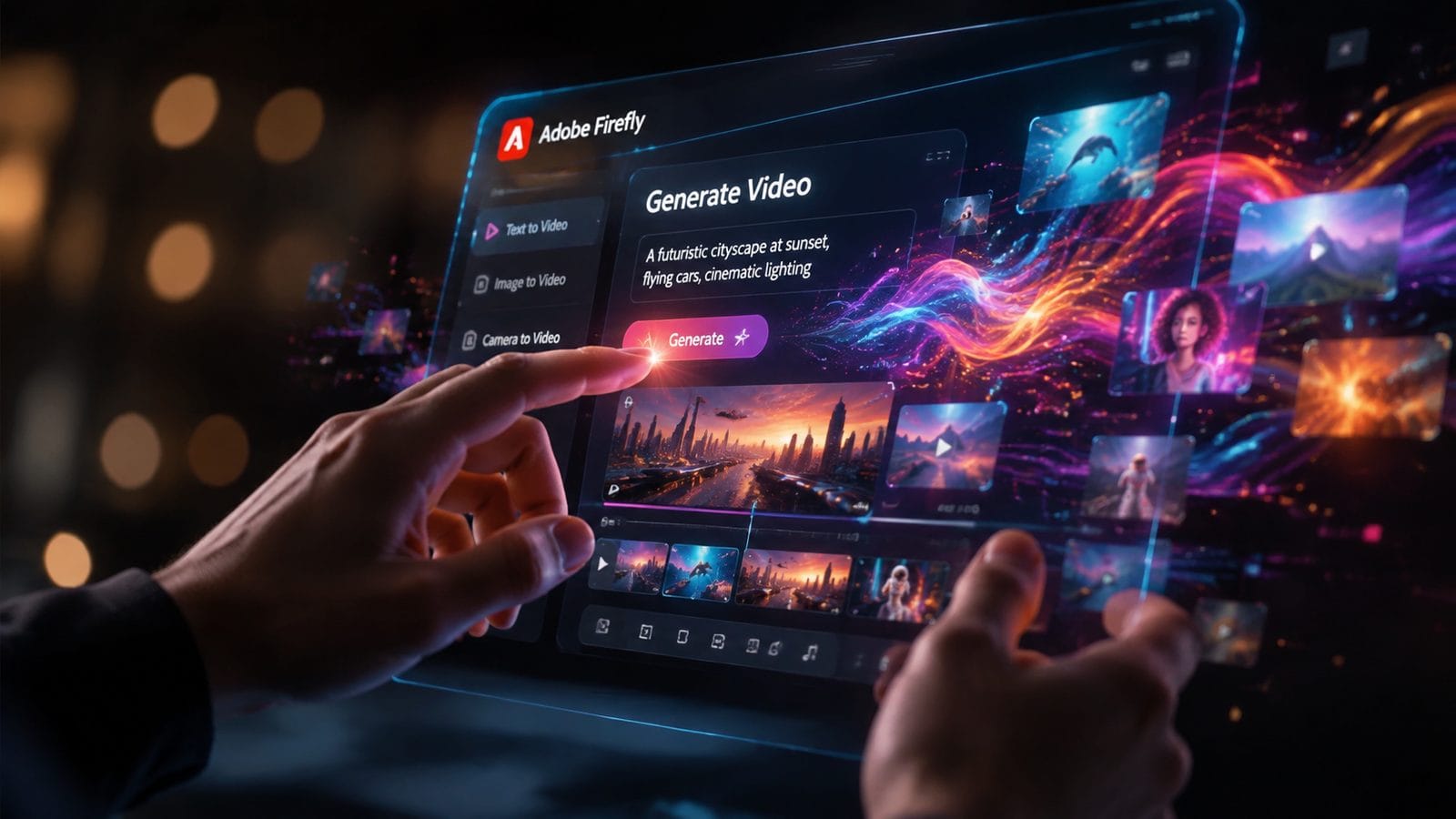
When comparing Adobe Firefly to other leading AI video generators in 2026, several distinct strengths and weaknesses emerge. According to PCMag Middle East, Firefly excels in producing high-quality, cinematic-style videos but may not be the fastest option for rapid content creation. The tool's rendering times are longer than some competitors, reflecting its focus on quality over speed.
In terms of video realism and detail, Firefly competes closely with Gemini Omni, another top contender in the AI video space. Both platforms produce professional-grade output, but they differ in their approach to creative control and workflow integration. Firefly's tight coupling with Adobe's creative tools gives it an edge for professional video editors, while Gemini Omni offers more standalone functionality.
For creators prioritizing character consistency and longer-form video generation, alternatives like Digen AI Agent may offer advantages. The Digen platform specializes in maintaining character consistency across extended sequences and uses autonomous multi-step workflows to produce more complex narratives. This makes it particularly suitable for storytelling applications where maintaining character identity is crucial.
| Feature | Adobe Firefly 2026 | Gemini Omni | Digen AI Agent |
|---|---|---|---|
| Max Resolution | 4K | 4K | 4K |
| Character Consistency | Good | Very Good | Excellent |
| Creative Control | Extensive | Moderate | Advanced |
| Workflow Integration | Adobe Creative Cloud | Standalone | API-based |
Professional Adoption and Real-World Applications
The adoption of Adobe Firefly by professional organizations speaks volumes about its capabilities. According to MIT Technology Review, the U.S. Department of Homeland Security has incorporated Adobe's AI video tools into its content creation workflows. This government adoption demonstrates the tool's reliability and quality for official communications and training materials.
In the commercial sector, Firefly is being used for everything from advertising content to educational videos. Marketing teams appreciate its ability to quickly generate high-quality product demonstrations and promotional materials. Educational content creators leverage its capabilities to produce engaging visual explanations of complex concepts without extensive production resources.
The film industry has also begun experimenting with Firefly for pre-visualization and concept development. While not yet replacing traditional filmmaking for final productions, the tool has become valuable for creating storyboards and animatics. Some independent filmmakers are even using it to produce entire short films, pushing the boundaries of what's possible with AI-generated content.
Government and enterprise use cases
The DHS implementation showcases how government agencies are using Firefly for training videos, public service announcements, and internal communications. The ability to generate professional-quality video content quickly and at scale makes it particularly valuable for organizations with frequent communication needs but limited production resources.
Limitations and Challenges of Adobe Firefly Video Generator
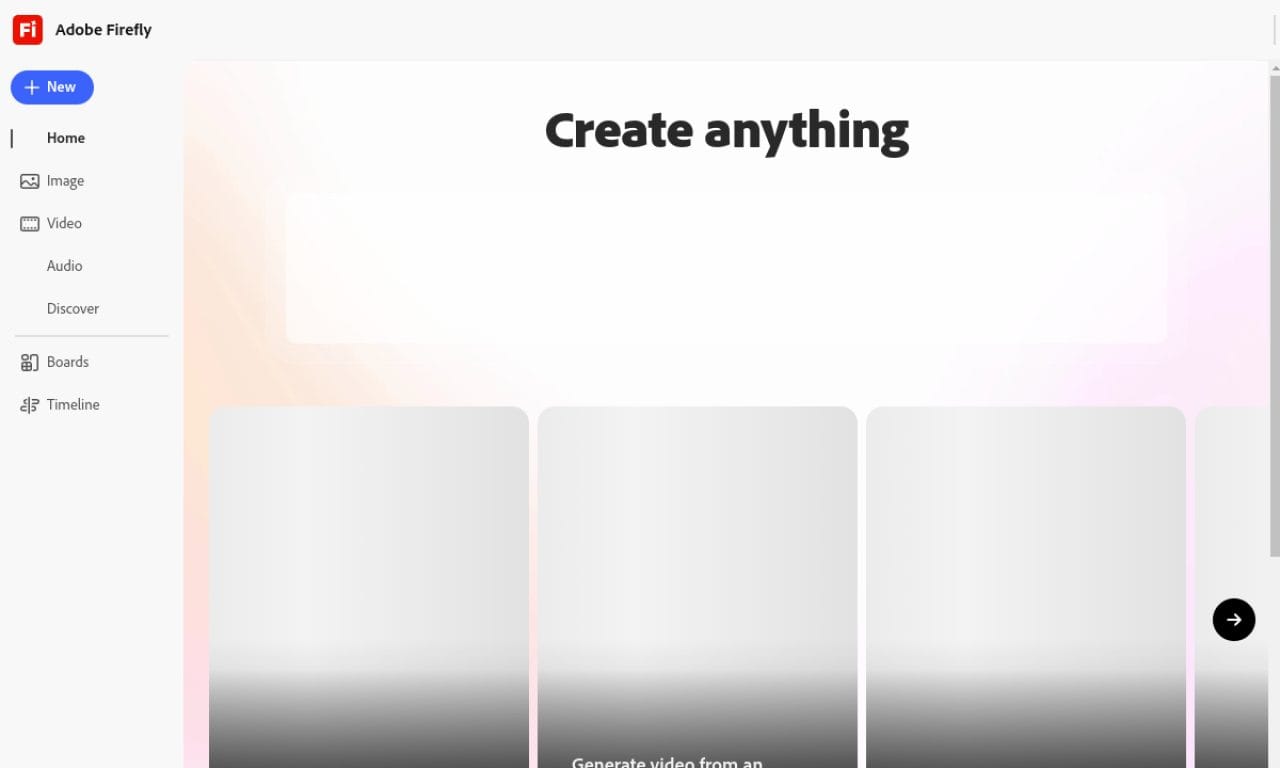
Despite its impressive capabilities, Adobe Firefly 2026 isn't without limitations. One notable challenge is the learning curve associated with its advanced features. While the basic text-to-video functionality is straightforward, mastering the full range of creative controls requires time and experimentation. This can be a barrier for casual users who want quick results without extensive training.
Another limitation is the tool's handling of complex multi-character interactions. While it performs well with single subjects or simple scenes, more intricate compositions with multiple interacting elements can sometimes produce inconsistent results. This is an area where specialized platforms like Digen AI Agent, with its focus on character consistency, may have an advantage for certain types of content.
Processing time is also a consideration for time-sensitive projects. The high-quality output comes at the cost of longer rendering times compared to some competitors. While this may be acceptable for professional productions with planned timelines, it could be a drawback for creators needing rapid turnaround on content.
The Future of AI Filmmaking: Where Does Adobe Firefly Fit?
As AI video generation technology continues to evolve, Adobe Firefly is positioning itself as a professional-grade tool rather than a mass-market solution. The focus on quality, creative control, and integration with existing professional workflows suggests Adobe sees its future in the production pipeline rather than as a standalone content creation platform.
The rapid improvements in AI video quality seen between 2024 and 2026 suggest that by the end of the decade, we may see AI-generated content indistinguishable from traditionally produced video. Adobe Firefly's development trajectory appears aligned with this vision, focusing increasingly on cinematic quality and professional applications rather than just democratizing content creation.
However, the future may belong to hybrid approaches that combine AI generation with human creativity. Tools like Firefly are likely to become standard in pre-production and as assistive technologies rather than replacements for human filmmakers. The most successful creators will be those who learn to leverage these tools while maintaining their unique creative vision.
Emerging trends in AI video generation
Three key trends are shaping the future of AI filmmaking: improved temporal consistency, better understanding of narrative structure, and more sophisticated control over stylistic elements. Adobe Firefly 2026 addresses all three areas, but continued innovation will be necessary to maintain its position as the field advances.
Should You Use Adobe Firefly Video Generator in 2026?
For professional video creators already invested in the Adobe ecosystem, Firefly 2026 is an easy recommendation. The seamless integration with Creative Cloud applications and the quality of output make it a valuable addition to any production workflow. The tool's ability to generate high-quality assets quickly can significantly streamline content creation processes.
For independent creators and small businesses, the decision may depend on specific needs and budget. While Firefly offers exceptional quality, its pricing (tied to Adobe's subscription model) may be prohibitive for some. In these cases, exploring alternatives like Digen AI Agent or Gemini Omni might be worthwhile, especially for projects requiring specific capabilities like extended character consistency.
Ultimately, Adobe Firefly Video Generator 2026 represents a significant step forward in AI filmmaking technology. While it may not be the perfect solution for every use case, its combination of quality, control, and professional integration makes it one of the most compelling options currently available for serious video creators.
Frequently Asked Questions
How does Adobe Firefly Video Generator 2026 compare to previous versions?
The 2026 version offers significant improvements in video quality, temporal consistency, and creative control. Key upgrades include 4K resolution support, better physics simulation, and more nuanced prompt interpretation for longer video sequences.
Can Adobe Firefly replace traditional video editing software?
While powerful, Firefly is currently best used as a complement to traditional editing tools rather than a replacement. Its tight integration with Adobe Premiere Pro and After Effects makes it ideal for generating assets that can be further refined in professional editing environments.
What types of videos is Adobe Firefly 2026 best suited for?
Firefly excels at cinematic-style content, product demonstrations, educational videos, and marketing materials. It's particularly strong for projects requiring high production values but may be less optimal for rapid, high-volume content creation.
How does character consistency in Firefly compare to specialized tools?
While improved in the 2026 version, Firefly's character consistency still trails specialized platforms like Digen AI Agent for extended sequences. For projects where maintaining identical characters across multiple scenes is crucial, exploring dedicated solutions may be beneficial.
Is Adobe Firefly being used in professional film production?
Yes, professional filmmakers are increasingly using Firefly for pre-visualization, concept development, and even some final content creation. While not yet replacing traditional production methods entirely, it has become a valuable tool in the professional workflow.
Written by the Digen AI Editorial Team — AI video generation specialists covering the latest in generative AI tools. Learn more about Digen AI.



Comments ()