
Adobe Firefly Video Generation Model: 2026 Full Guide
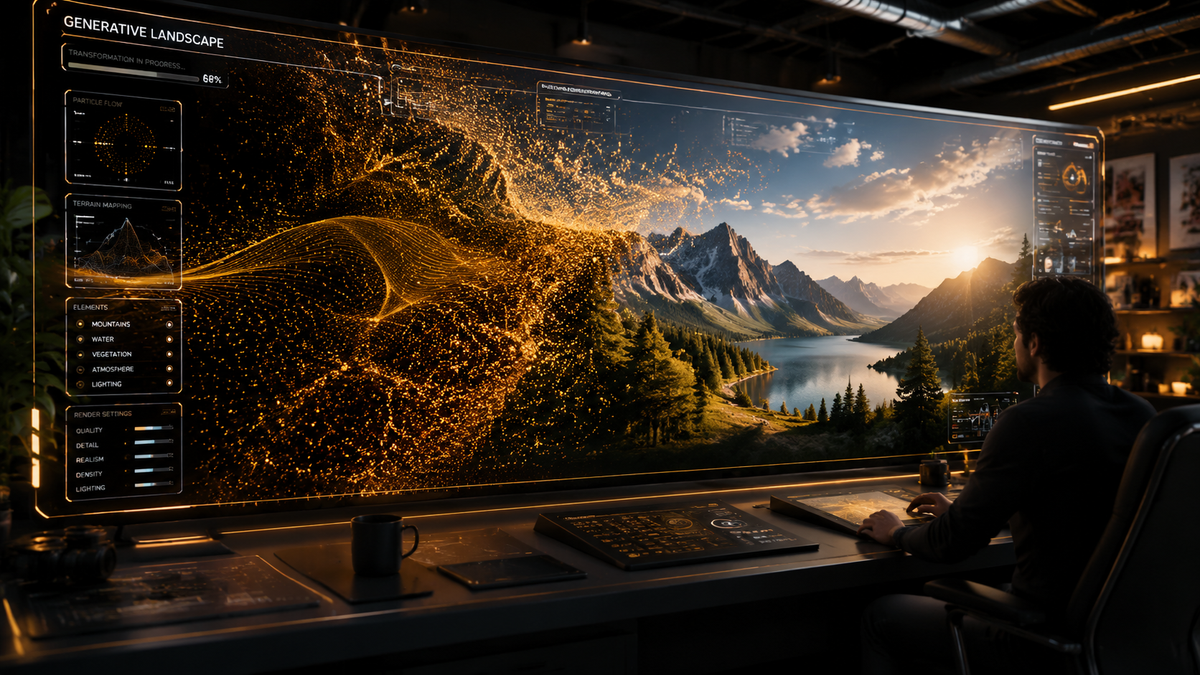
The adobe firefly video generation model is a sophisticated generative AI framework designed to create, edit, and enhance cinematic-quality video content using natural language prompts. As of early 2026, this model has evolved into a comprehensive suite that allows creators to generate high-fidelity footage, extend existing clips, and apply complex visual effects through a commercially safe, ethically trained AI architecture. By integrating directly into the Creative Cloud ecosystem, it provides a seamless bridge between text-based ideation and professional-grade video production.
The Adobe Firefly video generation model is Adobe’s proprietary generative AI system for video production, offering text-to-video, image-to-video, and prompt-based editing capabilities. In 2026, it features custom model training and unlimited generations, designed specifically for commercial safety and integration with Premiere Pro and After Effects for professional creative workflows.
- ✓ Powered by the latest 2026 Firefly Video Model for photorealistic 4K output.
- ✓ Features "Unlimited Generations" for subscribers as reported by ZDNET and Forbes.
- ✓ Supports custom AI model training to maintain brand-specific visual styles.
- ✓ Fully integrated with Premiere Pro for prompt-based timeline editing.
- ✓ Commercially safe architecture trained on Adobe Stock and public domain content.
How to Use the Adobe Firefly Video Generation Model
Utilizing the Adobe Firefly video generation model has become more intuitive with the 2026 updates. The platform now supports a multi-modal approach where users can start with a simple text string or use a reference image to dictate the composition, lighting, and movement of the generated scene. This flexibility ensures that the AI acts as a collaborative partner rather than a black-box tool, allowing for granular control over the final cinematic output.
To get started with generating your first high-definition video, follow these steps:
- Access the Workspace: Log into the Adobe Firefly web portal or open the latest version of Premiere Pro (2026 Edition).
- Input Your Prompt: Type a detailed description of the scene you wish to create. Include specific details about camera angles (e.g., "low-angle tracking shot") and lighting (e.g., "golden hour cinematic glow").
- Upload Reference Assets: Optionally, upload a "Structure Reference" or "Style Reference" image to guide the AI on the desired color palette and character positioning.
- Adjust Settings: Set the aspect ratio (16:9, 9:16, or 1:1) and duration. In the 2026 model, you can now specify motion intensity to control how dynamic the scene is.
- Generate and Refine: Click "Generate." Once the initial four variations appear, select your favorite and use the "Generative Extend" feature if you need to add more time to the clip.
- Export: Download the video in up to 4K resolution or send it directly to your Premiere Pro sequence for further editing.
The Evolution of Adobe Firefly Video Generation Model in 2026
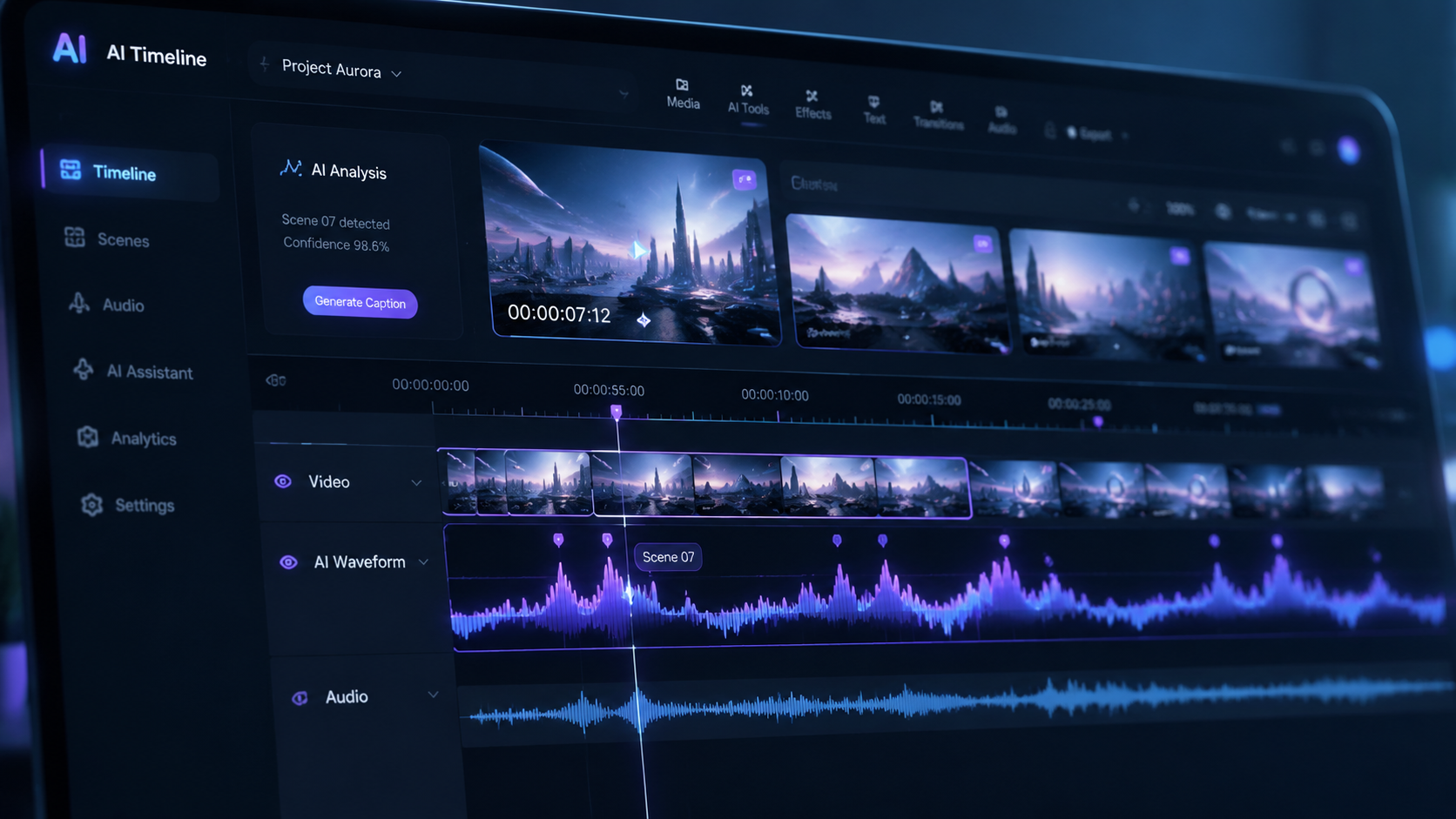
The landscape of AI video has shifted dramatically over the past year. According to Adobe's March 2026 announcement, the Firefly Video Model has expanded its capabilities to include custom models. This allows enterprises to train the AI on their own proprietary footage, ensuring that every generated clip adheres strictly to brand guidelines and specific aesthetic requirements. This "Custom Model" feature addresses a major pain point for creative agencies needing consistency across large-scale campaigns.
Advanced Prompt-Based Editing
One of the most significant breakthroughs in the 2026 iteration is the support for prompt-based video editing. As noted by TechCrunch, Adobe Firefly now allows users to modify existing video layers by simply describing the change. For example, a user can highlight a character’s jacket and type "change to a yellow raincoat," and the AI will handle the temporal consistency and lighting adjustments across the entire clip. This goes beyond simple generation and enters the realm of intelligent post-production.
Unlimited Generations and Accessibility
Accessibility has also seen a major boost. Reports from ZDNET in February 2026 highlighted that Adobe now offers unlimited AI video and image generations for certain subscription tiers. This move was designed to encourage experimentation without the "credit anxiety" that previously hindered long-form creative projects. By removing these barriers, Adobe has solidified Firefly as a primary tool for both hobbyists and high-volume production houses.
Key Features Comparison: 2025 vs. 2026 Models
The transition from the late 2025 models to the current 2026 version brought several technical milestones. The following table illustrates the key differences in the Adobe Firefly video generation model capabilities over the last few months of development.
| Feature | Late 2025 Version | 2026 Current Version |
|---|---|---|
| Maximum Resolution | 1080p HD | 4K Ultra HD |
| Custom Training | Limited Beta | Full Enterprise Availability |
| Generation Limits | Credit-based system | Unlimited Tiers Available |
| Third-Party Integration | Basic API hooks | Deep Plugin Ecosystem |
| Temporal Consistency | Standard | Advanced Neural Tracking |
Integration with Creative Cloud Ecosystem
The true power of the adobe firefly video generation model lies in its deep integration with the apps professionals use daily. In Premiere Pro, the "Generative Extend" tool has become a staple for editors. It allows for the seamless addition of frames at the beginning or end of a clip to fix timing issues—a task that previously required reshooting or awkward slow-motion effects. According to Forbes, these tools have significantly reduced the "manual labor" of video editing by up to 60% for routine tasks.
After Effects and Motion Graphics
In After Effects, the Firefly model powers a new era of motion graphics. Users can generate complex particle systems or background environments that react to the movement of foreground elements. The AI understands depth maps, allowing for realistic compositing that used to take hours of rotoscoping. The 2026 update specifically improved how the model handles "Text-to-VFX," where users can describe an explosion or a weather effect, and the model generates it as a transparent layer ready for overlay.
Commercial Safety and Ethics
Adobe continues to differentiate its video model through its commitment to commercial safety. Unlike models trained on scraped internet data, Firefly is trained on Adobe Stock's massive library and public domain content. This ensures that any video generated is legally cleared for commercial use. In 2026, Adobe further enhanced this by including Content Credentials (metadata) in every video, which transparently labels the content as AI-generated to maintain trust in digital media.
Advanced Capabilities: Custom AI Models
As reported by eWeek in March 2026, the expansion into "Custom AI Models" represents a shift toward personalized generative AI. Large corporations can now ingest their entire visual history into a private Firefly instance. This means the adobe firefly video generation model can learn the specific "look and feel" of a brand's cinematography—from specific color grading to the way their products should be lit. This level of customization ensures that AI-generated content does not look generic but feels like an organic extension of the brand's identity.
The Role of Third-Party Models
Interestingly, Adobe has also opened its doors to third-party models. While the core Firefly model remains the flagship, TechCrunch noted that Adobe now supports the integration of specialized third-party AI models within the Premiere Pro interface. This "open ecosystem" approach allows editors to choose the best tool for a specific task—whether it's Firefly for commercial safety or a niche third-party model for a specific artistic style—all while staying within the Adobe workflow.
Future Outlook: What’s Next for Firefly Video?
Looking ahead into the remainder of 2026, we expect the model to move toward "Real-Time Generation." Currently, generating a high-quality 4K clip takes a few minutes of processing. However, Adobe has teased upcoming hardware accelerations that could bring this down to seconds. Furthermore, the integration of spatial audio generation—where the AI creates the soundscape to match the video—is currently in the early testing phases, promising a future where a single prompt creates a complete audiovisual experience.
Is the Adobe Firefly video generation model free to use?
While there is a free tier with limited credits, ZDNET reports that Adobe now offers unlimited generations for subscribers of specific Creative Cloud plans as of February 2026. This allows for extensive professional use without worrying about credit caps.
Can I use Firefly-generated videos for commercial projects?
Yes, the model is specifically designed to be commercially safe. It is trained on Adobe Stock and public domain content, and Adobe provides indemnification for many enterprise users to ensure the content is legally viable for advertising and film.
Does Firefly support 4K video generation?
Yes, as of the 2026 updates, the Adobe Firefly video generation model supports high-fidelity output up to 4K resolution, featuring improved temporal consistency and realistic textures compared to previous versions.
What is "Generative Extend" in Premiere Pro?
Generative Extend is a feature powered by the Firefly Video Model that allows editors to add a few seconds of matching footage to the start or end of a clip. This is useful for filling gaps in the timeline or extending a shot for a smoother transition.
Can I train the Firefly model on my own footage?
Yes, according to Adobe’s March 2026 expansion, enterprise users can now create "Custom Models." This allows the AI to learn specific brand styles, characters, or products to ensure consistent output across different video projects.


Comments ()