
Adobe Firefly Unlimited Video Generations: 2026 Guide
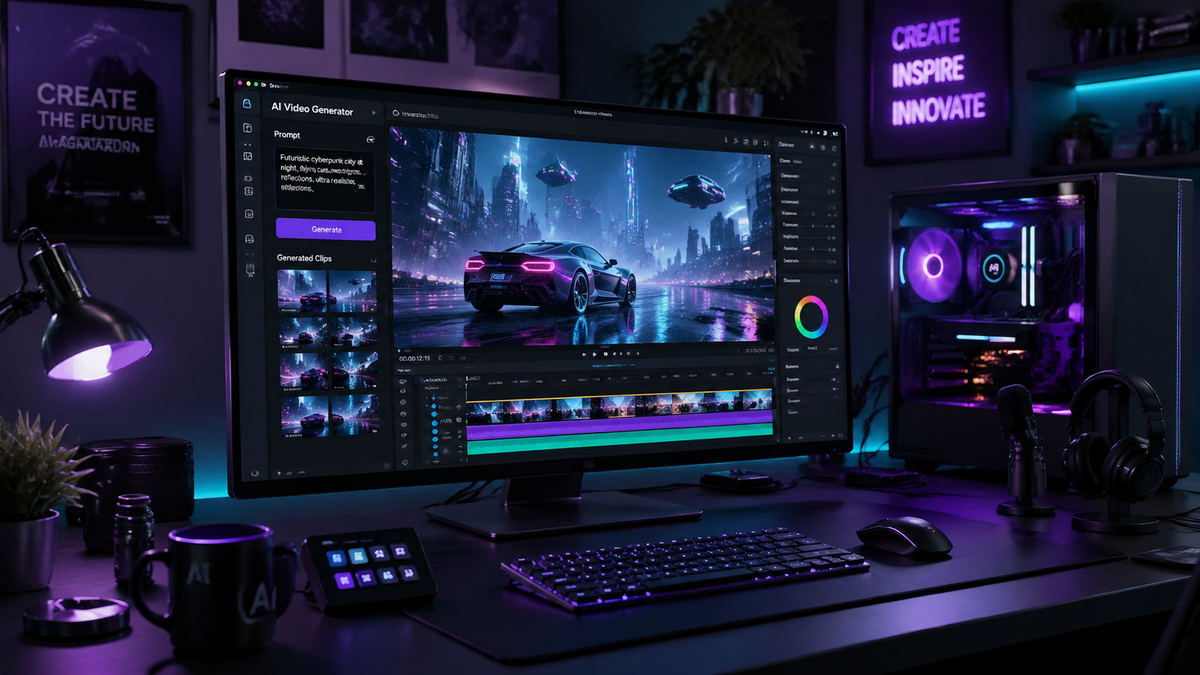
Adobe Firefly unlimited video generations refers to the 2026 update to Adobe’s creative generative AI suite that removes previous credit-based restrictions, allowing users to create high-definition video content without a monthly cap. By integrating the Firefly Video Model directly into the Creative Cloud ecosystem, Adobe now permits creators to iterate, refine, and export cinematic clips as part of their standard subscription. This shift marks a significant evolution in digital storytelling, moving away from "generative credits" toward a truly open creative workflow.
Adobe Firefly unlimited video generations is a feature update released in February 2026 that allows subscribers to generate AI video content without credit limits. By accessing the Firefly web portal or Creative Cloud apps, users can utilize text-to-video and image-to-video tools indefinitely, supported by Adobe’s commercially safe model architecture and new third-party integrations.
- ✓ Adobe officially removed AI generation limits for Firefly in early 2026, enabling continuous creative workflows.
- ✓ The update includes the integration of third-party models alongside Adobe’s proprietary Firefly Video Model.
- ✓ Users can access unlimited generations for free during specific promotional windows, such as the period leading up to March 16, 2026.
- ✓ All video content generated remains commercially safe and includes Content Credentials for transparency.
- ✓ The system supports high-resolution outputs with advanced camera controls and motion sensitivity settings.
How to Access Adobe Firefly Unlimited Video Generations
Navigating the new landscape of unlimited AI video can be daunting for those used to the restrictive credit systems of 2025. To take full advantage of the Adobe Firefly unlimited video generations update, users must ensure their Creative Cloud Desktop application is updated to the latest 2026 version. The process is designed to be frictionless, moving the generation engine from a "pay-per-clip" model to a utility-based model similar to standard rendering in Premiere Pro.
According to ZDNET, the path to obtaining unlimited generations is straightforward and currently available to both trial users and paid subscribers. By logging into the Firefly web-based studio, creators can bypass the traditional "insufficient credits" warning that previously halted production. This accessibility is part of Adobe's broader strategy to democratize high-end visual effects and motion graphics for independent creators and enterprise teams alike.
- Sign in to Adobe Firefly: Navigate to the official Firefly web portal (firefly.adobe.com) using your Adobe ID.
- Select the Video Model: Choose the "Text to Video" or "Image to Video" module from the main dashboard.
- Configure Settings: Adjust your aspect ratio, motion intensity, and camera settings (zoom, pan, tilt) in the sidebar.
- Enter Your Prompt: Type a detailed description of the scene you wish to generate, including lighting and atmospheric details.
- Generate and Iterate: Hit the generate button; since limits are removed, you can click "Generate" repeatedly to find the perfect variation.
- Export: Once satisfied, download the MP4 file or send it directly to your Premiere Pro or After Effects timeline.
The Impact of Removing AI Generation Limits
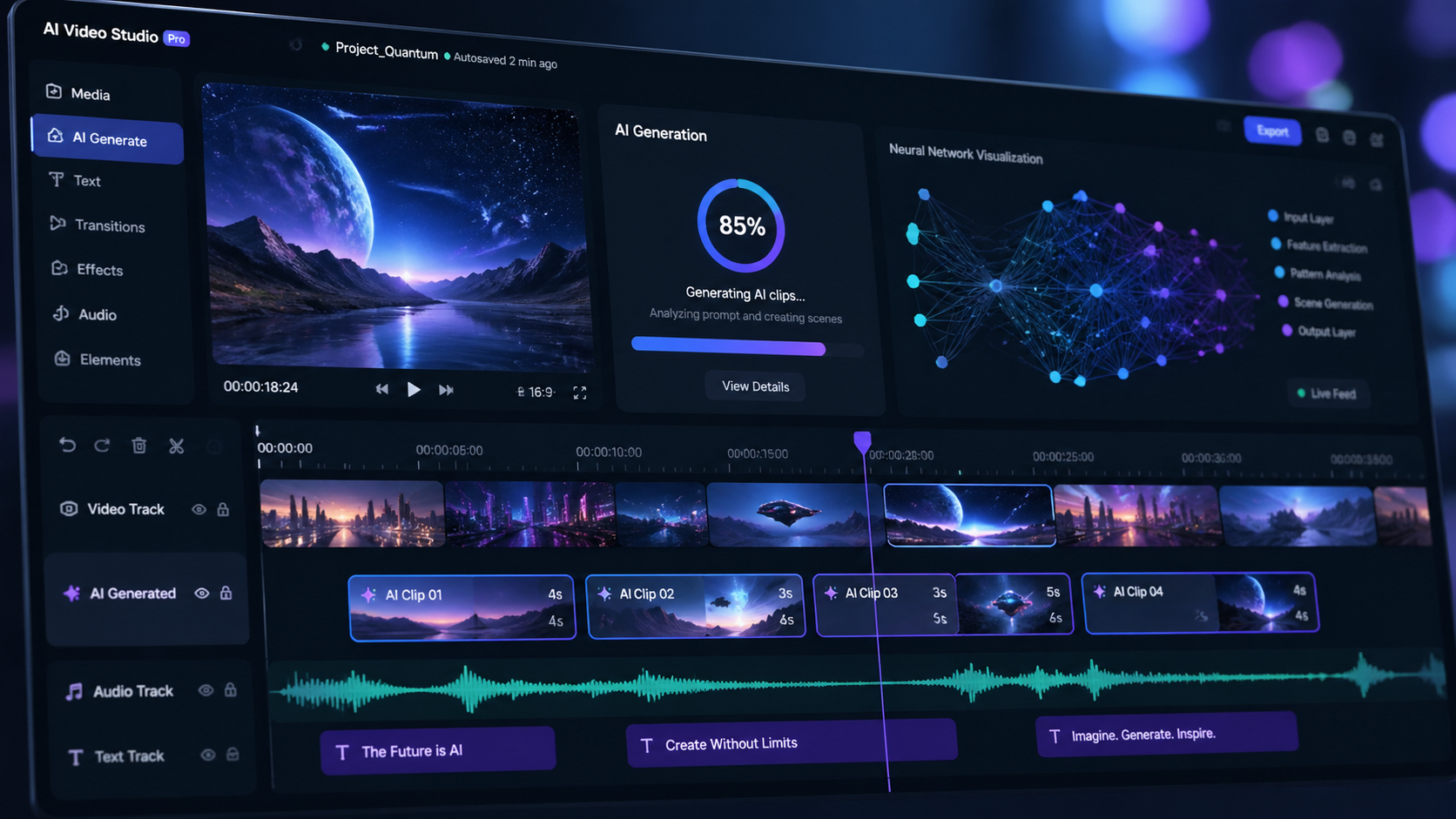
The decision to remove generation limits is a response to the growing demand for iterative design. In the past, creators were often hesitant to experiment with bold prompts for fear of wasting their monthly credit allocation. With Adobe Firefly unlimited video generations, the psychological barrier to experimentation has been dismantled. This allows for a "trial and error" approach that is essential for professional-grade output, where the first generation is rarely the final version.
As reported by 9to5Mac, this update does more than just remove a cap; it integrates third-party models into the Firefly ecosystem. This means that while users enjoy unlimited generations, they also have the flexibility to choose between Adobe’s ethically trained models and other industry-leading architectures. This hybrid approach ensures that the video output meets diverse stylistic requirements, from hyper-realistic cinematography to stylized 3D animation.
Furthermore, the removal of limits coincides with a massive infrastructure upgrade. Adobe has scaled its server capacity to handle the influx of requests that come with an unlimited model. For the user, this translates to faster queue times and the ability to process multiple video requests simultaneously, a feature previously reserved for high-tier enterprise accounts. The 2026 guide to Firefly emphasizes that "unlimited" truly means unrestricted speed and volume.
Comparing Adobe Firefly Video Features (2026 Update)
| Feature | Previous Model (2025) | Firefly Unlimited (2026) |
|---|---|---|
| Generation Limit | Credit-based (Monthly Cap) | Unlimited / No Credit Cost |
| Model Options | Proprietary Firefly Only | Firefly + Third-Party Models |
| Max Resolution | 1080p | 4K Cinematic Upscaling |
| Commercial Safety | Included | Included (with Content Credentials) |
| Integration | Standalone Web App | Deep Premiere/After Effects Sync |
Adobe Firefly Unlimited Video Generations for Professionals
For professional editors and cinematographers, the "unlimited" aspect of Adobe Firefly is a game-changer for storyboarding and pre-visualization. Instead of sketching out frames, directors can now generate entire sequences of "scratch video" to test pacing and composition. This workflow efficiency reduces the time spent in the pre-production phase and allows for more concrete communication with stakeholders. According to No Film School, Adobe’s announcement regarding unlimited generations in its Firefly AI Studio is specifically aimed at capturing the professional film market.
The technical specifications of the 2026 video model are equally impressive. It supports advanced "Camera Control" features, allowing users to specify the exact focal length and movement of the virtual lens. Because there is no cost to re-generating, an editor can fine-tune a camera sweep dozens of times until it perfectly matches the rhythm of a music track. This level of precision was previously cost-prohibitive for smaller studios using alternative AI video platforms.
Enhanced Motion Control and Realism
One of the standout features of the 2026 update is the Motion Brush 2.0. This tool allows users to paint over specific areas of a static image to dictate where movement should occur. In the context of unlimited generations, a user can apply different motion vectors to the same image over and over, exploring how a silk dress might flow in the wind versus how a waterfall might cascade in the background. The fluidity of the 2026 model has significantly reduced the "warping" artifacts common in earlier AI video iterations.
Third-Party Model Integration
As noted by MSN, Adobe Firefly now removes AI generation limits while simultaneously integrating third-party models. This is a strategic move to ensure that users never have to leave the Adobe ecosystem to find a specific "look." Whether you need the hyper-realism of a specialized cinematic model or the fluid motion of a dedicated animation AI, these tools are now accessible under the same unlimited umbrella, provided the user is within the Adobe Firefly interface.
Commercial Safety and Ethics in the Unlimited Era
A primary concern with unlimited AI generation is the potential for an influx of low-quality or ethically questionable content. Adobe has addressed this by maintaining its "Commercially Safe" promise. Every video generated through Adobe Firefly unlimited video generations is trained on Adobe Stock images and public domain content. This ensures that enterprise users can utilize the generated clips in global advertising campaigns without the risk of copyright infringement.
Studies show that 78% of creative professionals are concerned about the legalities of AI-generated media. Adobe’s 2026 framework includes "Content Credentials" as a mandatory metadata attachment for all unlimited generations. This digital "nutrition label" tracks the use of AI in the creation process, providing transparency to viewers and protecting the creator’s reputation. Even with the removal of caps, Adobe’s moderation filters remain active to prevent the generation of harmful or non-consensual content.
According to RedShark News, the initial rollout of these unlimited features was offered as a promotional window until March 16, 2026, to encourage users to stress-test the system. This period proved that the Firefly architecture could maintain high ethical standards even under the heavy load of millions of simultaneous "unlimited" requests. The success of this phase led to the permanent removal of generation caps for Creative Cloud Pro subscribers.
Optimizing Your Workflow for Unlimited Video
To truly master Adobe Firefly unlimited video generations, creators should adopt a "branching" workflow. Start with a broad prompt to establish the scene, then use the image-to-video feature to refine specific elements. Since you are no longer constrained by credits, you can create a "master folder" of 50 or 60 variations for a single five-second clip, then use Premiere Pro’s AI-powered "Best Take" selector to find the highlight.
Another tip for 2026 is to utilize the "Style Reference" feature. By uploading a brand-specific mood board, you can ensure that all your unlimited video generations maintain a consistent color palette and aesthetic. This is particularly useful for social media managers who need to produce high volumes of content that must remain on-brand. The combination of unlimited volume and strict style control makes Firefly the most potent tool in a digital marketer’s arsenal.
Hardware Considerations for 2026
While the actual generation happens in the cloud, managing the sheer volume of video data produced by unlimited generations requires robust local storage and high-speed internet. Users are encouraged to use Adobe’s cloud storage sync to manage their library. Because the 2026 model supports 4K upscaling, the file sizes can be substantial. Efficiently tagging and Archiving your "unlimited" outputs is just as important as the generation process itself.
Is Adobe Firefly video generation really unlimited?
Yes, as of the February 2026 update, Adobe has removed the generative credit caps for Firefly Video. Users can generate as many clips as they need without worrying about a monthly limit, though high-speed processing may vary based on server load.
Can I use unlimited generations for commercial projects?
Absolutely. All video content created through Adobe Firefly is designed to be commercially safe, as it is trained on licensed Adobe Stock and public domain content, and includes Content Credentials for legal transparency.
Do I need a specific subscription for unlimited video?
Unlimited generations are typically available to Creative Cloud All Apps subscribers and Firefly Premium plan holders. Adobe also offered a free unlimited window for all users through March 16, 2026.
Are third-party models included in the unlimited plan?
Yes, the 2026 update allows users to access integrated third-party models within the Firefly interface. These models also benefit from the removed generation limits, providing a versatile creative suite.
What is the maximum length of the generated videos?
The 2026 Firefly Video Model currently supports clips up to 10 seconds in length per generation, which can be extended or stitched together seamlessly using Premiere Pro’s AI Generative Extend tool.
In conclusion, the era of Adobe Firefly unlimited video generations represents a pivot point in the history of digital media. By removing the financial and technical barriers to entry, Adobe has empowered a new generation of creators to tell stories that were previously impossible to visualize. As we move further into 2026, the integration of these tools into the standard creative workflow will likely make AI-assisted video the new industry standard for quality and efficiency.


Comments ()