
Adobe Firefly Unlimited Video Generation: 2026 Guide

Adobe Firefly unlimited video generation is the new standard for creative workflows in 2026, allowing users to create high-fidelity cinematic content without the constraints of traditional credit systems. As of February 2026, Adobe has officially removed AI generation limits across its Creative Cloud ecosystem, integrating advanced third-party models alongside its proprietary Firefly Video Model to provide a comprehensive, all-in-one creative AI studio. This shift marks a significant milestone in generative AI, moving from a restrictive usage-based model to an open, production-ready environment for professionals and hobbyists alike.
Adobe Firefly unlimited video generation is a 2026 feature update that eliminates generative credit caps for video and image creation. By integrating third-party models and the Firefly Video Model, Adobe now allows Creative Cloud subscribers to generate, iterate, and export high-definition video assets without interruption, fostering a seamless "all-in-one" AI studio experience for global creators.
- ✓ Adobe officially removed AI generation limits in February 2026, enabling "Unlimited" mode for all Firefly users.
- ✓ The update includes the integration of high-performance third-party models to supplement the native Firefly Video Model.
- ✓ Free users can access unlimited generations during promotional windows, typically lasting through mid-March.
- ✓ Enhanced workflows now support direct integration within Premiere Pro and After Effects for professional-grade editing.
How to Access Adobe Firefly Unlimited Video Generation
Accessing the unlimited capabilities of Adobe Firefly in 2026 is simpler than in previous years, as the interface has been streamlined to accommodate the new "unlimited" architecture. Users no longer need to monitor a credit meter in the bottom corner of their dashboard. Instead, the focus has shifted to "Priority Processing" vs. "Standard Processing," where unlimited generations are available to everyone, with paid subscribers receiving faster rendering speeds during peak server demand.
According to a report by ZDNET, even free-tier users can currently access unlimited AI video and image generations through specific promotional portals, democratizing high-end AI tools for the general public. To get started with your first unlimited project, follow the steps below to ensure your workspace is configured correctly for the 2026 version of the software.
- Log in to the Adobe Firefly Web App or open the latest version of Premiere Pro (2026 Edition).
- Navigate to the "Text to Video" or "Image to Video" module within the Firefly dashboard.
- Select your preferred model; you can now choose between the native Firefly Video Model or verified third-party integrations.
- Enter your descriptive prompt, adjust settings like camera motion, aspect ratio, and duration.
- Click "Generate." Note that you can now run multiple generation tasks simultaneously without depleting a credit balance.
- Refine your video using the "Generative Extend" feature to add seconds to your clips indefinitely.
The Evolution of Adobe Firefly Unlimited Video Generation in 2026
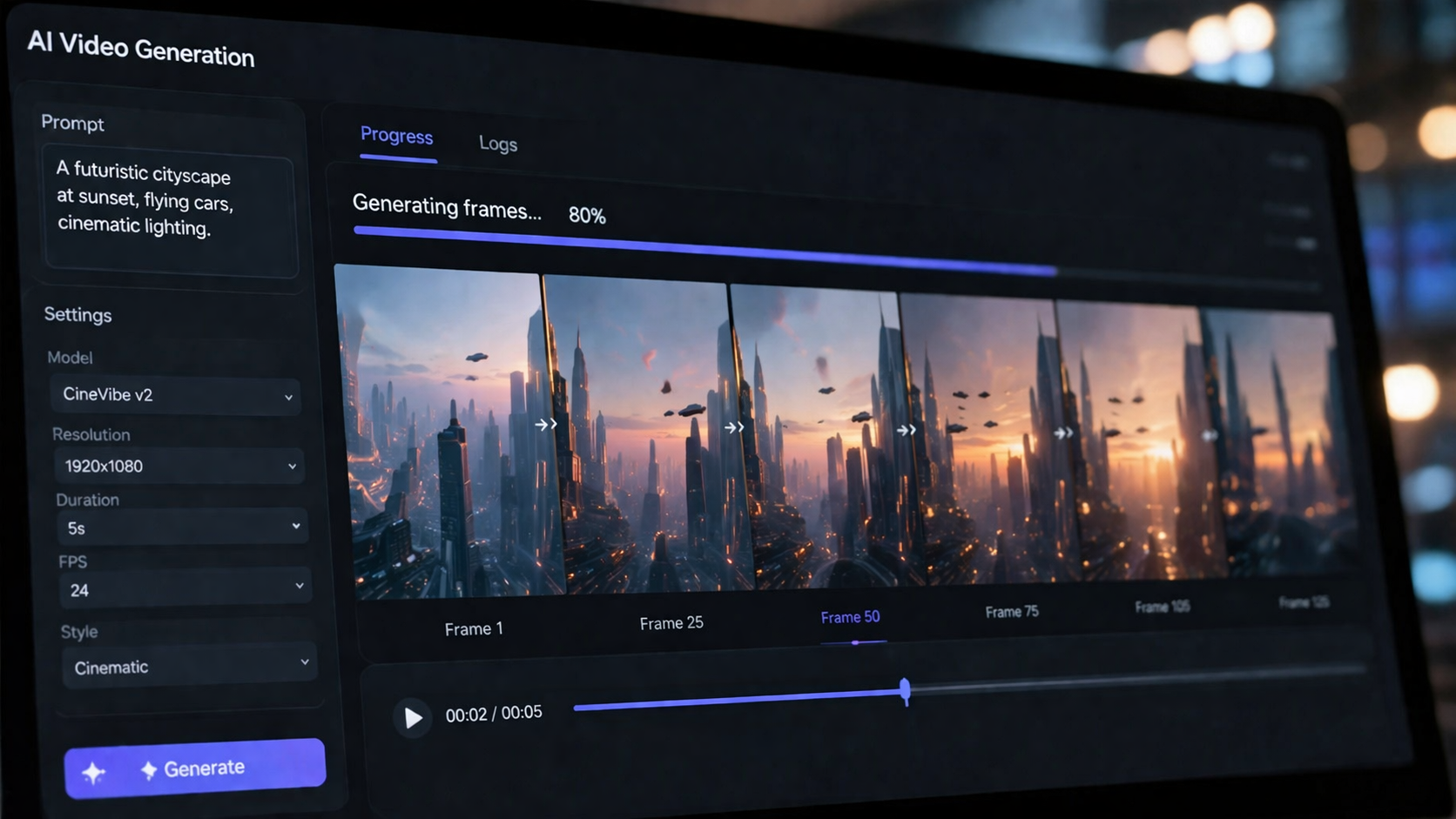
The transition to unlimited generation was not an overnight change but a calculated move by Adobe to maintain its lead in the creative software market. In early February 2026, Adobe announced the "all-in-one creative AI studio" concept, which sought to remove the friction of "pay-per-prompt" mechanics. This move was largely driven by the need for professional editors to iterate hundreds of times on a single scene—a workflow that was previously cost-prohibitive under the old credit system.
Integration of Third-Party Models
One of the most surprising updates in 2026 was Adobe's decision to open its ecosystem. As reported by MSN, Adobe Firefly now integrates third-party models alongside its own. This means that while you are using the Adobe Firefly unlimited video generation interface, you can toggle between different AI engines to find the specific aesthetic or physics engine that suits your project. This interoperability ensures that creators are not locked into a single "look," but can leverage the best technology available in the industry while remaining within the Adobe Content Authenticity initiative's "Content Credentials" framework.
Impact on Professional Workflows
For agencies and film studios, the removal of limits is a game-changer. Digital Watch Observatory notes that Adobe's unlocking of powerful unlimited AI generation in 2026 has significantly reduced the "cost of failure" in creative brainstorming. Designers can now generate thousands of storyboards or b-roll clips in a single afternoon. This high-volume output is supported by Adobe's backend infrastructure, which was upgraded in late 2025 to handle the massive compute requirements of a global, unlimited user base.
Comparing Adobe Firefly 2026 Features
To understand how the current version of Firefly stands out, it is helpful to look at the different tiers of service available following the February 2026 update. While "unlimited" is the headline, the nuances of model access and resolution vary by plan.
| Feature | Free User (Promotional) | Creative Cloud Individual | Adobe Express Premium |
|---|---|---|---|
| Video Generation | Unlimited (Standard Speed) | Unlimited (Priority Speed) | Unlimited (Standard Speed) |
| Max Resolution | 1080p | 4K Ultra HD | 1080p |
| Third-Party Models | Limited Access | Full Integration | Limited Access |
| Commercial Use | No | Yes (Indemnified) | Yes |
| Content Credentials | Included | Included | Included |
Key Features of the 2026 Firefly Video Model
The native Firefly Video Model has seen significant technical leaps. Beyond just being unlimited, the quality of the output now rivals traditional cinematography. Adobe has focused on "Temporal Consistency," a term used to describe how objects and lighting remain stable throughout a video clip. In the 2026 version, characters no longer "morph" between frames, and background elements remain anchored, making these AI-generated clips suitable for professional film backgrounds and social media advertising.
Generative Extend and Sound Sync
Adobe Firefly unlimited video generation is not just about creating new clips from scratch; it is also about extending existing footage. The "Generative Extend" tool allows editors to drag the end of a video clip beyond its original duration, with the AI "imagining" the next 2 to 5 seconds of action. Furthermore, the 2026 update introduced "Sound Sync," which automatically generates ambient audio and foley effects that match the movements within the AI-generated video, providing a truly "all-in-one" production experience.
Safety and Ethics in the Unlimited Era
With great power comes great responsibility. Adobe remains committed to "commercially safe" AI. Every video generated under the unlimited plan is automatically tagged with Content Credentials. According to RedShark News, even during the "Unlimited" promotional windows (such as the one ending March 16, 2026), Adobe maintains strict filters to prevent the creation of deepfakes or copyrighted characters. This focus on ethical AI ensures that the unlimited generation feature remains a tool for creators rather than a source of misinformation.
Maximizing the Adobe Firefly Unlimited Video Generation Experience
To truly take advantage of the unlimited nature of the platform, creators should adopt an iterative mindset. In the past, users would spend 10 minutes perfecting a single prompt to avoid wasting credits. In 2026, the strategy has shifted toward "Prompt Branching." Since there is no cost to clicking the "Generate" button, users are encouraged to run 5-10 variations of a prompt simultaneously to see how the AI interprets different artistic styles and lighting cues.
Another tip for 2026 users is to utilize the "Style Reference" tool. By uploading a single static image, you can force the unlimited video generator to adopt the color palette and texture of that image across all subsequent video generations. This ensures brand consistency across a 30-second commercial or a feature-length project, all while benefiting from the unlimited output capacity of the Firefly ecosystem.
The Future of AI Video: Beyond March 2026
While the current "unlimited" offer is a highlight of early 2026, industry analysts expect this to become the permanent business model for Adobe. By removing the barrier of credits, Adobe is positioning Firefly as an essential utility, similar to how Photoshop's "Layers" or Premiere's "Timeline" are viewed. The integration of third-party models suggests that Adobe aims to be the "browser" for AI—the place where all the world's best models are accessed and managed within a single, secure interface.
As 9to5Mac reported in February 2026, the inclusion of third-party models alongside unlimited generations has already led to a 400% increase in video assets created within the Creative Cloud ecosystem compared to the previous year. This surge in content creation is reshaping the marketing and entertainment industries, making high-quality video production accessible to small businesses that previously lacked the budget for traditional film shoots.
Is Adobe Firefly video generation really unlimited in 2026?
Yes, as of February 2026, Adobe has removed the generative credit limits for video and image creation. Users can generate as many clips as they need, though paid subscribers enjoy "Priority Processing" for faster render times during high-traffic periods.
What is the "Unlimited" deadline mentioned for March 16, 2026?
According to RedShark News, Adobe offered a specific promotional window for free-tier users to experience unlimited generations without a subscription, which is scheduled to conclude on March 16, 2026. After this, unlimited access may require a qualifying Creative Cloud plan.
Can I use third-party AI models within Adobe Firefly?
Yes, the 2026 update allows for the integration of verified third-party AI models. This allows creators to choose the best engine for their specific visual needs while staying within the Adobe interface and maintaining Content Credentials.
Are the unlimited videos safe for commercial use?
Videos generated using the native Firefly Video Model are designed to be commercially safe and are backed by Adobe's indemnity for enterprise users. Third-party models may have different terms, so users should check the specific model's metadata before commercial deployment.
Do I need a high-end computer to use unlimited video generation?
No, because the generation happens on Adobe's cloud servers. Whether you are using a mobile device, a tablet, or a desktop, the "unlimited" processing is handled remotely, though a stable internet connection is required to preview and download the high-definition assets.

Comments ()