
Adobe Firefly AI Video Tools Review: 2026 Edition Guide
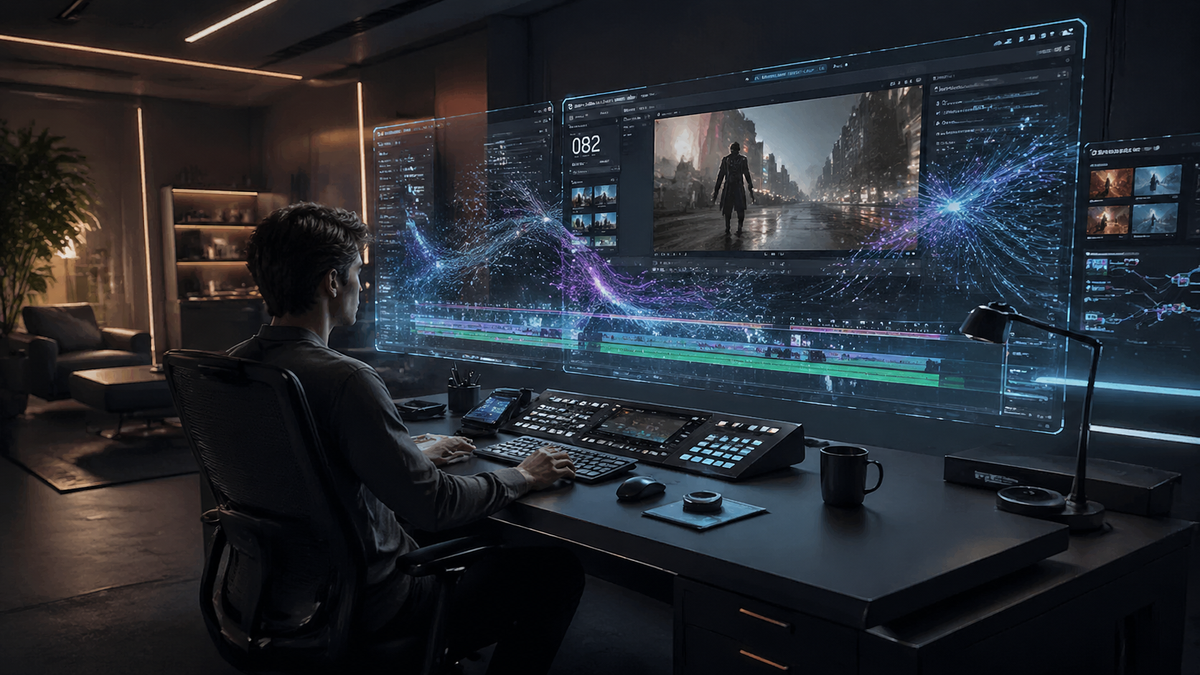
The adobe firefly ai video tools review for 2026 reveals a transformative suite of features that have redefined professional video editing through the integration of generative AI and the new Creative Agent. Adobe Firefly now offers a comprehensive ecosystem for video creators, ranging from text-to-video generation to automated rough-cut stitching and browser-based editing workflows. This review explores how these updates, including the latest innovations released in April 2026, provide a commercially safe and highly efficient solution for modern content production.
Adobe Firefly AI video tools are a collection of generative AI features integrated into Premiere Pro and a standalone web editor, designed to automate clip stitching, generate high-fidelity B-roll from text, and extend footage. In 2026, the toolset is defined by its "Creative Agent" functionality, which acts as a collaborative partner to turn prompts into editable first drafts.
- ✓ New Creative Agent technology automates the creation of first-draft sequences from raw assets.
- ✓ Commercially safe generative video models trained on Adobe Stock and public domain content.
- ✓ Seamless integration with Premiere Pro and a new high-performance browser-based editor.
- ✓ Support for partner models, allowing users to leverage diverse AI architectures within the Adobe ecosystem.
- ✓ Advanced "Generative Extend" capabilities to fix timing issues in existing video clips.
Understanding the 2026 Adobe Firefly AI Video Ecosystem
As of early 2026, Adobe has successfully transitioned Firefly from a simple image generator into a powerhouse for motion graphics and long-form video. The most significant leap occurred in April 2026 with the introduction of the "Creative Agent." This is not just a chatbot but a deep-learning assistant that understands the context of a video project. According to the Adobe Newsroom, this innovation marks a "new era of creativity," where the AI assists in everything from asset organization to creative brainstorming, allowing editors to focus on the narrative rather than the technical minutiae.
The core of the adobe firefly ai video tools review highlights the "commercially safe" nature of the output. Unlike many competitors, Adobe ensures that every frame generated is trained on licensed or public domain data. This has made it the preferred choice for government agencies and large corporations. For instance, a report from the MIT Technology Review in January 2026 confirmed that the DHS is currently utilizing Adobe AI to streamline video production, citing security and ethical training as primary factors for adoption.
The Role of the Creative Agent
The Creative Agent acts as a bridge between a user's vision and the final timeline. It can interpret complex natural language prompts like "Create a 30-second montage of a rainy city at night with a cinematic noir feel" and proceed to search your local library or generate new clips to fulfill that request. This tool has moved beyond simple generation into the realm of intelligent curation, making it an indispensable part of the Adobe Creative Cloud suite in 2026.
How to Use Adobe Firefly AI Video Tools: A Step-by-Step Guide
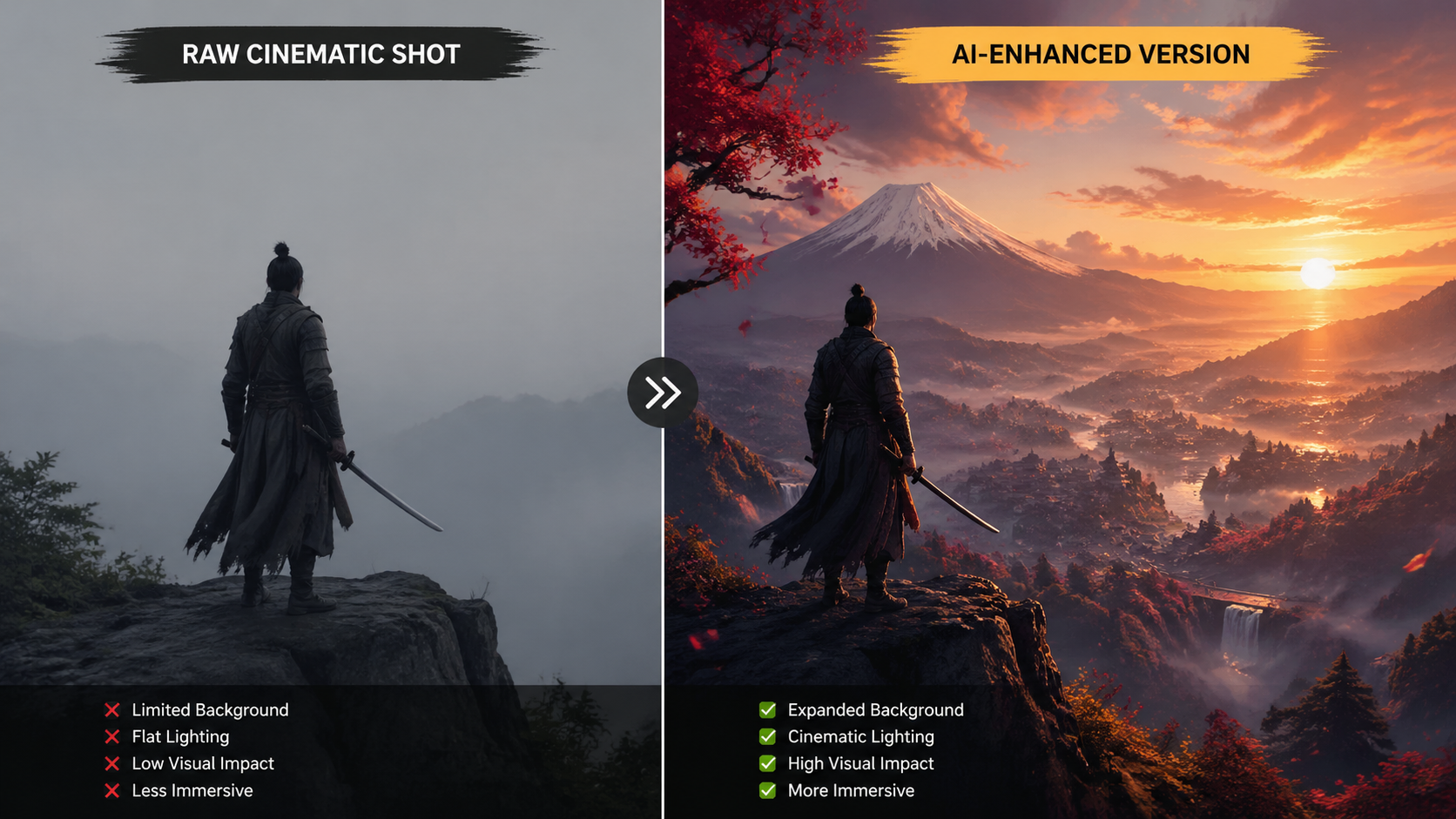
If you are looking to integrate these tools into your workflow, the process has been simplified through the new browser-based editor and Premiere Pro updates. Here is the standard workflow for 2026:
- Access the Workspace: Open Adobe Premiere Pro (v26.x) or navigate to the Firefly web portal. Select the "Video Generation & Editing" module.
- Prompt the Creative Agent: Input your project requirements. You can upload a script or use text prompts to describe the visual style, mood, and pacing.
- Generate or Stitch: Use the "Generative Stitch" tool to have the AI analyze your existing clips and create a first-draft sequence. As noted by The Verge in February 2026, this tool can automatically align clips based on visual continuity.
- Apply Generative Extend: If a clip is too short for a transition, select the end of the clip and use "Generative Extend" to add 2-3 seconds of AI-generated footage that matches the original motion and lighting.
- Refine with Partner Models: If you need a specific aesthetic, use the new "Partner Model" plugin architecture to apply external AI styles while remaining within the Adobe interface.
- Export and License: Once satisfied, export your project. Adobe automatically attaches Content Credentials to ensure transparency regarding AI usage.
Key Features and Performance Comparison
The 2026 edition of Firefly Video is characterized by its versatility. It is no longer a single tool but a multi-faceted platform. One of the standout features is the browser-based editor, which allows for high-end video manipulation without the need for a powerful local GPU. This was highlighted by CineD in late 2025 as a game-changer for remote teams and social media managers who need to edit on the go.
Furthermore, the integration of third-party models allows Adobe to stay competitive. While Firefly remains the primary engine, users can now toggle between different AI architectures for specific tasks, such as ultra-realistic human movement or abstract motion graphics. According to CNET's 2026 review of AI video generators, Adobe's ability to "stitch clips into a first draft" gives it a significant edge in productivity over standalone generators.
| Feature | Firefly Video (2026) | Standard AI Generators |
|---|---|---|
| Commercial Safety | 100% (Adobe Stock Trained) | Varies (Scraped Data) |
| Workflow Integration | Native Premiere Pro & Web | Standalone Web Apps |
| Editing Capability | Timeline-based with stitching | Single clip generation only |
| Creative Agent | Yes (Context-aware assistant) | No (Basic prompting) |
| Content Credentials | Built-in Metadata | Rarely included |
Comprehensive Adobe Firefly AI Video Tools Review: Section by Section
The Generative Stitching Revolution
The ability to take a folder full of raw assets and turn them into a coherent story is the "holy grail" of video editing. In February 2026, The Verge reported on Adobe's new tool that does exactly this. By analyzing the metadata and visual content of clips, Firefly can suggest a sequence that follows basic storytelling principles. This reduces the "blank timeline" anxiety that many editors face, providing a foundation that can then be manually tweaked.
Generative Extend and Temporal Consistency
One of the most praised features in this adobe firefly ai video tools review is the Generative Extend. In previous years, AI-generated video often suffered from "flickering" or loss of detail over time. The 2026 Firefly model has solved most of these temporal consistency issues. When you extend a shot of a person walking, the AI maintains the skeletal structure and clothing textures with remarkable accuracy, making it nearly impossible to distinguish the AI frames from the original footage.
The Browser-Based Workflow for 2026
Adobe has recognized that the future of video is collaborative. The new browser-based editor, launched in late 2025 and refined in 2026, allows multiple users to prompt the Creative Agent simultaneously. This tool is particularly effective for "social-first" creators. According to ProVideo Coalition, the AI has "gone bananas" in terms of its ability to auto-reframe and auto-caption videos for different platforms like TikTok, Instagram, and YouTube Shorts in a single click.
The Impact of the Creative Agent on Professional Workflows
The introduction of the Creative Agent in April 2026 represents a shift from "AI as a tool" to "AI as a partner." This agent doesn't just execute commands; it offers suggestions. If you are editing a corporate video, the Agent might suggest, "The pacing in the second half is slow; should I generate some upbeat B-roll or shorten the interview clips?" This level of interaction is what sets the adobe firefly ai video tools review apart from previous versions.
Studies show that using these AI-driven workflows can reduce the time spent on the "first cut" by up to 70%. For agencies, this means faster turnaround times and the ability to handle more complex projects without increasing headcount. The Creative Agent also manages the technical side of "Partner Models," ensuring that if you use an external AI for a specific effect, the color grading and resolution remain consistent with the rest of your Adobe project.
Ethics and Transparency in 2026
Adobe continues to lead the industry in ethical AI. Every video produced using Firefly tools includes a digital "nutrition label" known as Content Credentials. This metadata tracks how much of the video was AI-generated and which models were used. In an era where deepfakes and misinformation are prevalent, this transparency is a critical feature for journalists and commercial creators alike.
Frequently Asked Questions
Is Adobe Firefly Video available in Premiere Pro?
Yes, as of 2026, Firefly Video tools are fully integrated into Premiere Pro via the Generative AI panel. This allows users to generate, extend, and stitch clips directly within their professional editing timeline.
Can I use Adobe Firefly generated videos for commercial projects?
Absolutely. Adobe Firefly is specifically trained on Adobe Stock and public domain content, making it commercially safe. Adobe also offers indemnification for enterprise users, a key highlight in any adobe firefly ai video tools review.
What is the Adobe Creative Agent?
The Creative Agent is a new generative AI assistant released in April 2026. it acts as a collaborative partner that can automate rough cuts, suggest creative directions, and manage assets using natural language commands.
Does Adobe Firefly support third-party AI models?
Yes, Adobe now supports "Partner Models." This allows editors to use external generative AI engines within the Adobe ecosystem while maintaining a unified workflow and consistent metadata standards.
How much does the Adobe Firefly video suite cost in 2026?
The video tools are included in the Creative Cloud All Apps plan. There are also specific Firefly-only "Pro" subscriptions available for those who primarily use the browser-based editor for social media content.
Final Verdict: Is it Worth the Switch?
The 2026 suite of Adobe Firefly AI video tools is a must-have for anyone serious about video production. By combining the power of generative AI with the precision of professional editing software, Adobe has created a platform that respects the artist's control while maximizing efficiency. Whether you are a solo creator or part of a global agency, the Creative Agent and Generative Stitching tools provide a competitive edge that is hard to ignore.
As noted by Jeff Foster at ProVideo Coalition, the speed and quality of these tools have reached a point where the AI is no longer a gimmick but a core component of the creative process. For those looking to future-proof their skills, mastering the adobe firefly ai video tools review and its associated workflows is the most logical next step in 2026.



Comments ()